Push Changes To New Remote Branch I Committed To The Wrong GIT Branch How To Fix It YouTube Should We Do Branch Protection On Release Branches Issue 861 Continuous Delivery Vs Deployment Know The Difference By Mahesh Git Pull Remote Branch How To Fetch Remote Branches In Git Reverting Changes From Remote Branch Mastering Visual Studio 2017 Book Web Sep 9 2022 nbsp 0183 32 How to Push a New Branch to Remote If you have another branch you ve worked at that you want to push to remote you ll still use the git push command but in a slightly different way As a reminder to create a new
Web Mar 30 2023 nbsp 0183 32 Introduction Branches in Git are independent development lines in a project When working on a local copy of the repository you can create new branches in the local repository that don t yet exist in the remote one until you push the changes In this tutorial you will learn how to push a branch to a remote repository in Git Prerequisites Web Apr 26 2021 nbsp 0183 32 John Mosesman The basic command for pushing a local branch to a remote repository is git push This command has a variety of options and parameters you can pass to it and in this article you ll learn the ones that you will use the most often How to push a local Git branch to Origin
Reverting Changes From Remote Branch Mastering Visual Studio 2017 Book Humide Peur De Mourir Moyenne Git Push Dry Run T tonner Leia Chef How To Push Local Git Repository To Github YouTube Updates And Development Using Fork OpenNFT 1 0 0 Documentation Git Fatal The Current Branch Has No Upstream Branch Learn Using Git Version Control Branch And Merge Git Visual Studio Detached Branch Rebase In Progress Issue Stack Winzone Blog Sharing Knowledge Together We Win Git Support To Create Local Branch From Specific Remote Branch Issue
Push Changes To New Remote Branch
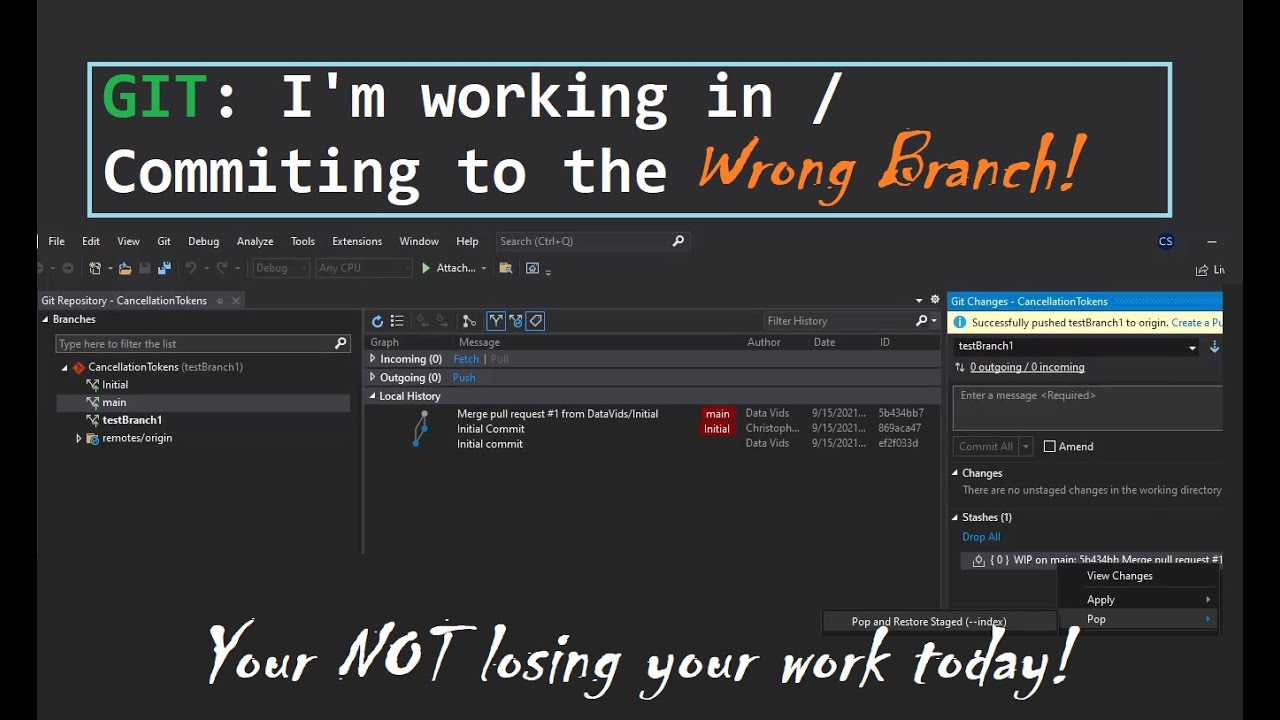 Push Changes To New Remote Branch
https://i.ytimg.com/vi/1h8xvK8r20g/maxresdefault.jpg
Web Feb 15 2020 nbsp 0183 32 In some cases you may want to push your changes to another branch on the remote repository In order to push your branch to another remote branch use the git push command and specify the remote name the name of your local branch as the name of the remote branch git push lt remote gt lt local branch gt lt remote name gt
Templates are pre-designed documents or files that can be used for numerous purposes. They can save time and effort by providing a ready-made format and layout for producing various type of material. Templates can be utilized for personal or professional jobs, such as resumes, invites, leaflets, newsletters, reports, discussions, and more.
Push Changes To New Remote Branch

How To Connect A Project From IDEA To Gitlab Stack Overflow

Humide Peur De Mourir Moyenne Git Push Dry Run T tonner Leia Chef
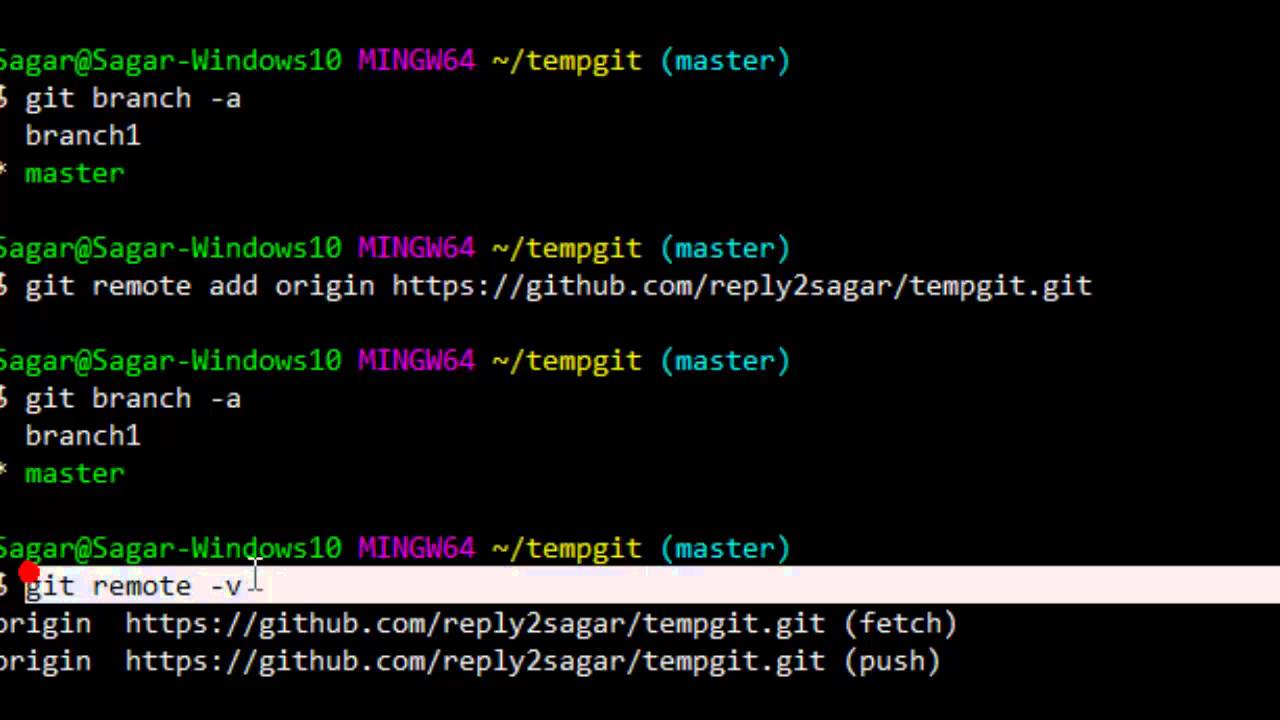
How To Push Local Git Repository To Github YouTube
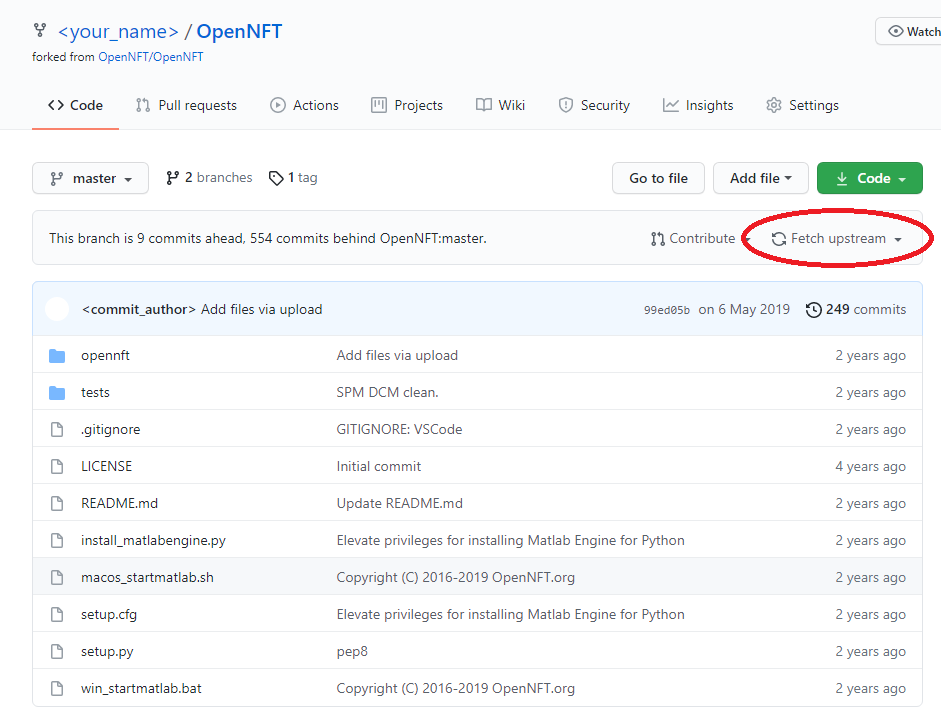
Updates And Development Using Fork OpenNFT 1 0 0 Documentation
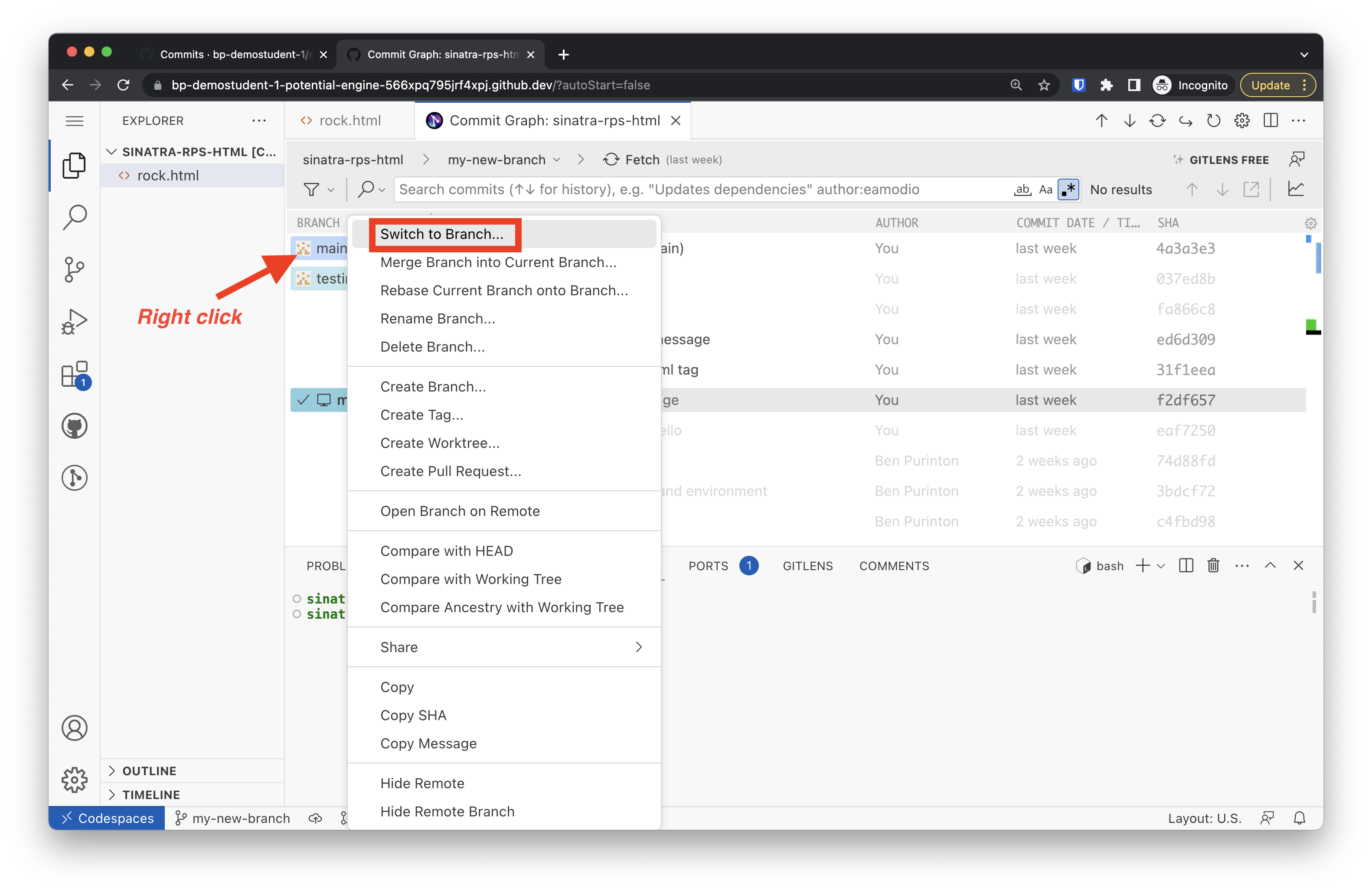
Learn Using Git Version Control Branch And Merge

Git Visual Studio Detached Branch Rebase In Progress Issue Stack
Web May 4 2010 nbsp 0183 32 git clone http github myproject git Then in your local copy create a new branch and check it out git checkout b lt newbranch gt Supposing that you made a quot git bare init quot on your server and created the myapp git you should git remote add origin ssh example var git myapp git git push origin master
Web To rename a branch you d use the same git push command but you would add one more argument the name of the new branch For example git push REMOTE NAME LOCAL BRANCH NAME REMOTE BRANCH NAME This pushes the LOCAL BRANCH NAME to your REMOTE NAME but it is renamed to REMOTE BRANCH NAME
Web May 15 2020 nbsp 0183 32 2 Answers Sorted by 9 Create a new branch git checkout b branch name Edit add and commit your files Push your branch to the remote repository git push u origin branch name this should

Web First you need to add changes create commit add remote branch and then push git remote add lt repo name gt lt repo url gt Example if you use BitBucket git remote add origin ssh git bitbucket git git status to see all changes they should be printed with red color git add lt file name gt add the file as git staged

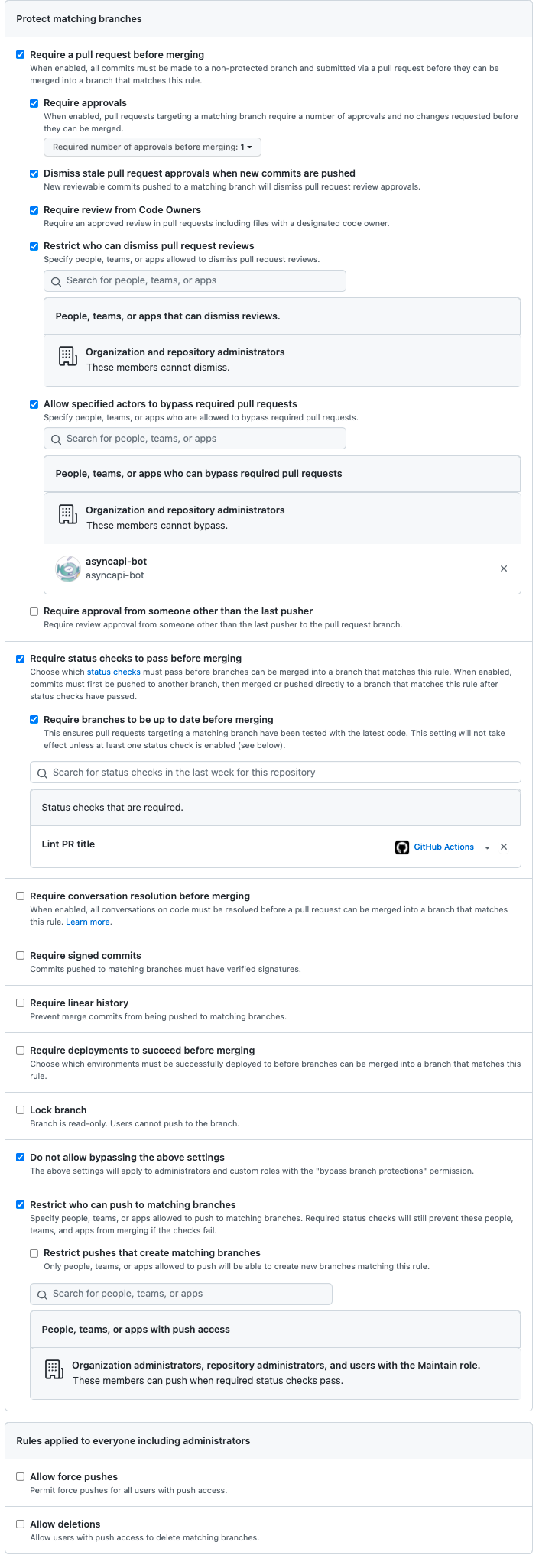
Web Nov 4 2019 nbsp 0183 32 I coded all my changes on the local master branch and then realized I d want to push those changes on a new branch instead of the remote master branch So now I ve created a new branch called dev on my remote repo on github and updated the branches list in IntelliJ It looks like this
Web Oct 27 2020 nbsp 0183 32 push push to a new remote branch not yet created git push set upstream lt remote gt lt branch name gt git push u lt remote gt lt branch name gt push to remote branch git push lt remote gt lt branch name gt delete a remote branch git push lt remote gt delete lt remote branch name gt Web To push your local changes to the remote repository in the repository bar click Push origin If there are commits on the remote branch that you don t have on your local branch GitHub Desktop prompts you to fetch new commits from the remote In the quot New Commits on Remote quot window click Fetch
Web Dec 2 2022 nbsp 0183 32 Here s how to push to a remote in Visual Studio Make sure you ve got a file open to work on that s in a previously created or cloned repo Make a change to the file save it select the Git Changes tab and then commit the change