Powershell Uninstall Windows 10 Bloatware How To Uninstall Programs Using PowerShell SlashAdmin Life In IT How To Remove Windows 10 Bloatware Using PowerShell How To Remove Bloatware From Windows 10 With A PowerShell Script How To Remove Windows 10 Bloatware With PowerShell Technipages Free Bloatware Removal Utility For Windows 11 And 10 Gear Up Windows Step 2 Run Windows10DebloaterGUI ps1 using PowerShell Open the Windows10Debloater master folder and right click or tap and hold on the file named Windows10DebloaterGUI ps1 In the contextual menu go to Run with Powershell Run Windows10DebloaterGUI ps1 with PowerShell
1 Uninstall Start Menu Programs 2 Traditional Uninstall 3 Uninstall Bloat From Control Panel 4 Remove Suggestions and Ads 5 Remove Bloatware with PowerShell 6 Third Party Applications to Remove Windows Bloatware Frequently Asked Questions 1 Uninstall From the Start Menu 2 Add or Remove Programs 3 With the PowerShell 4 Through an Automated Script Why Do You Need to Remove Bloatware From Your PC What Is Bloatware Generally speaking the term bloatware is used to denote useless applications on your computer or even a phone
Free Bloatware Removal Utility For Windows 11 And 10 Gear Up Windows How To Remove Bloatware From Windows Make Tech Easier How To Uninstall Windows 10 Bloatware Via Powershell Solved How To Remove Windows 10 Bloatware From Your PC How To Uninstall Built in Apps In Windows 10 How To Remove Bloatware From Windows 10 With A PowerShell Script Comment Supprimer Bloatware De Windows 10 Avec Un Script PowerShell GitHub Alexandreravelli PowerShell Windows10Debloater Script To Pre 1709 Update Remove Windows 10 Bloatware With PowerShell
Powershell Uninstall Windows 10 Bloatware
 Powershell Uninstall Windows 10 Bloatware
https://www.slashadmin.co.uk/wp-content/uploads/2019/06/How-To-Uninstall-Programs-Using-PowerShell-3-1024x511.jpg
Deploying OEM systems that shipped with Windows 10 Professional into your workplace can be frustrating because these OS images contain a large assortment of unnecessary software mostly Appx packages ECHO Calling PS script to remove bloatware and crapware customize array values if necessary powershell exe ExecutionPolicy Bypass file
Templates are pre-designed documents or files that can be used for different functions. They can conserve time and effort by providing a ready-made format and design for developing various type of content. Templates can be used for personal or expert tasks, such as resumes, invites, flyers, newsletters, reports, presentations, and more.
Powershell Uninstall Windows 10 Bloatware
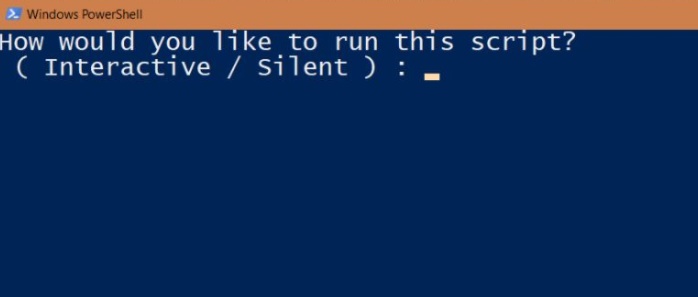
How To Remove Bloatware From Windows 10 With A PowerShell Script

How To Remove Bloatware From Windows Make Tech Easier

How To Uninstall Windows 10 Bloatware Via Powershell

Solved How To Remove Windows 10 Bloatware From Your PC

How To Remove Bloatware From Windows 10 With A PowerShell Script

Comment Supprimer Bloatware De Windows 10 Avec Un Script PowerShell

0 Contents hide 1 How to Delete a Specific Built in Windows 10 App with PowerShell 2 How to Remove All Built in Windows 10 Apps at Once with PowerShell 3 How to Remove All

How to Use PowerShell to Remove Bloatware PowerShell is an important part of Windows system management While some compare PowerShell to the Command Prompt at their core they are different beasts In this instance you can use a series of PowerShell commands to either hide or remove Windows 10 bloatware First open the PowerShell
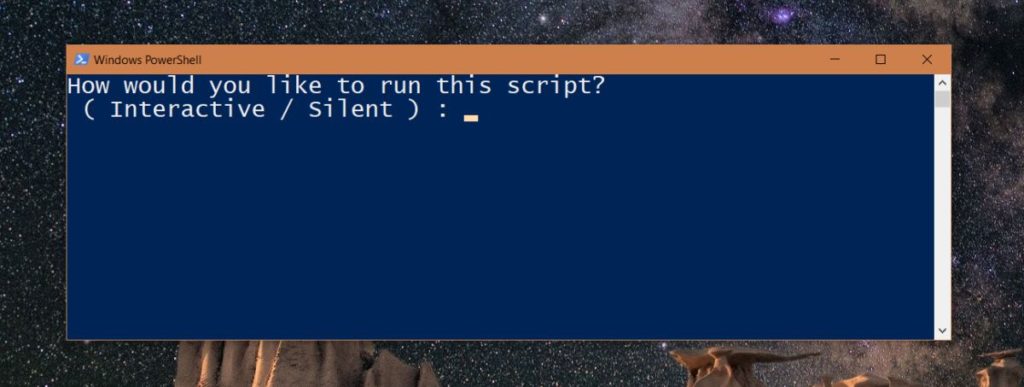
First Method Download the zip file on the main page of the GitHub and extract the zip file to your desired location Once extracted open PowerShell or PowerShell ISE as an Administrator On the prompt change to the directory where you extracted the files e g cd c temp

2 Next create a restore point 3 Now run the executable to open the program s user interface The tool will allow you to uninstall the following pre installed apps from the store Xbox Select the application you want to uninstall and click on it 4 To reinstall the applications click the reinstall button

In the PowerShell window type the command below and press the Enter key It will automatically download the files from the GitHub repository and create a system restore point just in case
Use PowerShell to remove Windows 10 bloatware Use DISM to remove Windows 10 bloatware Use third party software How to Remove Windows 10 Bloatware Method 1 Uninstall Windows 10 Bloatware in Apps Features This is the normal way to uninstall an application on your Windows 10 computer If you want to uninstall other built in apps or bloatware apps you can use a PowerShell command However important apps like Microsoft Edge cannot be removed Reinstalling all built in apps is also possible through PowerShell
Here s how to get rid of bloatware with it Image credit Windows Central From the desktop use the Windows key R keyboard shortcut After the Run window appears press Ctrl Shift Enter