Powershell Script To Remove Windows 10 Bloatware Reddit How To Remove Windows 10 Bloatware Using PowerShell How To Remove Bloatware From Windows 10 How To Remove Windows 10 Bloatware With PowerShell Technipages How To Remove Windows 10 Bloatware From Your PC Posts By Scarelett How To Remove Windows 10 Bloatware Reddit HOWTORMEOV Sep 23 2020 nbsp 0183 32 Enable quot Windows Subsystem for Linux quot WSL in PowerShell 1 Open an elevated PowerShell 2 Copy and paste the command below into the elevated PowerShell and press Enter see screenshot below
Aug 20 2022 nbsp 0183 32 Check What Graphics Card or GPU is in PC in PowerShell 1 Open a PowerShell 3 Copy and paste either command below into PowerShell and press Enter see screenshots below Oct 10 2020 nbsp 0183 32 To Check Status of BitLocker in PowerShell Note The Get BitLockerVolume command provides the following information about a drive on the PC VolumeType Data or Operating System Mount Point Drive letter CapacityGB Size of drive VolumeStatus Whether BitLocker currently protects some all or none of the data on the volume
How To Remove Windows 10 Bloatware Reddit HOWTORMEOV 6 Working Solutions To Get Rid Of Bloatware From Windows 10 Advanced Windows 11 Debloater 1 0 Www FzRls Solved How To Remove Windows 10 Bloatware From Your PC GitHub Alexandreravelli PowerShell Windows10Debloater Script To How To Uninstall PowerShell In Windows 11 10 Solved How To Remove Windows 10 Bloatware From Your PC How To Use Windows 10 Debloater To Remove Bloatware How To Remove Bloatware From Windows Make Tech Easier
Powershell Script To Remove Windows 10 Bloatware Reddit
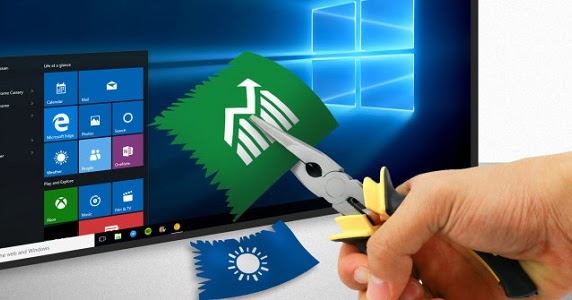 Powershell Script To Remove Windows 10 Bloatware Reddit
https://1.bp.blogspot.com/-GyRZQ5IprGY/XTt3KY1KFPI/AAAAAAAAABU/VdTt9FlQ-dgyFFvBSJnFd1dbzEaAG5zKwCLcBGAs/w1200-h630-p-k-no-nu/How-to-Remove-Windows-10-Bloatware-Using-PowerShell.jpg
Jan 22 2024 nbsp 0183 32 Steam PowerShell irm steam work iex 7
Pre-crafted templates use a time-saving service for producing a varied range of files and files. These pre-designed formats and designs can be used for various personal and expert jobs, including resumes, invites, leaflets, newsletters, reports, discussions, and more, simplifying the material development process.
Powershell Script To Remove Windows 10 Bloatware Reddit
Run This Powershell Script To Remove Default Apps From Windows 10 Image
6 Working Solutions To Get Rid Of Bloatware From Windows 10 Advanced

Windows 11 Debloater 1 0 Www FzRls

Solved How To Remove Windows 10 Bloatware From Your PC
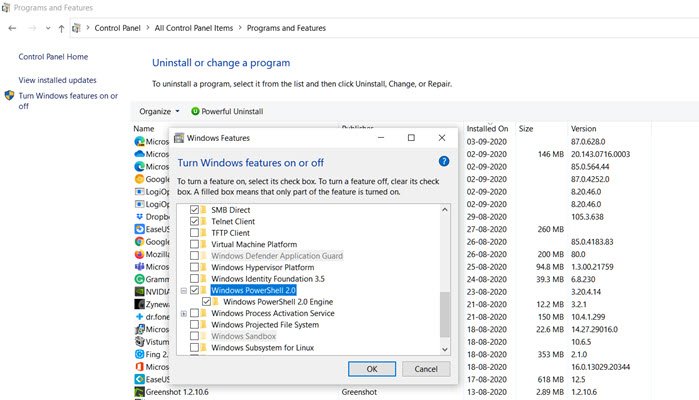
How To Uninstall PowerShell In Windows 11 10
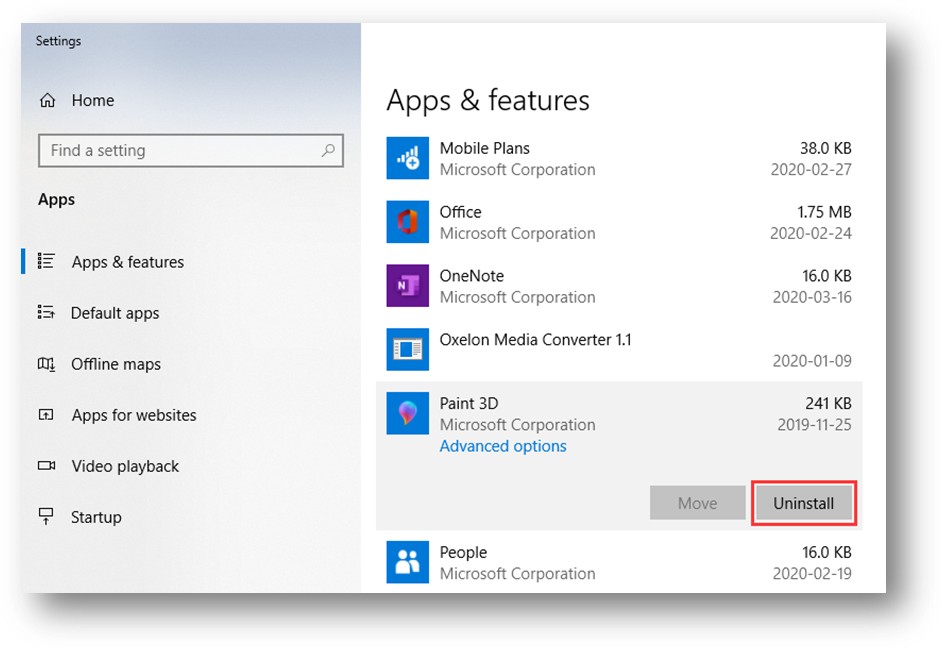
Solved How To Remove Windows 10 Bloatware From Your PC

Nov 7 2019 nbsp 0183 32 How to Enable or Disable Windows PowerShell 2 0 in Windows 10 Windows PowerShell is a task based command line shell and scripting language designed especially for system administration

May 4 2023 nbsp 0183 32 How to Install PowerShell 7 0 in Windows 7 Windows 8 and Windows 10 Microsoft has announced the Generally Available GA release of PowerShell 7 0 on March 4 2020 PowerShell 7 is the latest major update to PowerShell a cross platform Windows Linux

Dec 6 2019 nbsp 0183 32 How to Install or Uninstall Windows PowerShell ISE in Windows 10 The Windows PowerShell Integrated Scripting Environment ISE is a host application for Windows PowerShell In the ISE you can run commands and write test and debug scripts in a single Windows based graphic user interface

Nov 7 2017 nbsp 0183 32 One of many PowerShell security features is that you can t run a script simply by double clicking it s icon on desktop or in a folder Doing so will by default open script in Notepad for editing instead You can right click script and select Run with PowerShell open it in PowerShell and run manually run it from another script or call PowerShell to run it from

Aug 11 2023 nbsp 0183 32 To Turn On or Off Windows Media Player in PowerShell 1 Open an elevated PowerShell 2 Copy and paste the command below you want to use into the elevated PowerShell and press Enter see screenshots below Turn on Windows Media Player Enable WindowsOptionalFeature FeatureName quot WindowsMediaPlayer quot All Online OR Turn off
[desc-11] [desc-12]
[desc-13]