Powershell Get System Boot Time Use CMD Or Powershell To Find Last Boot Time Get Last Boot Time Of Computer Using PowerShell ShellGeek Get System Boot Time Using Powershell 76 Never End USE CMD OR POWERSHELL TO FIND LAST BOOT TIME Get Last Boot Time Of Computer Using PowerShell ShellGeek Web Sep 29 2023 nbsp 0183 32 Method 2 PowerShell In PowerShell window use Get WmiObject cmdlet to query the system for the last boot date and time Get WmiObject
Web Jan 21 2021 nbsp 0183 32 1 From a PowerShell window run the following the S in Statistics must be capitalized net statistics workstation select string quot Statistics quot You can shortcut it as Web Sep 7 2020 nbsp 0183 32 If you re on a single machine and want to check when the last time a computer rebooted you would use the systeminfo command and search for the System
Get Last Boot Time Of Computer Using PowerShell ShellGeek Get System Boot Time Using Powershell Powershell Get Last Boot Time Of Remote Computers Enterprise Daddy Information Technology Get CimInstance ClassName Win32 Get System Boot Time Using Powershell Powershell Tip 28 Get Last Boot Up Time Powershell Guru Powershell Tip 29 Get Type Accelerators Powershell Guru February 2022 Andreas Blog PowerShell GUI Get Patch Updates Information With Disk Space And Uptime
Powershell Get System Boot Time
 Powershell Get System Boot Time
http://cannotdisplay.com/wp-content/uploads/2015/05/PowershellBoot.png
Web Last Updated December 12 2020 by Paul Contreras A while back I posted a script on how to Get System Uptime and Last Reboot Status Using Powershell so I thought a great
Pre-crafted templates offer a time-saving option for developing a varied series of files and files. These pre-designed formats and designs can be utilized for numerous individual and expert jobs, consisting of resumes, invitations, leaflets, newsletters, reports, discussions, and more, simplifying the content creation process.
Powershell Get System Boot Time
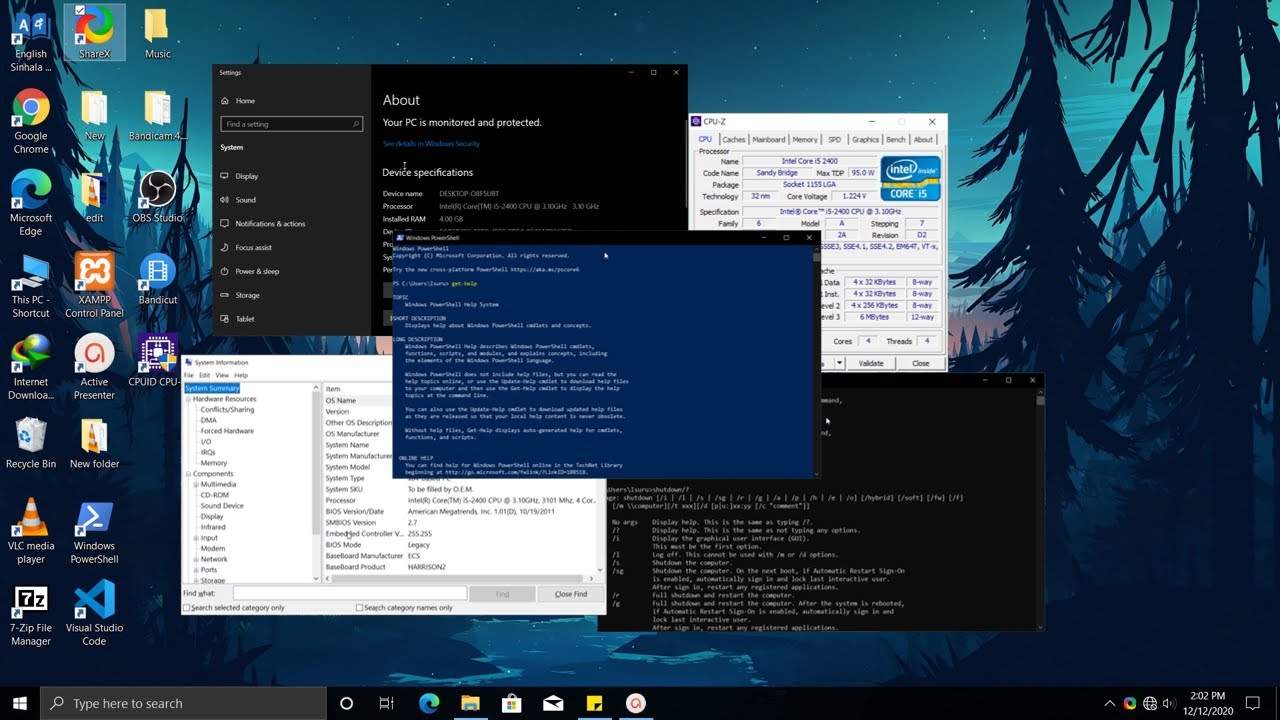
Cmd Cpu z Systeminfo About Pc Powershell Get System Report YouTube

Get System Boot Time Using Powershell

Powershell Get Last Boot Time Of Remote Computers Enterprise Daddy

Information Technology Get CimInstance ClassName Win32

Powershell Tip 28 Get Last Boot Up Time Powershell Guru

Powershell Tip 29 Get Type Accelerators Powershell Guru

Web Learn how to use the Get Uptime cmdlet to return the time elapsed since the last boot of the operating system in PowerShell See the syntax description parameters examples

Web Oct 31 2018 nbsp 0183 32 Get LastBootUpTime function uses CimInstance Class CIM OperatingSystem PowerShell function to get Last bootup time info Result shows

Web Feb 2 2010 nbsp 0183 32 4 Answers Sorted by 5 If you re running Windows XP use Bootvis you will get a detailed graph showing you exactly how long each application and device driver takes to load For later Windows versions

Web Nov 22 2022 nbsp 0183 32 Task Manager To open Task Manager simply use the Ctrl Shift Esc keyboard shortcut Navigate to the Performance tab The system uptime will be displayed near the bottom of the window

Web Aug 19 2020 nbsp 0183 32 Get ADComputer Name ForEach Get CimInstance ClassName Win32 OperatingSystem ComputerName PSItem Select Object Property CSName
Web Sep 27 2022 nbsp 0183 32 To check the device uptime with Command Prompt on Windows 10 use these steps Open Start Search for Command Prompt right click the top result and click Web Oct 9 2023 nbsp 0183 32 PSResourceGet is a complete re write of PowerShellGet the package manager for PowerShell with the following goals Create a more intuitive package
Web Mar 15 2021 nbsp 0183 32 So I wrote this script to help get the last boot time on any windows computer that has older versions of PowerShell One feature this script has over