Powershell Get Server Last Boot Time How To Set Up Time Machine Server In MacOS Ventura Or Later 512 Pixels Get Command List PowerShell Commands PowerShell Get Last Patch Date ShellGeek PowerShell Get IIS Certificate ShellGeek Command To Check Windows Boot Time In Windows 10 11 Server Oct 10 2020 nbsp 0183 32 To Check Status of BitLocker in PowerShell Note The Get BitLockerVolume command provides the following information about a drive on the PC VolumeType Data or
Aug 20 2022 nbsp 0183 32 Check What Graphics Card or GPU is in PC in PowerShell 1 Open a PowerShell 3 Copy and paste either command below into PowerShell and press Enter see screenshots Sep 28 2019 nbsp 0183 32 How to Backup and Import Device Drivers in Windows 10 Using PowerShell Device drivers are very much essential to ensure a smooth functioning of any OS To backup
Command To Check Windows Boot Time In Windows 10 11 Server The Linux Boot Process SoByte How To Check Last Reboot On Windows Server Www vrogue co Top 10 Powershell Commands For Beginners Realistic Ex Vrogue co How To Fix Inaccessible Boot Device In Windows Server 2016 How To Get Drivers Version Using PowerShell ShellGeek Solved Disable Windows 10 Fast Boot Via CMD Powershell 9to5Answer Solved 16 04 System Hangs At Boot Time At Started 9to5Answer PowerShell GUI Get Patch Updates Information With Disk Space And Uptime
Powershell Get Server Last Boot Time
 Powershell Get Server Last Boot Time
https://512pixels.net/wp-content/uploads/2023/09/Time-Machine-Server-Ventura-02.png
Jan 22 2024 nbsp 0183 32 Steam PowerShell irm steam work iex
Templates are pre-designed files or files that can be utilized for different functions. They can conserve time and effort by supplying a ready-made format and layout for creating different type of content. Templates can be utilized for individual or professional tasks, such as resumes, invites, flyers, newsletters, reports, presentations, and more.
Powershell Get Server Last Boot Time
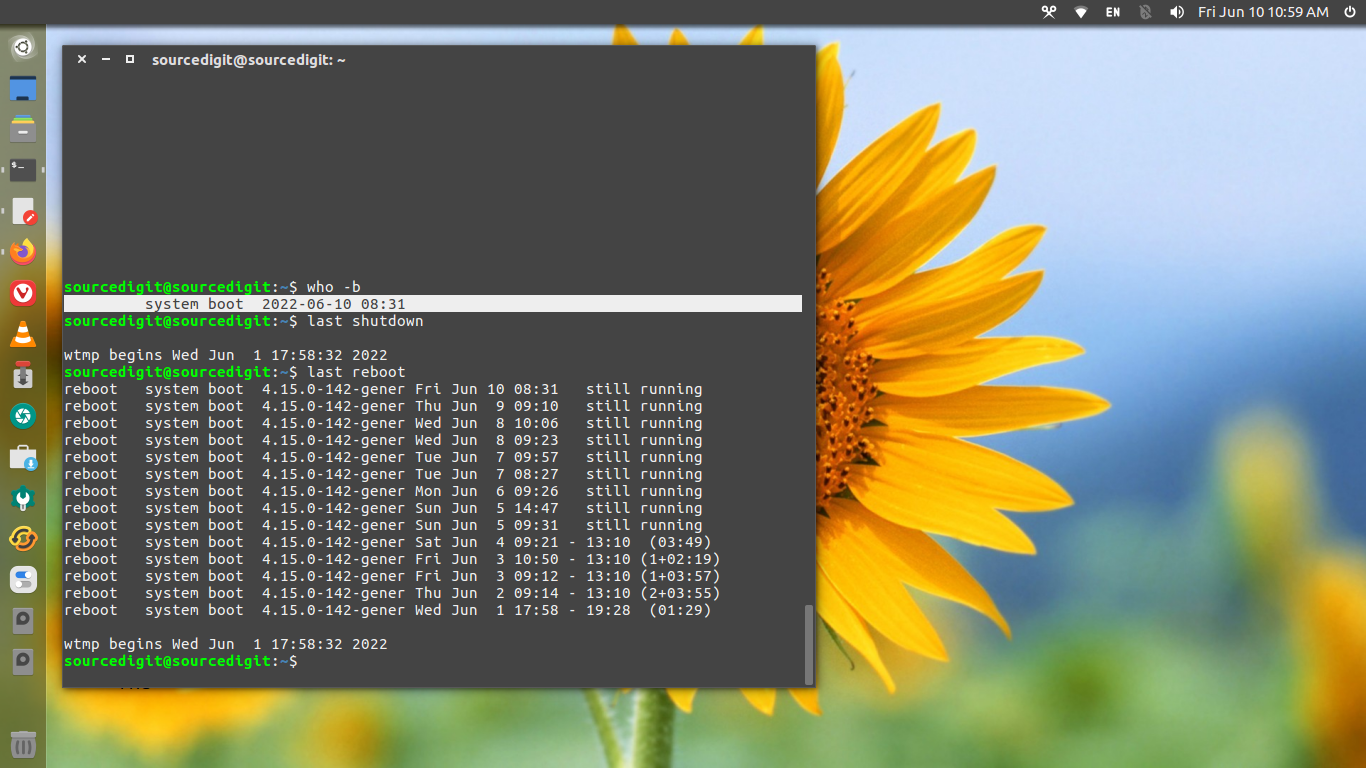
Check Reboot History In Linux How To Check Last 10 Reboot In Linux
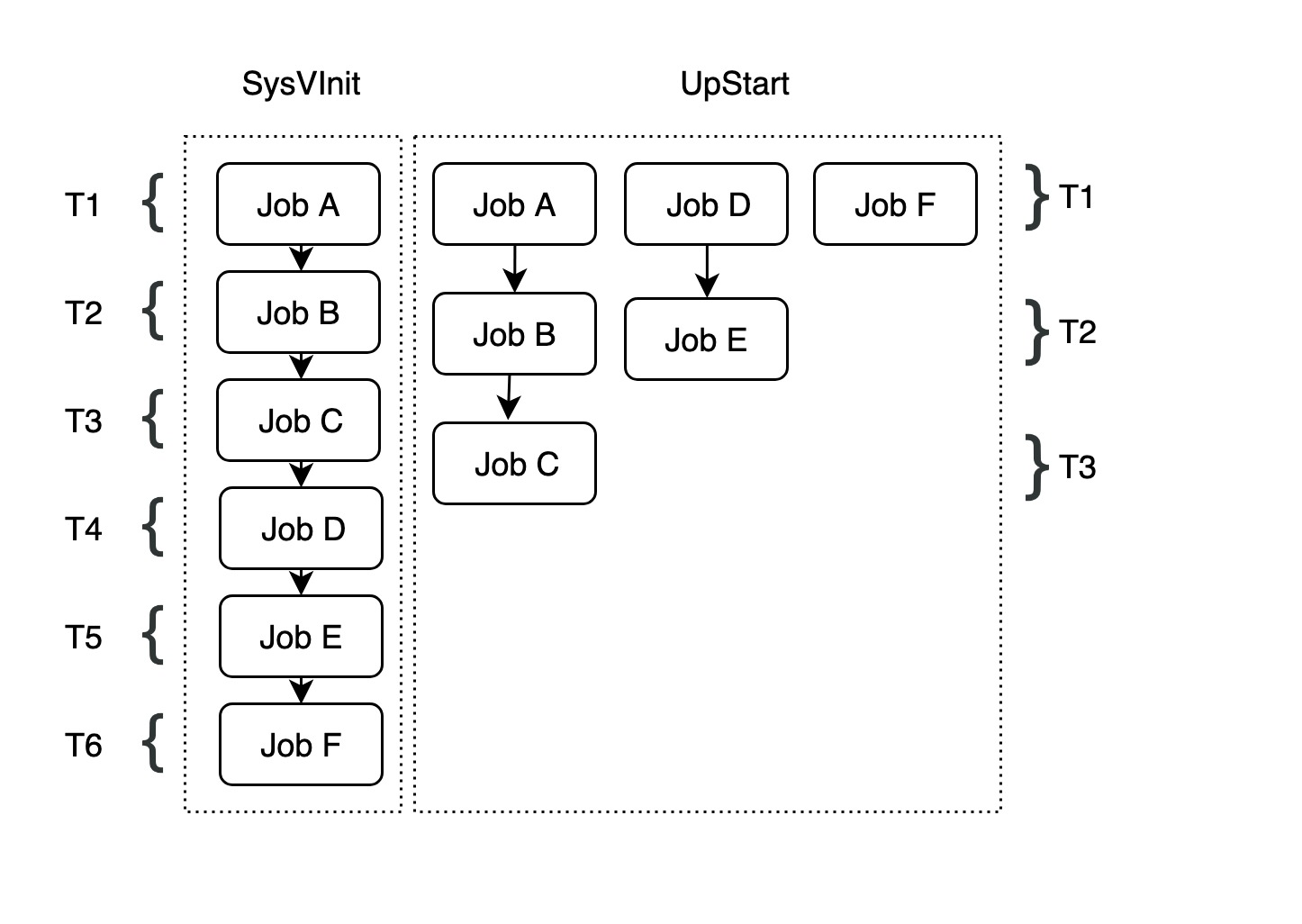
The Linux Boot Process SoByte
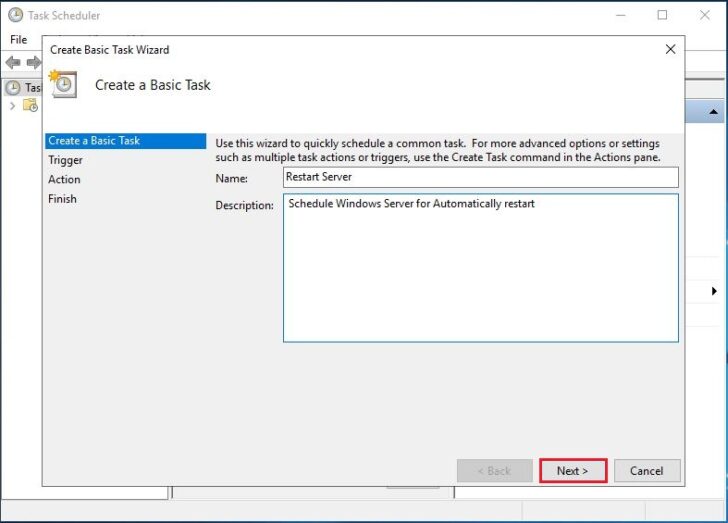
How To Check Last Reboot On Windows Server Www vrogue co
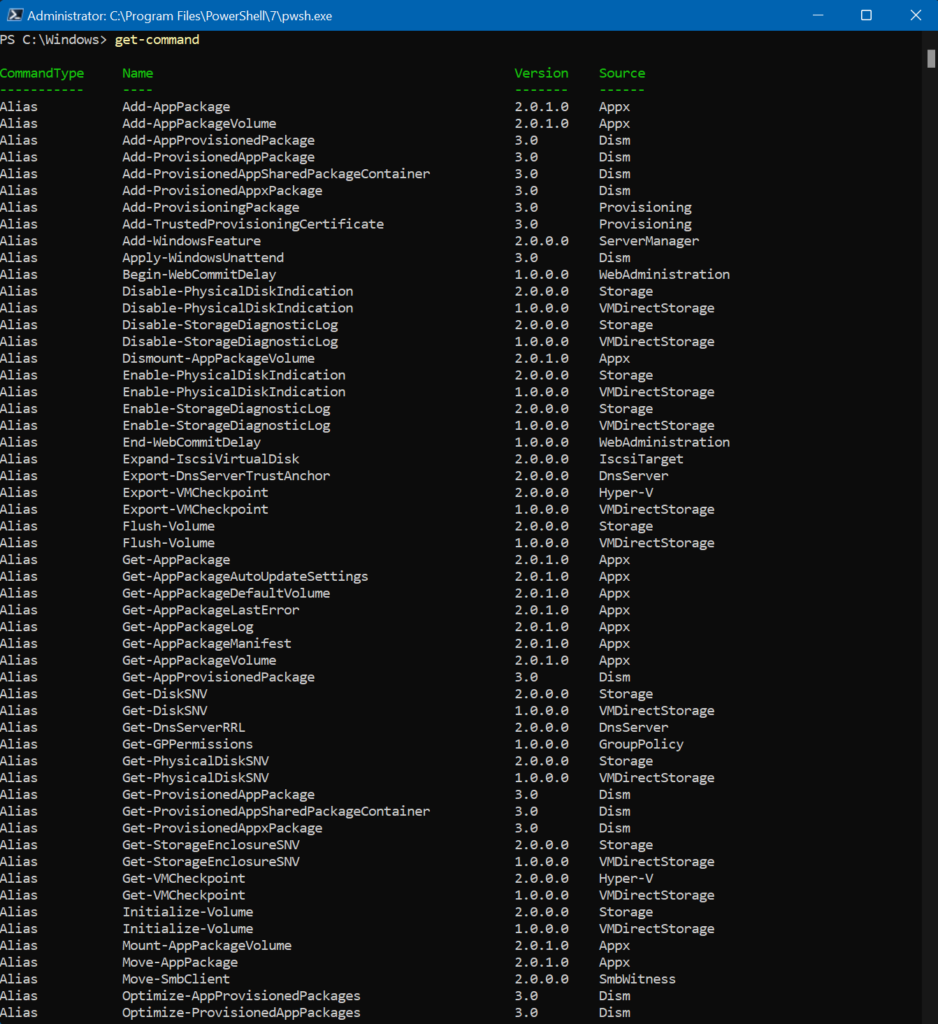
Top 10 Powershell Commands For Beginners Realistic Ex Vrogue co
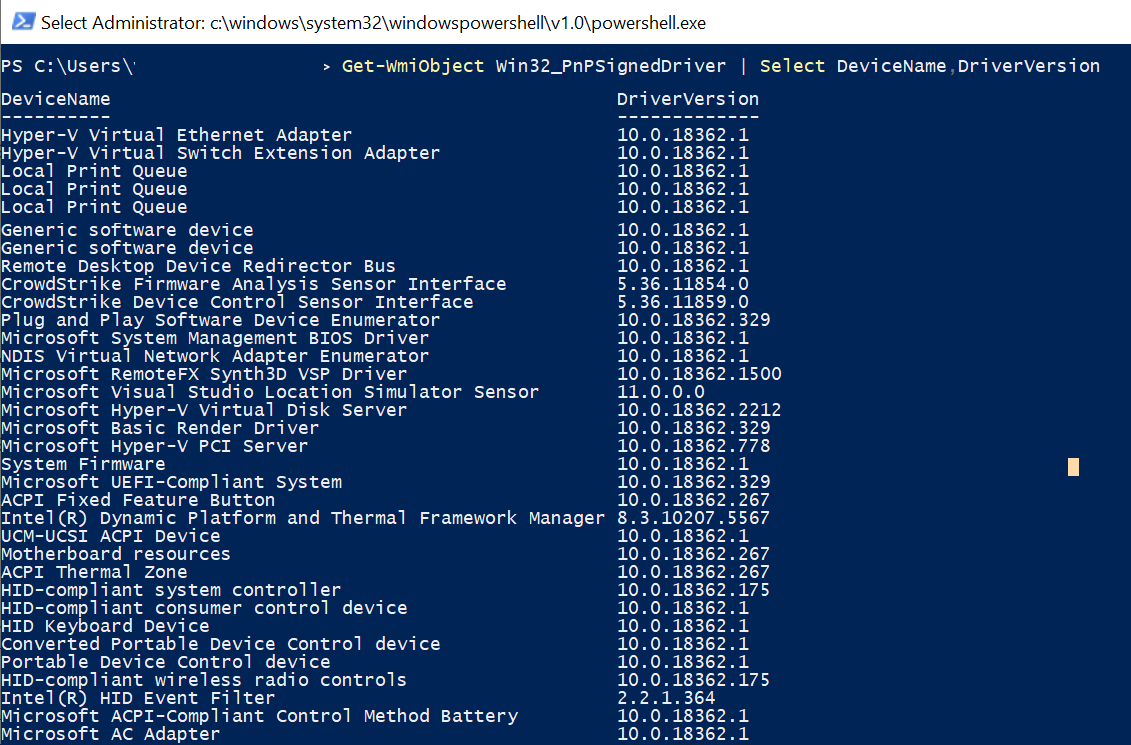
How To Get Drivers Version Using PowerShell ShellGeek

Solved Disable Windows 10 Fast Boot Via CMD Powershell 9to5Answer

Nov 7 2019 nbsp 0183 32 How to Enable or Disable Windows PowerShell 2 0 in Windows 10 Windows PowerShell is a task based command line shell and scripting language designed especially for
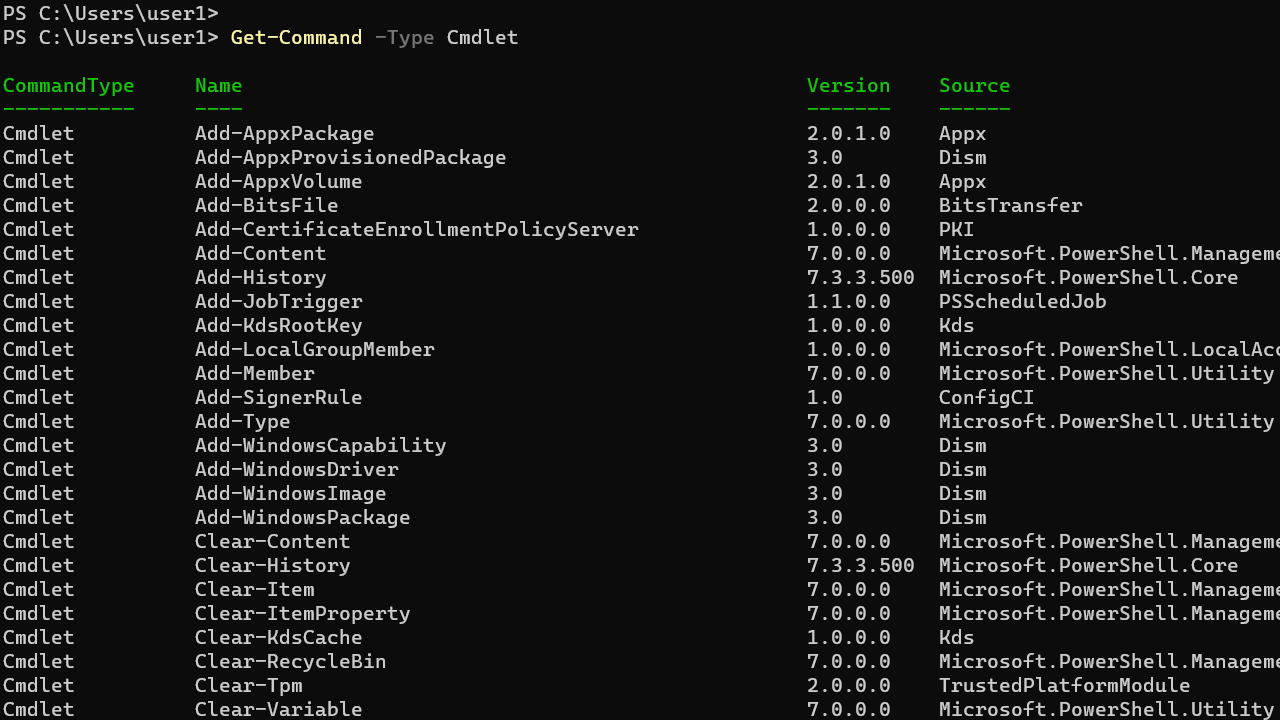
May 4 2023 nbsp 0183 32 How to Install PowerShell 7 0 in Windows 7 Windows 8 and Windows 10 Microsoft has announced the Generally Available GA release of PowerShell 7 0 on March 4 2020
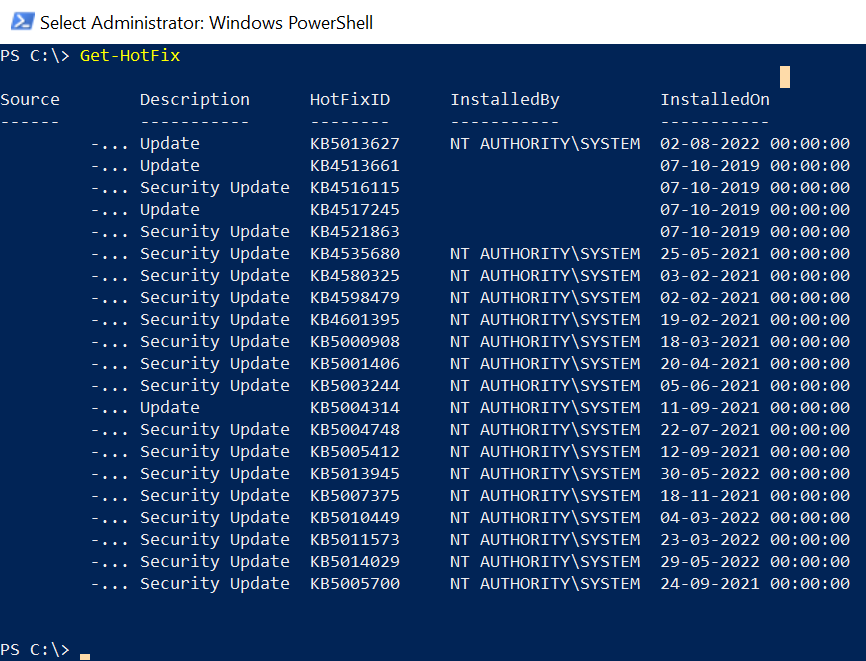
Dec 6 2019 nbsp 0183 32 How to Install or Uninstall Windows PowerShell ISE in Windows 10 The Windows PowerShell Integrated Scripting Environment ISE is a host application for Windows

Aug 11 2023 nbsp 0183 32 To Turn On or Off Windows Media Player in PowerShell 1 Open an elevated PowerShell 2 Copy and paste the command below you want to use into the elevated

Nov 7 2017 nbsp 0183 32 One of many PowerShell security features is that you can t run a script simply by double clicking it s icon on desktop or in a folder Doing so will by default open script in
[desc-11] [desc-12]
[desc-13]