Pdf Attachments Not Opening Correctly Fixed Excel Attachments Not Opening From Outlook 6 Quick Solutions Sharepoint List Attachments Not Opening Microsoft Community Hub Reinstall Aol Desktop Gold Download Gagasvietnam IPhone Email Attachments Are Not Opening Techwalla How To Fix Email Attachments Not Opening Here s how to do it Press Win R to open the Run command Type Regedit and tap Enter to open Registry Editor Paste the following address into the Registry Editor Computer HKEY LOCAL MACHINE SOFTWARE Policies Adobe Adobe Acrobat DC FeatureLockDown Right click and navigate to New DWORD Value
I have created a pdf using Adobe See attached pdf 1 Embed file displayed as paperclip symbol in attached file using adobe comment tool 2 Open Pdf in chrome 3 Click on paperclip symbol embedded file attachment annotation 4 In chrome pdf viewer I expect the attachment to be open in new tab as it does in adobe Open a PDF that contains a PDF file attachment Go to where you want to create a link If the location is in the file attachment select the Attachments file option in the Edit panel and add the file attachment Choose Edit Link Add or edit a link and select the area for the link
How To Fix Email Attachments Not Opening Sharepoint List Attachments Not Opening Microsoft Community Hub How To Fix Applications That Are Not Opening Correctly On Windows Fixed Excel Attachments Not Opening From Outlook 6 Quick Solutions Fixed Excel Attachments Not Opening From Outlook 6 Quick Solutions For Support Dial The Word Files Not Opening Correctly Microsoft Community Windows 10 Mail Not Opening Attachments Solve Not Showing Error Fixed Excel Attachments Not Opening From Outlook 6 Quick Solutions
Pdf Attachments Not Opening Correctly
 Pdf Attachments Not Opening Correctly
https://www.exceldemy.com/wp-content/uploads/2022/05/excel-attachments-not-opening-from-outlook-5-1.png
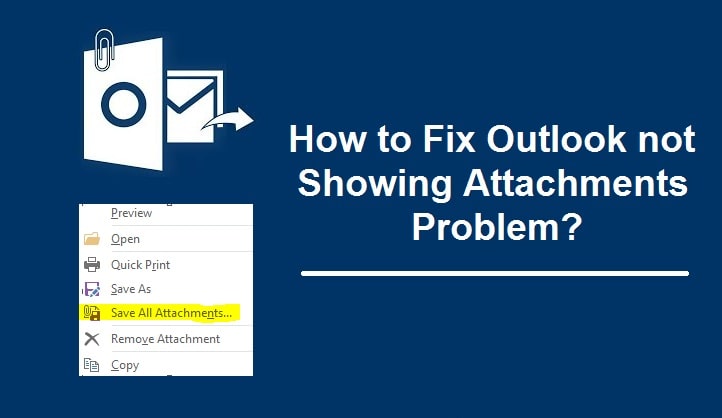
Also please do following steps to check the Attachment Handling Settings 1 Outlook File Option Trust Center Trust Center Settings Attachment Handling 2 Untick the Turn off Attachment Preview 3 Select the Attachment and Document Previewers 4 Make sure the previewer you wish to use is checked OK
Pre-crafted templates offer a time-saving option for developing a diverse variety of files and files. These pre-designed formats and designs can be made use of for different personal and professional projects, including resumes, invites, leaflets, newsletters, reports, discussions, and more, streamlining the content creation process.
Pdf Attachments Not Opening Correctly
Outlook Cannot Attach To Email Youtubecopax

Sharepoint List Attachments Not Opening Microsoft Community Hub

How To Fix Applications That Are Not Opening Correctly On Windows

Fixed Excel Attachments Not Opening From Outlook 6 Quick Solutions

For Support Dial The
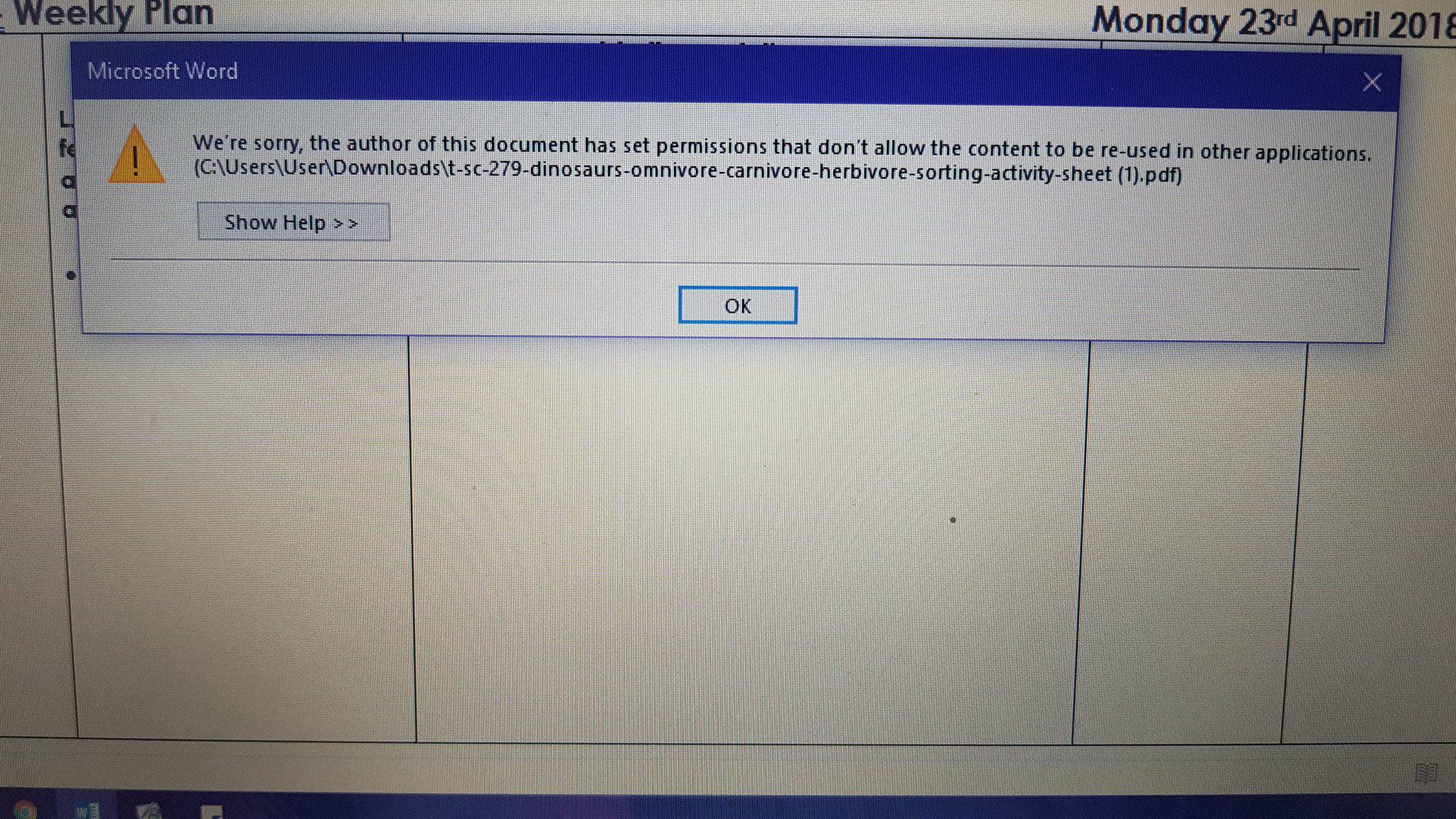
Word Files Not Opening Correctly Microsoft Community

Workarounds to open PDF files that do not open in Adobe Acrobat after the 10 1 5 and 11 0 01 updates Adobe Acrobat Overview Features Learn Support it was sent as an email attachment and wasn t correctly decoded Solution Use one of the following workarounds PDF creators

The following dialog pops up when I attempt to open it Adobe Acrobat reader could not open filename pdf because it is either not a supported file type or because the file has been damaged for example it was sent as an email attachment and wasn t correctly decoded I contacted the sender and made them aware of our problem
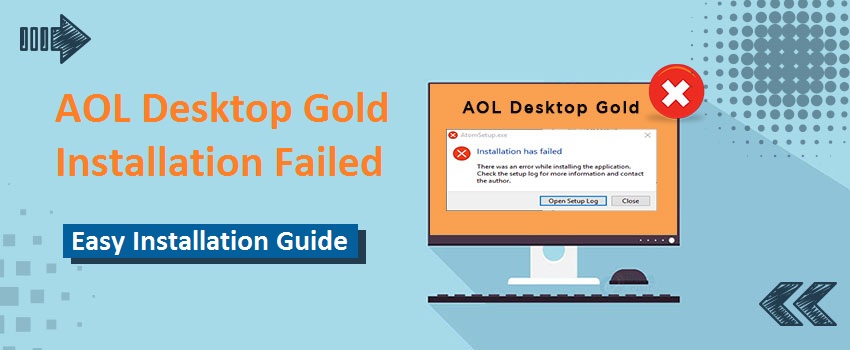
1 1 Choose Start Run 2 Type regedit into the Open box and click OK to start the Windows registry editor 3 Navigate to the following registry key HKEY LOCAL MACHINE software policies adobe AdobeAcrobat DC FeatureLockDown cDefaultLaunchAttachmentPerms 4 Double click the following value sBuiltInPermList

Tips to try when your PDF won t open Of course those are just a few of the most common reasons you can t open PDF on your laptop So if you re struggling to open a PDF on your laptop try these tips to resolve the problem Install a reliable PDF reader Update your current PDF reader or application Re download the PDF Resize the PDF

On Windows navigate to the PDF file right click on it select Open with click Choose another app Choose Adobe Acrobat Reader DC or Adobe Acrobat DC check Always use this app to open pdf files click on the OK button On Mac open Finder locate and select your PDF file click File choose Get Info expand the Open with
If Adobe Acrobat won t open PDFs you can try disabling Protected Mode Press Win R to open the Run box Type Regedit and tap Enter to open Registry Editor Navigate to Computer HKEY LOCAL MACHINE SOFTWARE Policies Adobe Adobe Acrobat DC FeatureLockDown Open Outlook and go to the File tab at the top left corner of the window In the File menu click on Options In the Outlook Options window select the Trust Center tab Click on the Trust Center Settings button In the Trust Center window select the Attachment Handling option on the left side
If the Edge browser keeps asking you to save the PDF file you will need to turn off a setting in Edge as shown below Step 1 Open the Edge browser and click on the three dot icon at the top