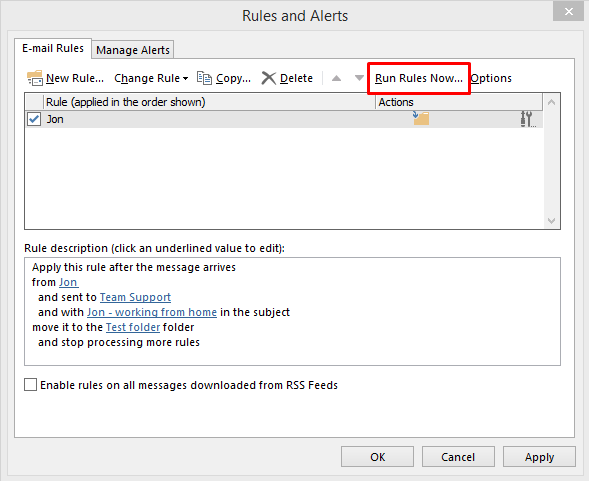
Outlook 365 Email Rules O365 Outlook Rules Setup On Shared Mailboxes Matrix 7 Forward Thinking How Adversaries Abuse Office 365 Email Rules Download Outlook 365 Email Templates Repairlasopa Forward Thinking How Adversaries Abuse Office 365 Email Rules Click Run Rules Now A Create Rule window will open Here Outlook pre fills certain fields from your selected email to save you time To use these fields make sure to enable the checkbox beside each field If you d like to change the contents of the fields feel free to do so
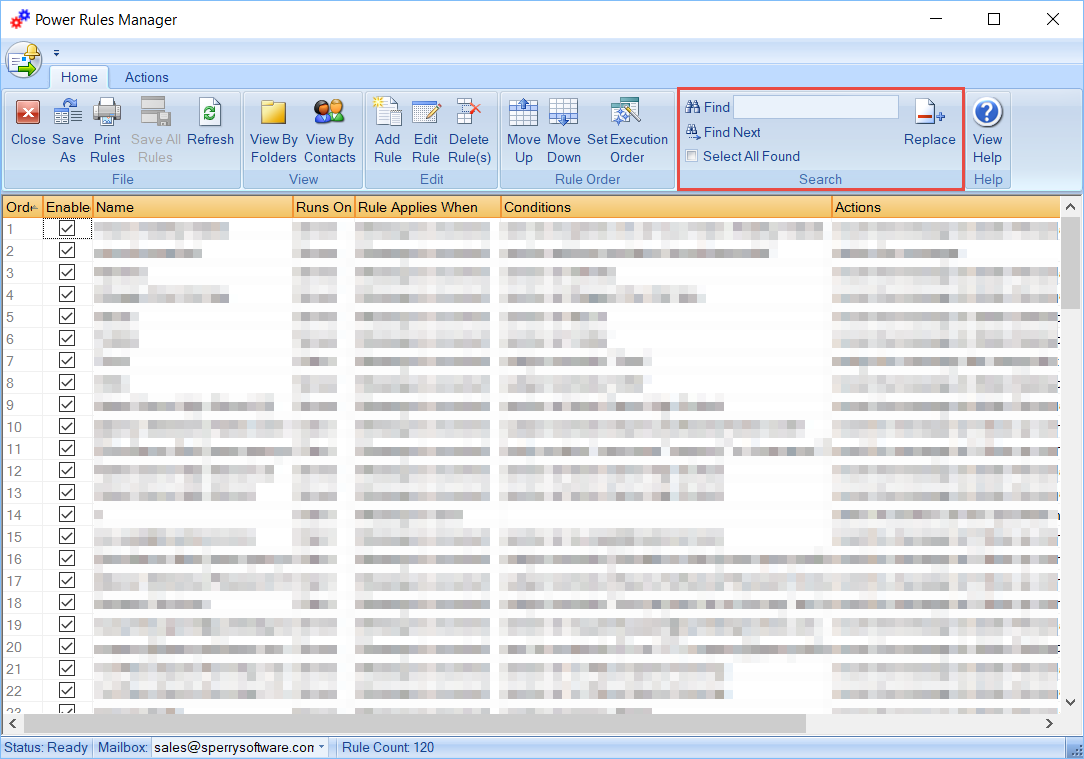
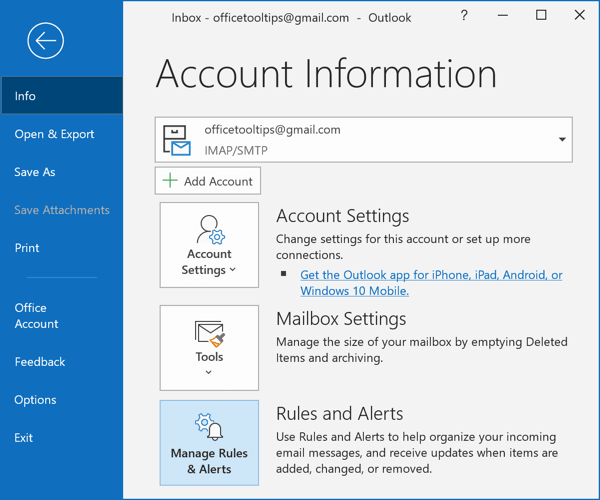
Click File Manage Rules Alerts If you see a message that says you have a broken rule that needs to be modified click OK Check the box next to the rule in red Click the links under Rule description and edit the rule as needed and then click OK To change the settings name location or behavior of a rule Click File Manage Rules Alerts Click the File tab in the navigation ribbon Click Manage Rules Alerts Click New Rule on the E mail Rules tab in the Rules and Alerts dialog box Proceed to Step 1 Select a template Choose a
Click Run Rules Now Office 365 Email Rules Celiveo 8 Ver 2022 03 22B Forward Thinking How Adversaries Abuse Office 365 Email Rules Export And Import Rules Microsoft Outlook 365 Filtrar O E mail De Um Remetente Para Uma Determinada Pasta No Outlook Microsoft Outlook 365 Email Guideholo Office 365 Login Outlook 365 Email Login Www Outlook Clothing Analog During Setting Up Email In Outlook 365 Fifty Outlook 365 Email Caqweswitch
Outlook 365 Email Rules
 Outlook 365 Email Rules
https://www.matrix7.com.au/wp-content/uploads/2020/05/sm03.png
Schedule a message for later While composing a message select the dropdown next to the Send button and select Schedule send Select one of the default options then select Send or choose a custom time and then select Send After you select Send the message remains in the Draft folder until the delivery time
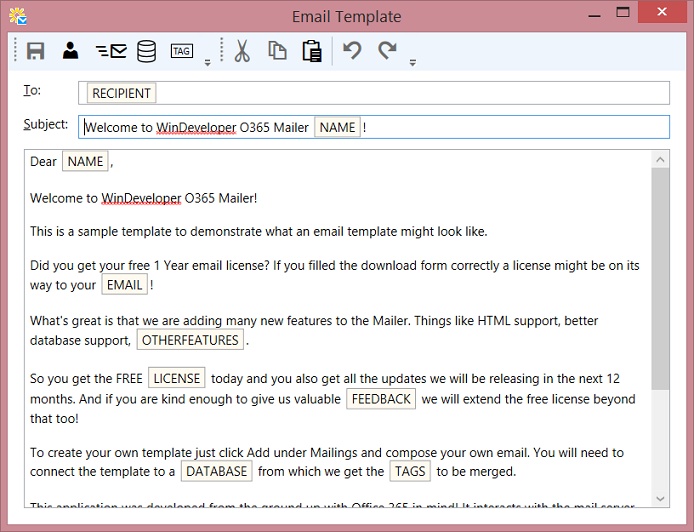
Pre-crafted templates use a time-saving option for producing a varied variety of files and files. These pre-designed formats and designs can be made use of for numerous individual and expert projects, including resumes, invitations, leaflets, newsletters, reports, discussions, and more, streamlining the content creation procedure.
Outlook 365 Email Rules
Office 365 Outlook Rules Apexlasopa

Office 365 Email Rules Celiveo 8 Ver 2022 03 22B
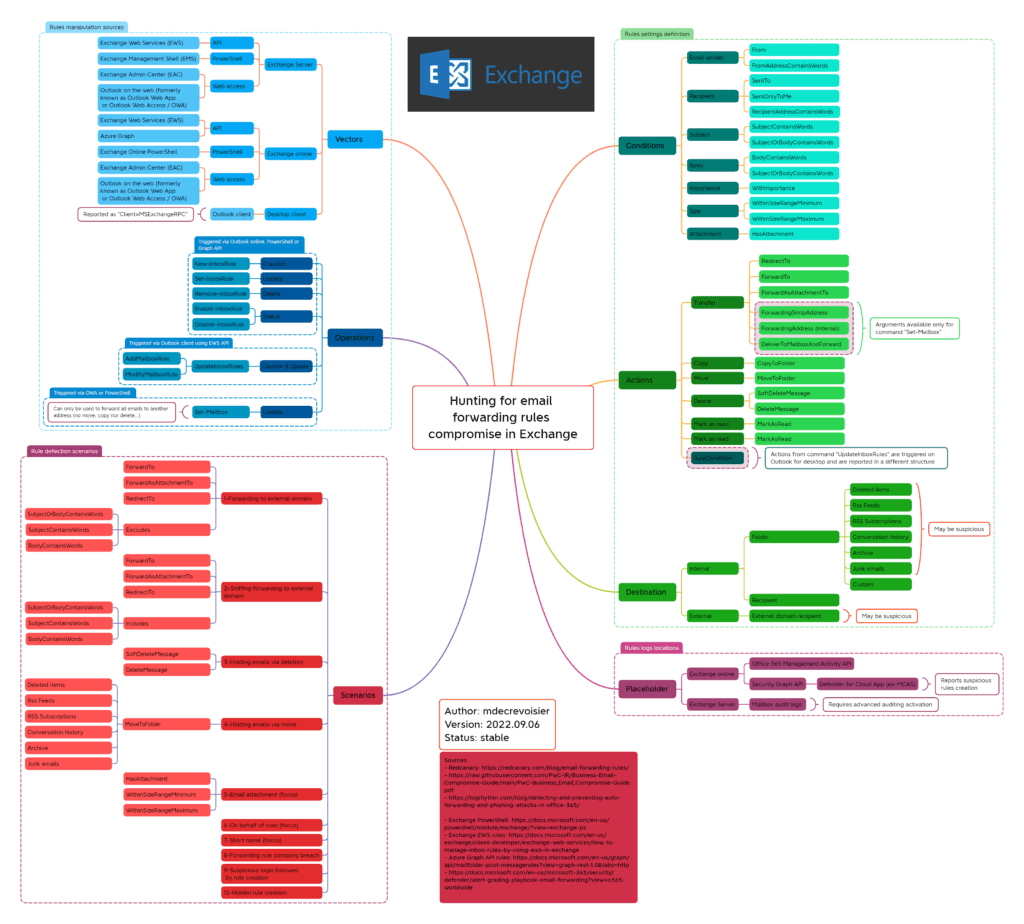
Forward Thinking How Adversaries Abuse Office 365 Email Rules
Export And Import Rules Microsoft Outlook 365
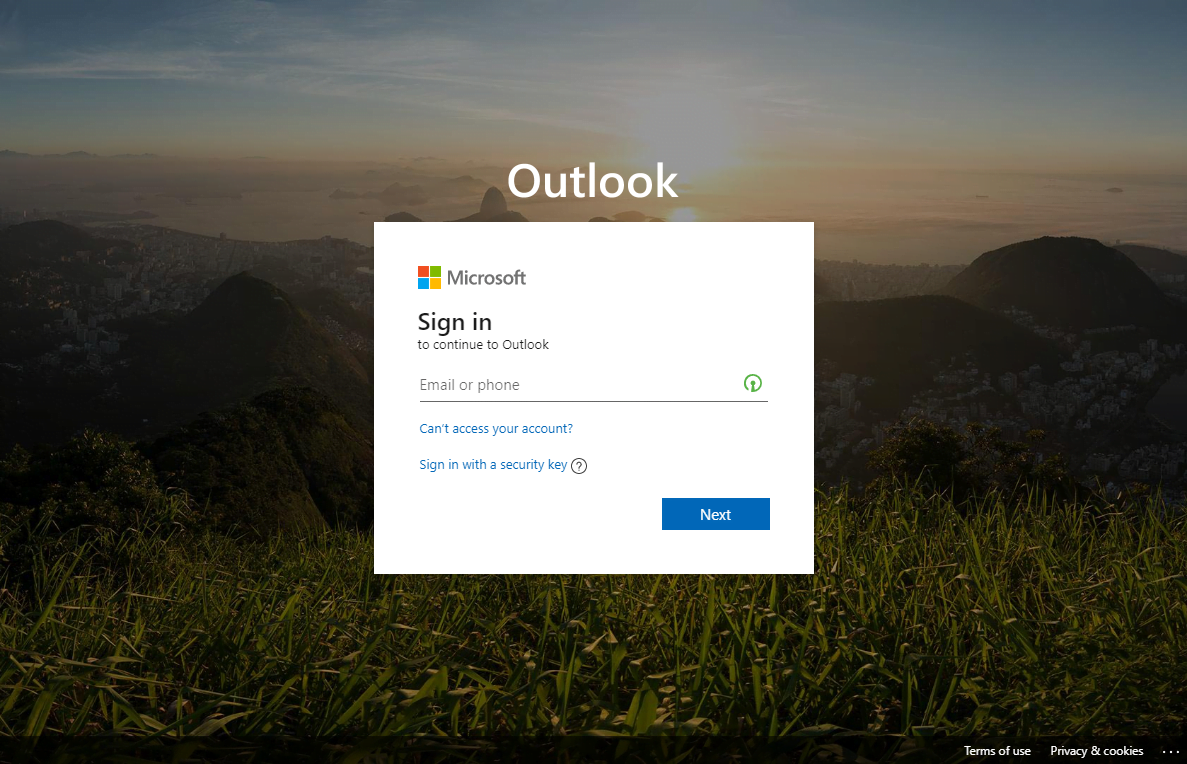
Microsoft Outlook 365 Email Guideholo
Office 365 Login Outlook 365 Email Login Www Outlook
Set up rules Try it Rules allow you to move flag and respond to email messages automatically Create a rule on a message Right click an existing message and select Rules Create Rule Select a condition and what to do with the message based on the condition

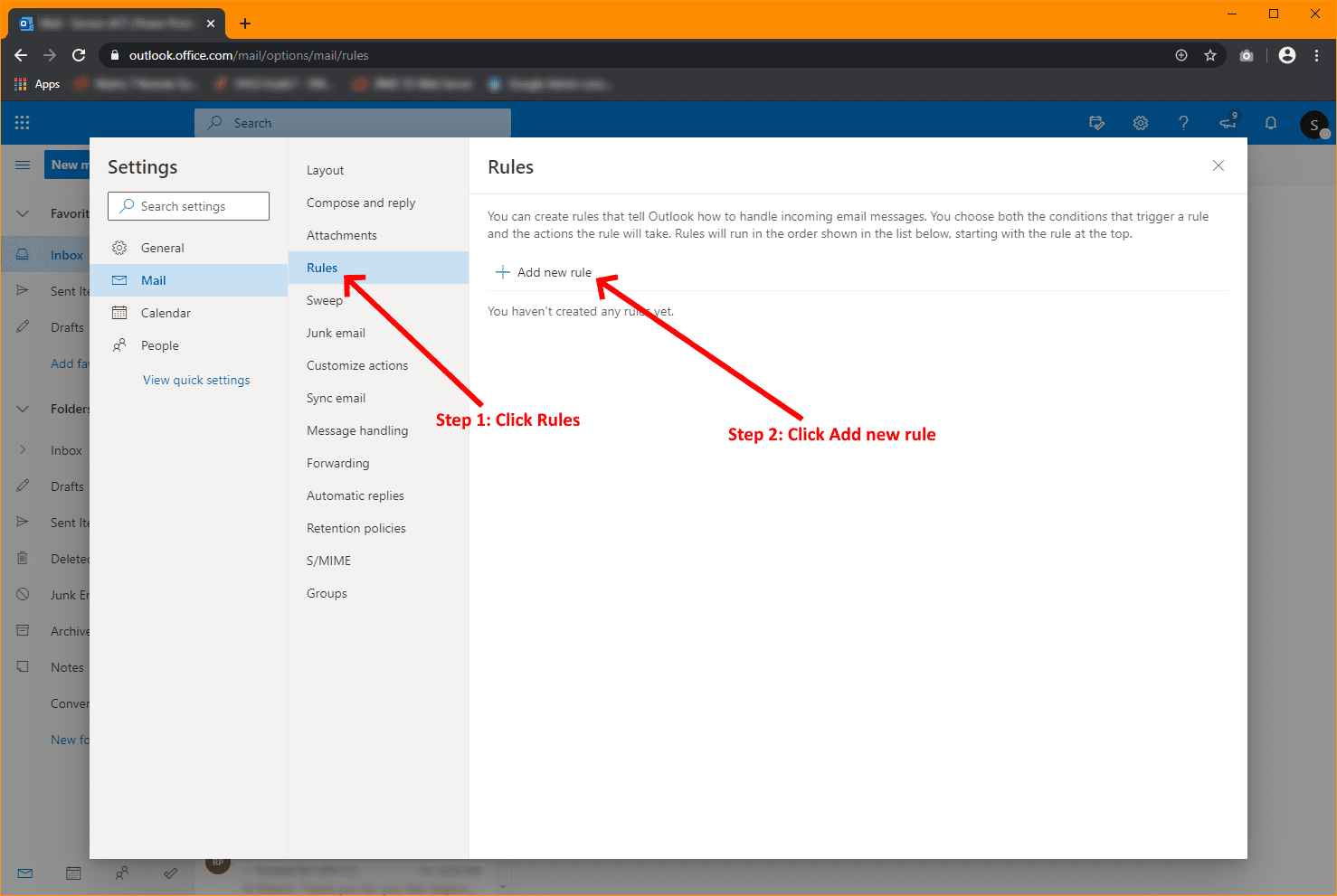
To add edit mailbox rules please follow below steps Select the emails and right click it find Advanced Actions Click Create rule Or you can also to go Settings Mail Rules Add new rules If you are not happy with the ways in New Outlook there are two workarounds for your reference
Outlook for Microsoft 365 Outlook 2021 Outlook 2019 More Use inbox rules to automatically perform specific actions on email that arrives in your inbox For example you can create rules that will change the importance level of messages as they come in automatically move them to other folders or delete them based on certain criteria
Delete an inbox rule Set the order in which inbox rules are applied to incoming messages Run inbox rules on existing messages What else do I need to know You might have created a rule to forward or redirect messages you receive to another email address If so it s important to know the difference between forwarding and redirecting
If you re using Microsoft 365 or Exchange Server 2016 or 2019 your email program is Outlook on the web For help with Outlook on the web see Get help with Outlook on the web How to get to Inbox rules What you ll see on the Inbox rules page How do I create a new rule How do I edit a rule How do I delete a rule What else do I need to know
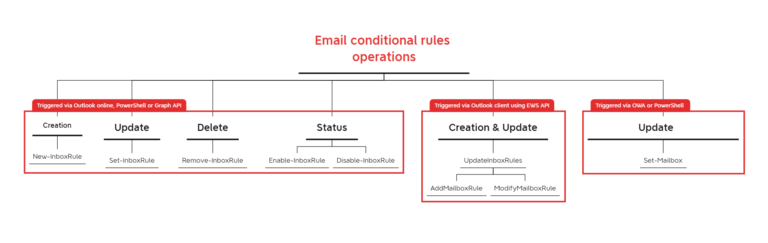
Step 1 Open Outlook and click on the Settings icon on the upper right corner Next click View all Outlook Settings at the bottom Step 2 Select Email from the left panel and then choose In Exchange Online organizations or standalone Exchange Online Protection EOP organizations without Exchange Online mailboxes you can use Exchange mail flow rules also known as transport rules to look for specific conditions on messages that pass through your organization and take action on them
1 Sending emails to specific folders categories 2 Adding custom alerts 3 Flagging emails for follow up 4 Forwarding emails to appropriate recipients 5 Identifying and removing spam 6 Delegating tasks 7 Removing or reducing attachments 3 Pro Tips for Outlook Rules 1 Run rules to clean up your inbox immediately 2