Osascript Open Terminal And Run Command Python Open Terminal And Run Command Cocoluli How To Use Osascript To Open The Terminal App In A New Window And Make Using AppleScript To Record The Chrome Browser Windows And Tabs Apple Terminal osascript e Commands YouTube How To Download Files In React js A Step by Step Tutorial DNMTechs Web The top answer worked for me But in my case as a script for Raycast it wasn t bringing the new terminal window to the foreground I fixed that by adding the quot activate quot
Web Oct 25 2019 nbsp 0183 32 There are two ways to programmatically open a new terminal window or tab on a mac depending on whether or not you use iTerm or the default Terminal program I ll share both with a brief Web Scripts can be plain text or compiled scripts osascript was designed for use with AppleScript but will work with any Open Scripting Architecture OSA language Syntax
How To Download Files In React js A Step by Step Tutorial DNMTechs Open Terminal And Run A Few Lines Questions Suggestions Keyboard Connecting With The Terminal Osascript Can t Open Default Scripting C Apple Community Learn React js Beginner Guide Part 2 Installing React js File Pop Up An Extra Dialog When Creating A HTTP Function For The angular Difference Between Script Editor And Osascript When Using Keychain To Mac vscode c scanf Yaskawa CIMR VC4A0031FAA 179 418 H3 Multi Function Analog Input Terminals
Osascript Open Terminal And Run Command
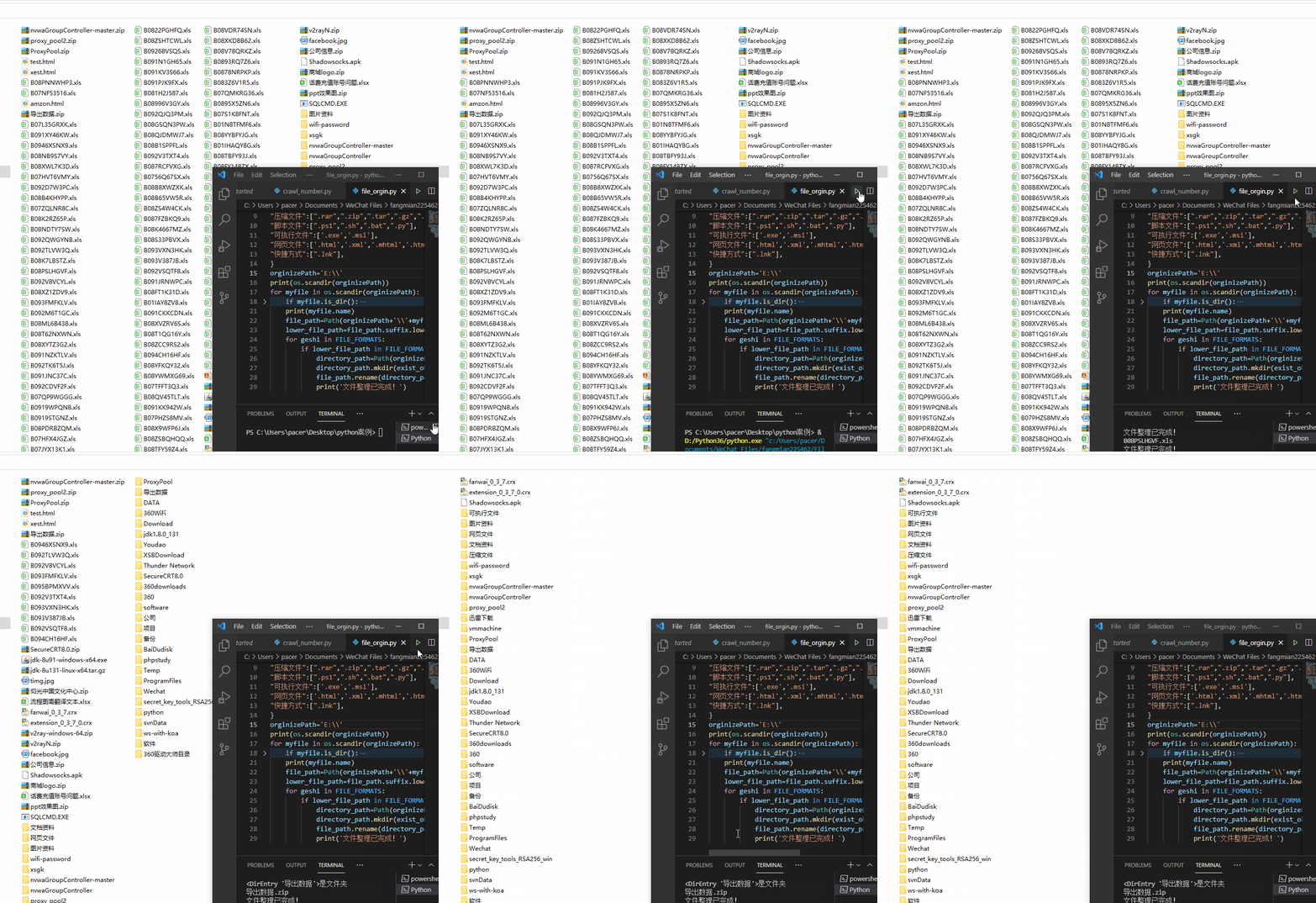 Osascript Open Terminal And Run Command
https://img-blog.csdnimg.cn/20210821161454912.gif
Web 3 Answers Sorted by 6 The previous answer no longer works on the latest version of iTerm2 3 since terminal has been discontinued The new approach is to use create
Pre-crafted templates use a time-saving option for producing a varied variety of files and files. These pre-designed formats and layouts can be used for numerous individual and professional jobs, including resumes, invitations, flyers, newsletters, reports, discussions, and more, enhancing the content development process.
Osascript Open Terminal And Run Command
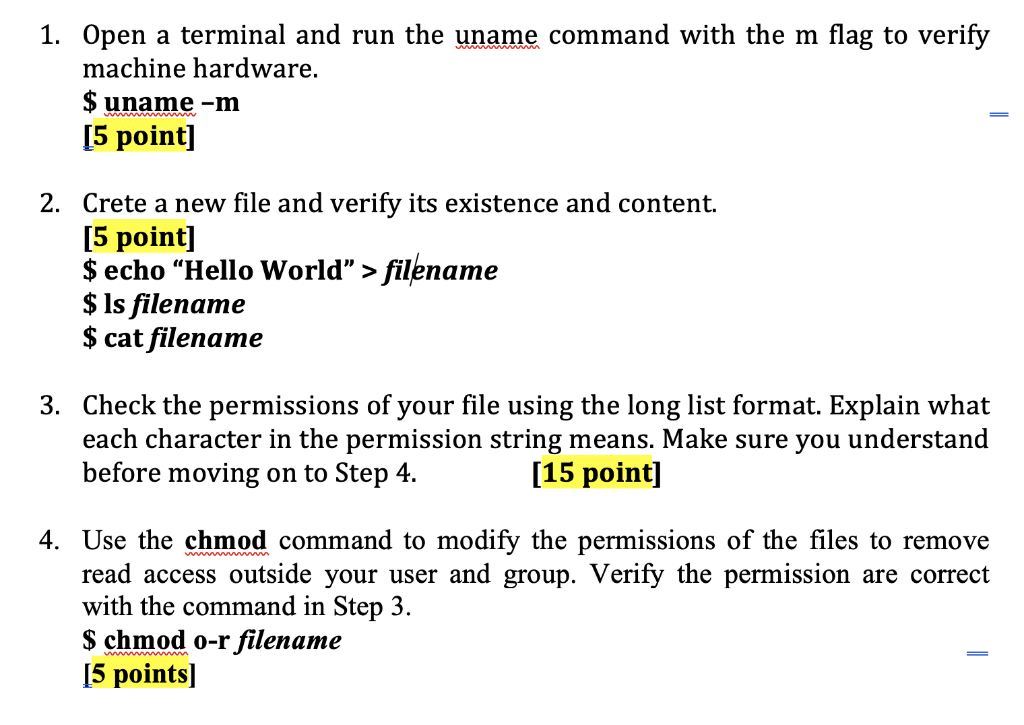
Solved 1 Open A Terminal And Run The Uname Command With The Chegg
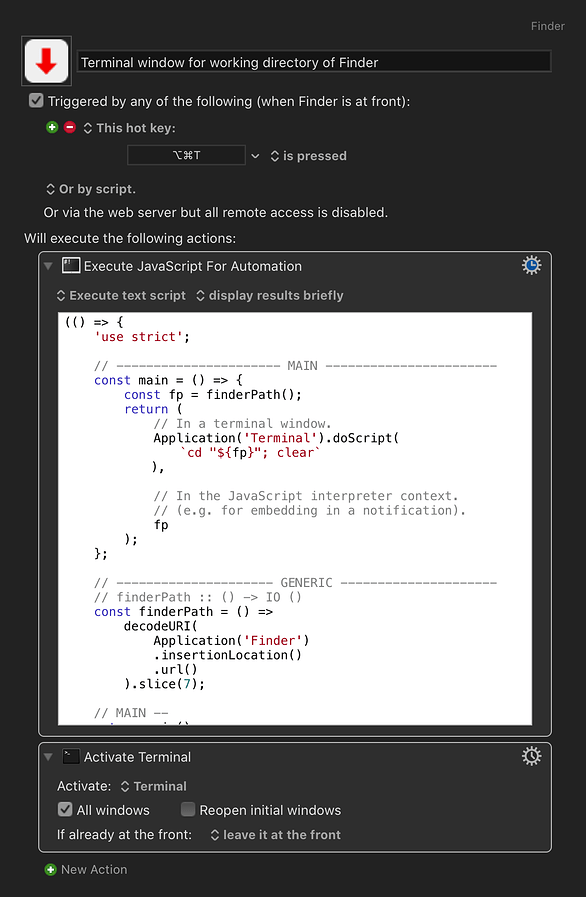
Open Terminal And Run A Few Lines Questions Suggestions Keyboard
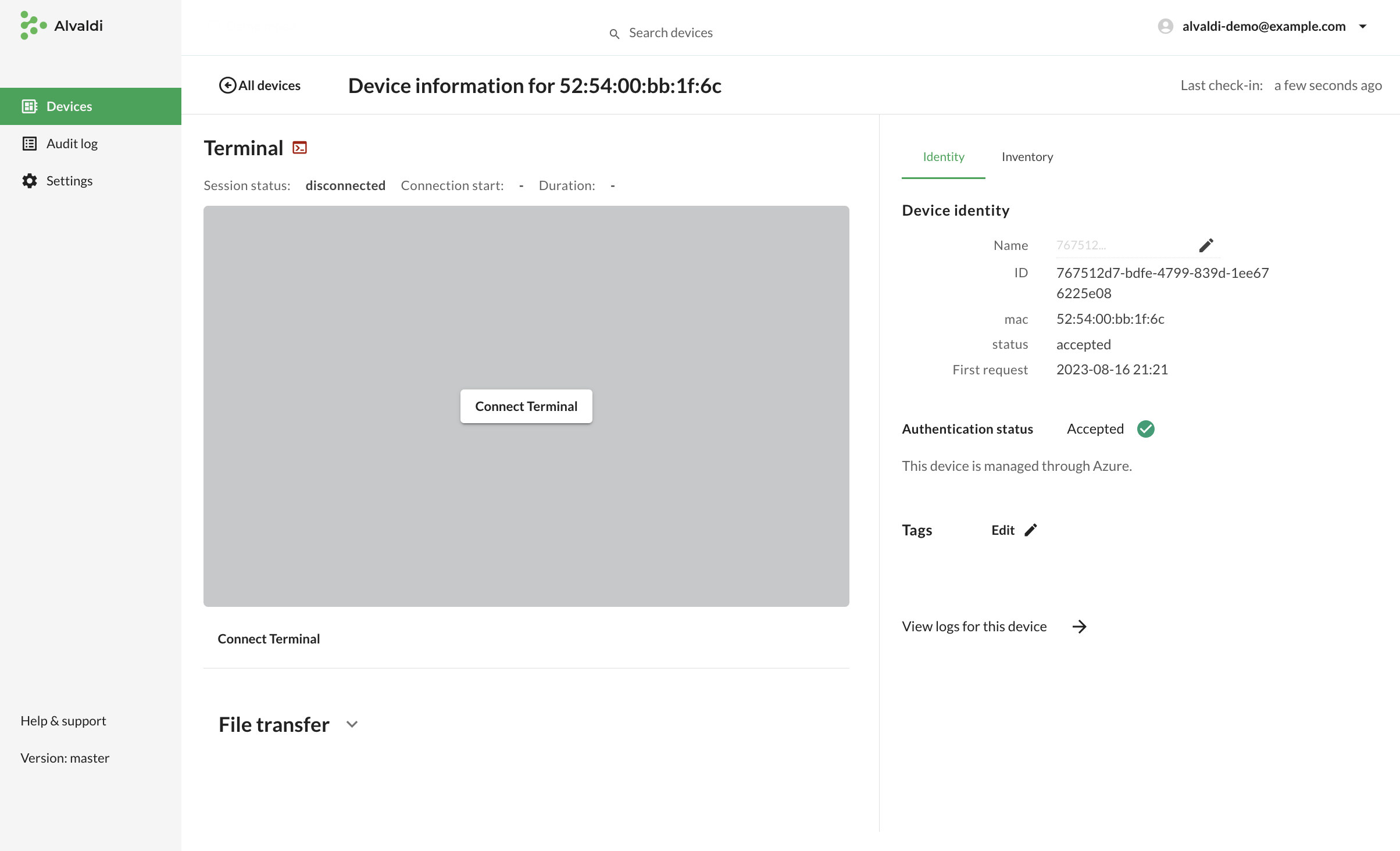
Connecting With The Terminal
Osascript Can t Open Default Scripting C Apple Community

Pop Up An Extra Dialog When Creating A HTTP Function For The angular
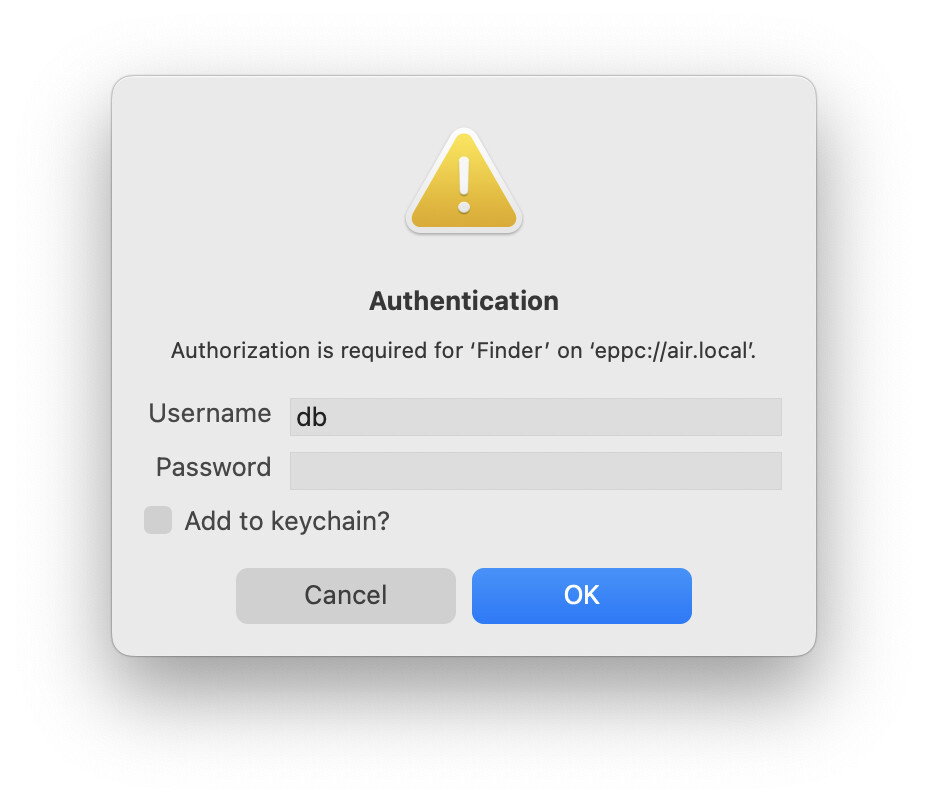
Difference Between Script Editor And Osascript When Using Keychain To
Web Jun 25 2020 nbsp 0183 32 What I want to do is open two different terminals and run npm in each one of them echo quot Starting typescript build in new terminal quot osascript e npm run build

Web Aug 19 2016 nbsp 0183 32 Running AppleScript Script Files from the Command Line To run an AppleScript script file from the Terminal in Mac OS simply point the osascript to the
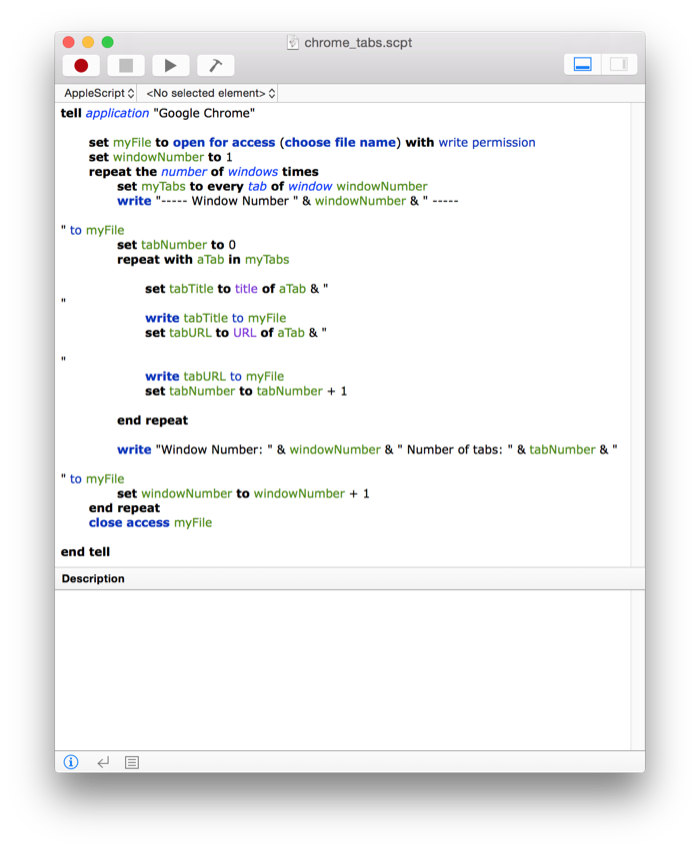
Web 7 Answers Sorted by 3 The easiest way is by using quot ttab quot https www npmjs package ttab Just run ttab ls la here ls la is the command

Web Jan 23 2013 nbsp 0183 32 8 Answers Sorted by 226 gnome terminal command or xterm e command or konsole e command Pretty much terminal e command To make the terminal stay when the command exits In

Web Run AppleScript scripts from Terminal You can run AppleScript scripts from Terminal using the osascript command In the Terminal app on your Mac use the cd command
Web Jun 19 2012 nbsp 0183 32 16 1 Create a Applescript by AppleScript Editor and save it e g QTRecord scpt tell application quot QuickTime Player quot activate start new movie Web Feb 18 2022 nbsp 0183 32 osascript e quot tell application quot Terminal quot activate do script quot hello quot end tell quot openNewWindowAndRun When I ran the script it opened the new window
Web Sep 30 2018 nbsp 0183 32 and when I run jupyter notebook in terminal it shows bin sh osascript command not found I also checked to see jupyterlab on Anaconda and it was working