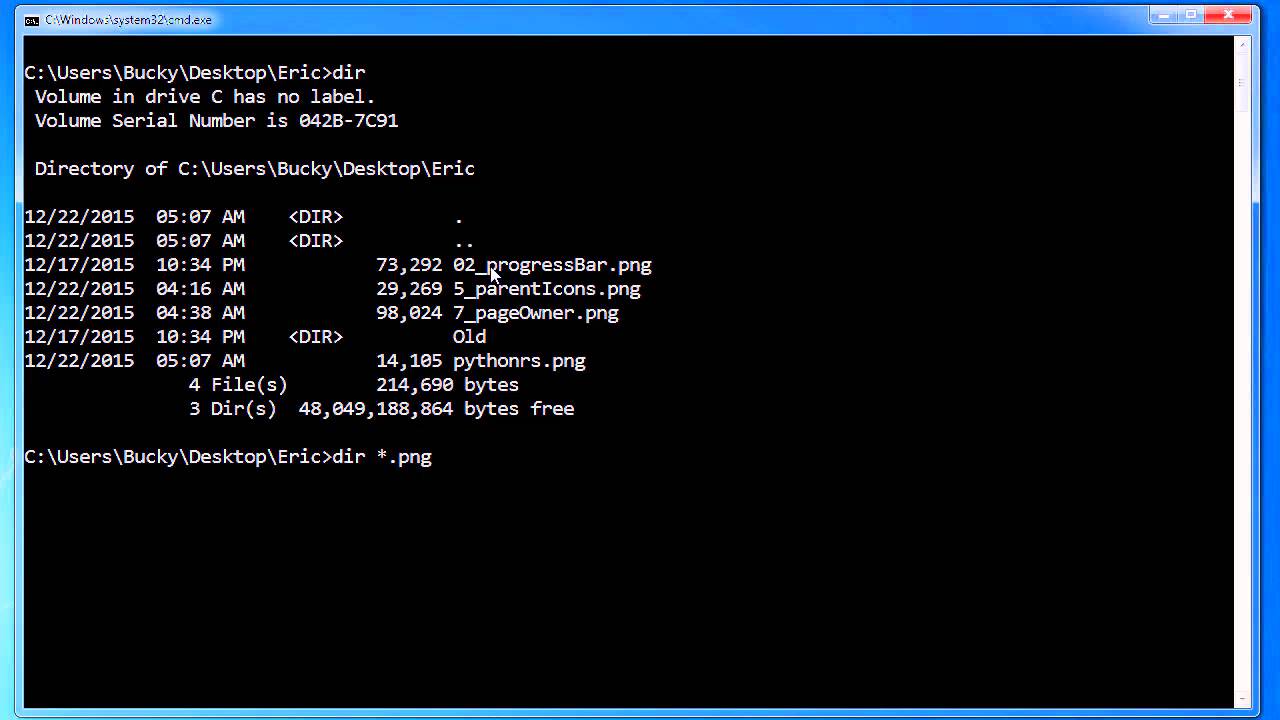
Open Windows Terminal And Run Command Windows Terminal command line arguments | Microsoft Learn 4 ways to open Windows Terminal - YouTube How to always run Windows Terminal as administrator on Windows 10 - Pureinfotech 3 Easy Ways to Open Terminal in Windows - wikiHow Windows Terminal installation | Microsoft Learn Web Apr 23 2016 nbsp 0183 32 A box will popup type cmd without the quotes and hit enter the command prompt should open From there you can navigate the file system using commands like cd To run your executable type the name of the file it should work with or without the exe
Web Jun 10 2022 nbsp 0183 32 How to Open Terminal in Windows This wikiHow teaches you how to open the Command Prompt or PowerShell terminal window using a Windows PC You can open the Command Prompt or PowerShell from your Start menu or from any folder in the File Explorer You can also use the Windows Run feature Web May 23 2023 nbsp 0183 32 In this article Windows Terminal is a modern host application for the command line shells you already love like Command Prompt PowerShell and bash via Windows Subsystem for Linux WSL Its main features include multiple tabs panes Unicode and UTF 8 character support a GPU accelerated text rendering engine and the
Windows Terminal installation | Microsoft Learn Windows Command Line Tutorial - 3 - Opening Files and History - YouTube How to open Command Prompt in Windows | PCWorld Windows Terminal installation | Microsoft Learn Windows Terminal 1.0 is here with numerous improvements 5 Best Ways to Launch Windows Terminal on Windows 11 - Guiding Tech 5 tips for an awesome Windows Terminal experienceEditions The New Windows Terminal: You Could Not Have Asked for More | by Dimitris Poulopoulos | Towards Data Science How to Open Command Prompt (Windows 11, 10, 8, 7, etc.)
Open Windows Terminal And Run Command
 Open Windows Terminal And Run Command
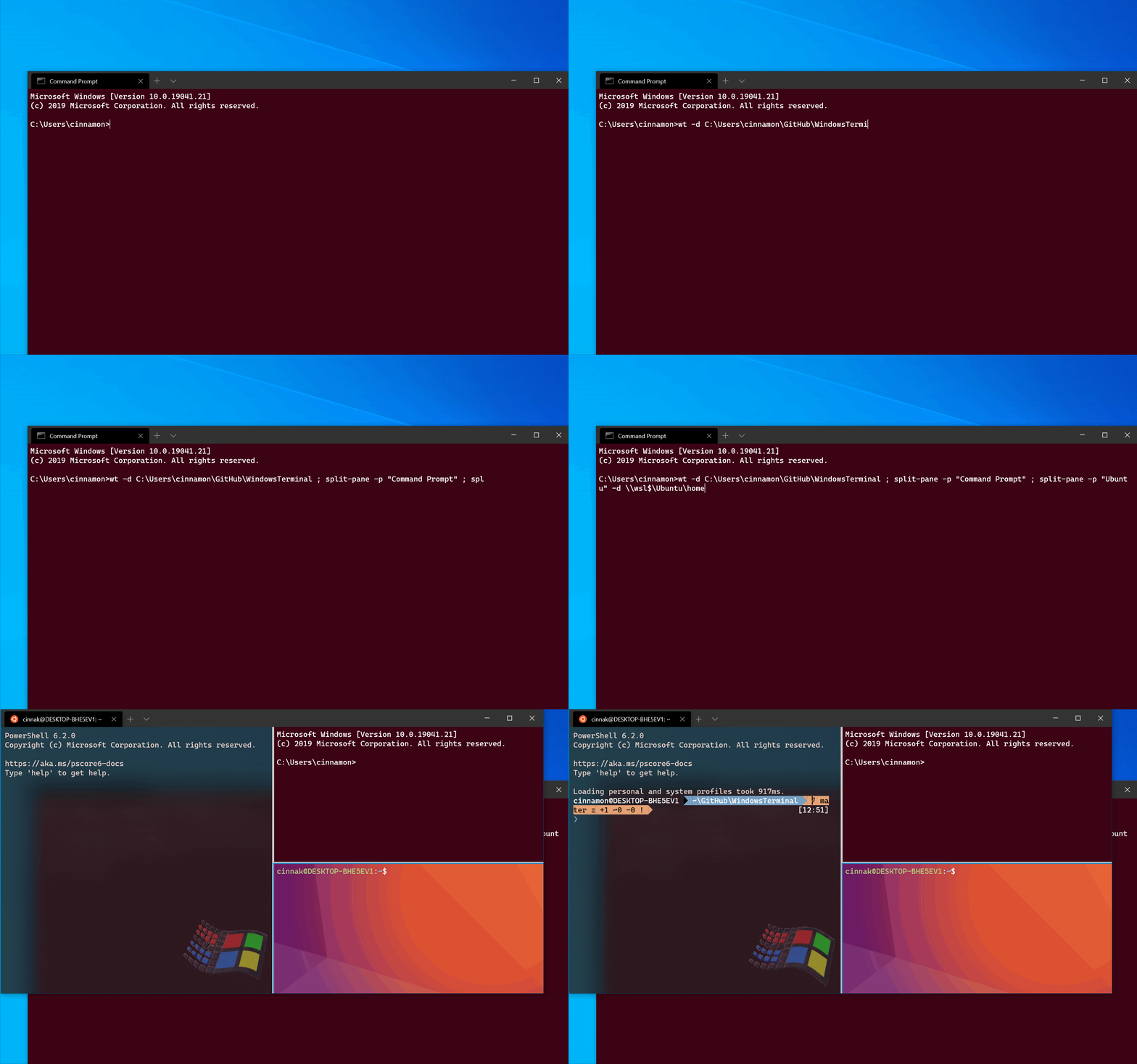
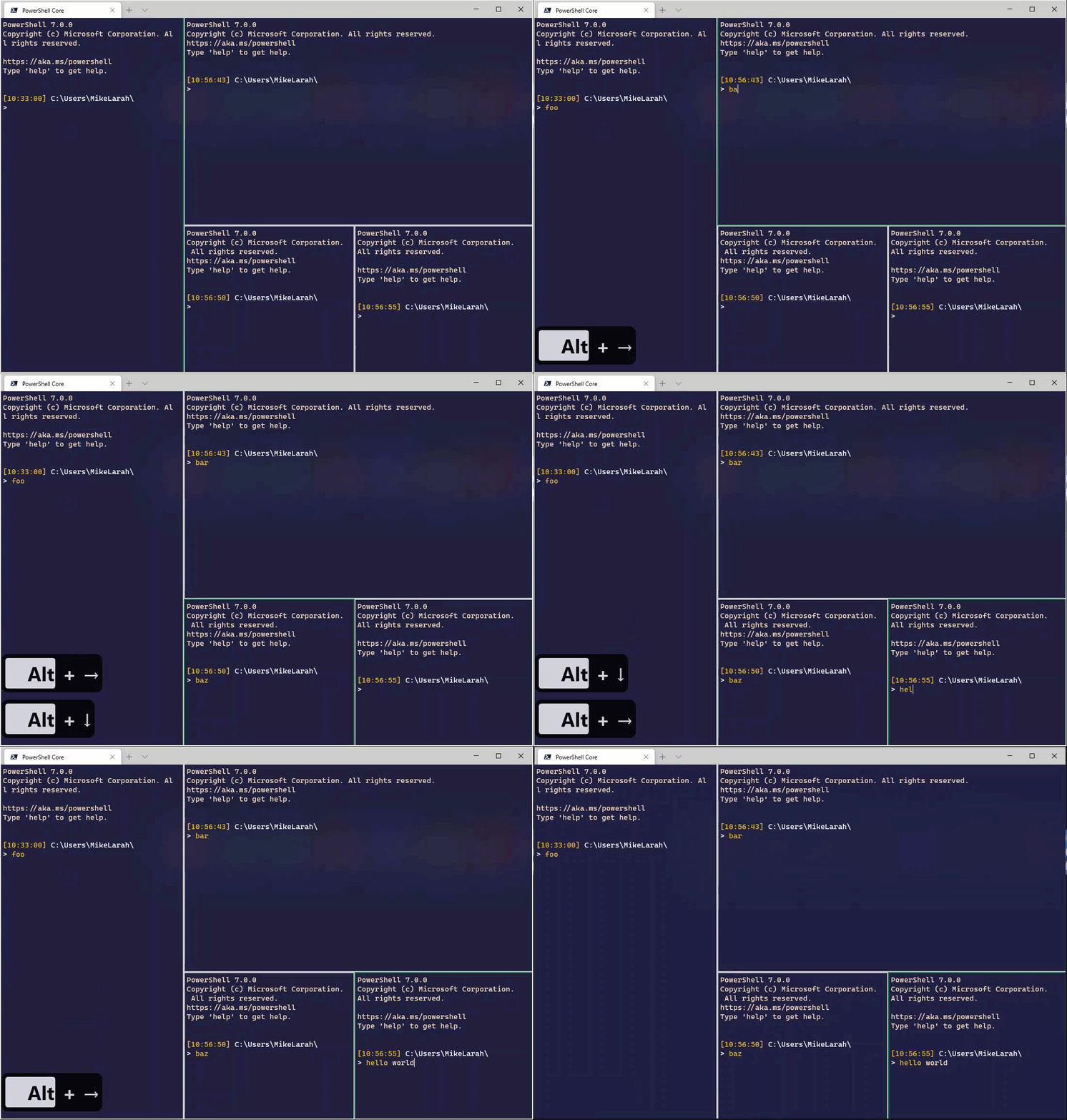
https://learn.microsoft.com/en-us/windows/terminal/images/terminal-command-args.gif
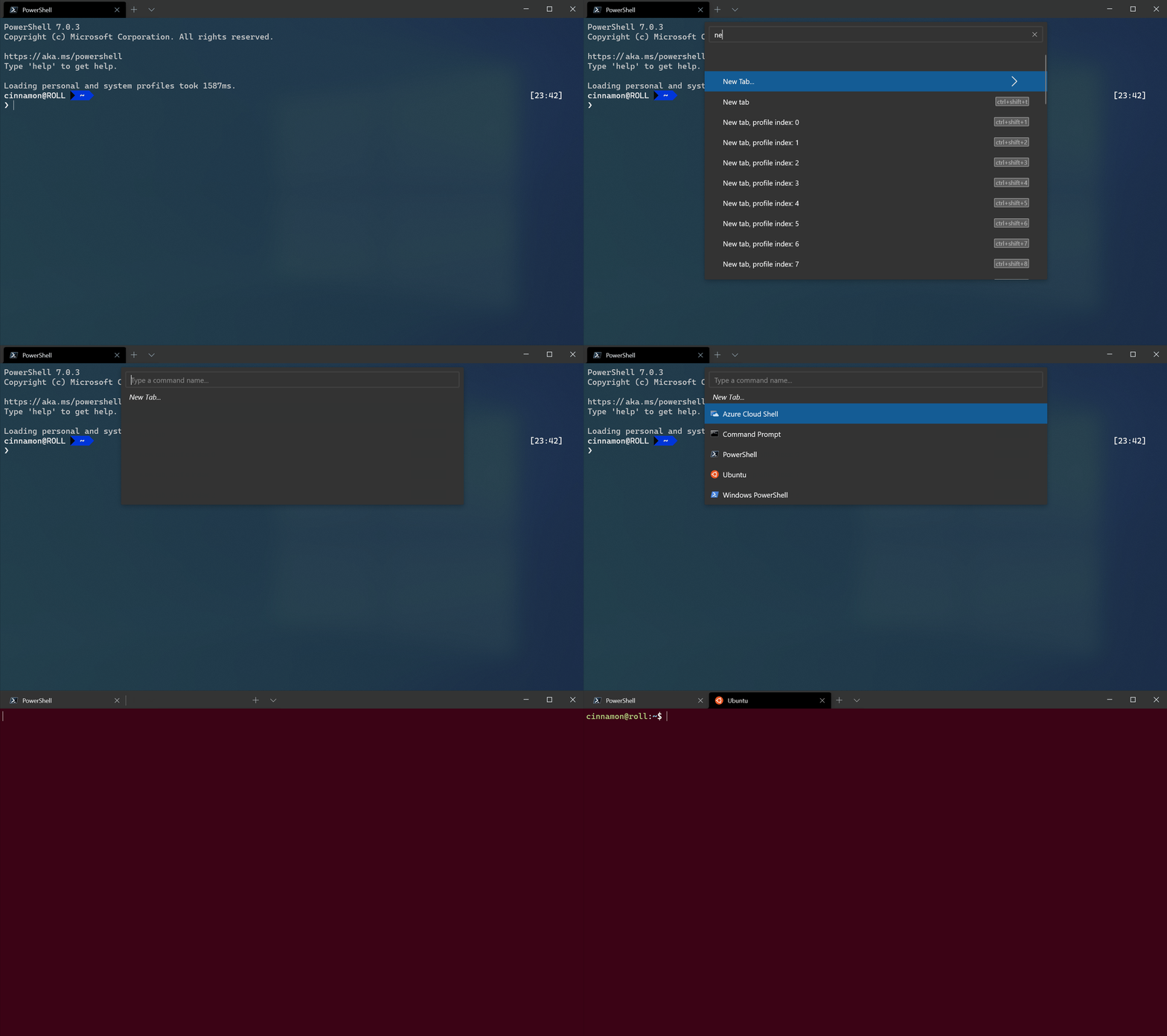
Web Oct 5 2022 nbsp 0183 32 Install Install Windows Terminal To try the latest preview features you may also want to install Windows Terminal Preview Note If you don t have access to the Microsoft Store the builds are published on the GitHub releases page If you install from GitHub Windows Terminal will not automatically update with new versions
Templates are pre-designed documents or files that can be used for different functions. They can conserve time and effort by providing a ready-made format and design for producing various kinds of content. Templates can be used for individual or expert jobs, such as resumes, invites, leaflets, newsletters, reports, presentations, and more.
Open Windows Terminal And Run Command

10 Ways to Open the Command Prompt in Windows 10
Windows Command Line Tutorial - 3 - Opening Files and History - YouTube

How to open Command Prompt in Windows | PCWorld
Windows Terminal installation | Microsoft Learn
5 Best Ways to Launch Windows Terminal on Windows 11 - Guiding Tech
5 tips for an awesome Windows Terminal experienceEditions

Web Jul 10 2020 nbsp 0183 32 1 Answer Sorted by 29 Use wt new tab p quot Command Prompt quot d quot cd quot cmd k dir You can omit new tab it s a default command Omitting d quot cd quot seems to be equivalent to d quot USERPROFILE quot You can omit p quot Command Prompt quot if your default profile is set to the cmd exe profile Check the wt settings in the following file Windows

Web Jun 3 2020 nbsp 0183 32 start windir system32 cmd exe After it opens I d like to execute a BAT command in the new window echo quot test in new window quot How can I do this batch file
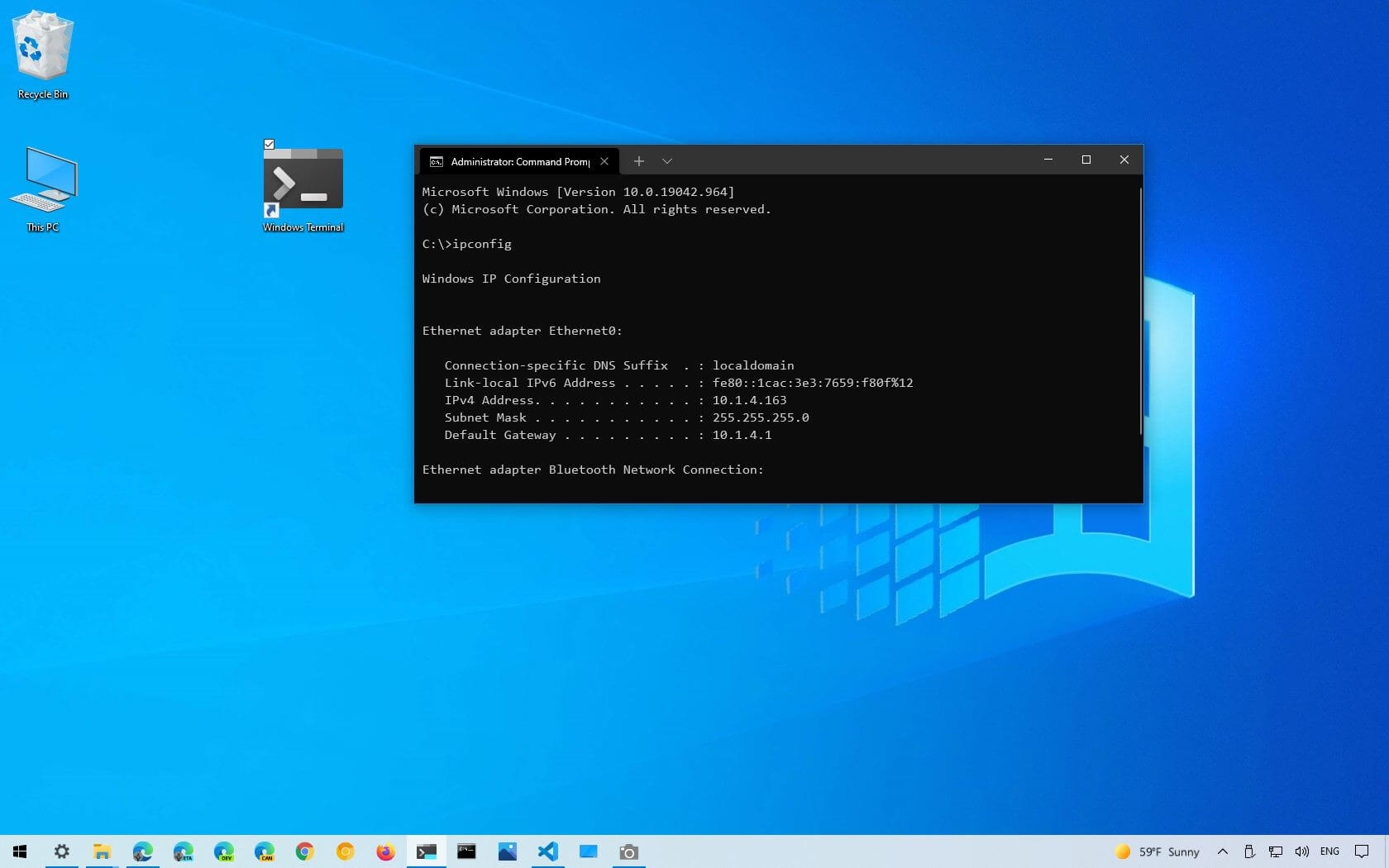
Web Aug 15 2019 nbsp 0183 32 Especially the integration of the Azure Cloud Shell is a great plus for me In this blog post I am just going to show you how you can open the Windows Terminal from command prompt or Run WIN R To open Windows Terminal from the command line cmd or in Windows Run WIN R type wt Open Windows Terminal start wt

Web May 19 2023 nbsp 0183 32 Launches the terminal with the specified number of columns c and rows r window w window id Runs the given command in a specific window The window parameter can be used to send commands to existing terminal windows window id may either be the integer ID of a window or the name of a window

Web Nov 29 2019 nbsp 0183 32 k instructs the shell to execute the command and then return to the cmd prompt allowing further input In the case of the script above it spawns a shell runs the batch file that initializes the environment variables and
Web Sep 15 2022 nbsp 0183 32 Windows Terminal can be launched from the Start Menu just like any other app Click the Start button or hit the Windows key type quot terminal quot into the search box then click quot Open quot If you want to launch Terminal as administrator click the small arrow on the right side of the Start Menu to expand the Terminal options then click quot Run as Web Jan 2 2022 nbsp 0183 32 1 Open Windows Terminal via the WinX Menu The WinX menu includes a handy Windows Terminal shortcut with which you can open that app To open Terminal via that menu right click the Start button and select Windows Terminal Admin Alternatively you can press Win X to bring up the menu And yes that s how the WinX
Web Open Windows Terminal then select the Startup tab gt Default terminal application gt Windows Console Host Solution 3 Windows Console settings If you already have a command line app open in a Windows Console Host and want to change the default setting Right click the title bar then select Properties gt Windows Console Host