Open Source Word Processing Software Open Source Word Program Zolasopa Free Word Processing SnapFiles The Best Free Open Source Word Processors For Windows TurboFuture Best 12 Free Open Source Office Suites Word Processors Spreadsheets Free Open source Word Processing Software Gets Speed And Compatibility To use Chrome on Mac you need macOS Big Sur 11 and up On your computer download the installation file Open the file named quot googlechrome dmg quot
Open PDFs in a new tab This opens the PDF file in a separate browser tab Open PDFs in preview mode in the same tab This displays the PDF directly in the Drive interface To set your preferred default behaviour go to your Google Drive settings The app will open and you can search and browse for content to download Fix issues with Play Store If you have issues locating the Play Store app or opening loading or downloading content in the app it could be due to a number of reasons
Free Open source Word Processing Software Gets Speed And Compatibility Best Word Processing Software Top 5 List YouTube Open source Word Processing Tools Tools For Creating OER Best Free Word Processor Software 2020 YouTube What Is A Word Processor Key Features And Uses Best Word Processing Software For Your Business Free Open Source Word Processing Software Dentalgross Your Guide To Picking A Word Processor Monday Blog Microsoft Word
Open Source Word Processing Software
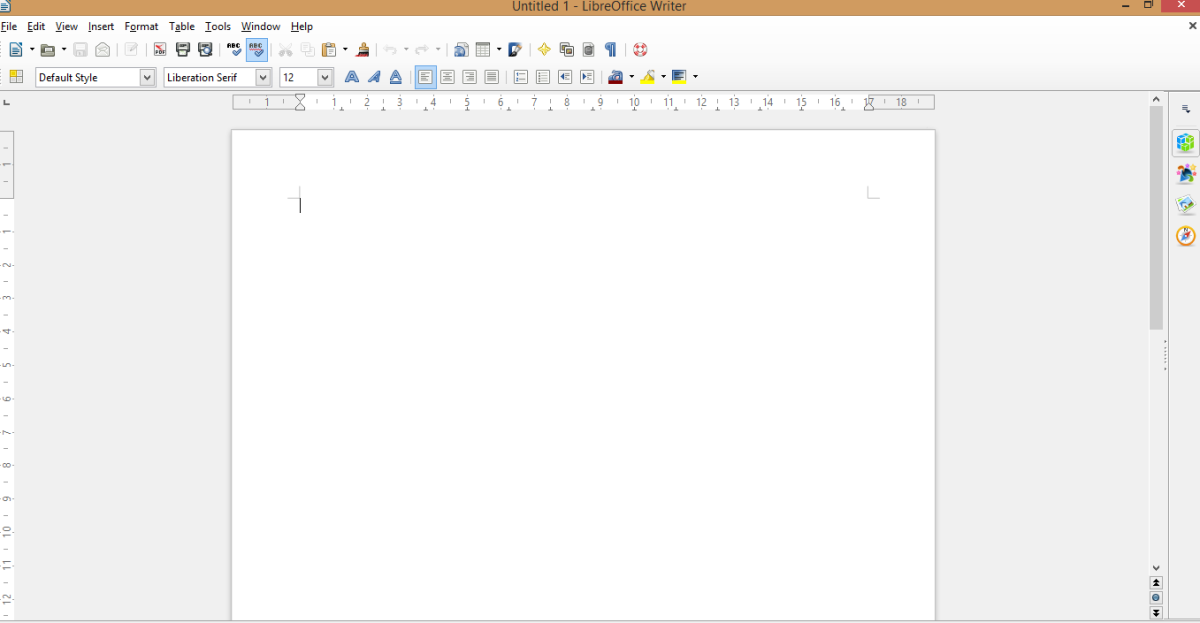 Open Source Word Processing Software
https://images.saymedia-content.com/.image/t_share/MTc1MDE0MTY5MzAzNTkwNjMy/the-best-free-open-source-word-processors-for-windows.png
Official My Maps Help Center where you can find tips and tutorials on using My Maps and other answers to frequently asked questions
Pre-crafted templates use a time-saving option for producing a diverse variety of files and files. These pre-designed formats and designs can be made use of for different personal and expert jobs, consisting of resumes, invitations, leaflets, newsletters, reports, discussions, and more, improving the content creation procedure.
Open Source Word Processing Software

Openoffice Writer An Open Source Free Word Processor YouTube
Best Word Processing Software Top 5 List YouTube

Open source Word Processing Tools Tools For Creating OER
Best Free Word Processor Software 2020 YouTube

Best Word Processing Software For Your Business

Free Open Source Word Processing Software Dentalgross
Open Google Play On your Android device open the Google Play app On your Computer go to play google Search or browse for an app or content Select an item Select Install for no charge items or the item s price Tips To check that an

On your iPhone or iPad open App Store In the search bar enter Chrome Tap Get To install follow the on screen instructions If prompted enter your Apple ID password To start browsing tap Open To open Chrome from your Home screen tap Chrome

Or open Google Play Store In the search bar enter Chrome Tap Install To start browsing tap Open

On your Android phone or tablet open the Gmail app At the top right tap your Profile picture Manage accounts on this device Tap your Microsoft account Remove account When you remove the account any unsent emails are also deleted Add an account to your Android device On your Android phone or tablet open the Gmail app

Open files on your desktop When you install Drive for desktop on your computer it creates a drive in My Computer or a location in Finder named Google Drive All of your Drive files appear here Any new files or folders you create in Drive or Drive for
[desc-11] [desc-12]
[desc-13]