Open Source Word Processing Software For Windows Best Word Processing Software For Your Business What Is A Word Processor Key Features And Uses Word Processing Software Features And Uses Of Word Processor Best Word Processing Software For Personal And Business Use Software Open Source Come Sfruttarli Nel Modo Giusto BitMat Ads certifications are professional accreditations that Google offers to individuals who demonstrate proficiency in basic and advanced aspects of Google Ads A Google Ads
Send amp open confidential emails You can send messages and attachments with Gmail s confidential mode to help protect sensitive information from unauthorized access You can use Add amp open Chrome apps On your Chromebook you can add and open apps from the Chrome Web Store Important Chrome Apps in the Chrome Web Store are only supported on
Software Open Source Come Sfruttarli Nel Modo Giusto BitMat Chapter 1 MS WORD Notes 2 PRODUCE DOCUMENTS Word Processor Or Word Word Processing Software Simple Explanation YouTube The Evolution Of Word Processing From Typewriters To Modern Software How Do Open Source Software Vendors Make Money When The Software Is Advantages And Disadvantages Of Word Processing The Best Free Word Processor 2021 Alternatives To Microsoft Word CHAPTER 5 WORD PROCESSING SOFTWARE PART 2 PDF Word Processor CO2 Misla 6111 SKSKSKSKSKAD Module 004 Word Processing Application
Open Source Word Processing Software For Windows
 Open Source Word Processing Software For Windows
https://www.financefied.com/wp-content/uploads/2023/02/Best-Word-Processing-Software..jpg
You can open and save many types of files on your Chromebook like documents PDFs images and media Learn which types of files are supported on your Chromebook Your Chromebook s
Templates are pre-designed files or files that can be used for various purposes. They can save time and effort by offering a ready-made format and design for producing various type of material. Templates can be utilized for individual or expert projects, such as resumes, invites, flyers, newsletters, reports, discussions, and more.
Open Source Word Processing Software For Windows
Word Processing Software ICT Grade 10 Part

Chapter 1 MS WORD Notes 2 PRODUCE DOCUMENTS Word Processor Or Word
Word Processing Software Simple Explanation YouTube
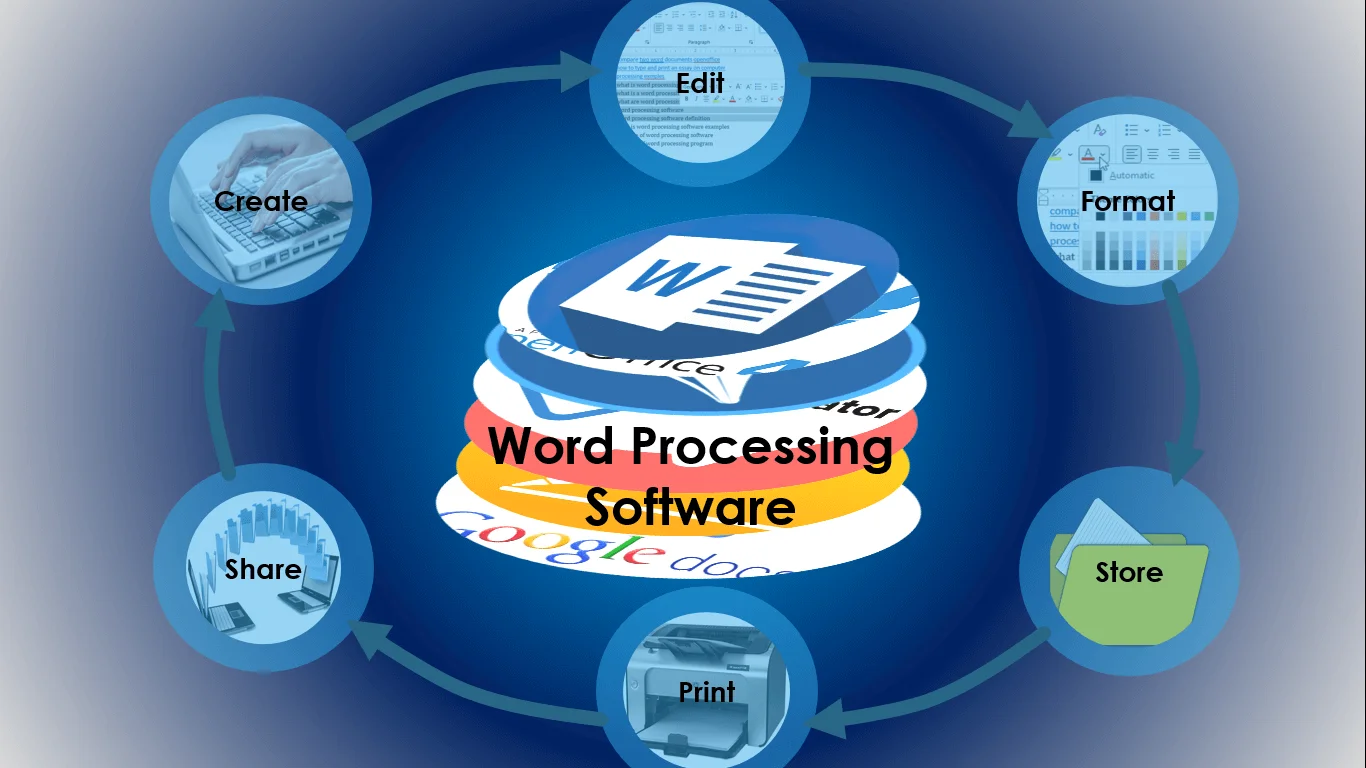
The Evolution Of Word Processing From Typewriters To Modern Software

Advantages And Disadvantages Of Word Processing
The Best Free Word Processor 2021 Alternatives To Microsoft Word

Open Incognito mode Important When you use an Incognito window you can browse more privately You can switch between Incognito tabs and regular Chrome tabs On your computer

open shell closed shell open shell open shell
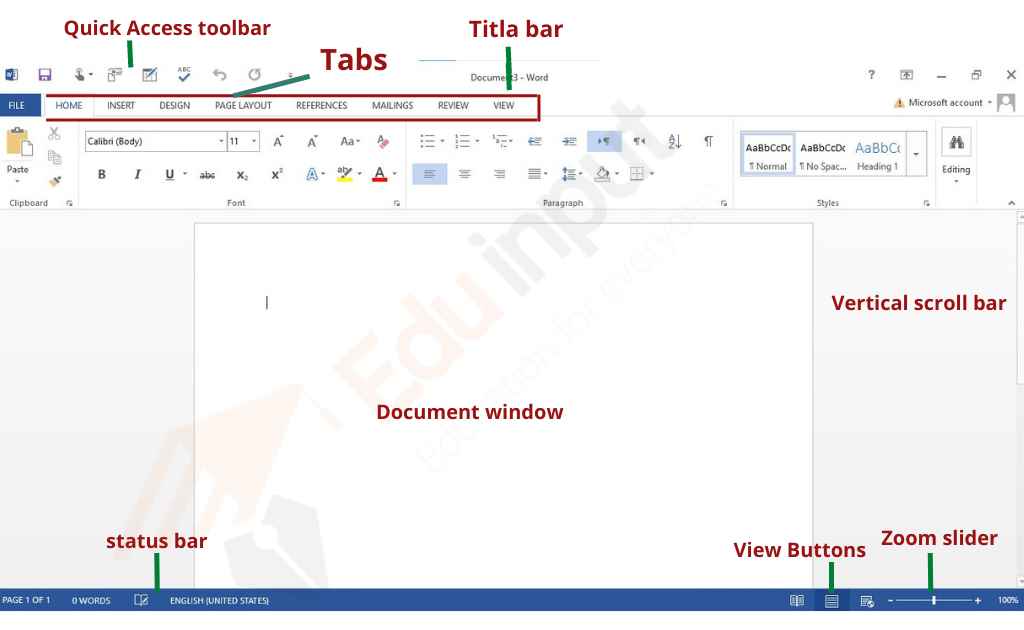
When you open Drive for desktop for the first time or after your account has been disconnected to log in On your computer open Drive for desktop Click Get started Sign in Sign in to the

iso iso ISO Bandzip
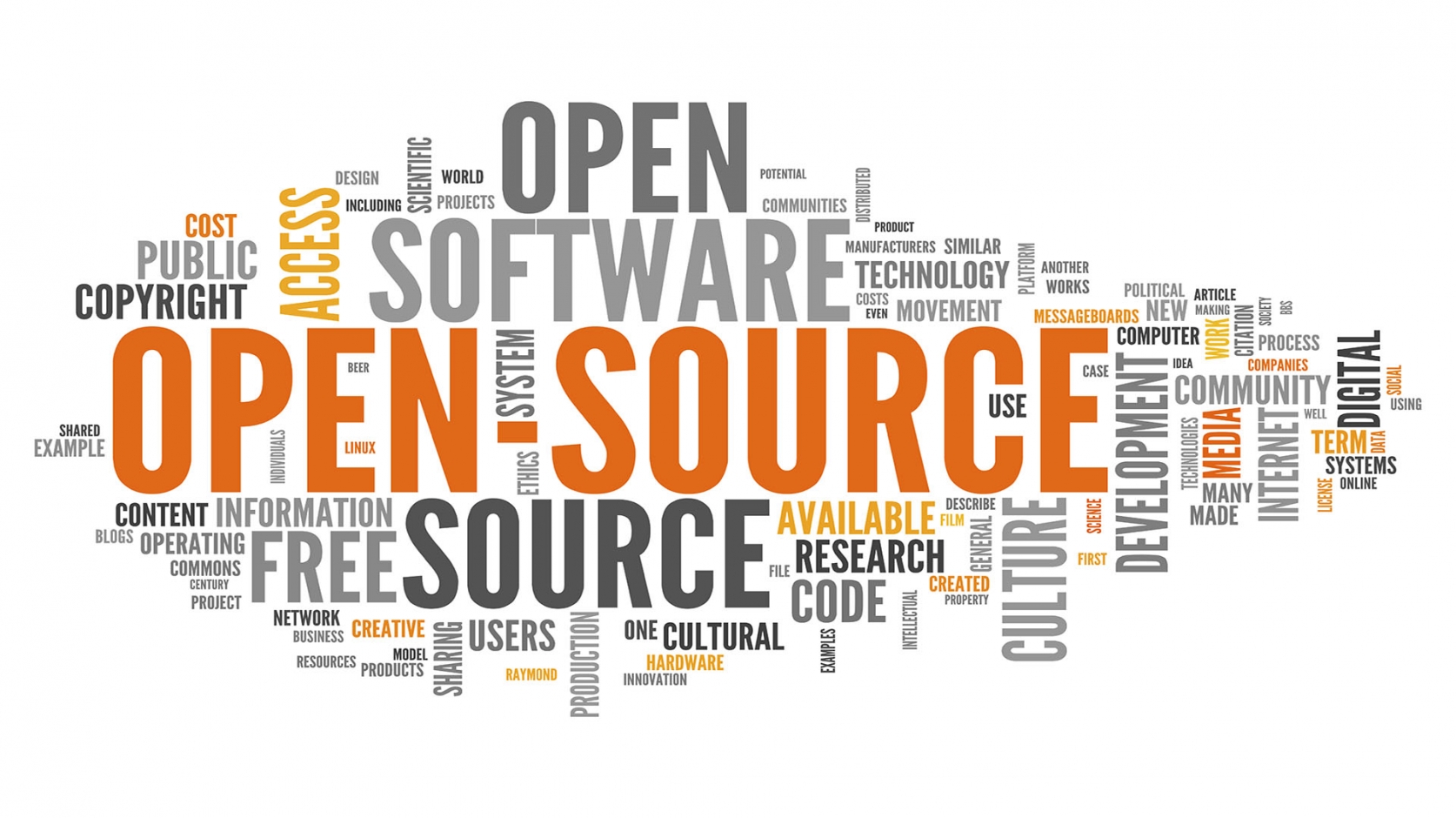
Set your homepage and start up page You can customise Google Chrome to open any page for the homepage or start up page These two pages aren t the same unless you set them to be
[desc-11] [desc-12]
[desc-13]