Mysql Default Password Centos Simplest Way To Reset MySQL Root Password How To Reset Root Password On CentOS 7 Issabel 4 Zivo NiX BLog Centos 7 Install Mysql Default Password Lasopasix Reset Root Password Centos 6 10 Fasrblaster MySQL Login to mysql again using your new password mysql u root p NB for 5 7 6 and later you should use mysql ALTER USER root localhost IDENTIFIED BY MyNewPass Top comments 0 Subscribe Unflagging tonux samb will restore default visibility to their posts Confirm Unflag
How to change MySQL root user password To reset the password for MySQL you first must create a new file with the following contents ALTER USER root localhost IDENTIFIED BY PASSWORD Where How to change reset MySQL root password Step by step instructions Start off by stopping the MySQL service with a systemctl command sudo systemctl stop mysql Now we need to restart the MySQL service but without password privileges being granted Note that the at the end of the command just runs the service in the background and will
MySQL Check The MySQL Default Password 9to5Tutorial Resetting MySQL Default Root Password How To Reset Root User Password On CentOS 8 Resetting A Forgotten How To Change Root Password Of MySQL Or MariaDB In Linux How To Install Jenkins On Centos 7 DevopsRoles Better 2023 How To Install Jenkins On Centos 7 DevopsRoles Better 2023 20 Reset Mysql Root Password In Centos 8 How To Install Jenkins On Centos 7 DevopsRoles Better 2023
Mysql Default Password Centos
 Mysql Default Password Centos
https://proprogramming.org/wp-content/uploads/2017/05/reset-mysql-root-password.jpg
Reset mysql root password 7 Steps total Step 1 Stop Mysql systemctl stop mysqld Step 2 set mysql env options Step 3 Start Mysql systemctl start mysqld Step 4 Update Password using query mysql UPDATE mysql user SET authentication string PASSWORD ENTER NEW PASSWORD WHERE User root AND Host localhost mysql FLUSH
Pre-crafted templates use a time-saving service for developing a diverse variety of documents and files. These pre-designed formats and designs can be made use of for various individual and professional tasks, consisting of resumes, invites, flyers, newsletters, reports, presentations, and more, enhancing the content development process.
Mysql Default Password Centos
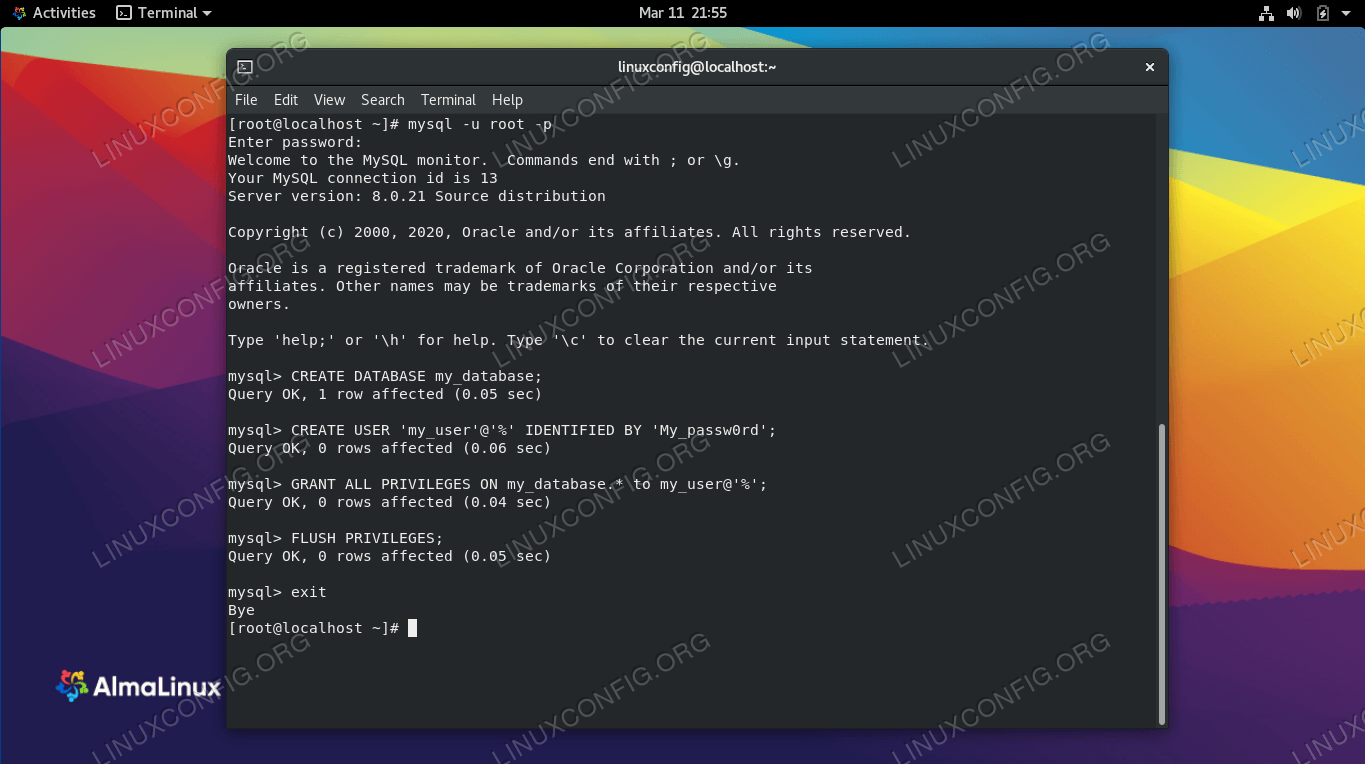
Centos 7 Install Mysql Default Password Lasopasix

Check The MySQL Default Password 9to5Tutorial
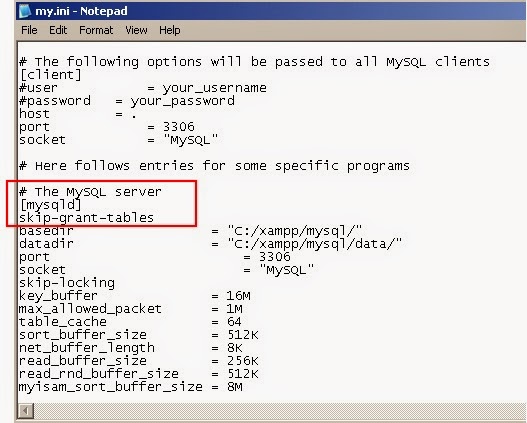
Resetting MySQL Default Root Password

How To Reset Root User Password On CentOS 8 Resetting A Forgotten
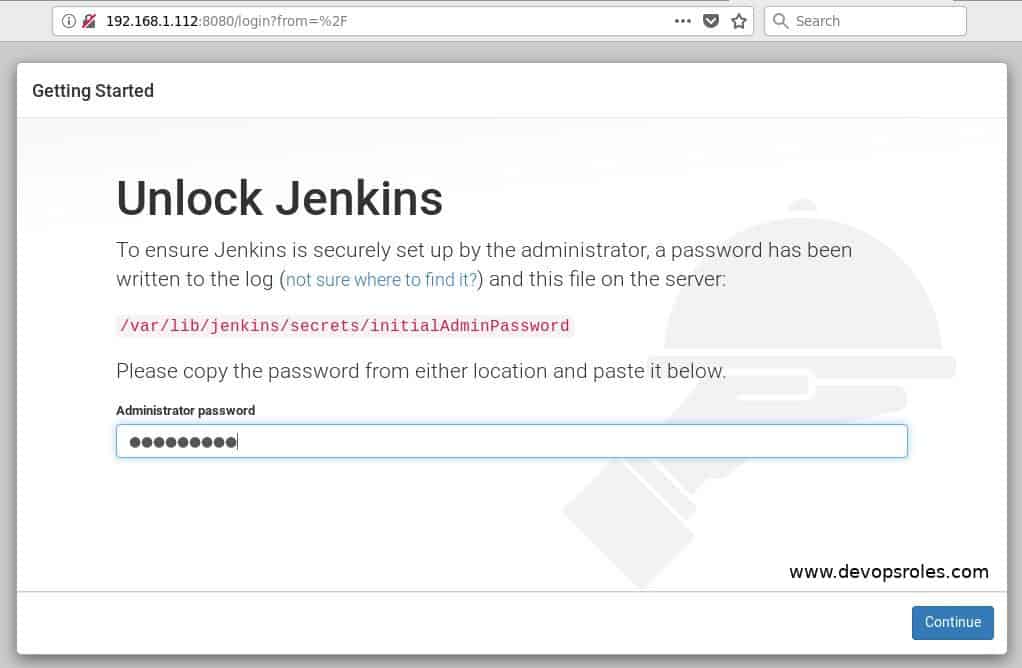
How To Install Jenkins On Centos 7 DevopsRoles Better 2023
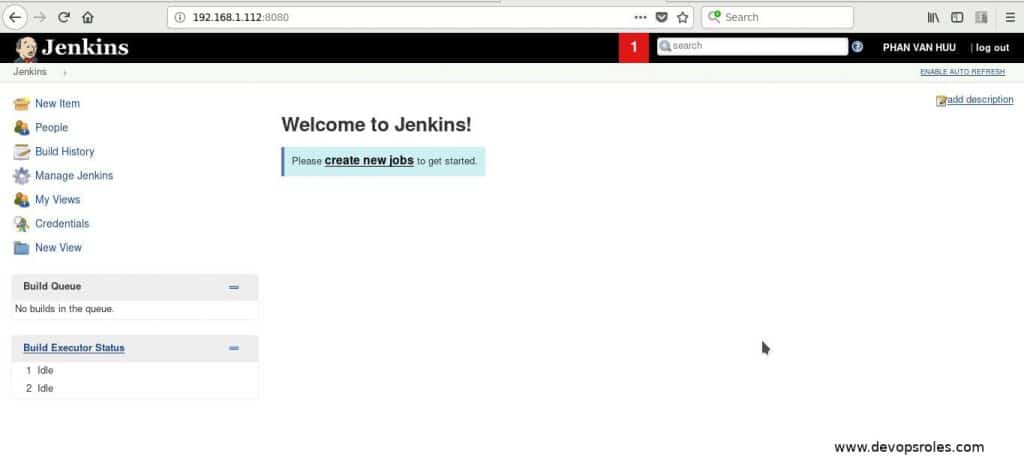
How To Install Jenkins On Centos 7 DevopsRoles Better 2023

328 What version of mySQL are you using I m using 5 7 10 and had the same problem with logging on as root There is 2 issues why can t I log in as root to start with and why can I not use mysqld safe to start mySQL to reset the root password

2 run mysql command use mysql 3 run mysql command update user set authentication string password NEWPASSWORD where user root 4 run mysql command flush privileges 5 run mysql command quit 6 Now you can connect without password with

If you assigned a root password previously but have forgotten it you can assign a new password The following sections provide instructions for Windows and Unix and Unix like systems as well as generic instructions that apply to any system B 3 3 2 1 Resetting the Root Password Windows Systems

4 Answers Sorted by 8 I had the same problem Looks like they changed the initial authentication steps with the new version Instructions are given here
Login into MySQL to connect At the MariaDB prompt change the root password by running the commands below Replace the NEWSTRONGPASSWORD with your chosen new strong password UPDATE mysql user SET Password password NEWSTRONGPASSWORD WHERE User root At the MariaDB prompt run the following commands
The initial root password on install can be found by running grep temporary password var log mysqld log stop mysql service systemctl stop mysqld Change mysql environment option systemctl set environment MYSQLD OPTS skip grant tables Start mysql with above option enabled systemctl start mysqld Login as root mysql u root Watch on Step 1 Checking the version of Database Server root server mysql version mysql Ver 15 1 Distrib 5 5 52 MariaDB for Linux x86 64 using readline 5 1 Step 2 Stopping the Database Server root server sudo systemctl stop mariadb FOR MARIADB root server sudo systemctl stop mysql FOR MYSQL
7 I used mysql 5 7 16 community and centos 7 I m following a video tutorial to install mysql wget http dev mysql get mysql57 community release el7 9 noarch rpm yum localinstall dev mysql get mysql57 community release el7 9 noarch rpm yum repolist enabled grep mysql community yum install mysql community server