Microsoft Word Ocr Pdf Image PDF To Word OCR Converter Convert Scanned PDF Files And Scanned EePDF PDF To Word OCR Converter Scanned PDF To DOC OCR Converter MICR And OCR Explained Handwriting Recognition In Detail YouTube 11 Free OCR Software To Convert PDF Into Editable Word Text Can Microsoft Word Do OCR Quora Microsoft s Read OCR engine is composed of multiple advanced machine learning based models supporting global languages It can extract printed and handwritten text including mixed languages and writing styles Read is available as cloud service and on premises container for deployment flexibility
Office Lens trims enhances and makes pictures of whiteboards and docs readable You can use Office Lens to convert images to PDF Word and PowerPoint files and you can even save images to OneNote or OneDrive Office Lens is like having a scanner in your pocket Like magic it will digitize notes from whiteboards or blackboards Always find important documents or business cards Sketch your How to Use the Smallpdf Online OCR Tool Open the online OCR tool Drag your file into the drop area Choose the output format Pick the option to convert with OCR Wait for the software to process your file Download the editable document How to use Smallpdf to run OCR and extract content from your files into an editable document
Can Microsoft Word Do OCR Quora Free PDF To OCR Word Converter Zuum Soft Converting Images Of Text To Editable Format The DAISY Consortium Ocr Scanner App Lulizoo Pdf word Ocr Thereco Convert Scanned PDF To Word Free Online PDF To Word OCR Converter Camfive Commercial Embroidery Machine Commercial Ocr How To Use OCR In Microsoft Office 2007 2016 YouTube PDF To XML OCR Converter Does Convert PDF Files To XML Files Best PDF
Microsoft Word Ocr Pdf
 Microsoft Word Ocr Pdf
https://eepdf.com/img/image-pdf-to-word-ocr.jpg
Office Lens is a great way to capture notes and information from whiteboards menus signs handwritten memos or anything with a lot of text You don t need to jot down notes rely on blurry images or worry about misplacing anything It s great for capturing sketches drawings and equations too and even images without text
Templates are pre-designed files or files that can be used for numerous purposes. They can conserve time and effort by offering a ready-made format and layout for creating various type of content. Templates can be utilized for personal or professional jobs, such as resumes, invitations, leaflets, newsletters, reports, presentations, and more.
Microsoft Word Ocr Pdf

Mini Scan To Word OCR Converter Latest Version Get Best Windows Software
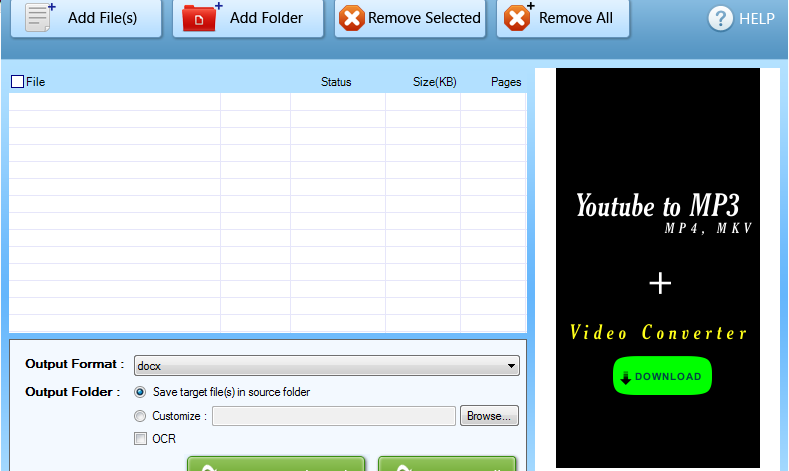
Free PDF To OCR Word Converter Zuum Soft

Converting Images Of Text To Editable Format The DAISY Consortium
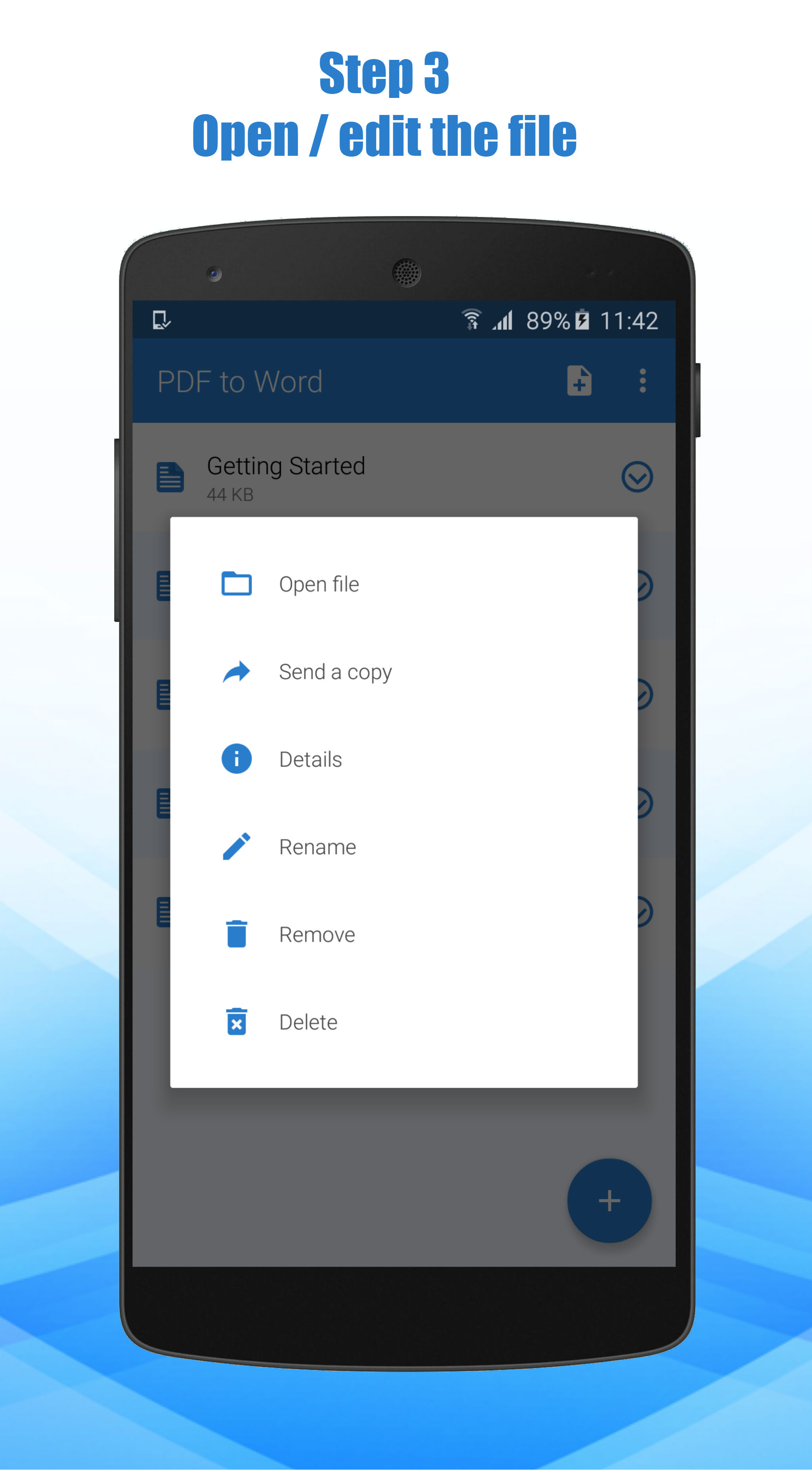
Ocr Scanner App Lulizoo

Convert Scanned PDF To Word Free Online PDF To Word OCR Converter

Camfive Commercial Embroidery Machine Commercial Ocr

Step 1 From the Microsoft lens OCR navigate over the selector dial above the shutter button and select Document Then point the camera on your iDevice towards the document with as clear of a shot of the text as possible and watch carefully as Office lens OCR frames the document

The best way to scan a document into Microsoft Word is to use our free Office Lens app on your smartphone or tablet It uses your device s camera to capture the document and can save directly into Word format as an editable document It s available for free on iPad iPhone Windows Phone and Android

1 STEP Upload file SELECT FILE 2 STEP Select language 3 STEP Convert Max file size 15 mb Advertisement Use PDF to Word service You may convert PDF to Word online without installation on your PC Extract text and characters from PDF scanned documents photographs and digital camera captured images Convert PDF to Doc

4 1 1 Installing OCR Language Packs for OneNote 4 2 2 Installing OCR Language Packs for MODI Getting Started Microsoft Office OCR Options How to use OCR in Microsoft Office 2007 2016 Watch on MS Office does OCR in two ways Using OneNote
How to query for OCR language packs To return the list of all supported language packs open PowerShell as an Administrator right click then select Run as Administrator and enter the following command PowerShell Get WindowsCapability Online Where Object Name Like Language OCR An example output
Document analysis Detects and extracts text and layout of documents like tables check boxes and objects Learn more Prebuilt These are pretrained models for common scenarios such as IDs receipts and invoices that extract text key value pairs and line items from documents Learn more Custom OCR with Windows Microsoft Office This tutorial will teach you how to take a pdf or other image based file and use software on your computer to extract text from the image Step 1 Open the file For this tutorial I ll be using a pdf however this method will work on other file types as well
This free online PDF converter allows you to convert PDF to Microsoft Word documents Edit PDF documents by extracting the text and opening it as a Microsoft Word document DOCX This free OCR converter can convert your scans and other PDFs and make them editable Convert to Drop Files here Choose File Start Add sample file