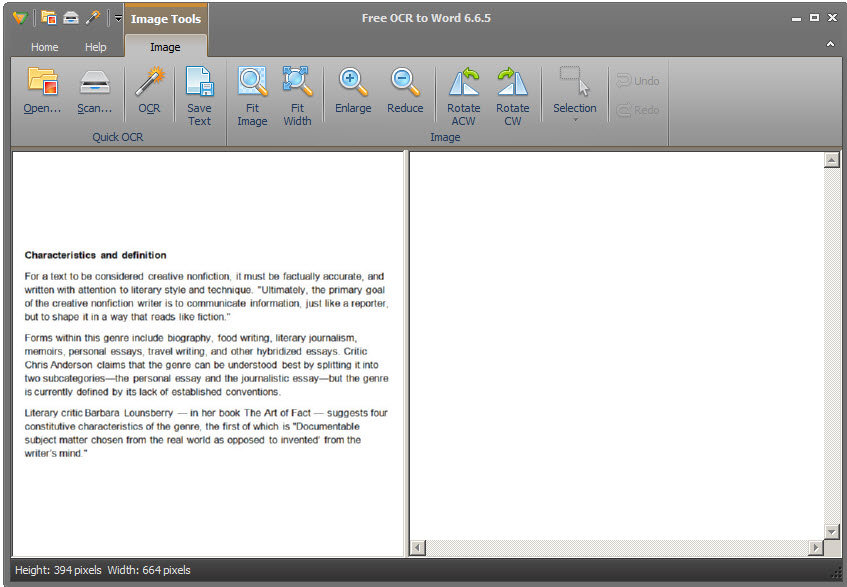
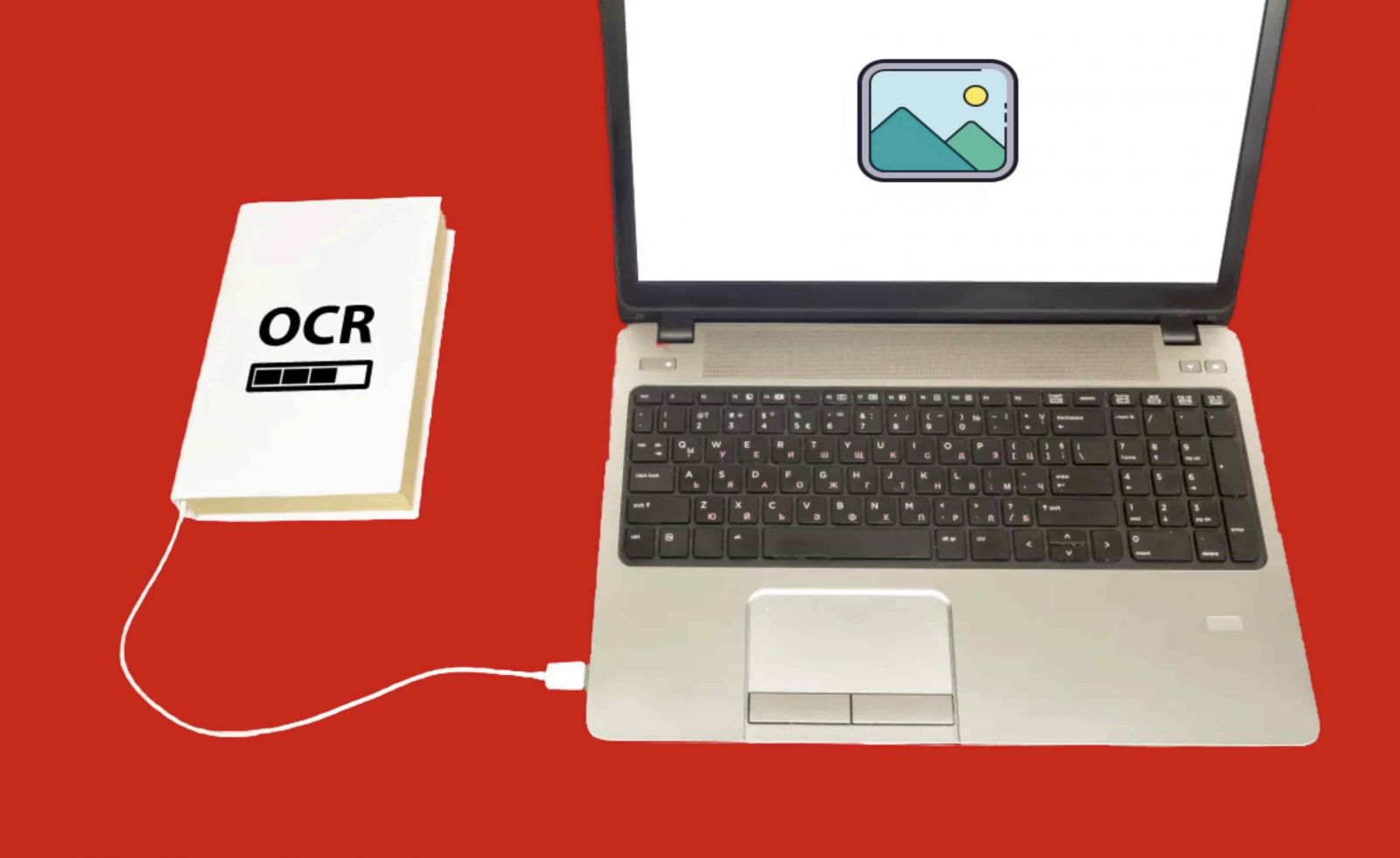
Can Word Ocr A Pdf Free OCR To Word Review PerfectGeeks Convert Pdf To Text Ocr Secondryte All About OCR Veqta Academy Killonovo blogg se Adobe Ocr Software That Reads Numbers From Photos How To Extract Text From Images OCR Free OCR To Word Extract Adobe Acrobat Export PDF supports optical character recognition or OCR when you convert a PDF file to Word doc and docx Excel xlsx or RTF rich text format OCR is the conversion of images of text scanned text into editable characters so that you can search correct and copy the text
Open the online OCR tool Drag your file into the drop area Choose the output format Pick the option to convert with OCR Wait for the software to process your file Download the editable document How to use Smallpdf to run OCR and extract content from your files into an editable document ILoveOCR is browser based and works for all platforms There is no need to download and install any software iLoveOCR is an online ocr for Scanned Documents and Images into Editable Word Pdf Excel ePub and Text output formats Image to Text free and easy
How To Extract Text From Images OCR Free OCR To Word Extract Easy Practical How To Convert PDF To Word With OCR Ocr Tool In Word Seattlemokasin How To Convert PDF To Word Without Software Online OCR 100 FREE Image scanned PDF To Word Conversion With The Mini PDF To Word OCR Online OCR Convert Scanned PDFs To Word Or Image To Text PDF To Word OCR For Mac 6 0 PDF Word HiPDF Online OCR Converter Your Best Choice PDF To Word OCR 6 2 1 Fix Crack Minorpatch Mac Apps Free Share
Can Word Ocr A Pdf
 Can Word Ocr A Pdf
https://perfectgeeks.com/wp-content/uploads/2016/06/free-ocr-to-word-11-lv2-2.jpg
To open a PDF file without converting it to a Word document open the file directly wherever it s stored for example double click the PDF file in your Documents folder However if you want to edit the PDF file go ahead and open it in Word Word makes a copy of the PDF converting it to a Word document and attempting to match layout of the
Templates are pre-designed documents or files that can be utilized for different purposes. They can conserve time and effort by providing a ready-made format and layout for developing various type of content. Templates can be used for individual or professional jobs, such as resumes, invites, flyers, newsletters, reports, discussions, and more.
Can Word Ocr A Pdf
8 Best OCR Image Software 2020 OCR Image To Text
Easy Practical How To Convert PDF To Word With OCR

Ocr Tool In Word Seattlemokasin
How To Convert PDF To Word Without Software Online OCR 100 FREE

Online OCR Convert Scanned PDFs To Word Or Image To Text
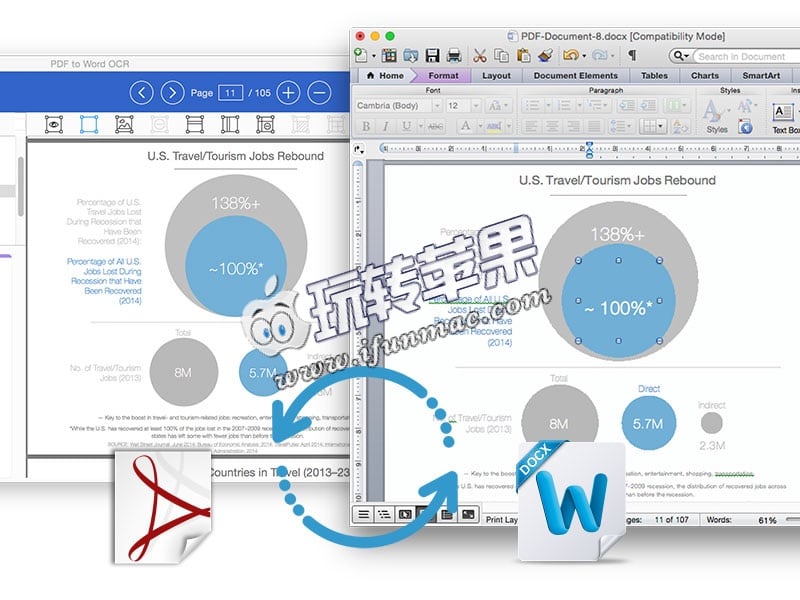
PDF To Word OCR For Mac 6 0 PDF Word

In Word 2016 opening a pdf converts in a manner of speaking to an embedded image but the actual text is not editable and the entire doc is saved as a word doc there is no OCR in the accepted common meaning performed OCR is commonly interpreted as converting a file usually an image that results in a doc that the actual text can be edited
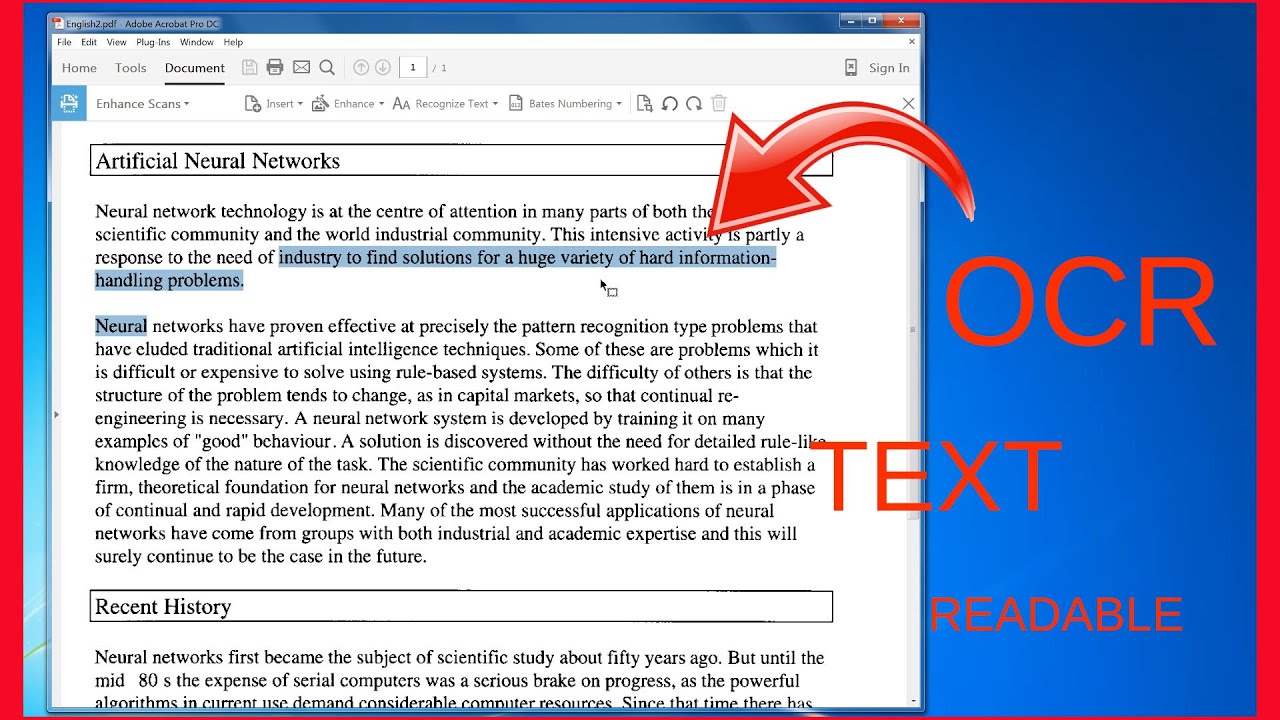
Acrobat automatically applies optical character recognition OCR to your document and converts it to a fully editable copy of your PDF Click the text element you wish to edit and start typing New text matches the look of the original fonts in your scanned image Choose File Save As and type a new name for your editable document

OCR settings You can modify several settings to control the OCR process You can save as PDF A remove artefacts and noise deskew pages set meta information and join to a single output file

To get the text from the image follow these steps to apply OCR Open a PDF file containing a scanned image in Adobe Acrobat for Mac or PC Click the Edit PDF tool in the right pane Acrobat automatically applies OCR to your document and converts it to a fully editable copy of your PDF Click the text element you wish to edit and start typing
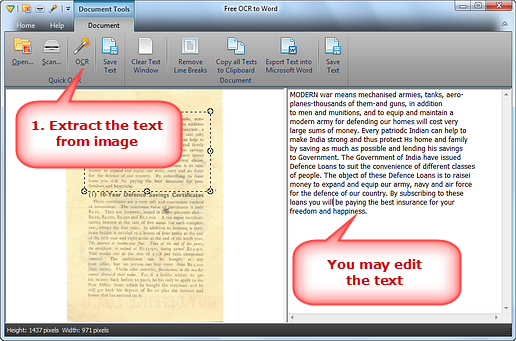
Convert download Click the Recognize button and then download your file with the recognized text Convertio OCR Easy tool to convert scanned documents into editable Word Pdf Excel and Text output formats No download required
OCR Web Service allows you to Convert image to text or extract text and characters from scanned PDFs or images Service includes Zonal OCR to extract specifically zoned text from image Convert OCRed results directly to editable formats including Adobe PDF Microsoft Word Excel Rtf and Txt Get extracted text or converted file and send to To inspect the accuracy of the OCR process open the PDF document select all text Ctrl A and copy paste it into a text file Higher resolution documents consistently lead to better results Don t compress your scans before running the OCR process Unfortunately we can t guarantee 100 accuracy on the recognized text this is a best effort
Save the image as a standard image format such as JPG PNG or GIF Place it in a folder you can access on your computer In Word place your cursor where you would like to insert the scanned image and on the Insert tab of the Ribbon click Pictures Select your scanned picture from the dialog box and click Insert