Linux Check Installed Software Version How To Check Version Of Software Installed In Linux Systran Box How To Check Installed Software In Ubuntu Terminal Linux Console Command Version Posetke How To Check The Version Of VMware Tools Installed In Linux Systran Box How To Check Linux Version Linux Tutorials Learn Linux Configuration Web Mar 21 2021 nbsp 0183 32 apt get V s upgrade apt cache The option policy can show the installed and the remote version install candidate of a package apt cache policy lt package gt apt
Web In this guide we have explored various methods to check the versions of software and packages commonly used in Linux By using the provided commands you can quickly Web Sep 18 2011 nbsp 0183 32 pacman based distributions Arch Linux etc pacman Q Cygwin cygcheck check setup dump only Slackware slapt get installed All of these
How To Check Linux Version Linux Tutorials Learn Linux Configuration ZFS RAIDZ2 Achieving 157 GB s Linux Version How To Check Your Linux Version IONOS How To Check Installed Software In Windows 10 Using Cmd Blackwood How To Check Installed Software In Windows 10 Using Cmd Blackwood qu Windows Tengo Desc brelo Ionos Find Os Version From Command Line How To Check Version Of Installed Package On Ubuntu And Debian How To Check Nginx Version On Linux Linux Tutorials Learn Linux Windows Terminal Install Command Sasfire
Linux Check Installed Software Version
 Linux Check Installed Software Version
https://syscdn.systranbox.com/1661358446357.jpg
Web Aug 29 2006 nbsp 0183 32 Type the following command to get list of all installed software pkg info less pkg info apache Use pkg version command to summarizes the versions of all
Templates are pre-designed files or files that can be used for various functions. They can save effort and time by providing a ready-made format and design for creating different kinds of material. Templates can be used for individual or expert tasks, such as resumes, invitations, leaflets, newsletters, reports, presentations, and more.
Linux Check Installed Software Version

Linux Get Library Version

ZFS RAIDZ2 Achieving 157 GB s
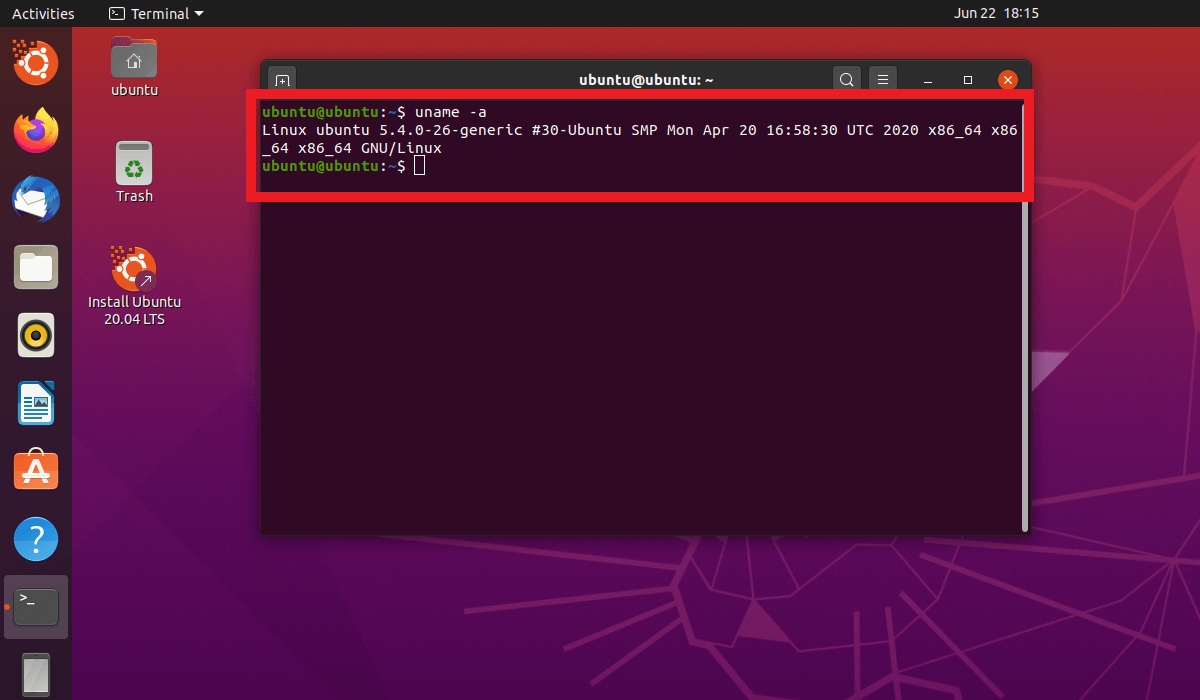
Linux Version How To Check Your Linux Version IONOS

How To Check Installed Software In Windows 10 Using Cmd Blackwood

qu Windows Tengo Desc brelo Ionos Find Os Version From Command Line

How To Check Version Of Installed Package On Ubuntu And Debian

Web Feb 6 2013 nbsp 0183 32 You can use dpkg to get that info dpkg l mysql server grep E quot ii quot tr s cut d f3 This will give you the installed version of the mysql server package If a

Web Mar 30 2014 nbsp 0183 32 The below command also gives you the exact installed package version apt cache policy lt package name gt grep Installed cut d f2 Example apt cache
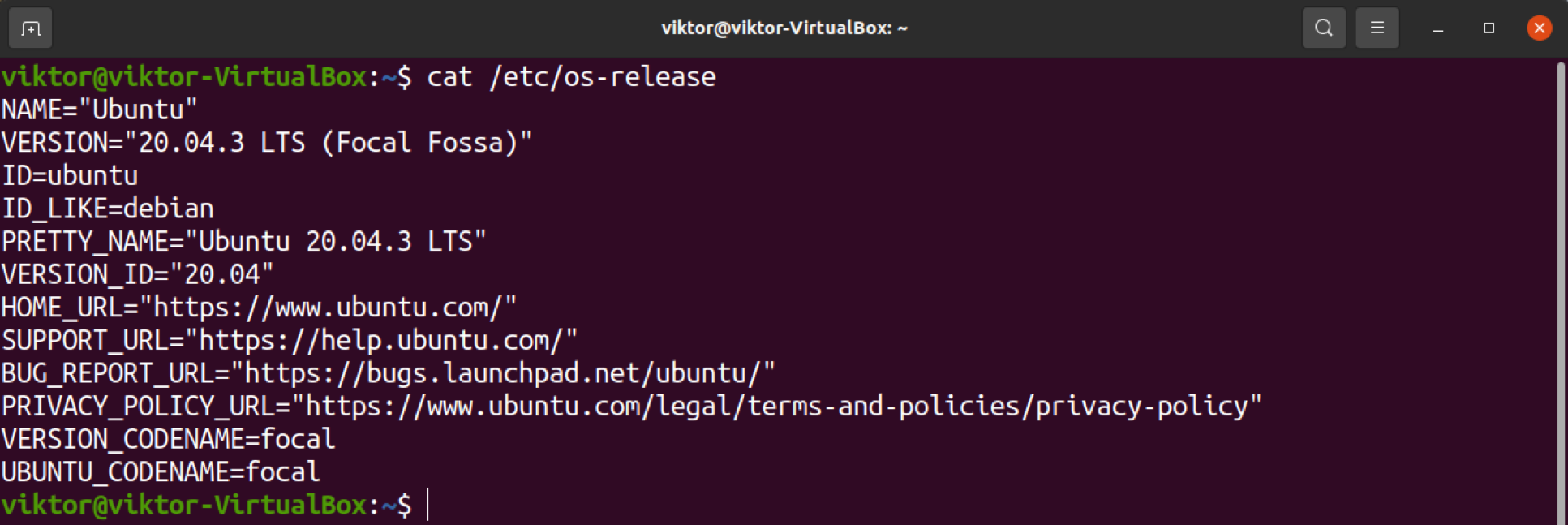
Web May 12 2020 nbsp 0183 32 How to check software versions on Ubuntu 20 04 from command line Apache version check apache2 v Bash version

Web May 23 2021 nbsp 0183 32 The apt command has an option list that you can use to check a version of the package installed on an Ubuntu or Debian system For example to check a version of

Web 5 Answers Sorted by 67 And there s always apt cache policy lt package name gt no sudo needed Not installed oli bert apt cache policy gnuift gnuift Installed none Candidate 0 1 14 11 Version table 0 1 14 11 0
Web Nov 14 2020 nbsp 0183 32 This article shows how to check what Linux distribution and version is installed on your system using the command line lsb release command The Web To find the version of an installed package open a terminal and enter the following command dpkg l grep package name Here replace package name with the name
Web Aug 25 2011 nbsp 0183 32 9 Answers Sorted by 98 You can use which fluidpoint to see where it is executing from if it s in your PATH Or find name fluidpoint 2 gt dev null to look for a