How To Check Installed Software Component Version In Sap How To Check Installed Software In Ubuntu Terminal SAP Sap NetWeaver SAP I m Running How To Check Installed Driver Version In Windows 11 10 How To Check If An Input Is Empty With CSS How To Check Connectivity Between Two Servers Domtor To look up the version of your system go to More System Status SAP System Data Installed Product Versions This will tell you the product name How to find your S 4HANA product version in the system stack information Technical folks may be more interested in the S4CORE Component version which can be found nearby
How can I check the installed component versions of SAP HANA COCKPIT 2 0 from console Read more SAP HANA 1 0 SAP HANA 2 0 SAP HANA Cockpit 2 0 SAP HANA 1 0 platform edition SAP HANA platform edition 2 0 KBA HAN CPT CPT2 SAP HANA Cockpit version 2 based on XSA How To This is a preview of a SAP Knowledge Base Article Each support package stack has a leading software component version The support package level of this particular component version is a key part of the stack and a unique identifier for the support package stack level SAP NetWeaver SAP ERP SAP S 4HANA SAP CRM SAP SCM SAP Solution Manager SAP SRM
How To Check Connectivity Between Two Servers Domtor How To Check Access Bank Account Balance qu Windows Tengo Desc brelo Ionos Find Os Version From Command Line eBook 16 Tips How To Check Website Traffic Plerdy How To Check Your Computer Specs Find Your Cpu Gpu Motherboard Ram Vrogue How To Check GST Application Status 2023 Guide How To Check If Your Iphone Is Infected Strobel Exproning How To Check If Passport Chip Works Adventures Pedia Javascript Checkbox How To Check If A Check Box Is Checked Or Not
How To Check Installed Software Component Version In Sap
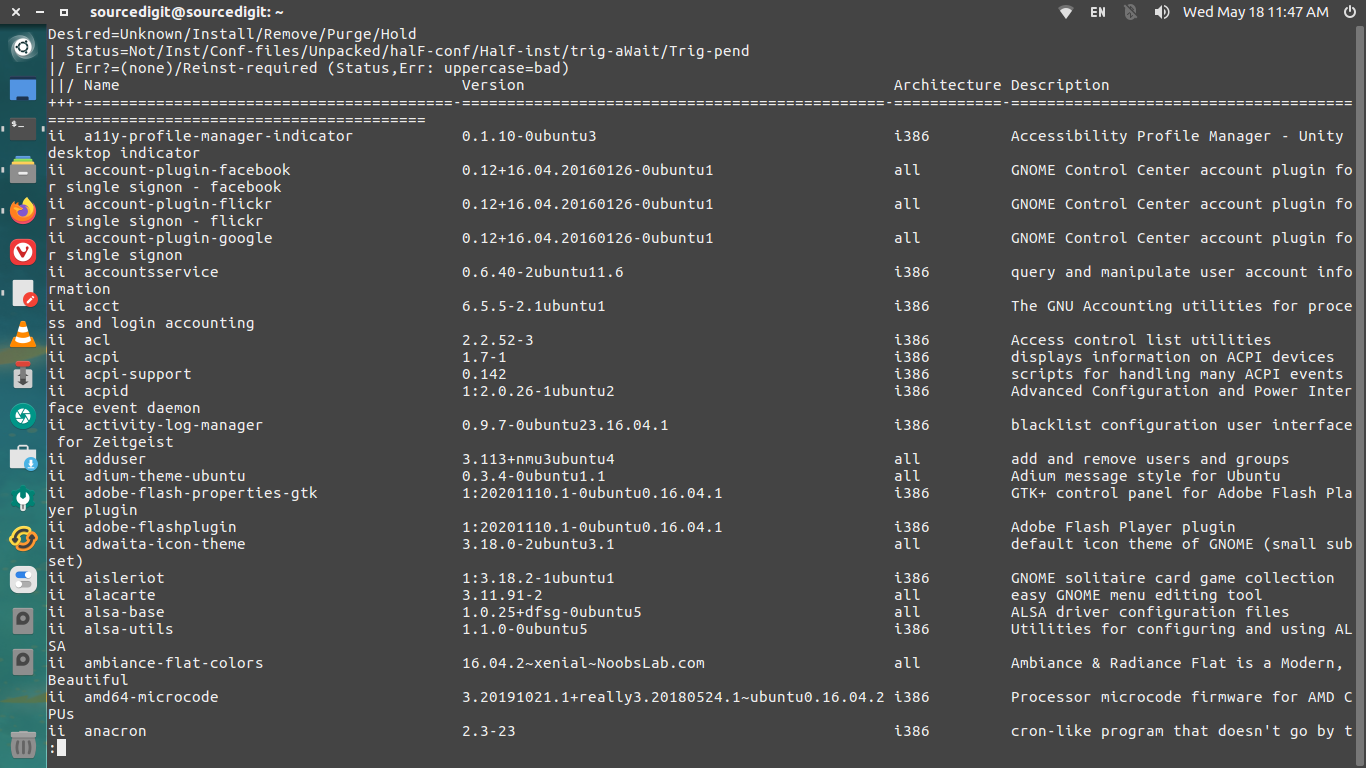 How To Check Installed Software Component Version In Sap
https://sourcedigit.com/wp-content/uploads/2022/05/dpkg-ubuntu.png
SAP Solution Manager 7 1 SAP Solution Manager 7 2 Keywords LM Service software component System information version LM Service version KBA SV SMG MON ALR PRA Metric Event Provider in Diagnostics Agent SV SMG MON ALR Monitoring Alerting Reporting Infrastructure SV SMG DIA WLY Solution Manager Introscope Integration SV
Pre-crafted templates provide a time-saving option for producing a diverse series of documents and files. These pre-designed formats and designs can be made use of for different individual and expert tasks, including resumes, invites, leaflets, newsletters, reports, discussions, and more, streamlining the content production process.
How To Check Installed Software Component Version In Sap
How to check or verify file integrity Scripting Library

How To Check Access Bank Account Balance

qu Windows Tengo Desc brelo Ionos Find Os Version From Command Line

eBook 16 Tips How To Check Website Traffic Plerdy

How To Check GST Application Status 2023 Guide
How To Check If Your Iphone Is Infected Strobel Exproning

Visit SAP Support Portal s SAP Notes and KBA Search The Installed Software Component Versions and Installed Product Versions in an ABAP system can be found in system status as shown below You may find the following mismatches between them Addon components are installed but the relevant products details are missin

SAP Knowledge Base Article Preview How to get the complete list of software components on your NetWeaver Application Server Java You want to check the current versions installed for all the software components of a NetWeaver Application Server Java AS Java installation SAP NetWeaver Application Server Java SAP Enterprise Portal

The most simple way of getting installation component information is by using the menu System Status Then click on the Status details button The system status details cannot be downloaded To download the installed software table you can use function module OCS GET INSTALLED SWPRODUCTS

To look up the version of your system go to More System Status SAP System Data Installed Product Versions This will tell you the product name Technical folks may be more interested in the S4CORE Component version which can be found nearby More System Status SAP System Data Installed Software Component Versions

This video shows you 3 ways to check Release Number Version and Support Package SP Level of each Software Component in the SAP System Chapters00 00 Intro
Visit SAP Support Portal s SAP Notes and KBA Search This document will describe the general methods on how to determine the current version of the SAP BusinessObjects products which are installed on a system Since each product may be different this article will provide all of the various methods in supported Windows SAP Knowledge Base Article Preview How to check SP Support Packages Levels for ESS and MSS In the Correction SAP Note the details of the validity and compare the Software Component can be found Release and Support Package level under Title Support Packages Patches
Start Menu SAP MaxDB Installation Manager Show SAP MaxDB Installations to display information about the installed software components their versions and their storage directories The installed software contains other tools which you can use to display more information All Programs SAP MaxDB Database Studio to call the SAP