Iphone 12 Pro Camera Settings IPhone 12 Pro Camera Review What It Can Do And How To Use It IPhone 12 Pro CAMERA TEST Is This The BEST Camera Of 2020 Blog IPhone 12 Pro Globe trotting Photog s Camera Review Shows Power Of IPhone 12 Pro Max How To Improve Photo And Video Composition Without Cropping On IPhone Apple iPhone 12 Pro Change device Camera Video Settings Manage camera and video settings including timer flash filters and camera modes INSTRUCTIONS INFO In this tutorial you will learn how to Set a timer Turn the flash on or off Access camera modes Select a filter Turn live photos on or off Adjust additional camera settings
Capture steadier video with Action mode Open the Camera app and swipe to Video mode Tap the button to turn on Action mode Tap the Shutter button and record your video Get Apple iPhone 12 Pro support for the topic Camera Video Settings Find more step by step device tutorials on att Find a store Ver en espa ol Skip Navigation Menu Deals Wireless Internet Accessories Prepaid Business From the Camera settings scroll to and select the
How To Improve Photo And Video Composition Without Cropping On IPhone IPhone 12 Pro Camera Review 2022 Apple IPhone 12 Pro Camera Review Camera Jabber Iphone12 Pro Camera Lens Protector S 2021 Autumn And Winter New IPhone 13 Pro Vs IPhone 12 Pro CAMERA SHOOTOUT YouTube Iphone 13 13pro iphone 12 12pro IPhone 12 Pro The Six Most Important Things You Need To Know New IPhone 11 Pro Camera IPhone 11 Pro Camera Specs Video Subtitle Pro Camera Camera Settings Drone Photography Dji
Iphone 12 Pro Camera Settings
 Iphone 12 Pro Camera Settings
https://backlightblog.com/images/2021/06/iphone-12-pro-camera-review-header.jpeg
You can also use Portrait Mode with the front facing camera on iPad Pro 11 inch all generations and iPad Pro 12 9 inch 3rd generation and later To use Portrait mode open the Camera app and swipe to Portrait mode Move farther away from your subject if the app suggests it When the Depth Effect box turns yellow take the picture
Pre-crafted templates offer a time-saving service for creating a varied variety of documents and files. These pre-designed formats and designs can be used for various personal and expert jobs, including resumes, invitations, flyers, newsletters, reports, presentations, and more, enhancing the material creation process.
Iphone 12 Pro Camera Settings
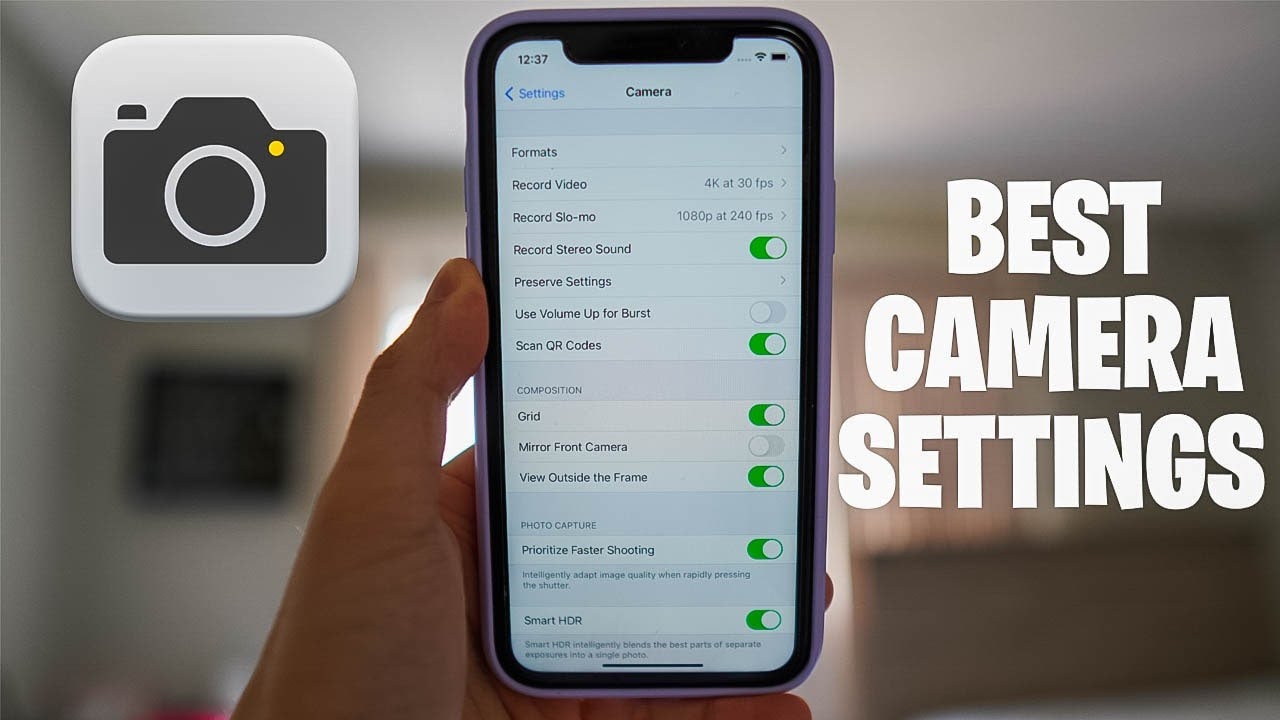
The BEST IPhone Camera Settings In 2022 SUPER HIGH QUALITY YouTube
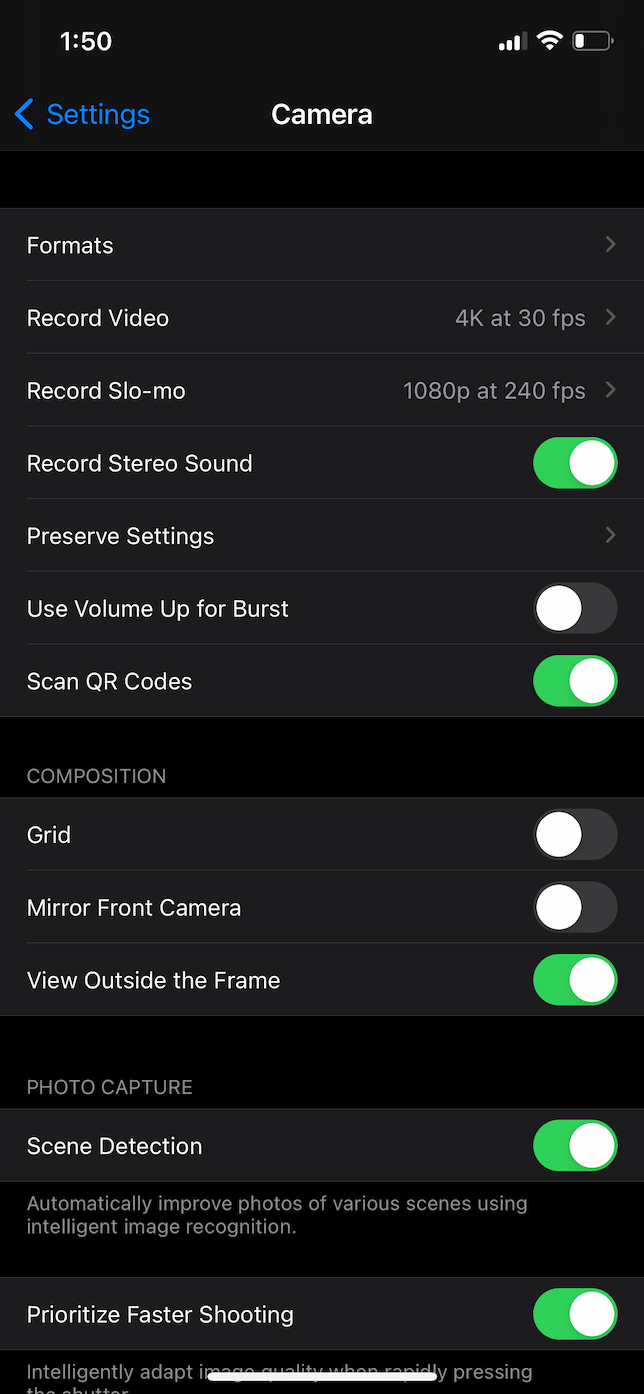
IPhone 12 Pro Camera Review 2022
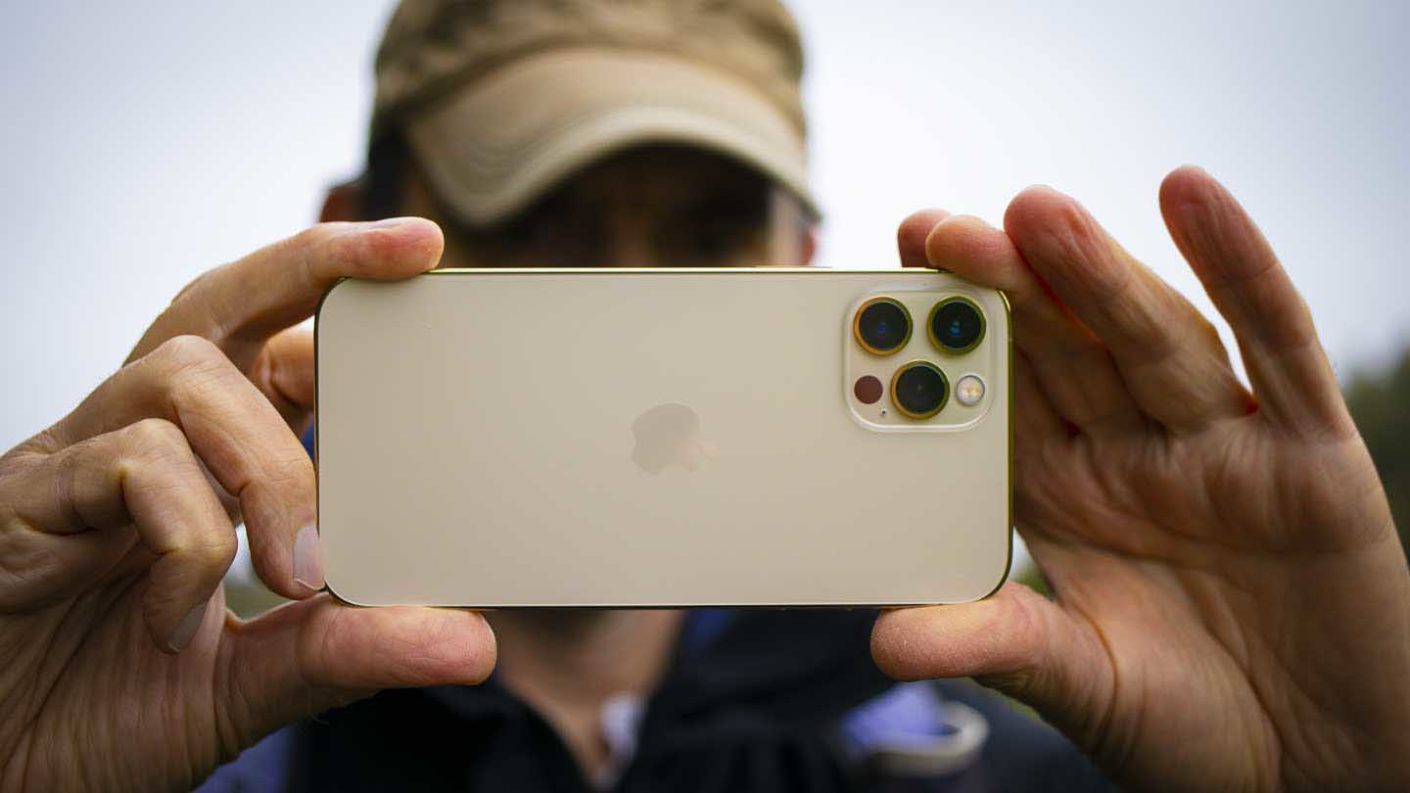
Apple IPhone 12 Pro Camera Review Camera Jabber

Iphone12 Pro Camera Lens Protector S 2021 Autumn And Winter New

Iphone 13 13pro iphone 12 12pro
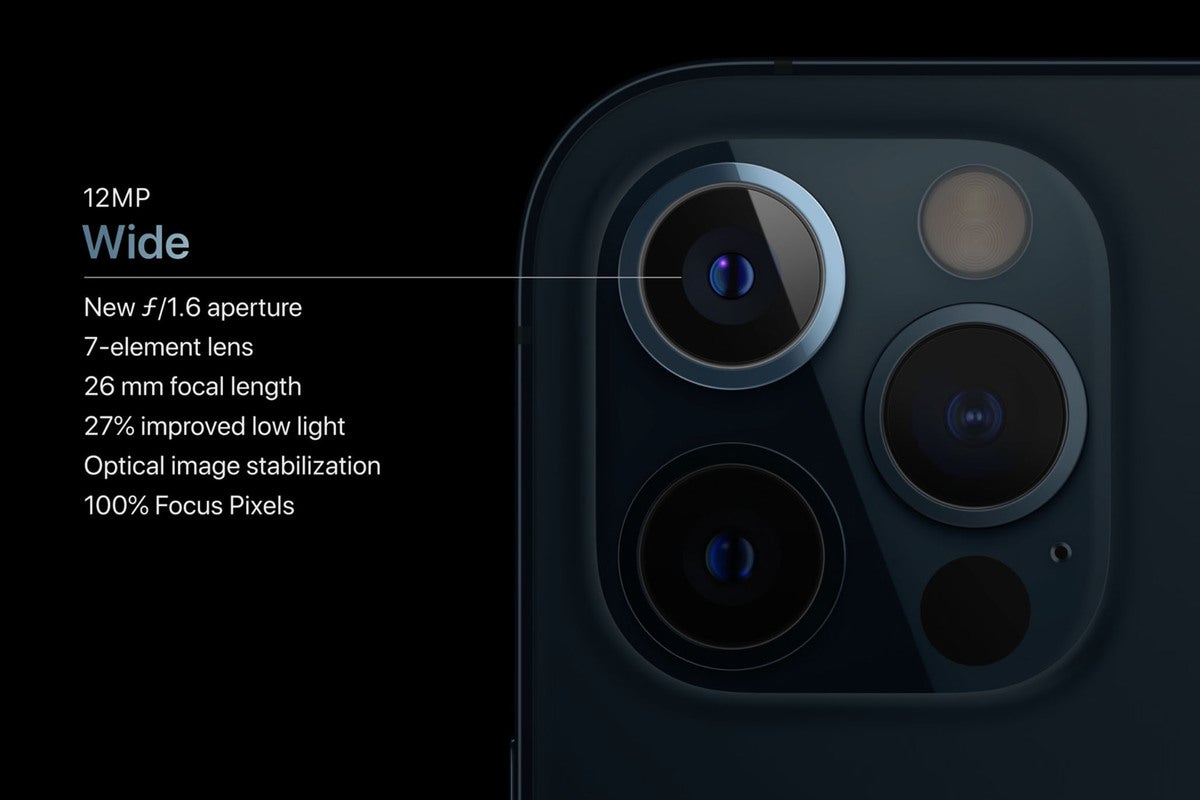
IPhone 12 Pro The Six Most Important Things You Need To Know

The Camera app on iPhone 12 and iPhone 12 Pro has been updated to take advantage of Apple s newest features such as night mode portraits and Dolby Vision HDR recording Here s how to best

714K views 2 years ago This a tutorial on the Camera and the Photo Settings of the iPhone It was made for the iPhone 12 Pro Max Mini but it also refers to older iPhones iPhon

2 Navigate Photo Mode As seen on the iPhone 14 Pro Credit Lance Whitney Now open the Camera app to check out the different camera modes You ll be in Photo mode by default You can

Tap the Filters icon then select an option e g Original Vivid etc To switch to the front facing camera tap the Front facing Camera icon To switch to a different mode swipe the modes menu above the Take a Picture icon and choose any of the following The Take Picture icon may look slightly different based on the mode chosen Time Lapse
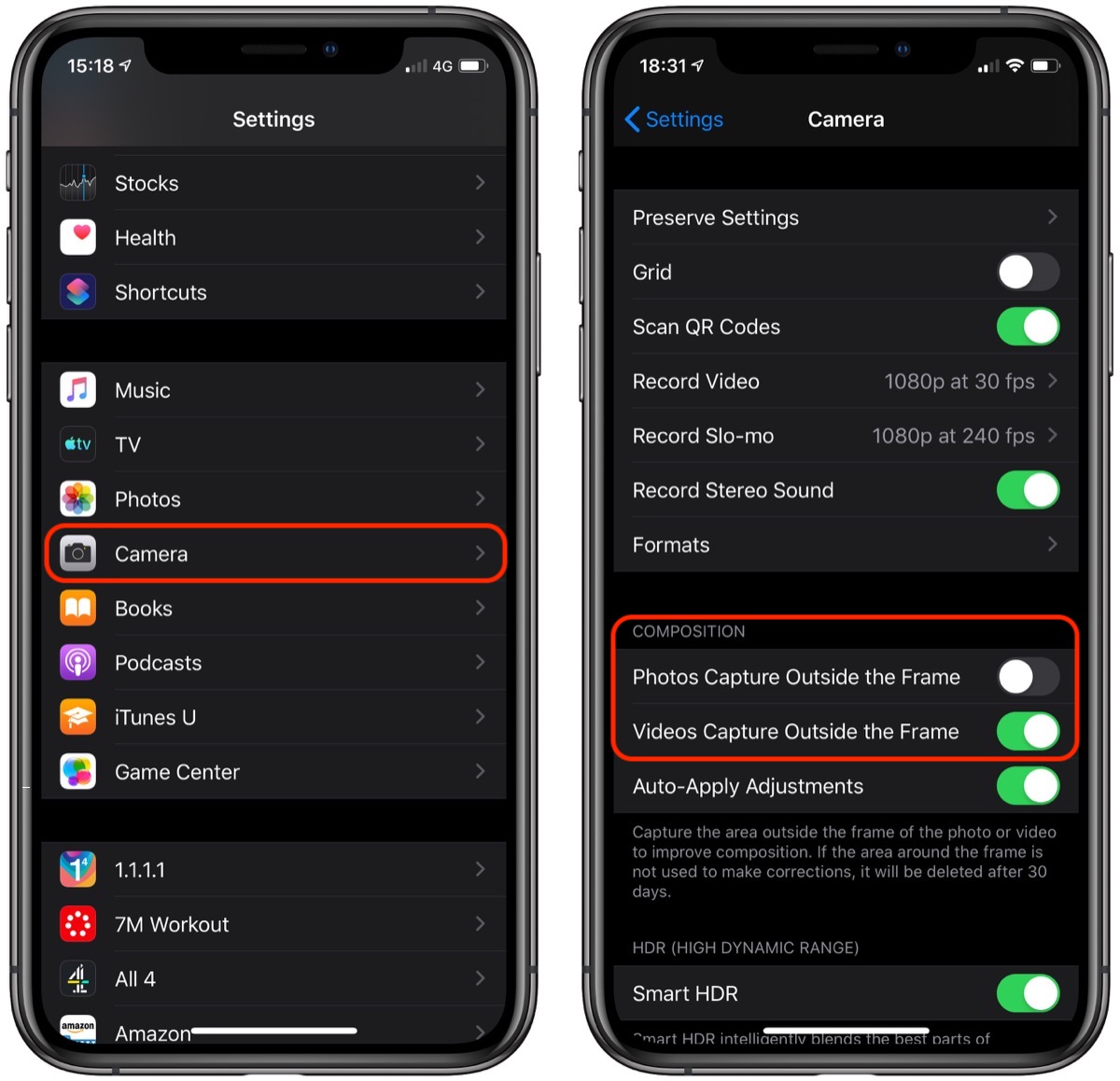
Taking manual control of settings like shutter speed ISO and white balance is helpful in those instances when the camera can be confused by a scene and you can t get the shot you want
Learn how to use the Camera on the iPhone 12 in this Complete Beginners Guide which covers Everything about the Camera on the iPhone 12 iPhone 12 Pro iPhon 6 Preserve Camera Settings When you capture a photo or record a video and close the app the Camera app opens on the default mode Photo This can be annoying because your creative controls are reset and you would have to adjust the aspect ratio light depth settings again iPhone however offers an option to enable or disable saving these features in the settings
Since iPhone 12 Pro Apple lets users capture images in ProRAW format directly in the Camera app For those unfamiliar a RAW photo is basically the original image captured from the sensor