Iphone 12 Pro Camera Settings Explained 6 Essential Camera Settings Explained For Beginners DJI Mini 3 Pro Camera Settings Explained For Beginners Droneblog How To Improve Photo And Video Composition Without Cropping On IPhone Camera Settings Explained Beginner Photography Camera Professional 10 Camera Settings Explained New Photographer Guide See Imagery Web Apple iPhone 12 Pro iPhone 12 Pro Max Common Camera Settings If you need to use the camera on your Apple 174 iPhone 174 12 Pro iPhone 12 Pro Max follow these step by step instructions For additional info on camera settings refer to the Camera section of the iPhone user guide From a Home screen tap Camera Do any of the following Tap the
Web Jan 7 2021 nbsp 0183 32 AppFind 571K subscribers Subscribe 93K views 2 years ago Learn how to use the Camera on the iPhone 12 in this Complete Beginners Guide which covers Everything about the Camera on the Web Turn live photos on or off Live Photos is enabled by default Live Photos record what happens 1 5 seconds before and after you take a picture To enable or disable Live Photos from the Camera app select the Live Photos icon Note Turn off
10 Camera Settings Explained New Photographer Guide See Imagery 26 Options Explained For Your Camera App Android VIP Club New IPhone 11 Pro Camera IPhone 11 Pro Camera Specs Video Subtitle Pro Camera Camera Settings Drone Photography Dji Apple IPhone 12 Pro Camera Review Camera Jabber IPhone 12 Pro Camera Review 2022 Camera Settings Explained ISO Aperture Shutter Speed YouTube 10 Camera Settings Explained New Photographer Guide See Imagery IPhone Camera Settings Explained Payette Forward
Iphone 12 Pro Camera Settings Explained
 Iphone 12 Pro Camera Settings Explained
https://multimediaphotoandvideo.com/wp-content/uploads/2021/06/Essential-Camera-Settings-Explained-for-Beginners.png
Web Chip A14 Bionic chip Next generation Neural Engine Camera Pro 12MP camera system Ultra Wide Wide and Telephoto cameras Ultra Wide 2 4 aperture and 120 176 field of view Wide 1 6 aperture
Templates are pre-designed documents or files that can be used for different functions. They can save effort and time by supplying a ready-made format and layout for creating various kinds of content. Templates can be used for personal or professional jobs, such as resumes, invites, leaflets, newsletters, reports, presentations, and more.
Iphone 12 Pro Camera Settings Explained

What Is ISO Camera Settings Explained Digital Trends
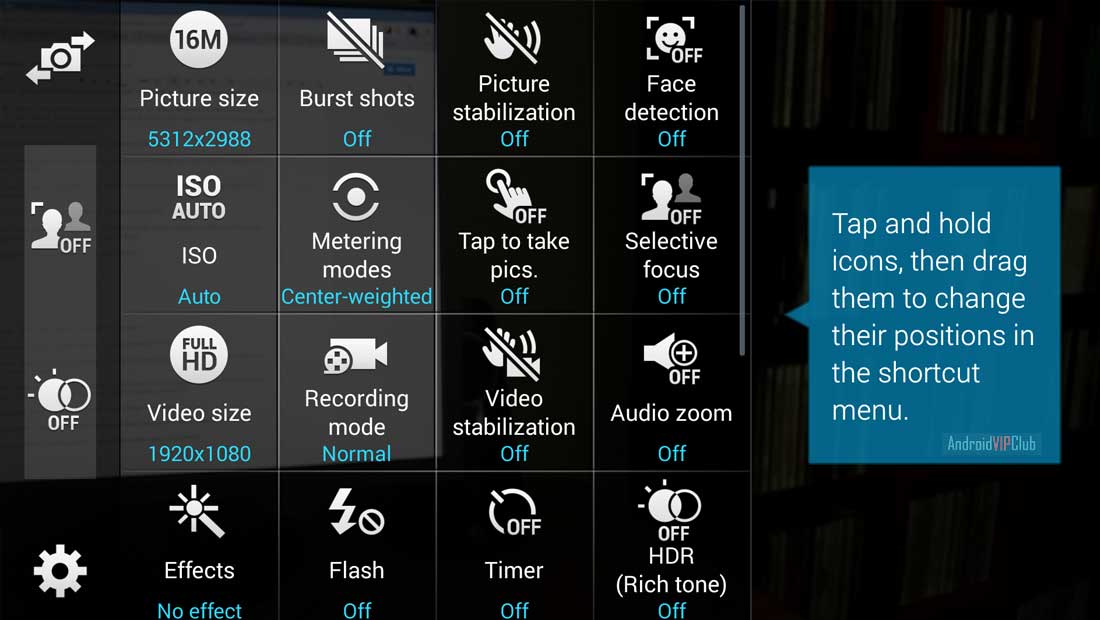
26 Options Explained For Your Camera App Android VIP Club

New IPhone 11 Pro Camera IPhone 11 Pro Camera Specs

Video Subtitle Pro Camera Camera Settings Drone Photography Dji
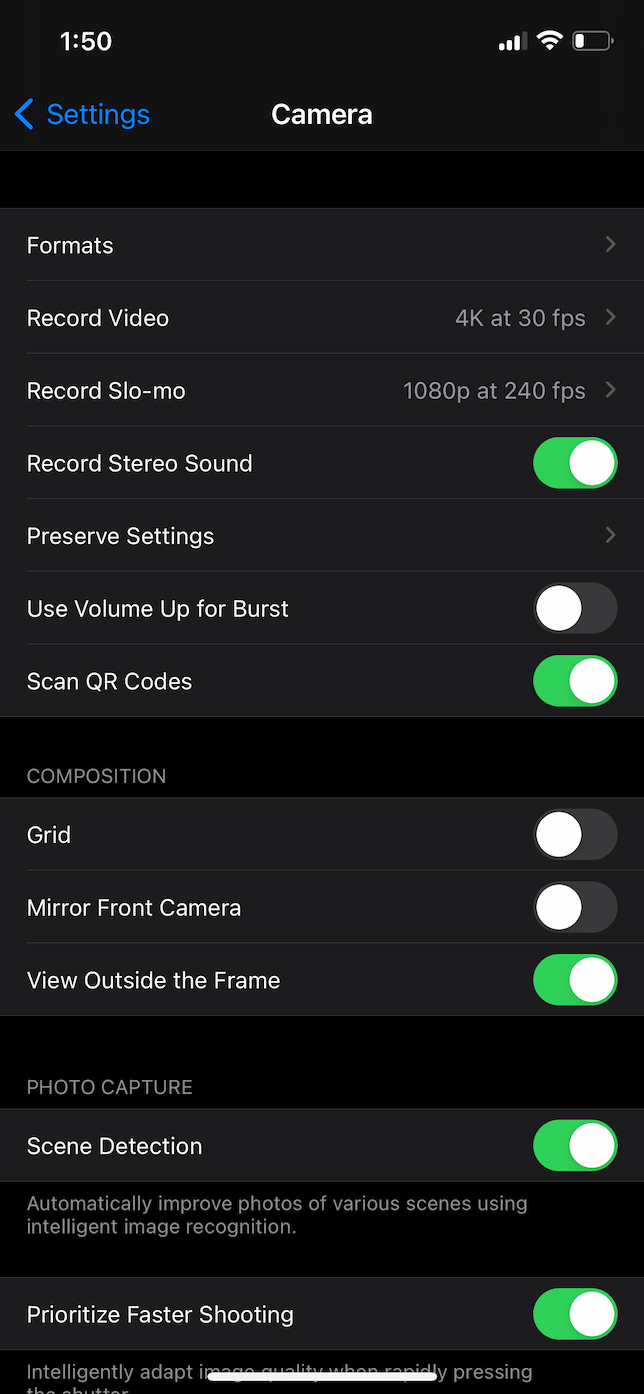
IPhone 12 Pro Camera Review 2022

Camera Settings Explained ISO Aperture Shutter Speed YouTube

Web Dec 26 2020 nbsp 0183 32 The Camera app on iPhone 12 and iPhone 12 Pro has been updated to take advantage of Apple s newest features such as night mode portraits and Dolby Vision HDR recording Here s how to best
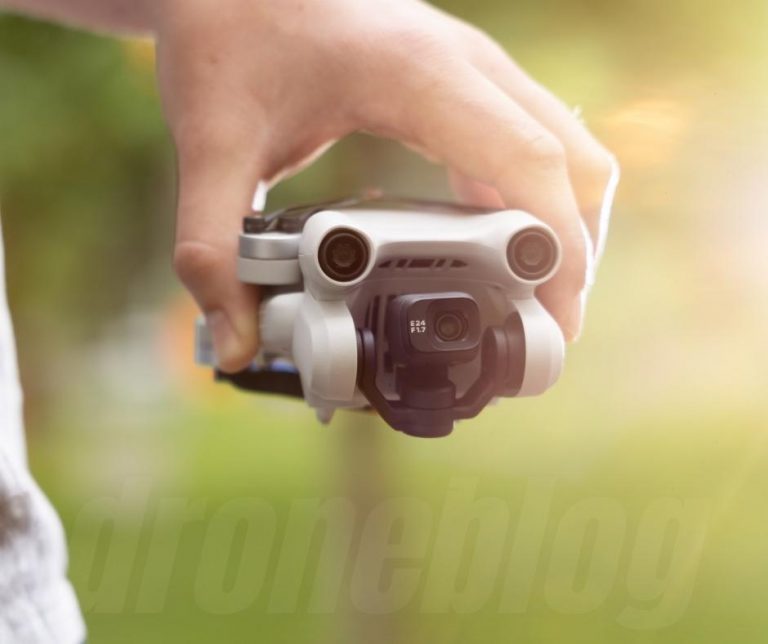
Web Feb 24 2023 nbsp 0183 32 About the Camera features on your iPhone Learn about Photographic Styles QuickTake Action mode the Ultra Wide camera and other camera features on your iPhone
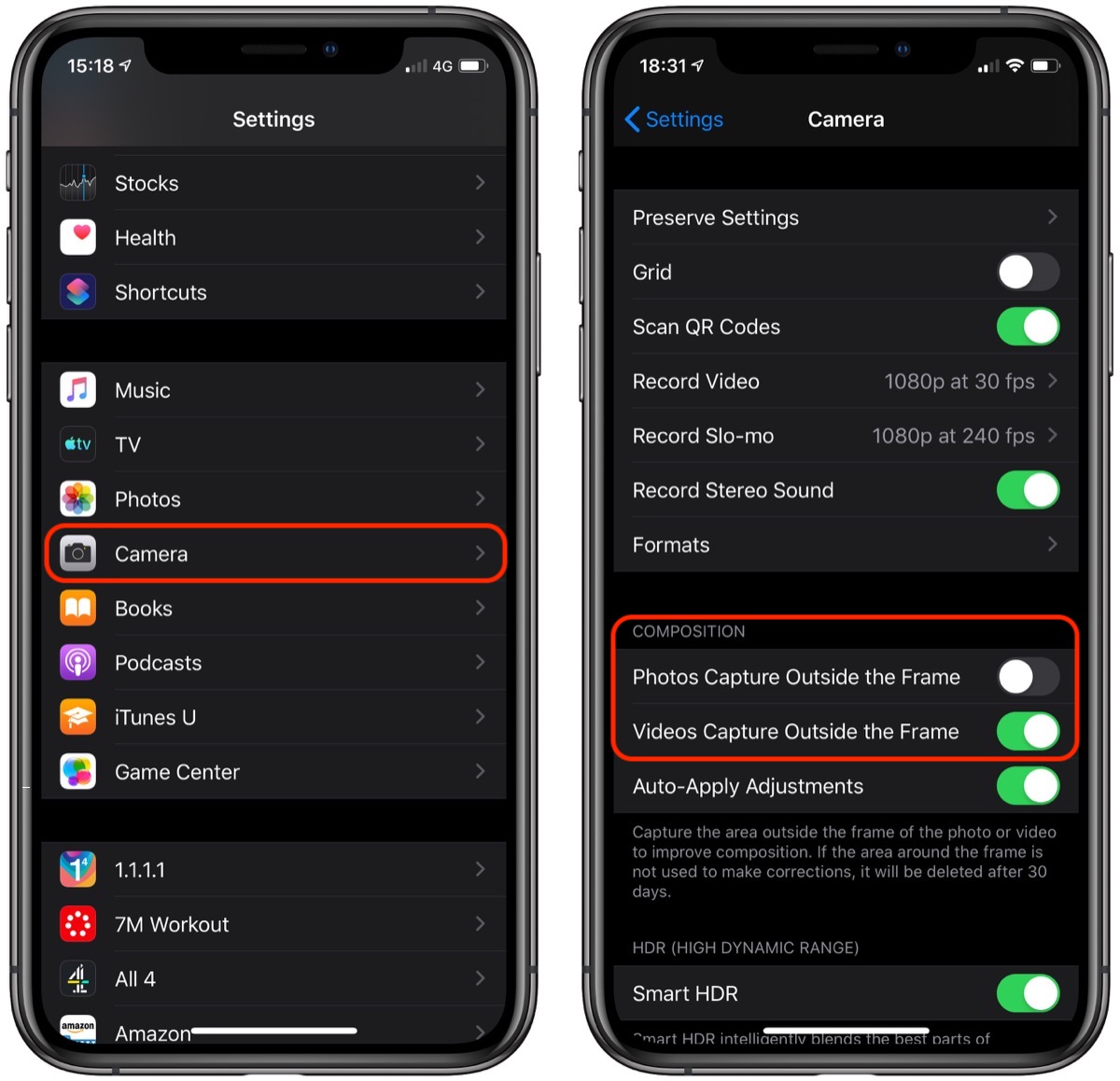
Web Dec 18 2020 nbsp 0183 32 iPhone 12 Pro The Ultimate Camera and Photo Settings Tutorial This a tutorial on the Camera and the Photo Settings of the iPhone It was made for the iPhone 12 Pro Max

Web Dec 4 2021 nbsp 0183 32 Photographer Jefferson Graham shares 13 settings for the Apple iPhone camera that everyone shooting photos needs to know

Web Use a filter to give your photo a color effect Open Camera then choose Photo or Portrait mode Tap then tap Below the viewer swipe the filters left or right to preview them tap one to apply it Tap the Shutter button to take the shot with the filter you chose You can remove or change a photo s filter in the Photos app
Web Oct 26 2020 nbsp 0183 32 iPhone 12 Camera Settings Explained How to use the iPhone 12 Camera Tutorial This year s iPhone 12 and iPhone 12 Max Camera s are better than ever here s a Web May 10 2023 nbsp 0183 32 Here is a list of features you should be using on your iPhone 12 Pro or iPhone 12 Pro Max camera and you can read about a few of them in more detail later in the article Night Mode Helps brighten your pictures in low light conditions
Web Feb 25 2021 nbsp 0183 32 With the iPhone 12 Pro Apple once again delivers an excellent smartphone with cameras which are capable of producing top notch images But the same is true of last year s iPhone 11 Pro too While this model is undeniably brilliant it s likely to be other upgrades such as it having 5G a larger screen and more storage which tempts you