Install Windowsfeature Remote Desktop Services Windows 10 RSAT Tools per PowerShell installieren und installierte RSAT Tools abfragen - Windows FAQ Remote Desktop Services über PowerShell installieren | WindowsPro How to enable Remote Desktop on Windows 10 - Pureinfotech Can't install Remote Desktop Services Role Install RDS CALs On Windows Server Web Mar 14 2023 nbsp 0183 32 On the workgroup computer or DC install the Remote Desktop Licensing role service and the Remote Desktop Session Host role service To do this follow these steps Open Server Manager Click Manage and select Add Roles and Features Select Role based or Feature based installation Select the computer as the destination server
Web Jul 2 2015 nbsp 0183 32 To install a certain Windows feature on the command line there are many options which one should one use Add WindowsCapability Enable WindowsOptionalFeature Install WindowsFeature Add Web Feb 23 2023 nbsp 0183 32 RSAT enables IT administrators to remotely manage roles and features in Windows Server from a computer that is running Windows 10 and Windows 7 Service Pack 1 Applies to Windows 10 all editions Windows 7 Service Pack 1 Windows Server 2019 Windows Server 2012 R2 Original KB number 2693643 Introduction
Install RDS CALs On Windows Server Remote Desktop Services über PowerShell installieren | WindowsPro Install RDS CALs On Windows Server There is an error in your remote desktop services settings when you run the Repair Access Install RDS CALs On Windows Server How to setup RDS Gateway as a replacement for 'Access Anywhere' or 'Remote Web Workplace' Activate Remote Desktop in Windows 11 and Windows Server 2022 (GUI, WAC, WMI, and GPO) – 4sysops How to enable Remote Desktop using PowerShell on Windows 10 - Pureinfotech Install Remote Desktop Services 2016 with Desired State Configuration – Nedim's IT CORNER
Install Windowsfeature Remote Desktop Services Windows 10
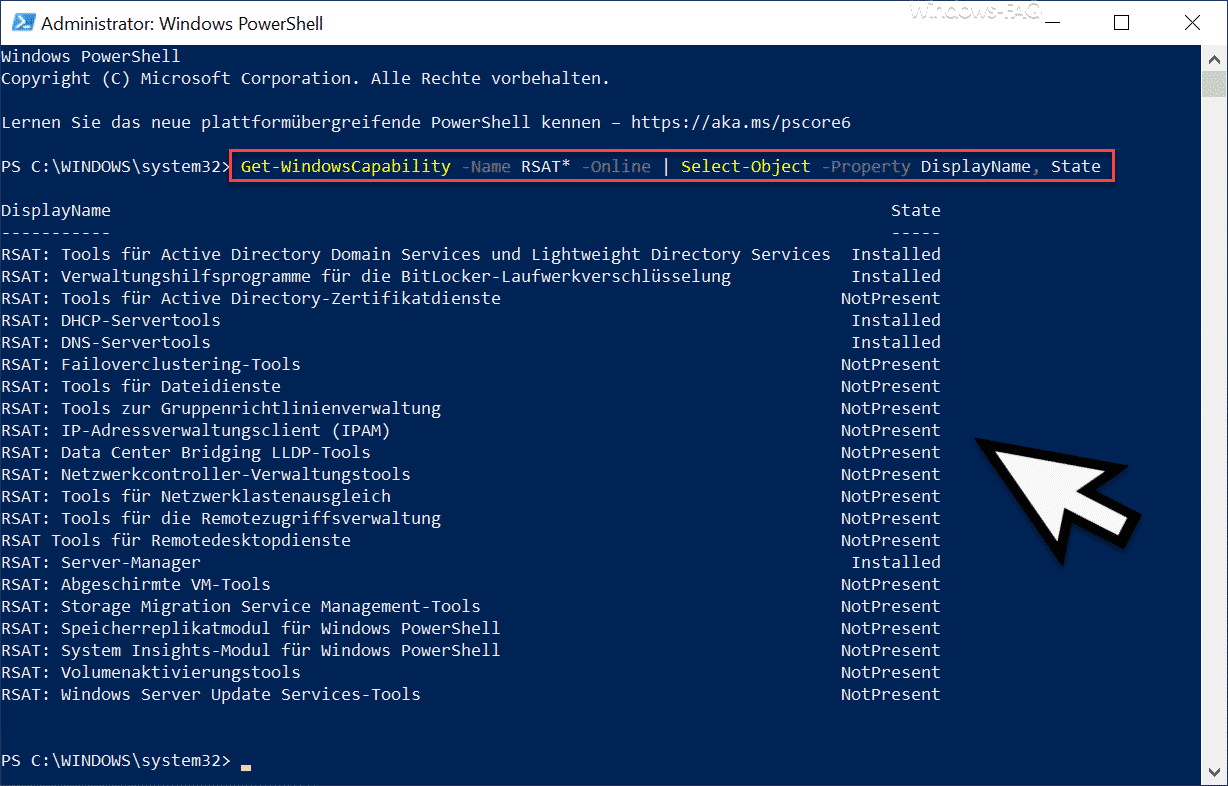 Install Windowsfeature Remote Desktop Services Windows 10
https://www.windows-faq.de/wp-content/uploads/2019/12/Auflistung-der-RSAT-Tools-per-PowerShell.png
Web Get WindowsFeature where name Like rds Add the Remote Desktop Session Host feature to the server Install WindowsFeature RDS RD Server IncludeManagementTools Install WindowsFeature RDS Connection Broker IncludeManagementTools Install WindowsFeature RDS Web Access IncludeManagementTools Restart Computer Force
Pre-crafted templates offer a time-saving service for developing a diverse series of files and files. These pre-designed formats and layouts can be used for different individual and expert jobs, consisting of resumes, invites, leaflets, newsletters, reports, presentations, and more, enhancing the content production process.
Install Windowsfeature Remote Desktop Services Windows 10

There is an error in your remote desktop services settings when you run the Repair Access

Remote Desktop Services über PowerShell installieren | WindowsPro

Install RDS CALs On Windows Server

There is an error in your remote desktop services settings when you run the Repair Access

How to setup RDS Gateway as a replacement for 'Access Anywhere' or 'Remote Web Workplace'

Activate Remote Desktop in Windows 11 and Windows Server 2022 (GUI, WAC, WMI, and GPO) – 4sysops

Web Aug 11 2015 nbsp 0183 32 3 Answers Sorted by 36 While Ryan s answer is correct I would recommend to stay away from the Install WindowsFeature cmdlets if you want to run your scripts on workstations as well You will always be dependent on RSAT even though you don t need it otherwise Just use Enable WindowsOptionalFeature which works on servers and

Web Jun 26 2023 nbsp 0183 32 Use the Install WindowsFeature cmdlet to install RSAT on Windows Server List RSAT tools available on Windows Server 2022 2019 and 2016 Get WindowsFeature Where Object name like quot RSAT quot ft Name Installstate Specify the name of the selected RSAT component to be installed
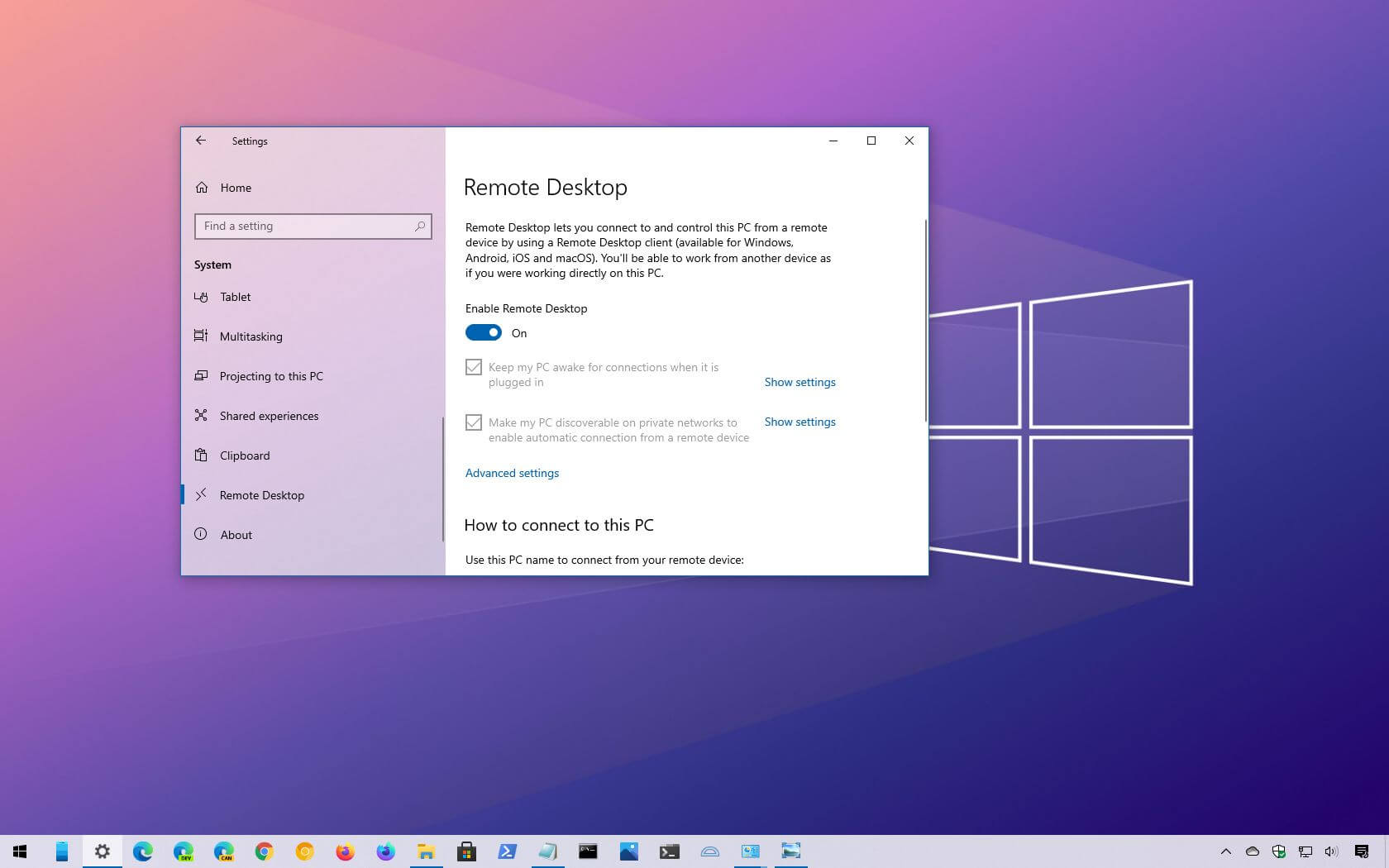
Web The Install WindowsFeature cmdlet installs the specified features on a computer that is running Windows Server or on an offline virtual hard disk VHD on which Windows Server is installed This cmdlet works similarly to the installation of roles and features in Server Manager with an important exception the cmdlet does not install
Web Dec 2 2016 nbsp 0183 32 You just need to add the RDS Feature Add WindowsFeature Name RDS RD Server IncludeAllSubFeature Restart If you don t include Restart the restart is not performed but will be needed before the feature can be used

Web Last Updated November 3 2023 by Robert Allen In this guide I ll show you how to install the RSAT tools on Windows 10 Windows 11 and Windows Server I ll also show you how to install RSAT using PowerShell To remotely manage Active Directory DNS DHCP and other Windows features you will need the Remote Server Administration Tools
Web Use either of the following formats for the computer naccount lt code gt DOMAIN SERVERNAME lt code gt or lt code gt SERVERNAME lt code gt lt p gt n lt p dir quot auto quot gt Add the lt strong gt ComputerName lt strong gt parameter to specify the target computer you want to use to mount the VHD nIf the lt strong gt ComputerName lt strong gt Web For newer Windows client OS Windows 10 8 1 8 you cannot use Install WindowsFeature as that is only for managing features on servers Trying to use it will cause an error message Get WindowsFeature The target of the specified cmdlet cannot be a Windows client based operating system
Web Feb 20 2023 nbsp 0183 32 To install the RDS Licensing Service and RD Licensing Diagnoser just run one command Install WindowsFeature RDS Licensing IncludeAllSubFeature IncludeManagementTools To list the RDS services installed on the host use the command Get WindowsFeature Name RDS Where installed Activating the RDS