Install Remote Desktop App Windows 10 How to use Remote Desktop app to connect to a PC on Windows 10 | Windows Central How to enable Remote Desktop on Windows 10 - Pureinfotech How to install & use Microsoft Remote Desktop app on windows 10 - YouTube Apps | A new Universal Windows Platform App for remote access is now available | ITPro Today: IT News, How-Tos, Trends, Case Studies, Career Tips, More Ubuntu 20.04 Remote Desktop Access from Windows 10 - Linux Tutorials - Learn Linux Configuration Web Mar 6 2023 nbsp 0183 32 Connect Use Windows Remote Desktop to access a PC from anywhere in the world Learn how Remote Desktop works system requirements for using it and how
Web May 15 2020 nbsp 0183 32 If the remote device is another computer running Windows 10 download Microsoft s Remote Desktop app from the Microsoft Store to streamline the process of setting up remote access Web Mar 30 2020 nbsp 0183 32 To get started download the Remote Desktop app from the Windows Store After it s installed click the Start button scroll down the list of apps and select the shortcut for Remote Desktop
Ubuntu 20.04 Remote Desktop Access from Windows 10 - Linux Tutorials - Learn Linux Configuration Windows 10's Remote Desktop options explained | Computerworld How to setup Windows RD Client (Microsoft Remote Desktop Client) - YouTube Windows: Connect to Remote Computers via Microsoft Remote Desktop // Remote Learning for Students // Marquette University VPN For Remote Desktop: How to Set it up & Use it How To Use a Remote Desktop Connection On Windows | HP® Tech Takes Microsoft Remote Desktop Download (2023 Latest) Ubuntu 20.04 Remote Desktop Access from Windows 10 - Linux Tutorials - Learn Linux Configuration How to get started with Remote Desktop on Windows 11 | Windows Central
Install Remote Desktop App Windows 10
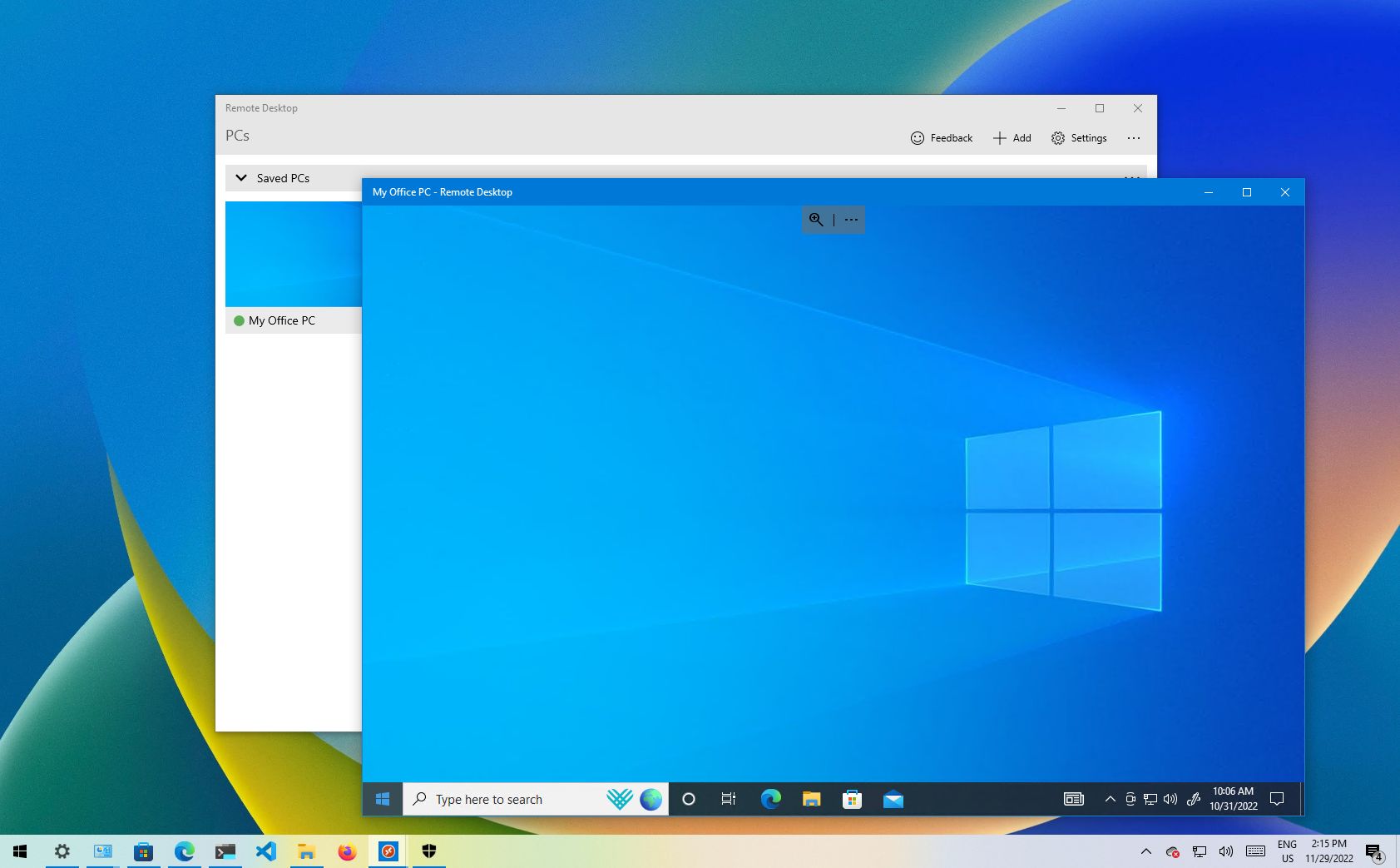 Install Remote Desktop App Windows 10
https://cdn.mos.cms.futurecdn.net/KpDbJCNBjXkHPMxH6UvPqH.jpg
Web Mar 30 2019 nbsp 0183 32 1 Open the Microsoft Remote Desktop app see screenshot below 2 Click tap on the Add button in the Connection Center see screenshot below 3
Pre-crafted templates provide a time-saving solution for developing a diverse variety of documents and files. These pre-designed formats and layouts can be utilized for numerous personal and professional projects, consisting of resumes, invitations, flyers, newsletters, reports, presentations, and more, simplifying the content development procedure.
Install Remote Desktop App Windows 10

Remote display - Windows IoT | Microsoft Learn
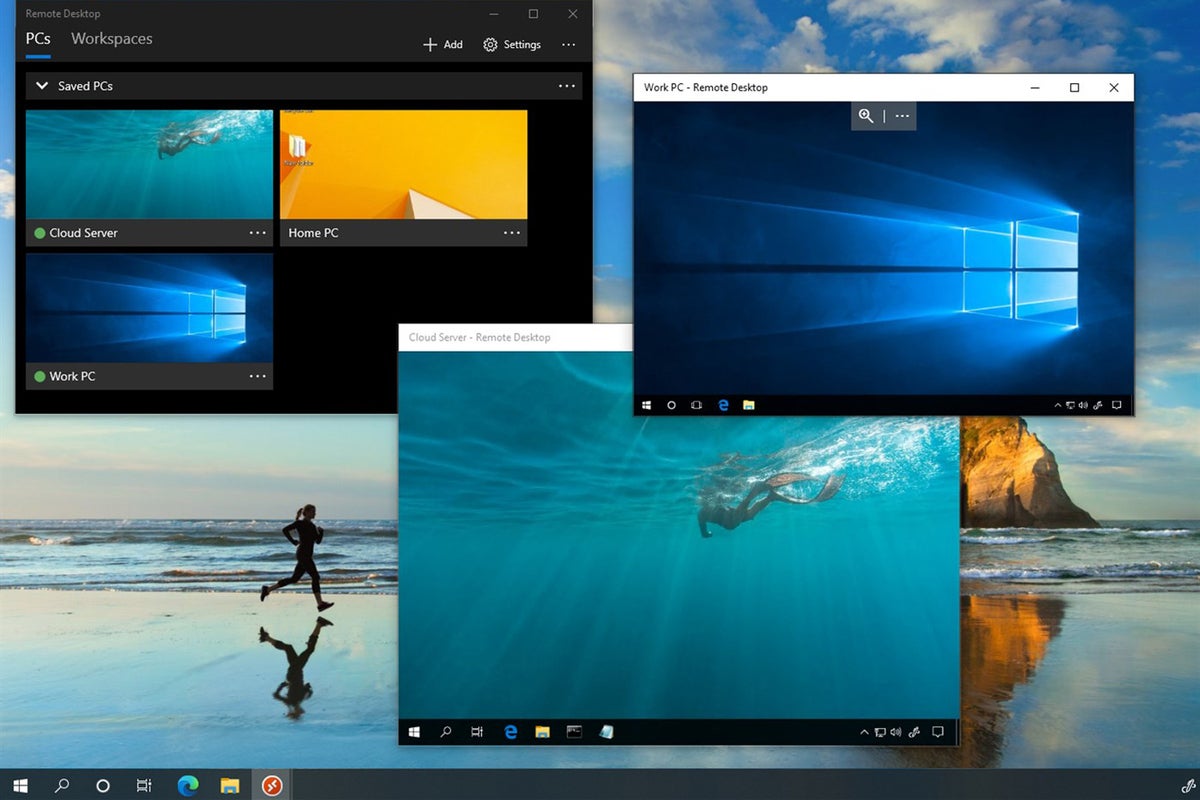
Windows 10's Remote Desktop options explained | Computerworld
How to setup Windows RD Client (Microsoft Remote Desktop Client) - YouTube
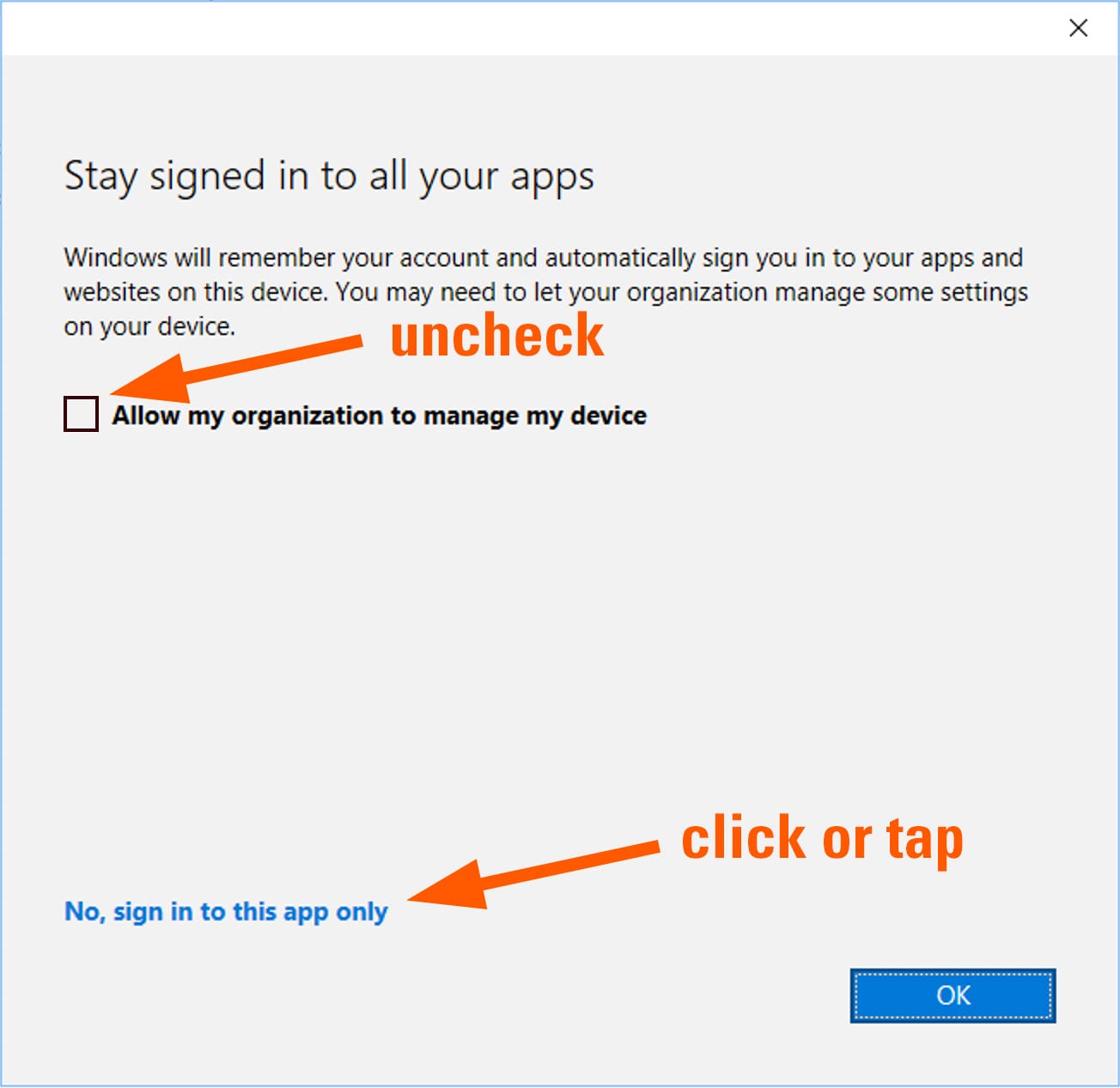
Windows: Connect to Remote Computers via Microsoft Remote Desktop // Remote Learning for Students // Marquette University

How To Use a Remote Desktop Connection On Windows | HP® Tech Takes
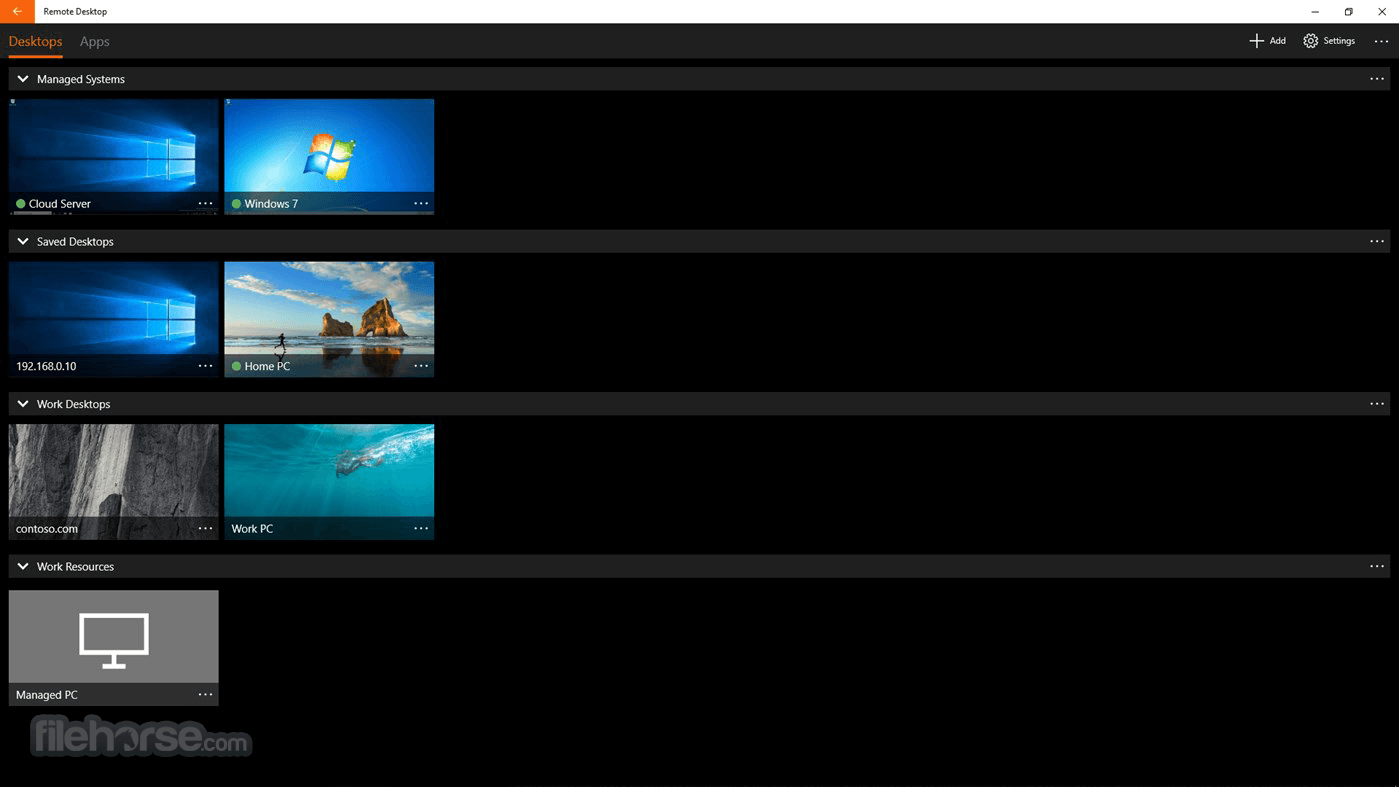
Microsoft Remote Desktop Download (2023 Latest)
Web Sep 5 2023 nbsp 0183 32 Here s a list of the Remote Desktop client apps and our documentation for connecting to Remote Desktop Services or remote PCs where you can find
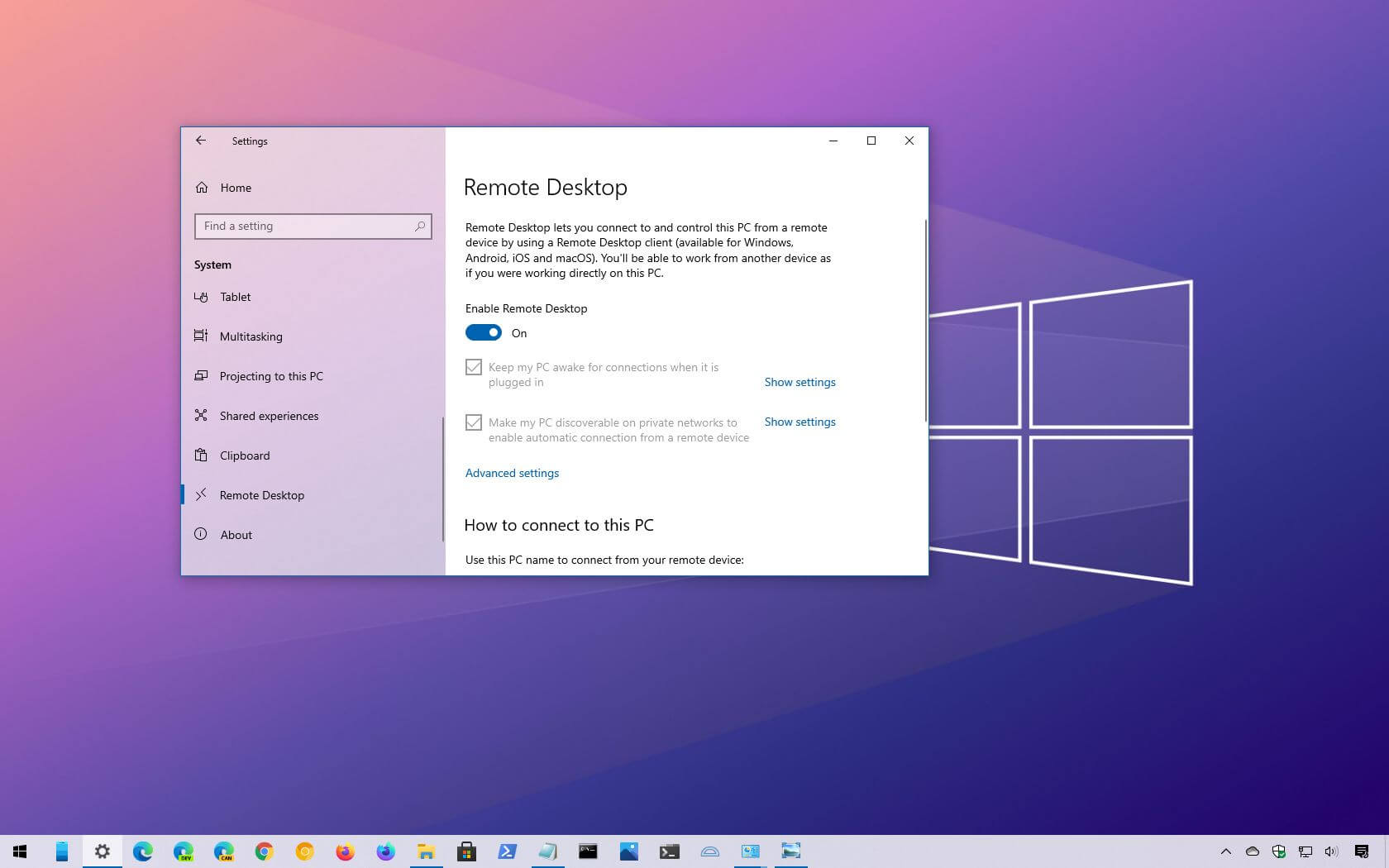
Web Use Remote Desktop on your Windows Android or iOS device to connect to a Windows 10 PC from afar Here s how to set up your PC to allow remote connections and then

Web Feb 7 2023 nbsp 0183 32 To set up a remote desktop in Windows 10 go to Settings gt System gt Remote Desktop Then turn on the slider for Enable Remote

Web Dec 5 2022 nbsp 0183 32 Open Settings Click on System Click on Remote Desktop Turn on the quot Enable Remote Desktop quot toggle switch Image credit Future Click the Confirm button Once you complete the steps

Web May 5 2023 nbsp 0183 32 USING THE MICROSOFT REMOTE DESKTOP APP ON WINDOWS 10 AND 11 The Microsoft Remote Desktop app makes it easy to connect to other computers
Web Nov 19 2020 nbsp 0183 32 Enable Remote Desktop on Windows 10 Press Win X then select Settings to open Windows Settings Select the System option In the list on the left side Web Jun 15 2022 nbsp 0183 32 Remote Desktop assistant On the Windows PC you want to connect to remotely download the Microsoft Remote Desktop assistant to configure your PC for remote access
Web May 10 2023 nbsp 0183 32 The Microsoft Remote Desktop client is a free app for Windows 11 and Windows 10 available through the Microsoft Store useful when you need remote