Install Windows 7 Usb How To Install Windows 7 From USB Drive Easy Tutorial HD Doovi How To Install Windows 7 From USB Flash Drive Ext HD Windows 7 USB Install Windows 7 USB Install Bootable Usb For Windows 7 Install Abcinmotion Web Aug 26 2022 nbsp 0183 32 Part 1 Creating the Installation Flash Drive for Windows 10 Download Article 1 Check the computer s architecture number Before you download an installation tool for your preferred operating system you ll need to know whether the computer on which you want to install Windows runs a 32 bit system or a 64 bit system
Web Rufus is a utility that helps format and create bootable USB flash drives such as USB keys pendrives memory sticks etc It can be especially useful for cases where you need to create USB installation media from bootable ISOs Windows Linux UEFI etc you need to work on a system that doesn t have an OS installed Web Jun 15 2022 nbsp 0183 32 The Windows USB DVD Download tool allows you to create a copy of your Windows 7 8 ISO file on a USB flash drive or a DVD To create a bootable DVD or USB flash drive download the ISO file and then run the Windows 7 USB DVD Download tool Once this is done you can install Windows 7 or Windows 8 directly from the USB flash
Bootable Usb For Windows 7 Install Abcinmotion Windows 7 8 1 10 USB Flash Drive Windows 4 Modi Per Avviare Windows 7 Attraverso Una Chiavetta USB How To Install Windows 7 By Using USB STEP BY STEP YouTube GIGABYTE Tech Daily Having Trouble Installing Windows 7 By USB With Windows 7 Usb Tools Download Lalapafame RMPrepUSB Easy2Boot And USB Booting Quickly Install Windows 7 8 10 To How To Install Windows 7 Usb Faceyellow Install Windows 7 From USB
Install Windows 7 Usb
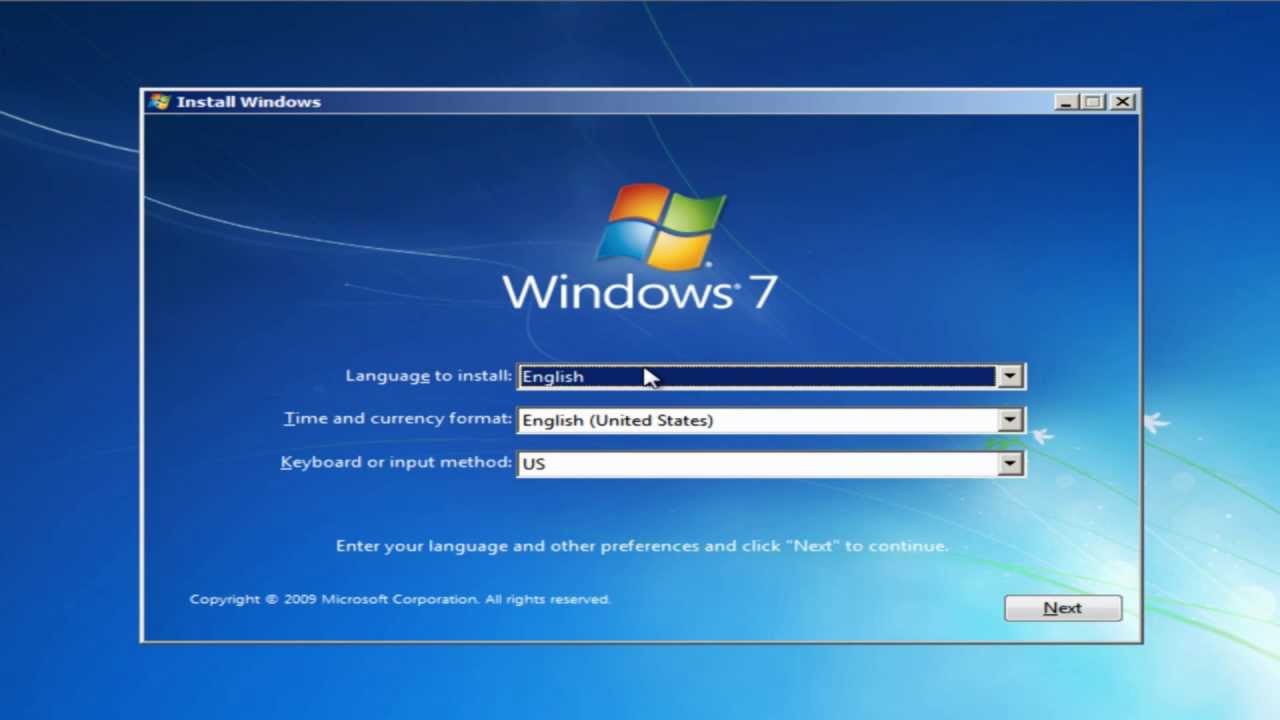 Install Windows 7 Usb
https://i.ytimg.com/vi/e97zr1vVH10/maxresdefault.jpg
Web Here you go in four easy steps Using the HP USB Disk Storage Format Tool v2 0 6 format the flash drive using FAT32 leaving all the boxes unchecked Mount the Windows 7 ISO image using Virtual CloneDrive a free tool Then copy the contents of the ISO image all of the Windows 7 files and folders over to the flash drive
Pre-crafted templates provide a time-saving solution for producing a diverse range of documents and files. These pre-designed formats and layouts can be made use of for different individual and professional projects, including resumes, invitations, leaflets, newsletters, reports, presentations, and more, streamlining the material creation procedure.
Install Windows 7 Usb
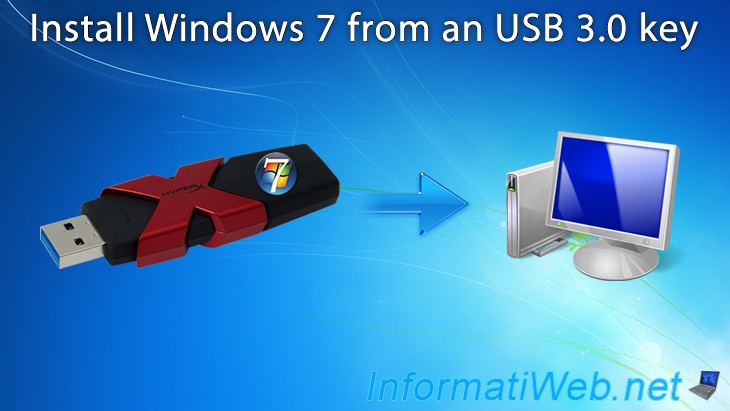
Bootable Windows 7 Installer Free Download Gemstree

Windows 7 8 1 10 USB Flash Drive Windows

4 Modi Per Avviare Windows 7 Attraverso Una Chiavetta USB

How To Install Windows 7 By Using USB STEP BY STEP YouTube
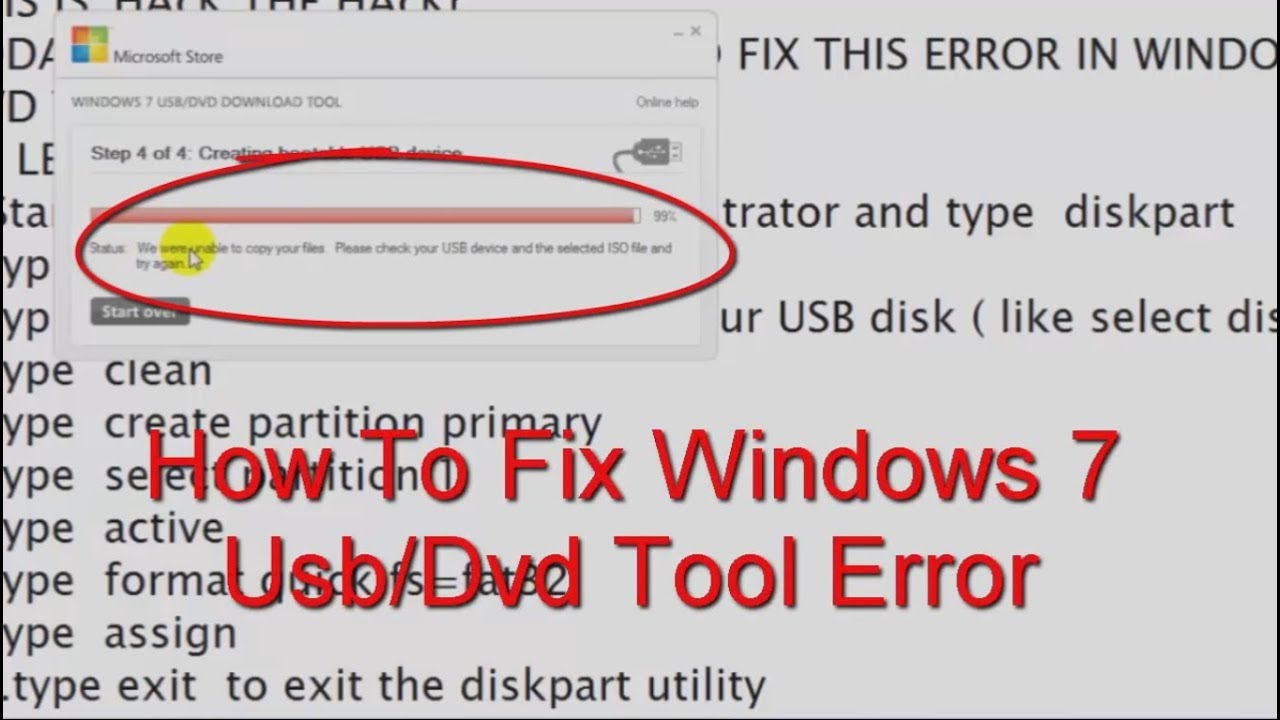
Windows 7 Usb Tools Download Lalapafame

RMPrepUSB Easy2Boot And USB Booting Quickly Install Windows 7 8 10 To
Web Apr 23 2022 nbsp 0183 32 Download Microsoft s Windows 7 USB DVD Download Tool Once downloaded execute the file and follow the installation wizard This free program from Microsoft which works in Windows 10 through Windows XP will correctly format the USB drive and then copy the contents of your Windows 7 ISO file to the drive

Web 1 Click to open the Windows USB DVD Download Tool page 2 Click Download then Run 3 Follow the steps in the setup dialogs You ll have the option to specify where to install the Windows USB DVD Download Tool You must be an administrator on the computer on which you are installing the Windows USB DVD Download tool
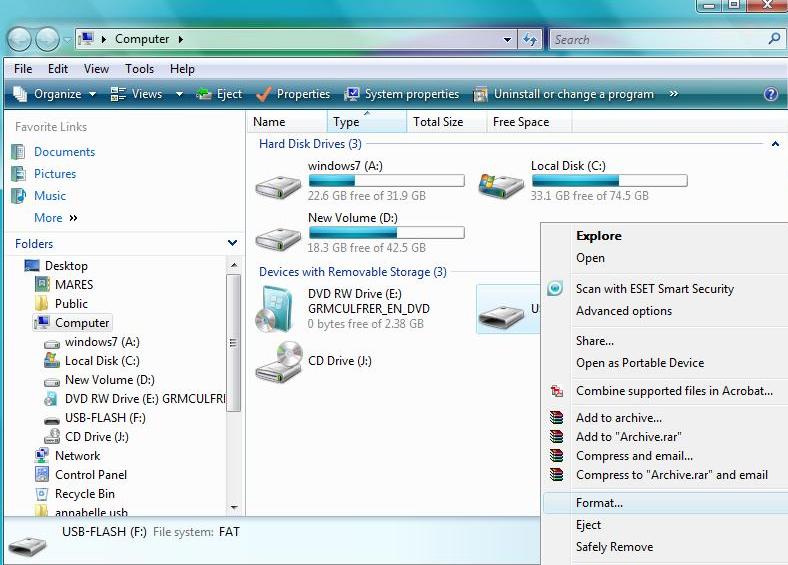
Web Mar 9 2017 nbsp 0183 32 Step One Create or Download an ISO for the Windows Installation Media Before you can create your USB installation drive you ll need to have your Windows installation media available as an ISO file If you already have an installation DVD you can use it to create an ISO file using ImgBurn a handy little free utility that s been around

Web Sep 25 2020 nbsp 0183 32 Step 1 Download Windows 7 USB DVD Tooland install it Step 2 Run the program click the Browse button to browse to your Windows 7 ISO image file Step 3 In this step you need to select your media type As we are here to create a bootable USB simply click on USB devicebutton

Web Jun 11 2009 nbsp 0183 32 Requirements to install Windows 7 on USB An USB flash drive with a minimum of 6 GB disk space to install Windows 7 or Vista You can use a 4 GB drive to install XP Bootable Windows 7 USB or DVD installing Windows 7 on USB procedure 1 First of all connect your USB to the machine and backup all the data from the USB drive
Web Sep 30 2022 nbsp 0183 32 1 Open an Elevated Command Prompt To start insert your USB flash drive in your main PC the one with the optical drive You should also insert the Windows 7 installation DVD Click Start gt All Programs gt Accessories and right click on Command Prompt Select Run As Administrator Web Apr 3 2023 nbsp 0183 32 Scroll down and click Windows ISO Downloader exe next to quot Downloads quot Open the Windows ISO Downloader files in your Downloads folder or web browser Select Windows 7 if available or Windows 7 August 2018 in the upper right corner Select the proper Windows 7 edition that corresponds to your product key
Web May 27 2014 nbsp 0183 32 Launch WinToUSB software On the home screen click the button next to the ISO file box to browse to the Windows 7 ISO image file and click the OK button to open it And then select the edition of Windows 7 that you would like to install on the USB Click the Next button to proceed to the next step