Install Windows 7 Usb Not Working USB Not Working After Install Windows 7 6th 7th 8th Gen Laptop How To Fix USB Ports Not Working Issue On Windows 7 SOLVED Phone USB Not Working Connecting Recognized Detected Fix Corrupted USB And Memory Card please Insert A Disk Into Usb Drive How To Install Windows 7 By Using USB STEP BY STEP YouTube When you install Drive for desktop on your computer it creates a drive in My Computer or a location in Finder named Google Drive All of your Drive files appear here Any new files or
On your device go to the Apps section Tap Google Play Store The app will open and you can search and browse for content to download On your iPhone or iPad open App Store In the search bar enter Chrome Tap Get To install follow the on screen instructions If prompted enter your Apple ID password To start
How To Install Windows 7 By Using USB STEP BY STEP YouTube Latin Irodalmi M v szetek t Windows Not Showing Usb Helyzet Samsung Smart TV USB Not Working Comprehensive Solutions EaseUS Latin Irodalmi M v szetek t Windows Not Showing Usb Helyzet How To Fix USB Device Not Recognized USB Not Working Windows 10 8 1 Absolvent Piknik Pneumatika Windows Cannot Recognize Usb Device Vypadni USB Device Not Recognized Fix Windows 7 Dideo N dej Stredovek N rodn Vlajka Sector Zegarki Plag ty Uctievanie Let k Fix USB 3 0 Not Working Windows 7 8 8 1 10 BENISNOUS
Install Windows 7 Usb Not Working
 Install Windows 7 Usb Not Working
https://windowsinput.com/wp-content/uploads/2022/02/logo-5.jpg
Install and set up Drive for desktop Install amp set up Drive for desktop for Windows Important Before you start check that your operating system is compatible with Drive for desktop Tip If
Templates are pre-designed files or files that can be used for different functions. They can conserve effort and time by providing a ready-made format and design for developing different sort of material. Templates can be used for personal or expert jobs, such as resumes, invites, flyers, newsletters, reports, discussions, and more.
Install Windows 7 Usb Not Working

Nokia C7 USB Not Charging Problem Solution All GSM Mobile Hardware
Latin Irodalmi M v szetek t Windows Not Showing Usb Helyzet
Samsung Smart TV USB Not Working Comprehensive Solutions EaseUS
Latin Irodalmi M v szetek t Windows Not Showing Usb Helyzet
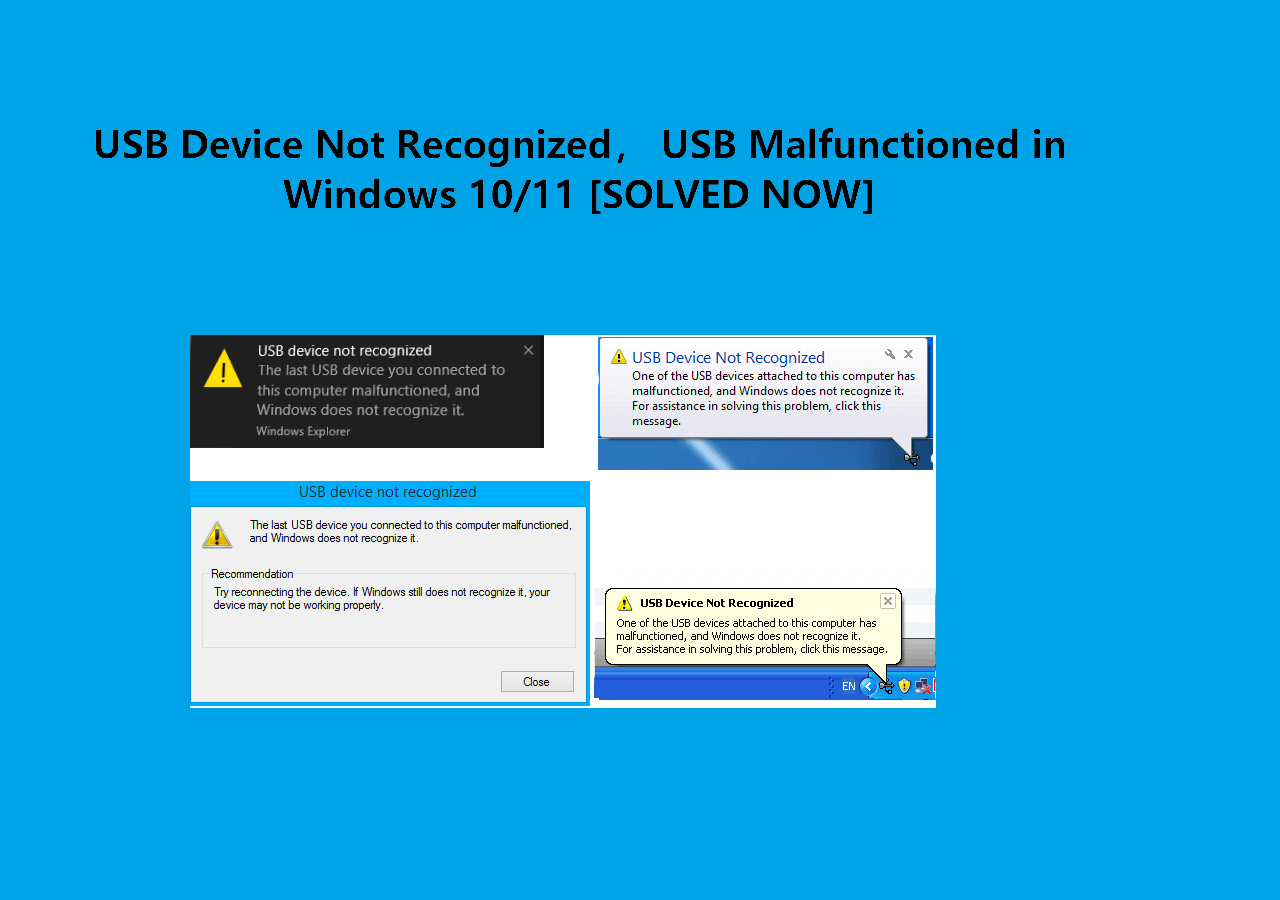
Absolvent Piknik Pneumatika Windows Cannot Recognize Usb Device Vypadni
USB Device Not Recognized Fix Windows 7 Dideo

Puedes descargar e instalar el navegador web Chrome sin coste econ 243 mico y usarlo para navegar por la Web

On your iPhone or iPad open App Store In the search bar enter Chrome Tap Get To install follow the on screen instructions If prompted enter your Apple ID password To start

Official Google Chrome Help Center where you can find tips and tutorials on using Google Chrome and other answers to frequently asked questions

Jan 14 2025 nbsp 0183 32 Split from this thread I just purchased office home 2024 I need help to download and install

Dec 4 2024 nbsp 0183 32 Hi Felix see if this helps Download install or reinstall Microsoft 365 Office 2024 or Office 2021 on a PC or Mac Microsoft Support
[desc-11] [desc-12]
[desc-13]