Install Linux Wsl2 Windows 10 C mo Habilitar La GUI De Ubuntu WSL2 Y Usar RDP En Remoto TecnoTraffic How To Install Linux WSL2 On Windows CamRojud Be Found On Google How To Install Windows Subsystem For Linux WSL2 On Windows 10 SrcCodes Phoronix An Early Look At Windows 11 WSL2 Performance Against Ubuntu Instalando Arch WSL2 En Windows 2021 Web Jun 26 2022 nbsp 0183 32 Manual install steps Best practices for setting up a WSL development environment Try WSL preview features by joining the Windows Insiders Program To try the most recent features or updates to WSL join the Windows Insiders Program
Web n n How to install Linux on Windows with WSL n Developers can access the power of both Windows and Linux at the same time on a Windows machine The Windows Subsystem for Linux WSL lets developers install a Linux distribution such as Ubuntu OpenSUSE Kali Debian Arch Linux etc and use Linux applications utilities and Bash Web Jan 3 2023 nbsp 0183 32 To install WSL2 on Windows 10 open Command Prompt as admin and run wsl install The command will install all the WSL2 components and the Ubuntu Linux distro To install a specific distro run wsl install d DISTRO NAME To update the WSL2 kernel run the wsl update command
Instalando Arch WSL2 En Windows 2021 How To Install Kali Linux With Win KeX GUI In WSL2 Windows Subsystem How To Install Ubuntu On WSL 2 On Windows 10 Windows Subsystem For How To Install Windows Subsystem For Linux WSL2 On Windows 10 SrcCodes C mo Instalar Linux WSL2 En Windows 10 Y Windows 11 Windows 11 Central Windows 10 WSL 2 Microsoft Scheurt WSL2 Linux kernel Los Van Windows 10 ITdaily Wsl2 Install Ubuntu On Windows 10 Fast With Windows Terminal BENISNOUS How To Install Wsl2 Windows Subsystem For Linux 2 On Windows 10
Install Linux Wsl2 Windows 10
 Install Linux Wsl2 Windows 10
https://tecnotraffic.net/wp-content/uploads/2021/08/2020-09-30-22_13_44-1-1.png
Web Sep 1 2022 nbsp 0183 32 Learn how to install set up manage and use a full Linux environment on Windows 10 amp 11 PCs with Windows Subsystem for Linux 2 WSL2
Templates are pre-designed files or files that can be used for various functions. They can save effort and time by offering a ready-made format and layout for producing various kinds of content. Templates can be used for individual or professional tasks, such as resumes, invites, leaflets, newsletters, reports, discussions, and more.
Install Linux Wsl2 Windows 10
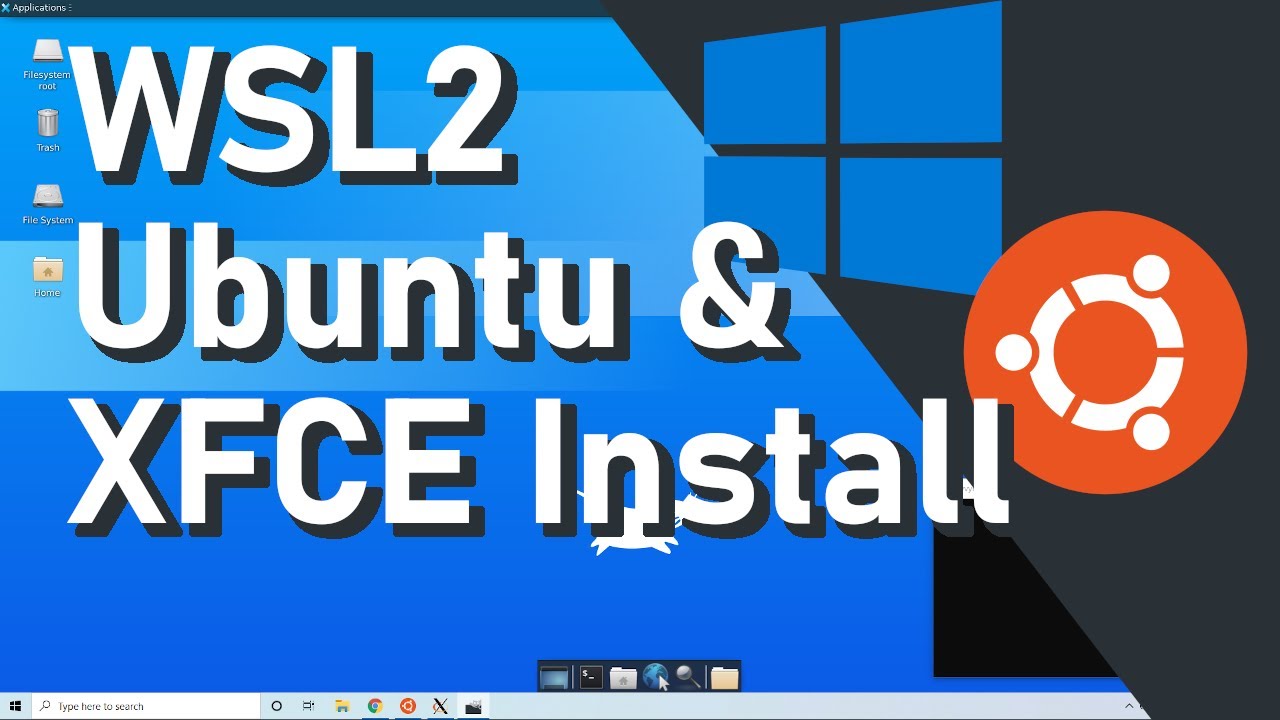
How To Install WSL2 Ubuntu Linux GUI XFCE Desktop On Windows 10

How To Install Kali Linux With Win KeX GUI In WSL2 Windows Subsystem
How To Install Ubuntu On WSL 2 On Windows 10 Windows Subsystem For
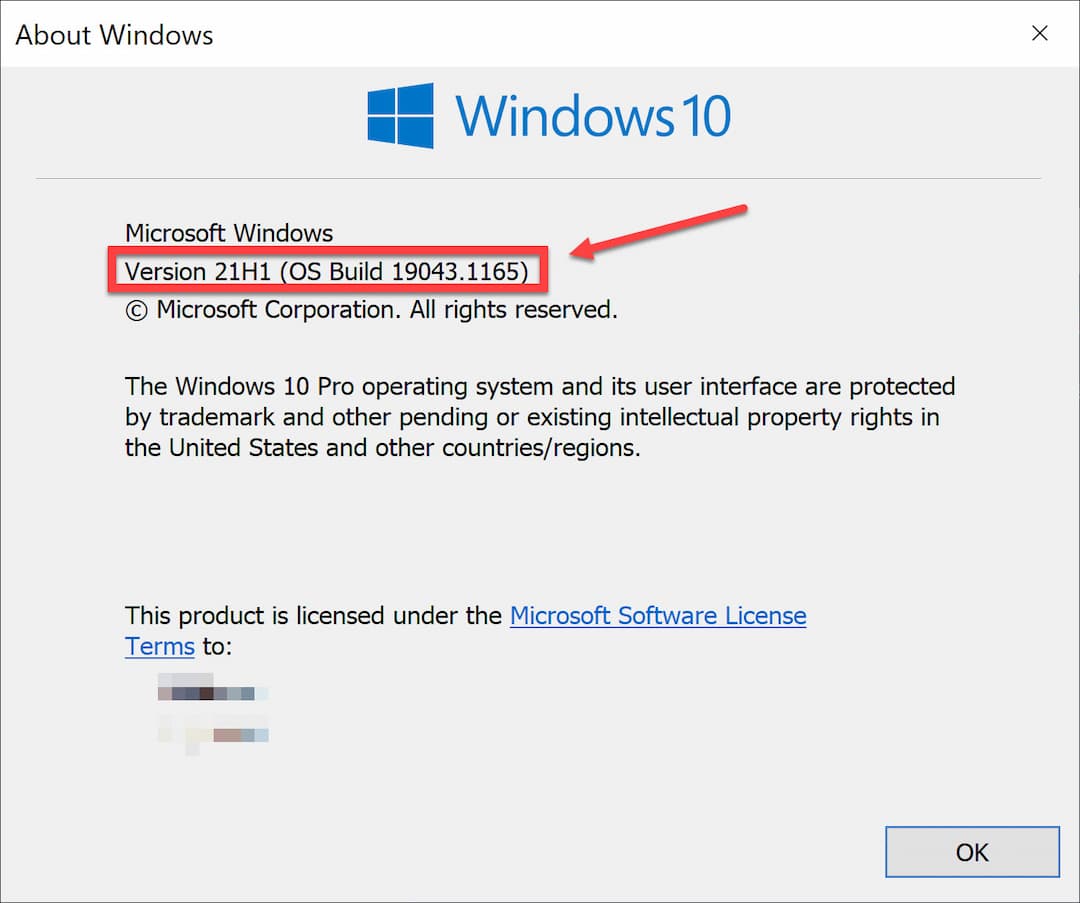
How To Install Windows Subsystem For Linux WSL2 On Windows 10 SrcCodes
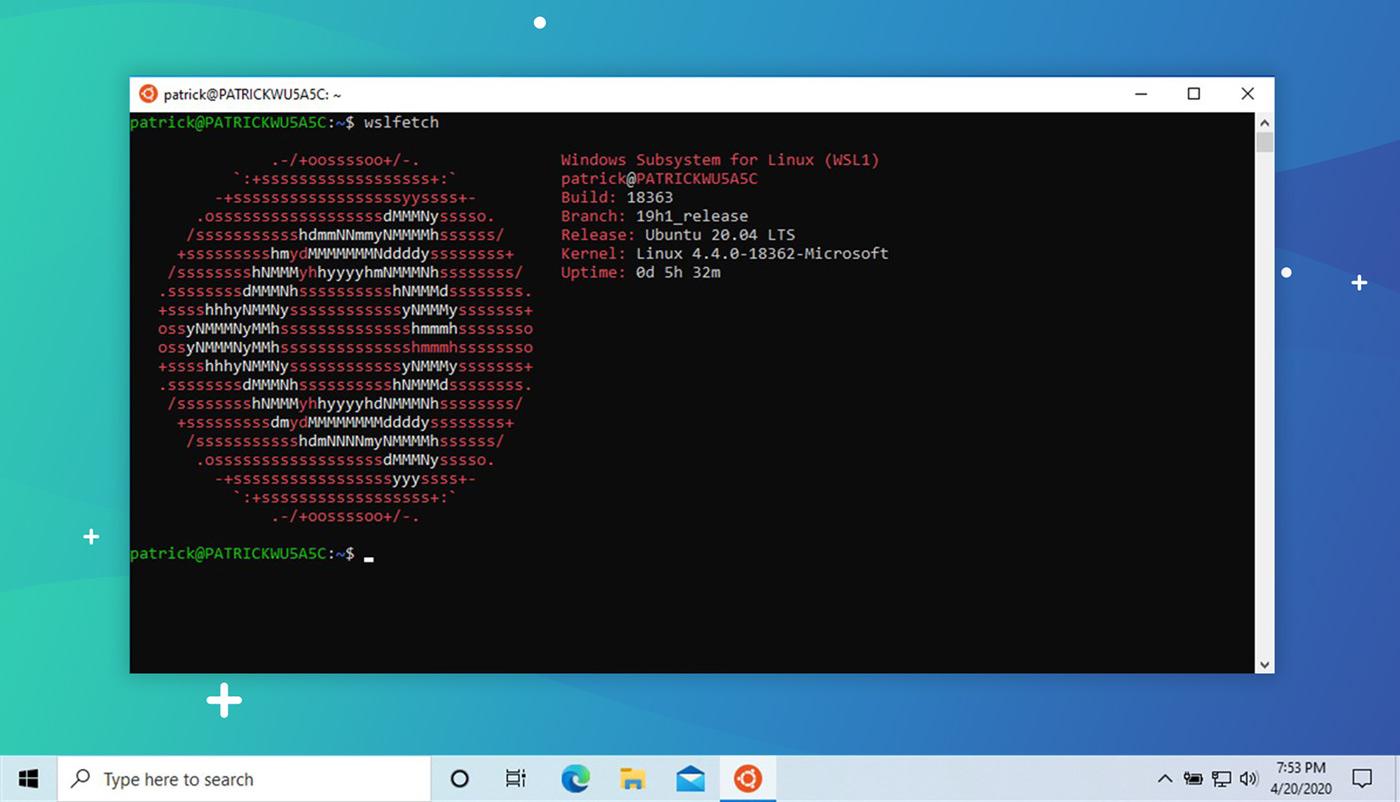
Windows 10 WSL 2

Microsoft Scheurt WSL2 Linux kernel Los Van Windows 10 ITdaily

Web Jun 19 2023 nbsp 0183 32 With WSL2 set as default any Linux installs after that will use it automatically You can easily check which version of WSL your installed Linux distros are using wsl list verbose
Web Jan 17 2023 nbsp 0183 32 To install WSL 2 on Windows 10 OS Build 1909 or 1903 you need to follow 4 steps Enable WSL 2 Enable Virtual Machine Platform Set WSL 2 as default Install a Linux distro I walk through each step in turn below I recommend using the PowerShell app which you need to run as an administrator You can find PowerShell in the Windows

Web Feb 16 2022 nbsp 0183 32 We will cover What is WSL2 and what are its advantages How to install WSL2 on Windows 10 with default settings How to install WSL2 with a specific Linux distro What is WSL2 Windows Subsystem for Linux provides a compatibility layer that lets you run Linux binary executables natively on Windows
Web Jun 1 2021 nbsp 0183 32 In this article Simplified Installation for Windows Insiders Manual Installation Steps Step 1 Enable the Windows Subsystem for Linux Step 2 Check requirements for running WSL 2 Step 3 Enable Virtual Machine feature Step 4 Download the Linux kernel update package Step 5 Set WSL 2 as your default version

Web Nov 26 2021 nbsp 0183 32 Installing WSL2 on Windows 10 11 The hard way Step 1 Enable Windows Subsystem for Linux WSL Step 2 Enable Windows Virtual Machine Platform Step 3 Update the Linux kernel to the latest version Step 4 Set WSL2 as the default version Step 6 Install your preferred Linux distribution
Web Apr 10 2023 nbsp 0183 32 You can install WSL2 on Windows 10 or Windows 11 by running the following PowerShell command with admin privileges wsl install This command will install WSL2 the virtual Web Nov 20 2023 nbsp 0183 32 Open PowerShell or Windows Command Prompt and enter powershell wsl install The install command performs the following actions Enables the optional WSL and Virtual Machine Platform components Downloads and installs the latest Linux kernel Sets WSL 2 as the default Downloads and installs the Ubuntu Linux distribution
Web Feb 24 2023 nbsp 0183 32 Follow these steps to install and run WSL2 on your Windows 11 or Windows 10 version 2004 or newer computers First we must check the available Linux distributions that can be installed on your computer For that open an elevated Command Prompt and run the following cmdlet wsl list online