Wsl2 Install Windows 10 Windows 10 Moves Closer To true Linux With Graphical Support For WSL2 How To Install WSL 2 On Windows 10 11 And Server 2022 WSL Microsoft Learn C mo Habilitar La GUI De Ubuntu WSL2 Y Usar RDP En Remoto TecnoTraffic How To Install Linux GUI Apps On Windows 10 Pureinfotech Web Jan 3 2023 nbsp 0183 32 To install WSL2 on Windows 10 open Command Prompt as admin and run wsl install The command will install all the WSL2 components and the Ubuntu Linux distro To install a specific distro run wsl install d DISTRO NAME To update the WSL2 kernel run the wsl update command
Web Jun 26 2022 nbsp 0183 32 What is the Windows Subsystem for Linux WSL What s new with WSL 2 Comparing WSL 1 and WSL 2 Frequently Asked Questions Get started Install WSL Install Linux on Windows Server Manual install steps Best practices for setting up a WSL development environment Try WSL preview features by joining the Windows Insiders Web Install your first package Customising your Terminal with Windows Terminal Preview Enjoy Ubuntu on WSL 1 Overview NOTE As of November 2022 the Windows 10 version of WSL has migrated to support the Windows Store application bringing feature parity across Windows 10 and Windows 11
How To Install Linux GUI Apps On Windows 10 Pureinfotech WSL 2 Windows 10 DevsDay ru How To Install WSL2 Ubuntu Linux GUI XFCE Desktop On Windows 10 WSL2 Ubuntu Step by Step Guide To Install WSL 2 On Windows 10 Codewithbish Instalar Windows Terminal Para WSL2 En Windows 10 YouTube Troubleshooting Windows Subsystem For Linux Microsoft Learn Windows Subsystem For Linux Version 2 0 0 Is Now Available Windows How To Install WSL2 Windows Subsystem For Linux 2 On Windows 10
Wsl2 Install Windows 10
 Wsl2 Install Windows 10
https://www.pcworld.com/wp-content/uploads/2022/12/windows-subsystem-for-linux-gui-100842519-orig.jpg?quality=50&strip=all
Web Aug 28 2023 nbsp 0183 32 Environnement de d 233 veloppement WSL Comment installer Linux sur Windows avec WSL Article 28 08 2023 8 contributeurs Commentaires Dans cet article Pr 233 requis Installer la commande WSL Modifier la distribution Linux par d 233 faut install 233 e Configurer vos informations utilisateur Linux Afficher 6 de plus
Templates are pre-designed files or files that can be utilized for different functions. They can conserve effort and time by offering a ready-made format and design for creating various sort of material. Templates can be used for personal or expert projects, such as resumes, invitations, flyers, newsletters, reports, presentations, and more.
Wsl2 Install Windows 10
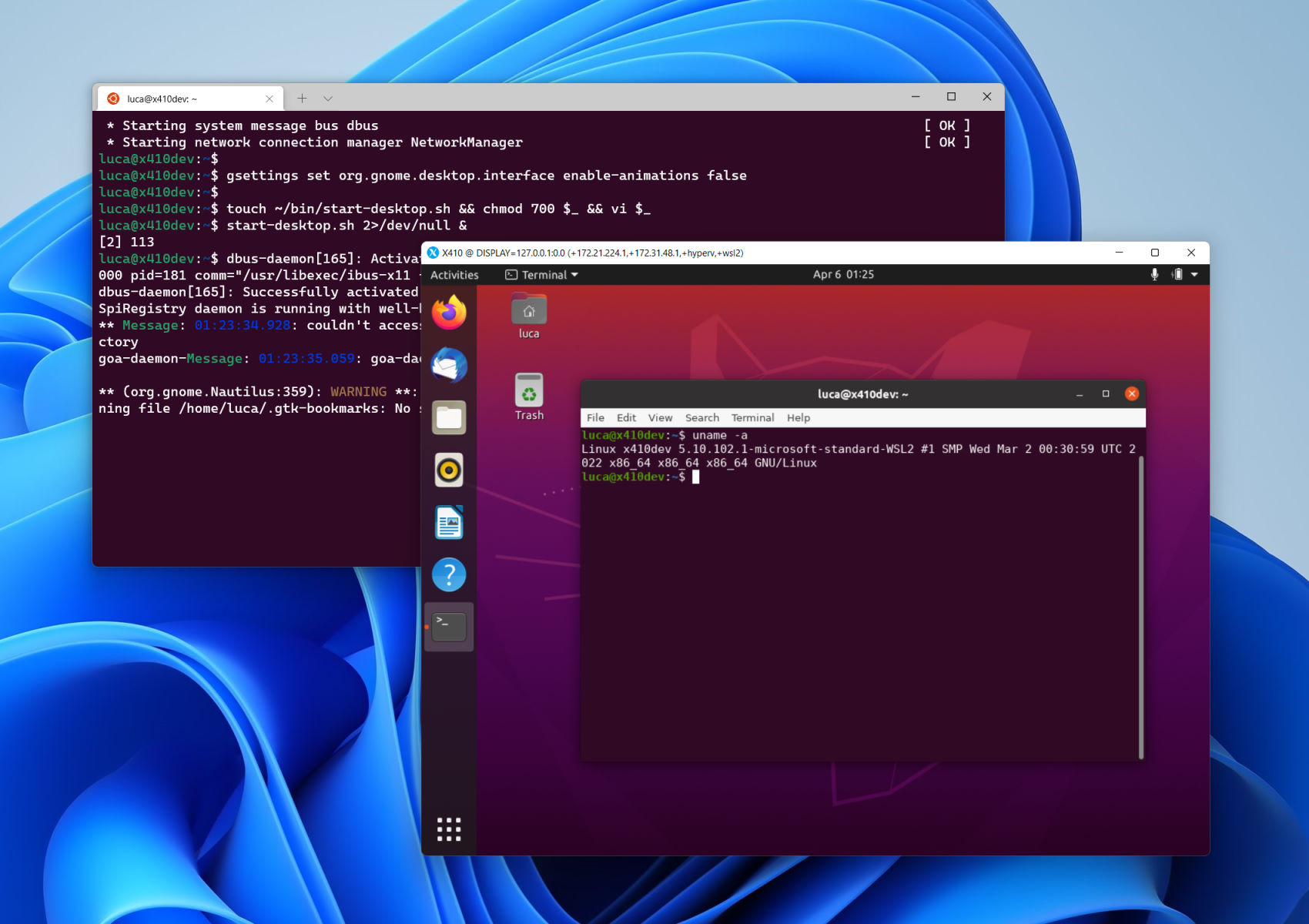
Install Ubuntu On Wsl2 On Windows 11 Using A Gui Vrogue
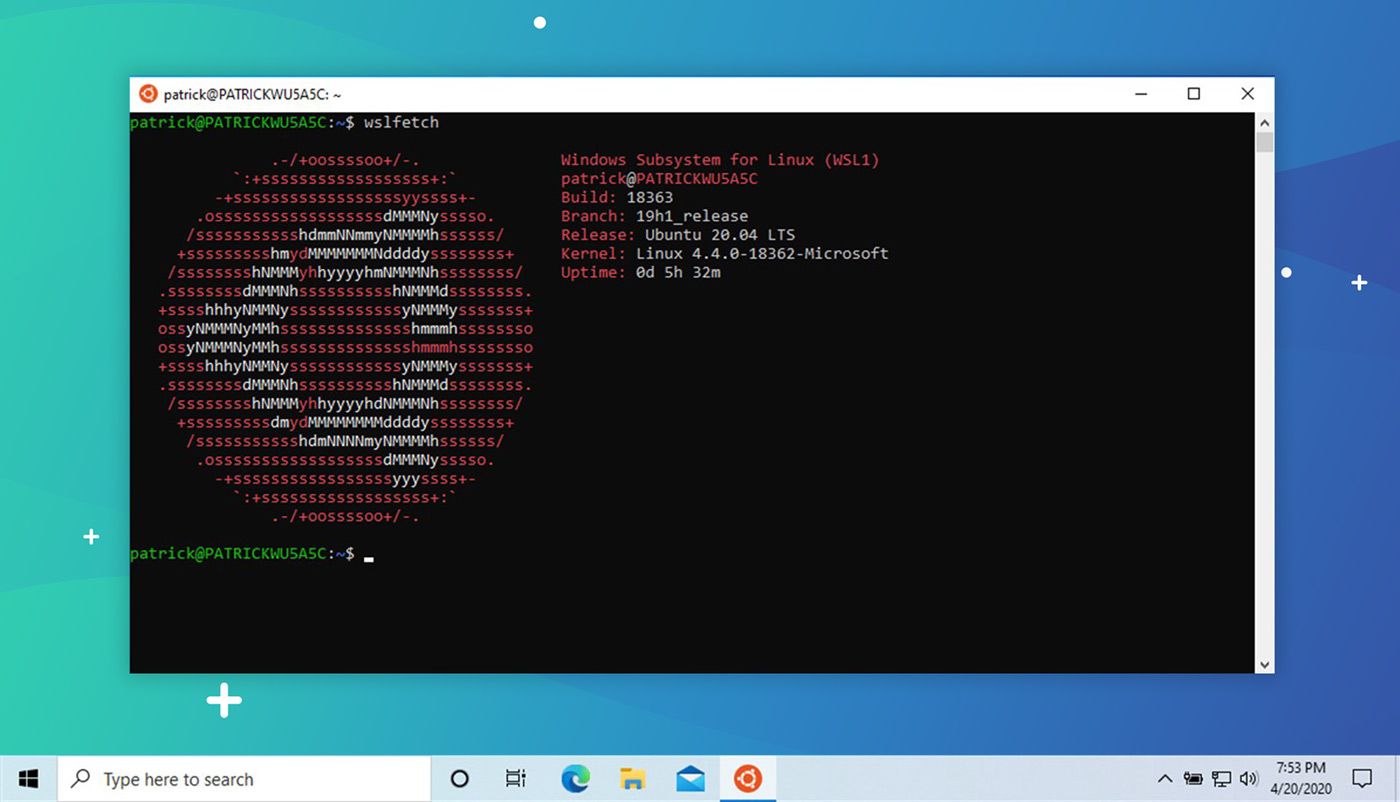
WSL 2 Windows 10 DevsDay ru
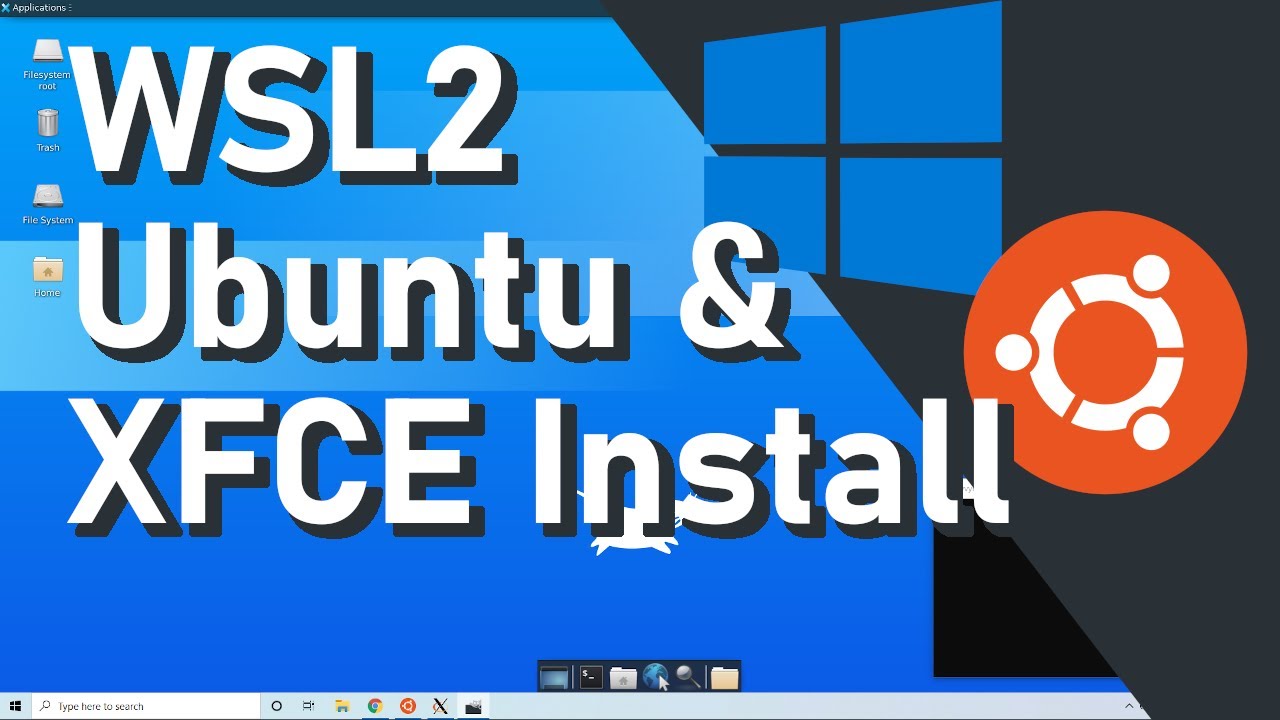
How To Install WSL2 Ubuntu Linux GUI XFCE Desktop On Windows 10

WSL2 Ubuntu

Instalar Windows Terminal Para WSL2 En Windows 10 YouTube
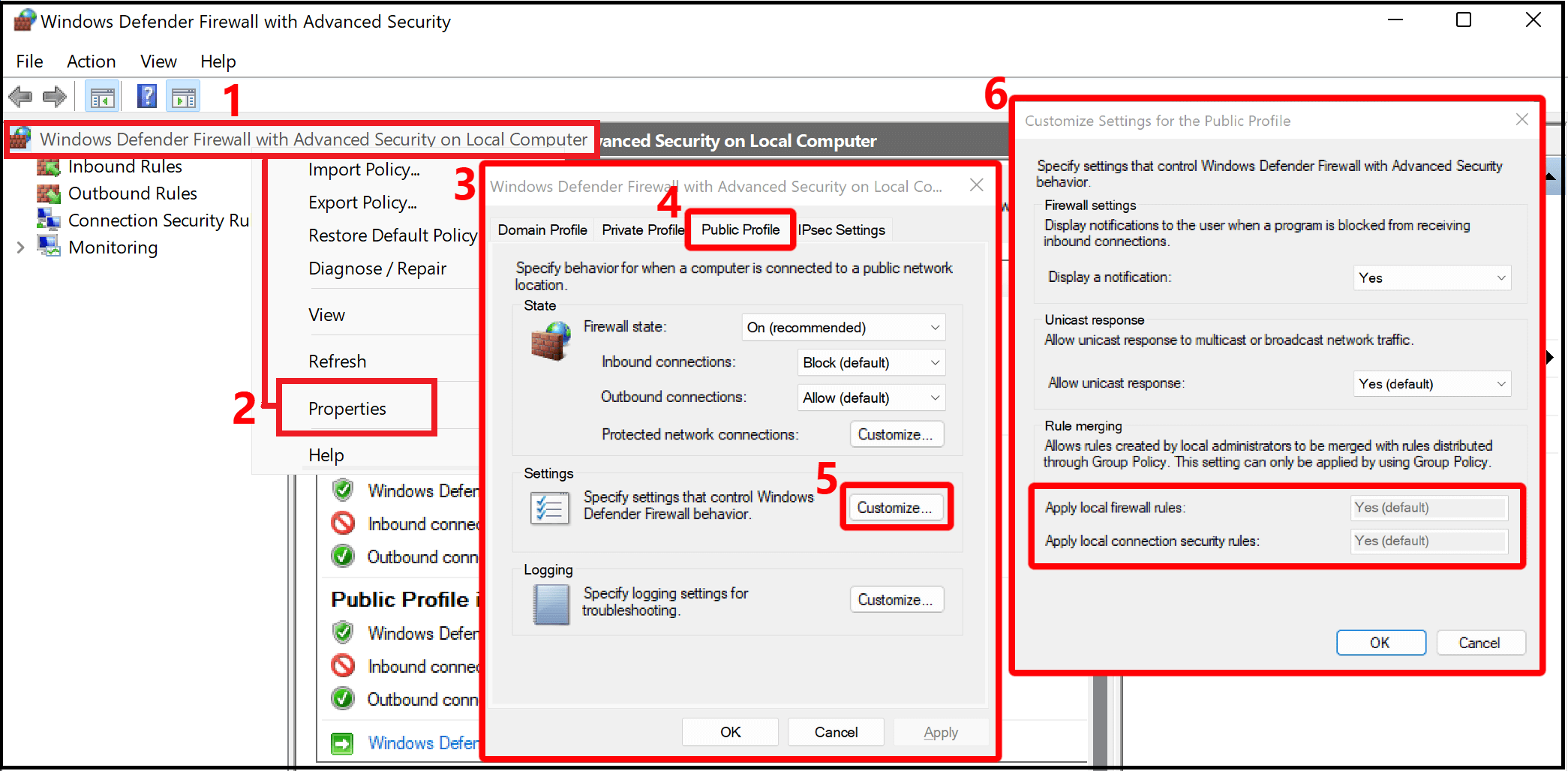
Troubleshooting Windows Subsystem For Linux Microsoft Learn

Web Jun 19 2023 nbsp 0183 32 Now since the release of version 1 0 it has never been easier to set up WSL2 on your Windows machine with GUI apps now even supported on Windows 10 too Simplified setup of WSL2 on
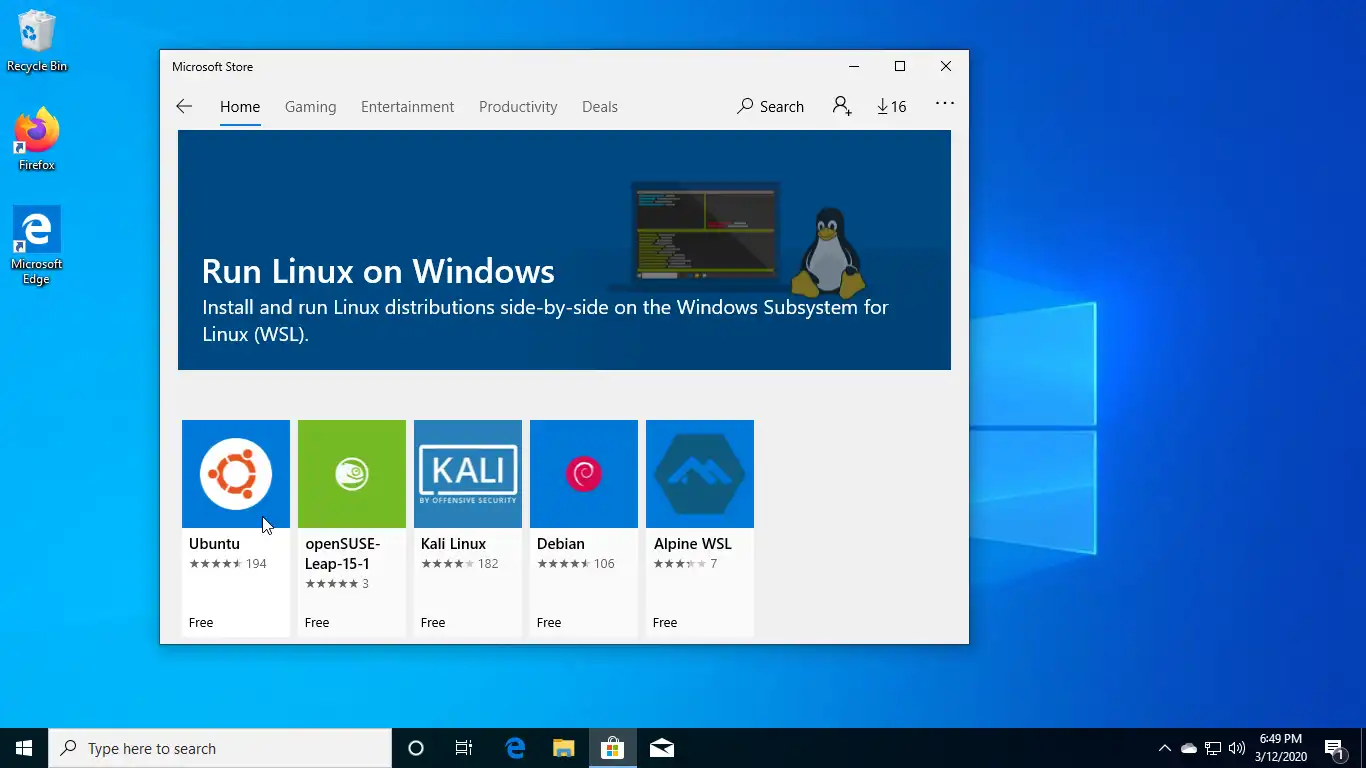
Web Oct 3 2022 nbsp 0183 32 Open PowerShell or Windows Command Prompt and enter PowerShell wsl install The install command performs the following actions Enables the optional WSL and Virtual Machine Platform components Downloads and installs the latest Linux kernel Sets WSL 2 as the default
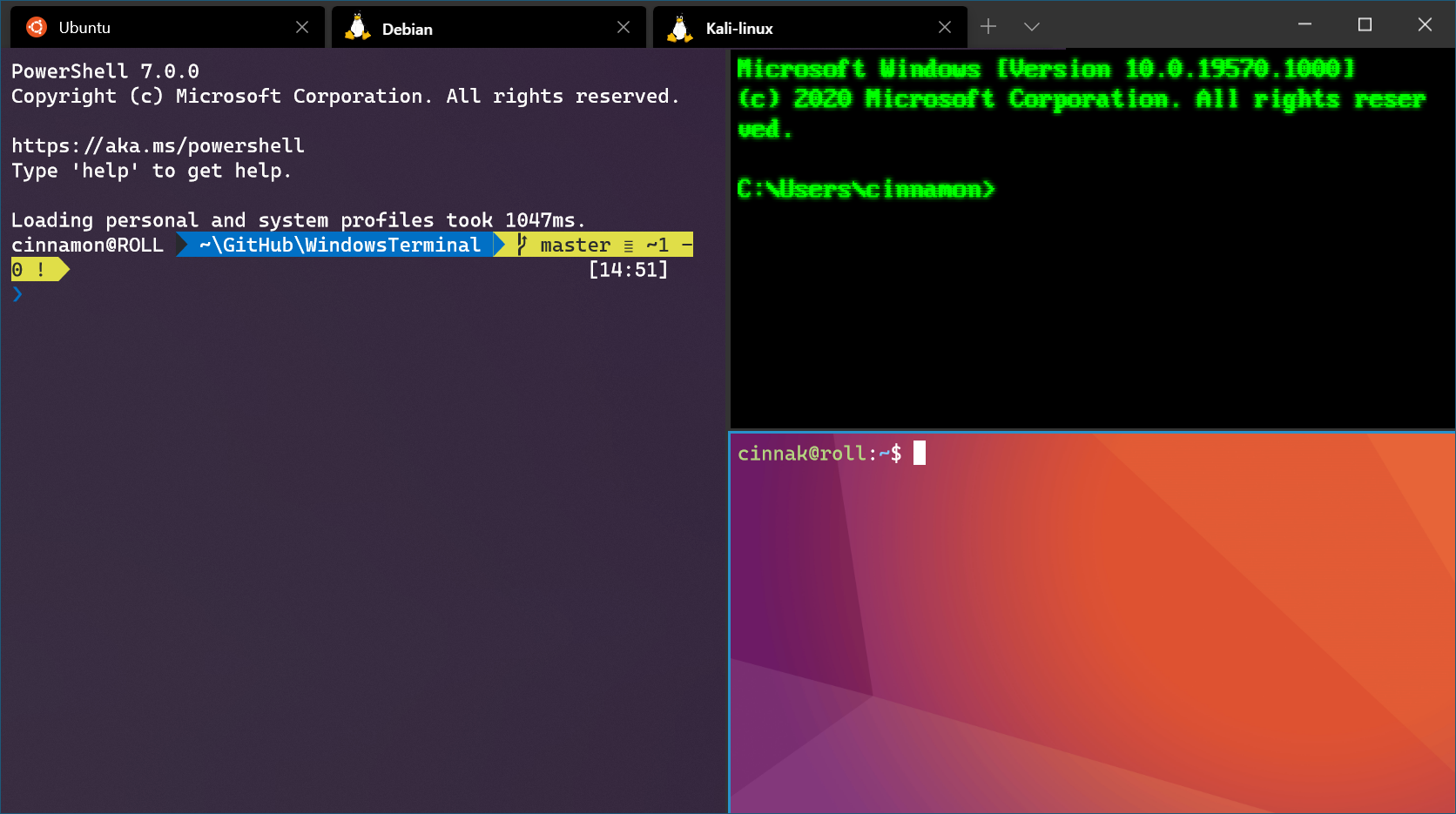
Web Jun 1 2021 nbsp 0183 32 In this article Simplified Installation for Windows Insiders Manual Installation Steps Step 1 Enable the Windows Subsystem for Linux Step 2 Check requirements for running WSL 2 Step 3 Enable Virtual Machine feature Step 4 Download the Linux kernel update package Step 5 Set WSL 2 as your default version

Web Feb 16 2022 nbsp 0183 32 This utility is called WSL Windows Subsystem for Linux Its recent version is WSL2 and in this guide we ll discuss it in detail We will cover What is WSL2 and what are its advantages How to install WSL2 on Windows 10 with default settings How to install WSL2 with a specific Linux distro What is WSL2
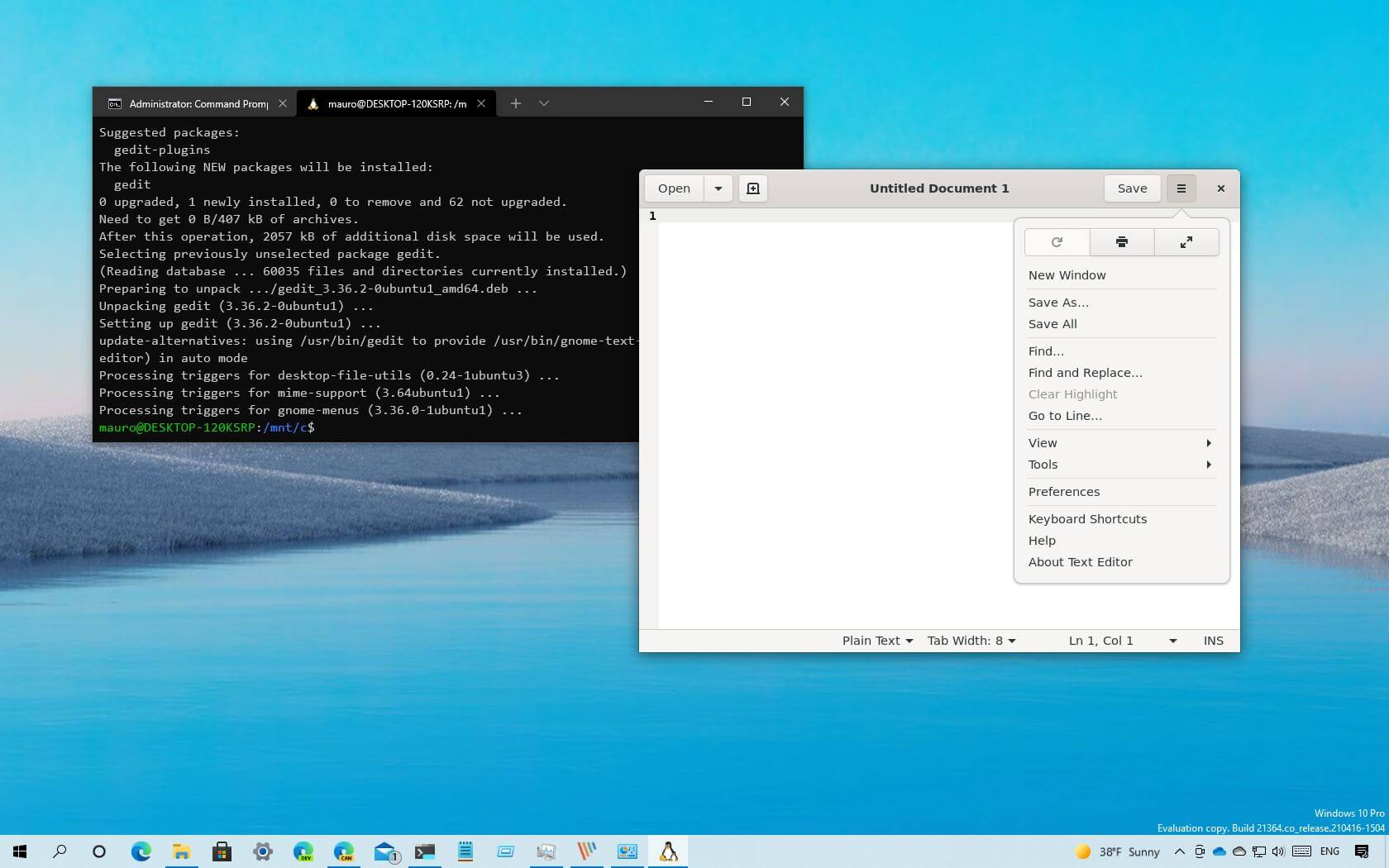
Web Jan 17 2023 nbsp 0183 32 To install WSL 2 on Windows 10 OS Build 1909 or 1903 you need to follow 4 steps Enable WSL 2 Enable Virtual Machine Platform Set WSL 2 as default Install a Linux distro I walk through each step in turn below I recommend using the PowerShell app which you need to run as an administrator
[desc-11] [desc-12]
[desc-13]