Install Linux Program From Tar Gz Unzip A Tar gz File With Untar Using R RStudio YouTube How To Install Python Module From Tar Gz Archive YouTube EXPLAINED How To Install tar tar gz Or tar bz2 Files On Linux Events FOSS Community UOK Cmake Cpack pip install conda install anaconda prompt pip install conda install 1 102
Official Google Chrome Help Center where you can find tips and tutorials on using Google Chrome and other answers to frequently asked questions Install an extension Important You can t add extensions when you browse in Incognito mode or as a guest Open the Chrome Web Store Find and select the extension you want Select Add
Cmake Cpack Linux KMS Adudu001 What Is Ollama Everything Important You Should Know T R 2022 Film Rezensionen de GitHub Lcx123123 advertisement Case advertisement install Untar Tar Gz Lessonswest Install Package In R From Local File Gospelbap Windows Insiders Canary Dev Channels 11 2306 30 0 How To Install Tar gz File On Ubuntu Linux Linux Genie
Install Linux Program From Tar Gz
 Install Linux Program From Tar Gz
https://i.ytimg.com/vi/-7s03AzEvag/maxresdefault.jpg
Tip If you use a work or school account you might not be able to use Google Drive for desktop or your organization might have to install it for you If you have questions ask your administrator
Pre-crafted templates use a time-saving solution for developing a varied series of files and files. These pre-designed formats and layouts can be utilized for various personal and expert projects, including resumes, invites, leaflets, newsletters, reports, presentations, and more, enhancing the material creation procedure.
Install Linux Program From Tar Gz

Tar Gz Site Infoupdate

Linux KMS Adudu001
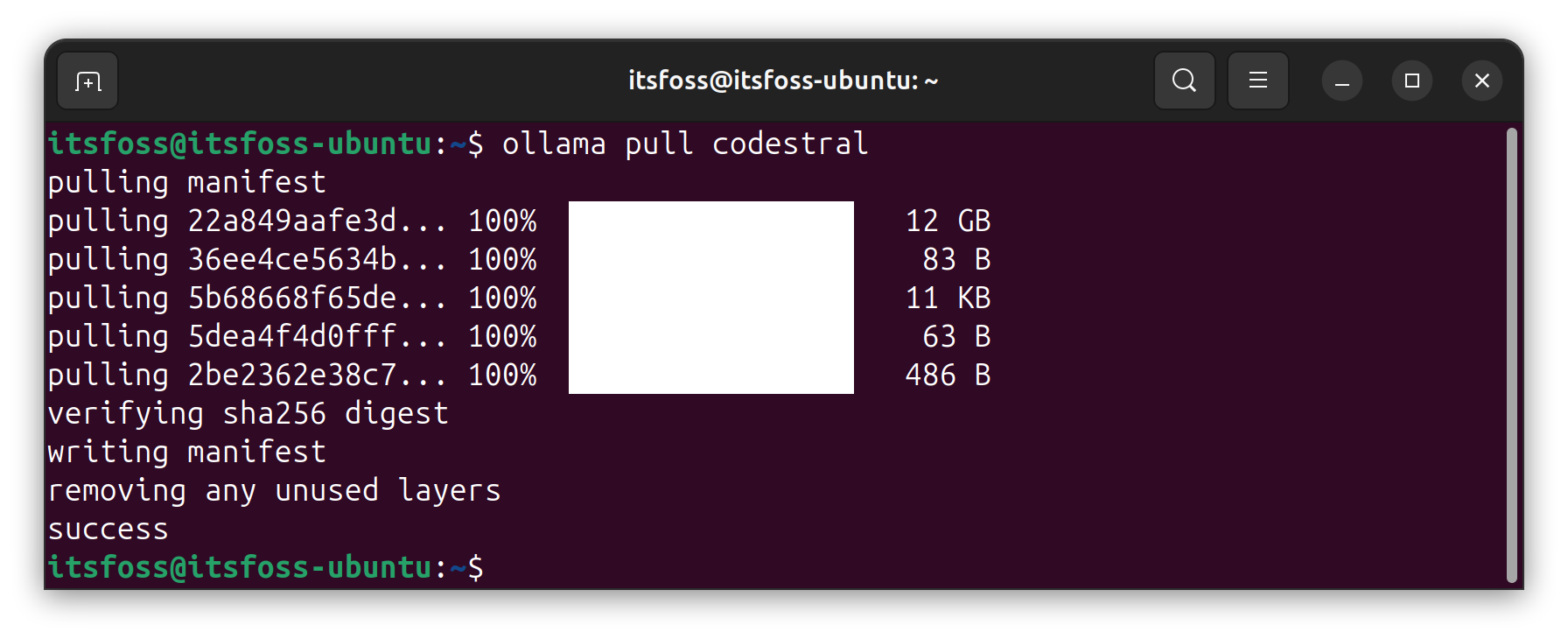
What Is Ollama Everything Important You Should Know

T R 2022 Film Rezensionen de

Untar Tar Gz Lessonswest
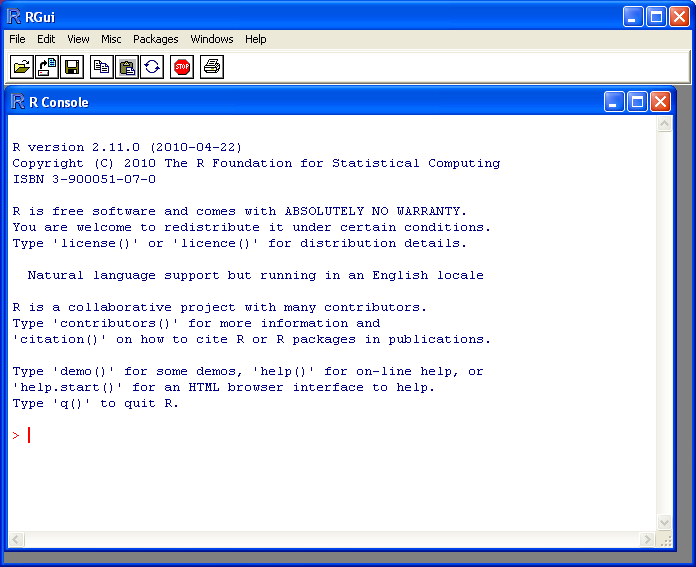
Install Package In R From Local File Gospelbap

Install Chrome offline If you have issues when you download Chrome on your Windows computer use the alternative link to download Chrome on a different computer On your computer

When you install Drive for desktop on your computer it creates a drive in My Computer or a location in Finder named Google Drive All of your Drive files appear here

To install or upgrade to the latest version of Google Earth Pro download the application System requirements In order for Google Earth Pro to run on your computer you must have all

Download the installation file again To install Chrome again use the new file If the installation still isn t working use an offline installer Computers with multiple user accounts Computers

Install Chrome On your iPhone or iPad open App Store In the search bar enter Chrome Tap Get To install follow the on screen instructions If prompted enter your Apple ID password To
[desc-11] [desc-12]
[desc-13]