Linux Install Application From Tar Gz EXPLAINED: How to Install .tar, .tar.gz or .tar.bz2 files on Linux [ Step-by-Step Guide] - YouTube How to install Tar.gz programs in Linux? - YouTube How to install tar.gz file on Linux - Linux Tutorials - Learn Linux Configuration How to Extract a tar.gz File in Linux using Terminal - YouTube How to Install Software in Ubuntu Linux: 5 Easy Ways Open the command line window and enter the command i e cd for navigating to the folder in which the extracted data of the tar gz file is stored For instance
I want to store opt zulu18 32 13 ca jdk18 0 2 1 linux x64 bin in usr bin i knew i can make a link to point to usr bin can tar command Download the desired tar gz or tar bz2 file Open Terminal Extract the tar gz or tar bz2 file with the following commands Navigate to the extracted
How to Install Software in Ubuntu Linux: 5 Easy Ways How to Extract a tar.gz file in the Linux Terminal - YouTube How to install tar.xz file in any Linux Computer ? - YouTube how to extract a tar.gz file in linux mint 13 - YouTube How to extract tar file on Linux - Linux Tutorials - Learn Linux Configuration How To Extract And Install .tar.gz Files In Linux | LinuxAndUbuntu How to extract tar file on Linux - Linux Tutorials - Learn Linux Configuration How to unzip TarGZ files in Linux Download file from URL on Linux using command line - Using wget or curl
Linux Install Application From Tar Gz
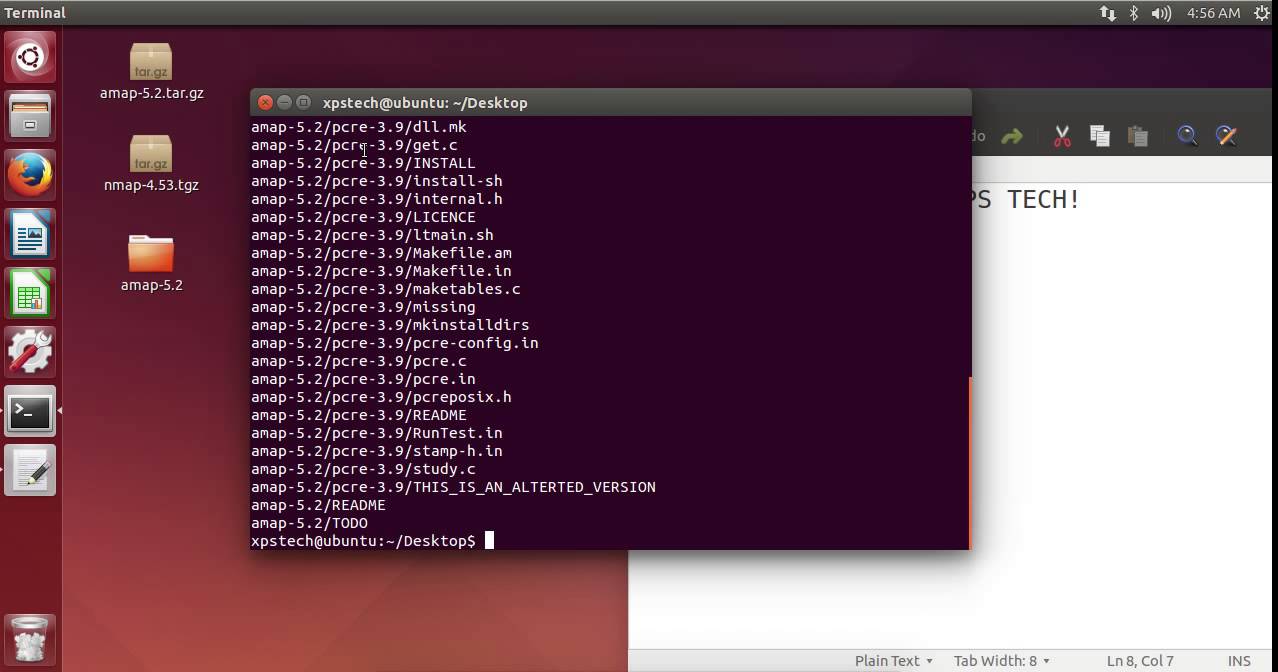 Linux Install Application From Tar Gz
https://i.ytimg.com/vi/njqib0fzE9c/maxresdefault.jpg
You can download any of this software and install it on your system Recent releases are often available in the form of compressed archive files Applications
Templates are pre-designed documents or files that can be utilized for various purposes. They can save time and effort by providing a ready-made format and layout for developing various sort of content. Templates can be used for personal or professional jobs, such as resumes, invites, leaflets, newsletters, reports, discussions, and more.
Linux Install Application From Tar Gz

How to Install a tar.gz File on Ubuntu Linux | ITPro Today: IT News, How-Tos, Trends, Case Studies, Career Tips, More

How to Extract a tar.gz file in the Linux Terminal - YouTube
How to install tar.xz file in any Linux Computer ? - YouTube

how to extract a tar.gz file in linux mint 13 - YouTube

How To Extract And Install .tar.gz Files In Linux | LinuxAndUbuntu
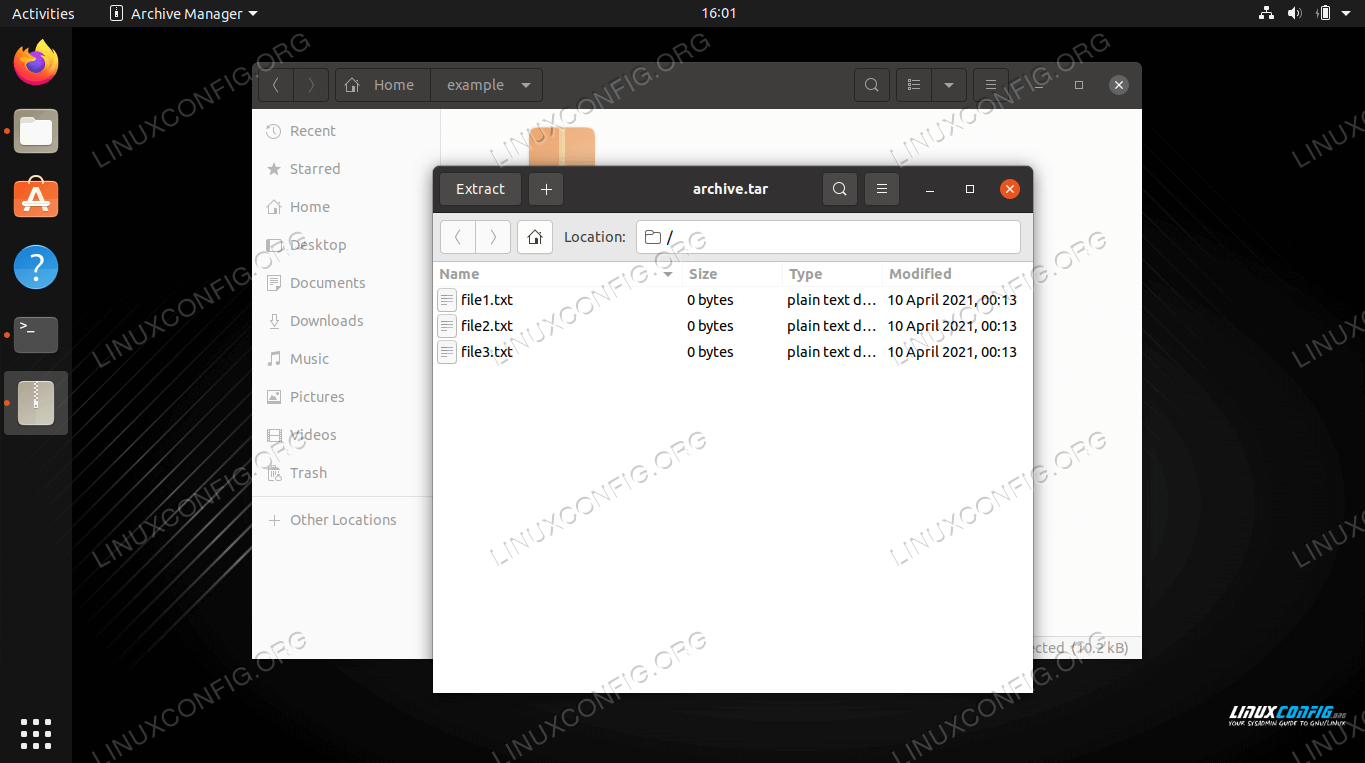
How to extract tar file on Linux - Linux Tutorials - Learn Linux Configuration

Open a console and go to the directory where the file is Type tar zxvf file tar gz Read the file INSTALL and or README to know if you need

Install software from tar gz Start by extracting the contents of your archive Change into the extracted directory and see if there is a

Linux ubuntu debianIn this video I go over how to install Tar gz programs in your Linux

1 Select the SLFont you need and download it into a directory on your Linux PC 2 Change to the directory where you downloaded it and issue

Open your directory and go to your file and use Next change the directory to an unzipped folder Next type To get into the root enter
Extract Tar gz Files Using Archive Manager Ubuntu kali Linux Mint Debian Use your File Manager to get to the location of the file Right Learn how to extract and install tar gz files in Linux with this step by step guide It s easier than you think
Gz file is a collection of files combined into an archive using tar and compressed using gzip It could be anything from the source code for the latest version