Install Jupyter Notebook Linux Mint How To Install Jupyter Notebook In Linux Mint Systran Box Install Jupyter Notebook Linux Serverslokasin Zuordnen Higgins Rechtzeitig Install R In Jupyter Notebook Ubuntu LINUX PuTTY Jupyter Notebook LINUX PHP Conda Install Jupyter Notebook Holreneon First of all you need to update your cache sudo apt get update sudo apt get upgrade By default you will have installed python and pip In order to verify their existence and versions python version pip version in case of missing python and or pip you can install them by sudo apt get y install python2 7 python pip python dev or for Python 3
I need to install jupyter notebook on two computers both Linux Mint 19 2 Tina On one computer I have installed it and run jupyter notebook I can t run the cell I click to run and nothing happens What does not connected mean On the second computer I run jupyter notebook and there is an error Navigate to the bottom of the file using the key Copy the code from below these instructions Press Shift Control V to paste the code into Terminal Press Control S to save the changes Press Control X to exit Crontab Restart the computer
Conda Install Jupyter Notebook Holreneon Anaconda Jupyter Notebook Linux Server Miniconda Install Jupyter Notebook LuhooliX Download Mac Os Mojave On Windows For Bootable Usb Senturinhorizon Microsoft Excel 2016 Review Gridluli Check Python Version Jupyter Notebook How To Install Jupyter Notebook How To Put In Jupyter Notebook In Ubuntu VSCode Local Post News Pip Install Jupyter Notebook Windows 10 Mendelta Install Jupyter Notebook On Ubuntu
Install Jupyter Notebook Linux Mint
 Install Jupyter Notebook Linux Mint
https://syscdn.systranbox.com/1661686613585.jpg
How to Install and Use Jupyter Notebook on Linux By GeeksVeda May 11 2023 This guide will demonstrate the approaches related to installing and using Jupyter Notebook on a Linux system Complete Story
Pre-crafted templates use a time-saving option for producing a varied series of documents and files. These pre-designed formats and designs can be made use of for different personal and expert projects, consisting of resumes, invites, flyers, newsletters, reports, presentations, and more, enhancing the material development process.
Install Jupyter Notebook Linux Mint

How To Install Jupyter Notebook In Linux Mint Systran Box

Anaconda Jupyter Notebook Linux Server
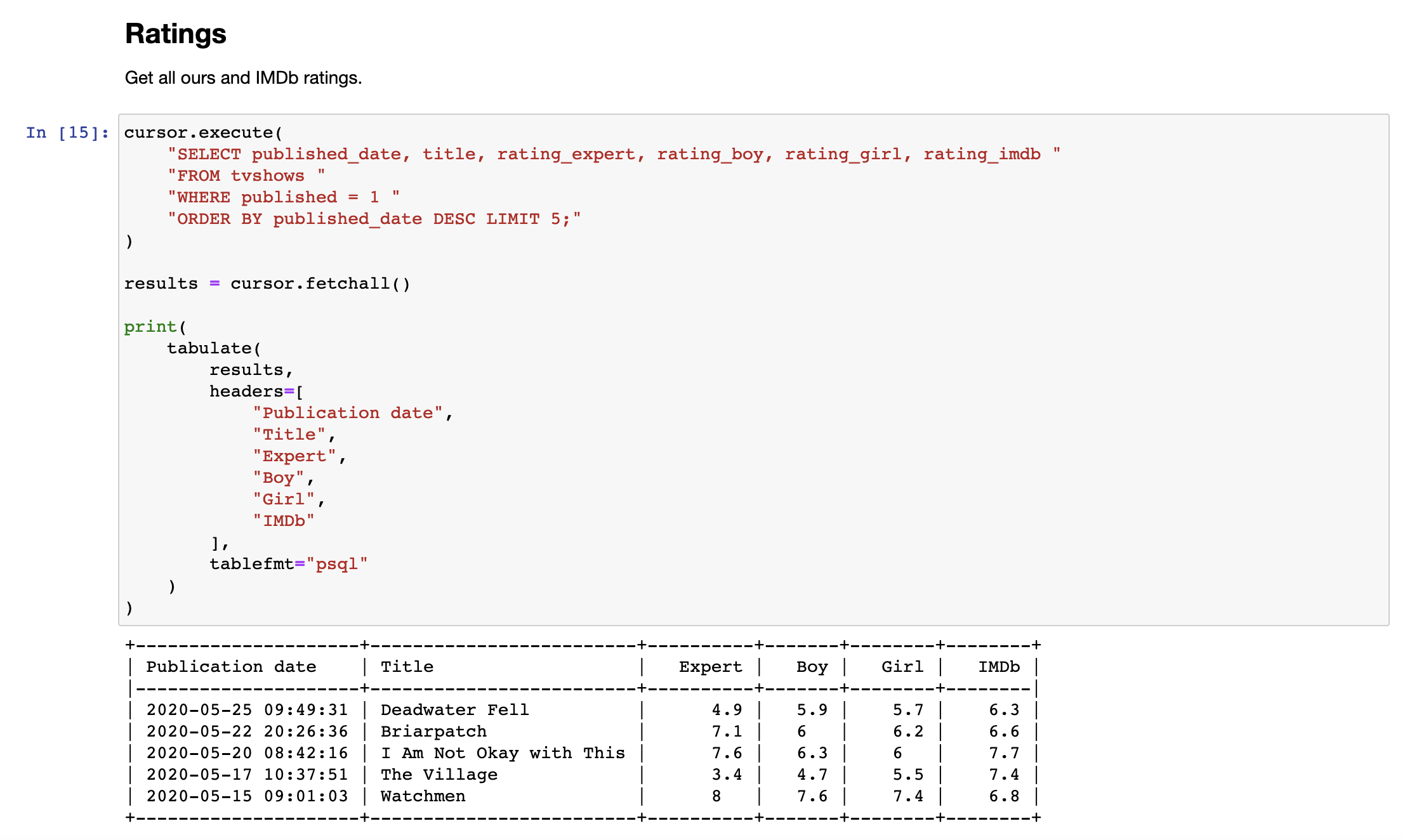
Miniconda Install Jupyter Notebook LuhooliX

Download Mac Os Mojave On Windows For Bootable Usb Senturinhorizon

Check Python Version Jupyter Notebook How To Install Jupyter Notebook
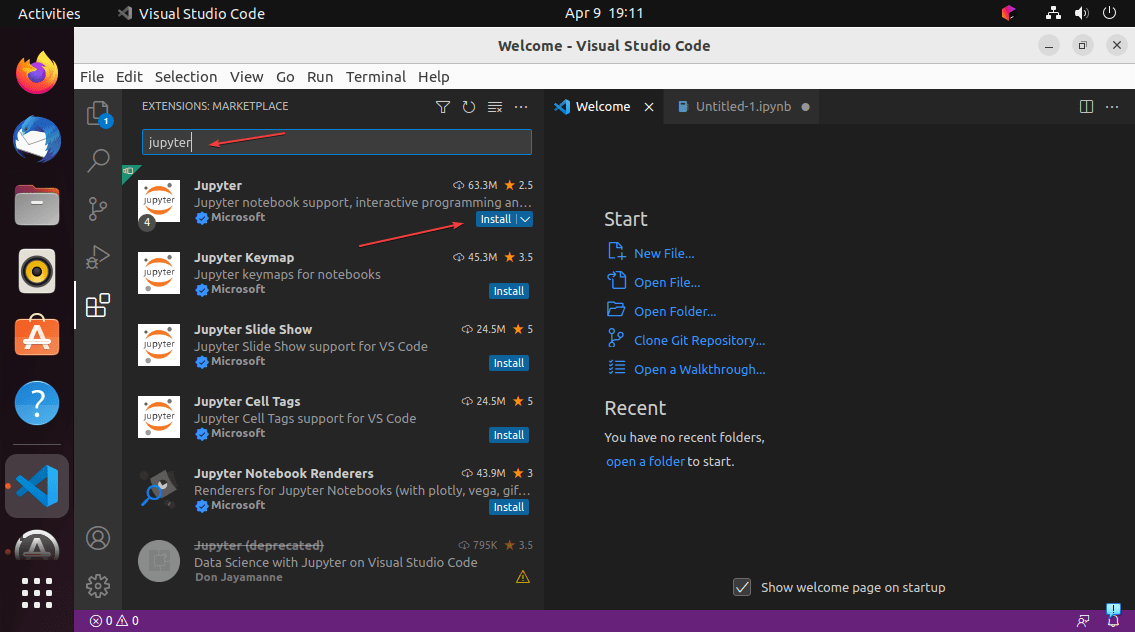
How To Put In Jupyter Notebook In Ubuntu VSCode Local Post News

Jupyter Notebook can be installed by using either of the two ways described below Using Anaconda Install Python and Jupyter using the Anaconda Distribution which includes Python the Jupyter Notebook and other commonly used packages for scientific computing and data science

Install The Jupyter Notebook is a web application that allows you to create and share documents that contain live code equations visualizations and explanatory text The Notebook has support for multiple programming languages sharing and interactive widgets
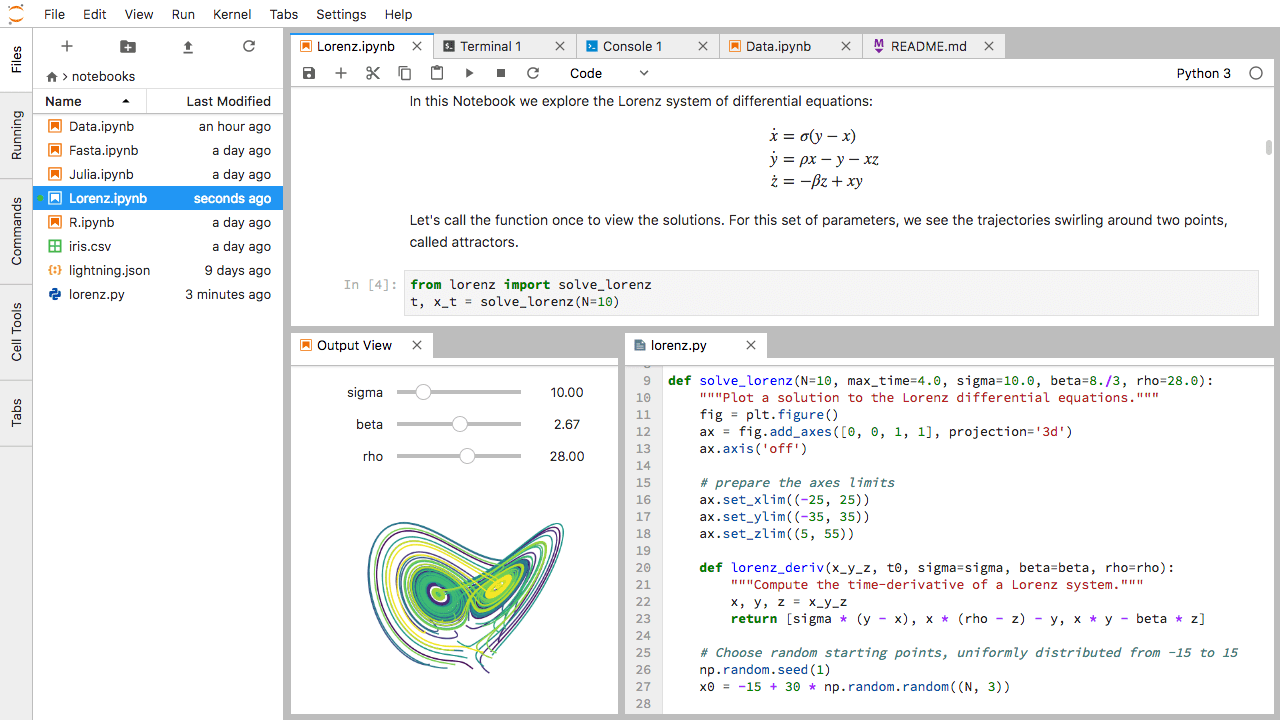
Package jupyter notebook Architecture all Version 6 0 3 2ubuntu0 1 Priority optional Section universe science Origin Ubuntu Maintainer Ubuntu Developers
Generally speaking the documentation of each tool is the place to learn about the best practices for how to install and use the tool Jupyter Notebook Interface The Jupyter Notebook interface is a Web based application for authoring documents that combine live code with narrative text equations and visualizations GitHub Repo Docs

The Jupyter Notebook is an open source web application that allows you to create and share documents that contain live code equations visualizations and narrative text Uses include data cleaning and transformation numerical simulation statistical modeling data visualization machine learning and much more BSD 3 Clause
Step 2 Run the Anaconda Installer Run the downloaded executable file to start installing Follow the on screen instructions and accept the default settings Step 3 Launch Jupyter Notebook Once the installation is complete launch Anaconda Navigator from the Start menu Click on the Jupyter Notebook icon to launch the application Step 2 Create a Python Virtual Environment for Jupyter Now that we have Python 3 its header files and pip ready to go we can create a Python virtual environment to manage our projects We will install Jupyter into this virtual environment To do this we first need access to the virtualenv command which we can install with pip
Choose a language Before installing JupyterLab you must decide on the programming language you intend to use and whether your workloads require graphics processing units GPUs JupyterLab supports over 100 programming languages including Scala Matlab and Java Download now A sysadmin s guide to Bash scripting