Install Heroku How To Install The Heroku CLI The Full Stack Blog Introduction And Installation Of Heroku CLI On Windows Machine How To Install Heroku Windows YouTube Heroku Cli Install Windows How To Install Heroku Cli In Windows How To Install Heroku And Deploy A Static Website On Ubuntu Install Chrome On your Android device open the Google Play Store app Or open Google Play Store In the search bar enter Chrome Tap Install To start browsing tap Open You can find Chrome on your home screen or in All apps To open tap Chrome
Select Install for no charge items or the item s price Tips To check that an app is reliable find out what other people say about it Under the app s title check the star ratings and the number of downloads To read individual reviews scroll to the quot Ratings and reviews quot section If you can t find an app you want to install there are Before you install Google Play Games Beta on your PC CPU virtualization must be turned on in your computer s BIOS settings Tip If you installed other emulators on your computer they might not work when Windows Hypervisor Platform is turned on Learn how to turn off Hypervisor after installation Sign in to your account
How To Install Heroku And Deploy A Static Website On Ubuntu 7 Laravel Heroku Install Windows YouTube How To Install Heroku And Deploy A Static Website On Ubuntu Install Heroku On Linux Snap Store Introduction And Installation Of Heroku CLI On Windows Machine Heroku App A Comprehensive Guide On Hosting Apps In The Cloud 2024 Can t Install Heroku cli Locally But Can Do It Globally Issue 3832 How To Install The Heroku CLI In Windows 10 YouTube Introduction And Installation Of Heroku CLI On Windows Machine
Install Heroku
 Install Heroku
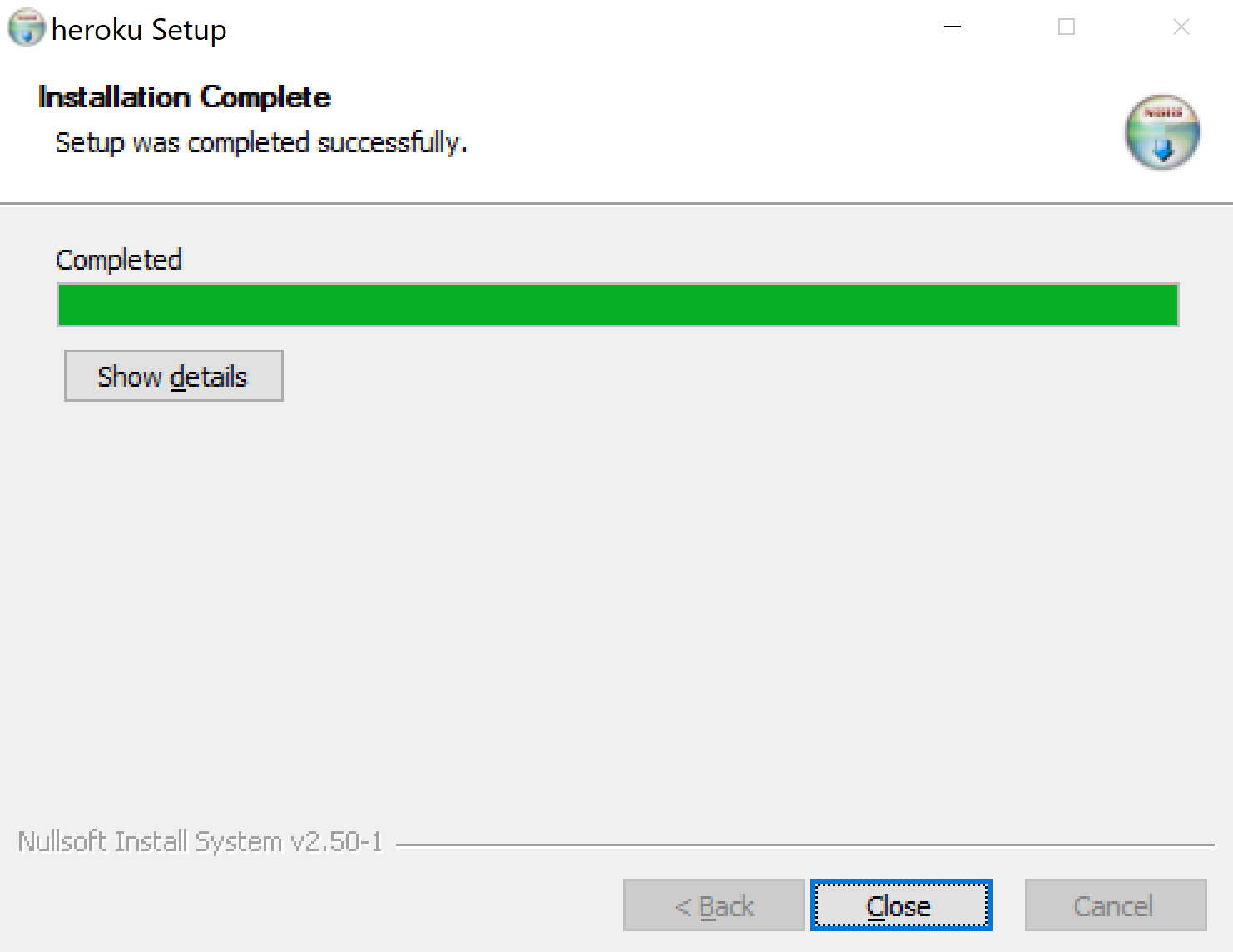
https://coding-boot-camp.github.io/full-stack/static/e21bdc373ead9dde8762fc08822176a6/3996e/heroku_cli_windows.png
Open the quot Install Google Earth Pro pkg quot file and follow the installation process To open Google Earth Pro open your Applications folder and double click Google Earth Pro Note During the installation process Mac OS X will ask for an administrator password This information is never shared with Google
Templates are pre-designed documents or files that can be utilized for various functions. They can conserve time and effort by providing a ready-made format and design for creating different kinds of content. Templates can be used for individual or professional jobs, such as resumes, invitations, flyers, newsletters, reports, discussions, and more.
Install Heroku
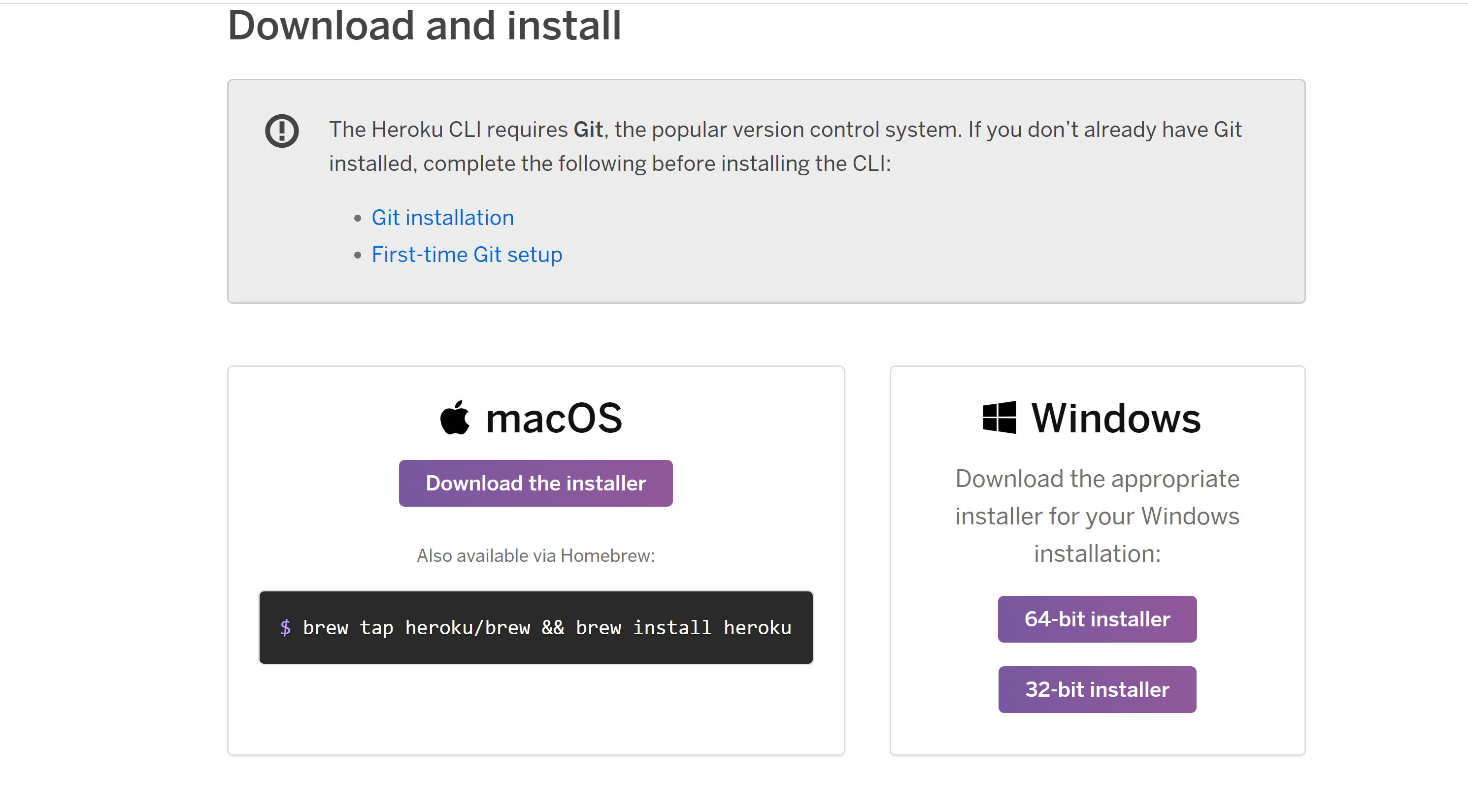
Introduction And Installation Of Heroku CLI On Windows Machine

7 Laravel Heroku Install Windows YouTube

How To Install Heroku And Deploy A Static Website On Ubuntu
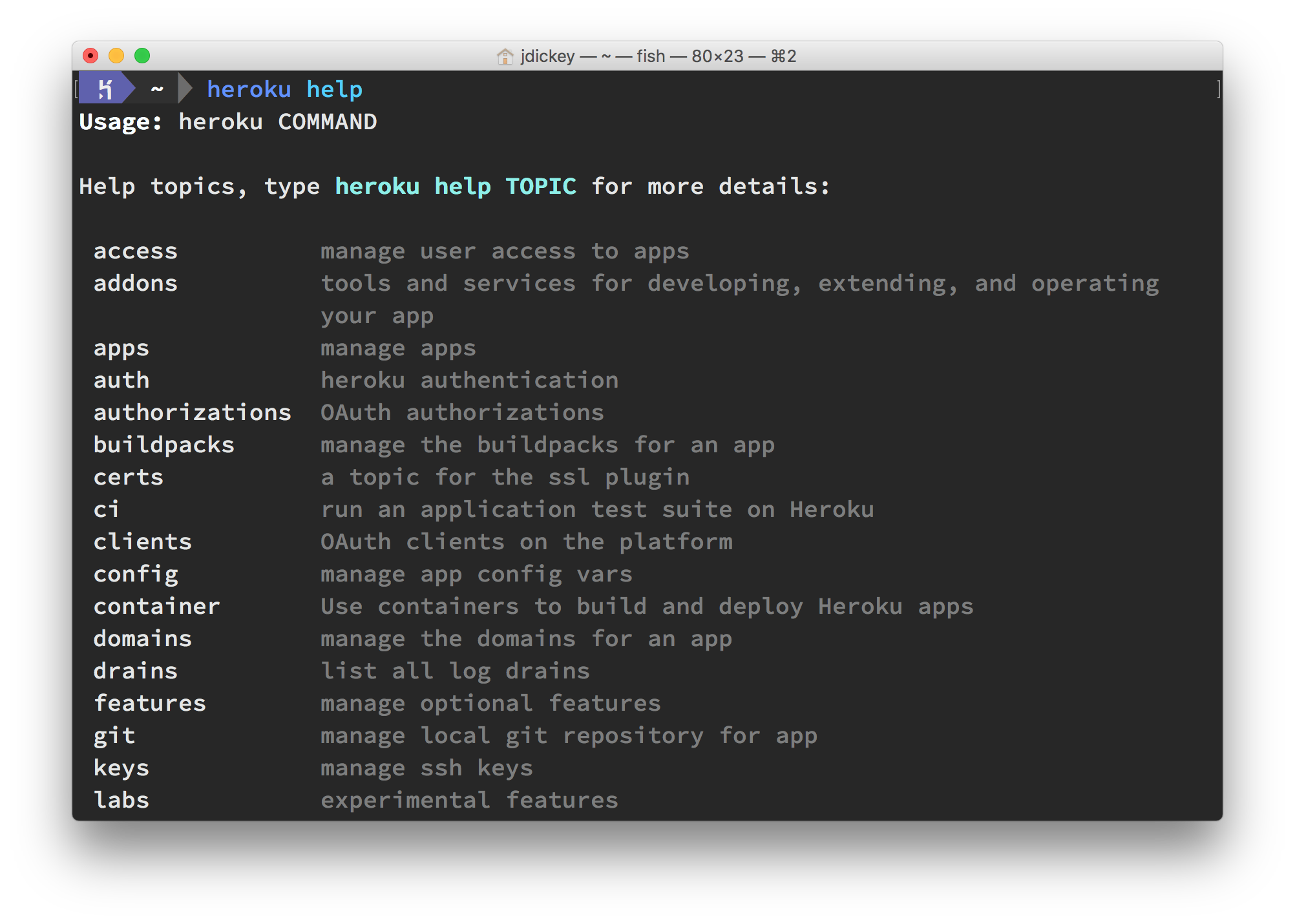
Install Heroku On Linux Snap Store

Heroku App A Comprehensive Guide On Hosting Apps In The Cloud 2024
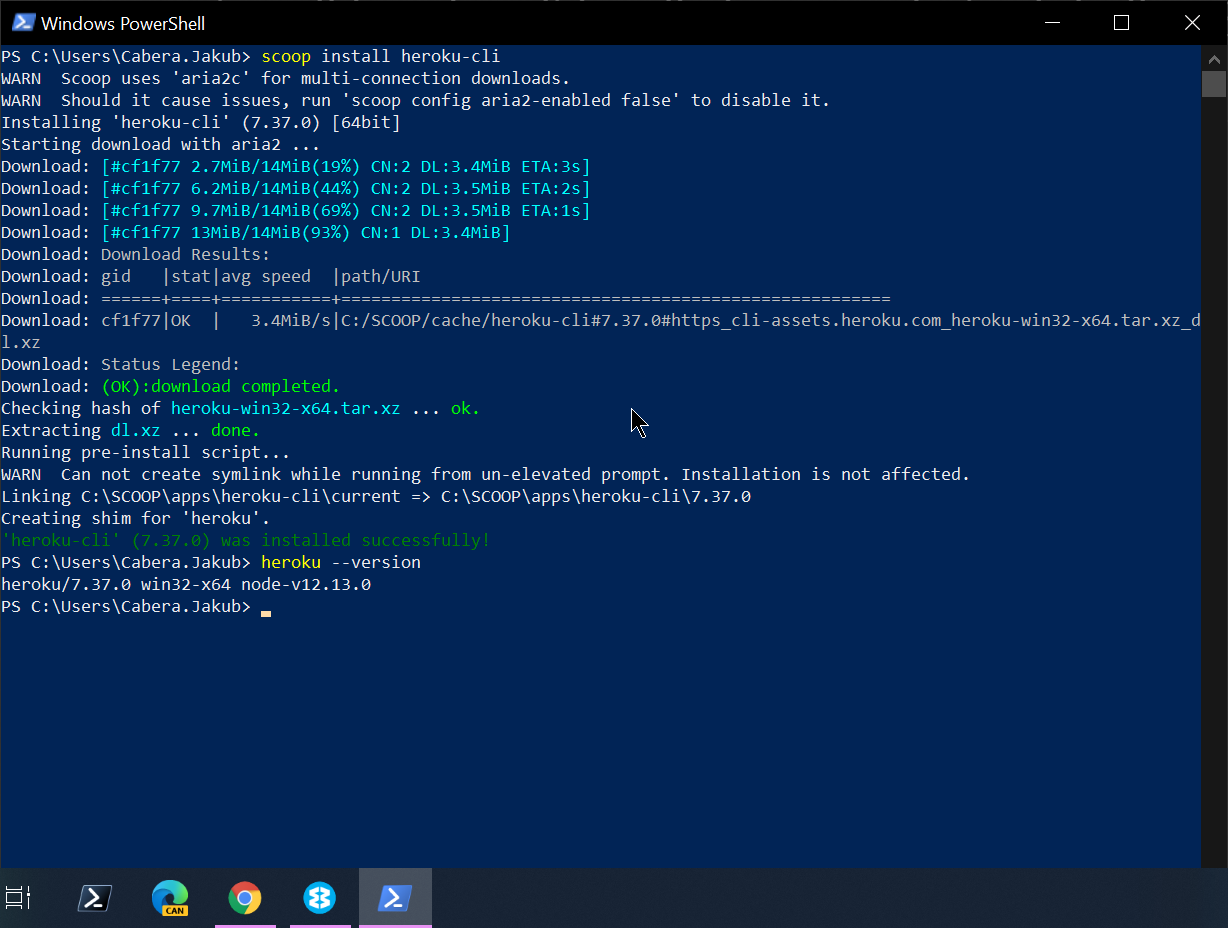
Can t Install Heroku cli Locally But Can Do It Globally Issue 3832
To use Chrome on Mac you need macOS Big Sur 11 and up On your computer download the installation file Open the file named googlechrome dmg
Vous pouvez t 233 l 233 charger et installer sans frais le navigateur Web Chrome puis l utiliser pour naviguer sur le Web

To install follow the on screen instructions If prompted enter your Apple ID password To start

Voc 234 pode baixar e instalar o navegador da Web Chrome sem custos financeiros e us 225 lo para navegar na Web Como instalar o Chrome Importante antes de baixar confira se o Chr

Official Google Chrome Help Center where you can find tips and tutorials on using Google Chrome and other answers to frequently asked questions
[desc-11] [desc-12]
[desc-13]