Install Heroku Cli Introdu o E Instala o Do Heroku CLI Em M quina Windows Acervo Lima How To Install Heroku CLI On Windows PC How To Install The Heroku CLI In Windows 10 YouTube How To Install The Heroku CLI In Windows 10 Download And Install Heroku Cli Analytics Vidhya Medium WEB Jul 10 2022 nbsp 0183 32 Installations Heroku CLI is an actual program that you need to download and install on your machine as you install any other program and they have many ways to install it for whatever operating system you may be using You can find the installer for your specific OS HERE
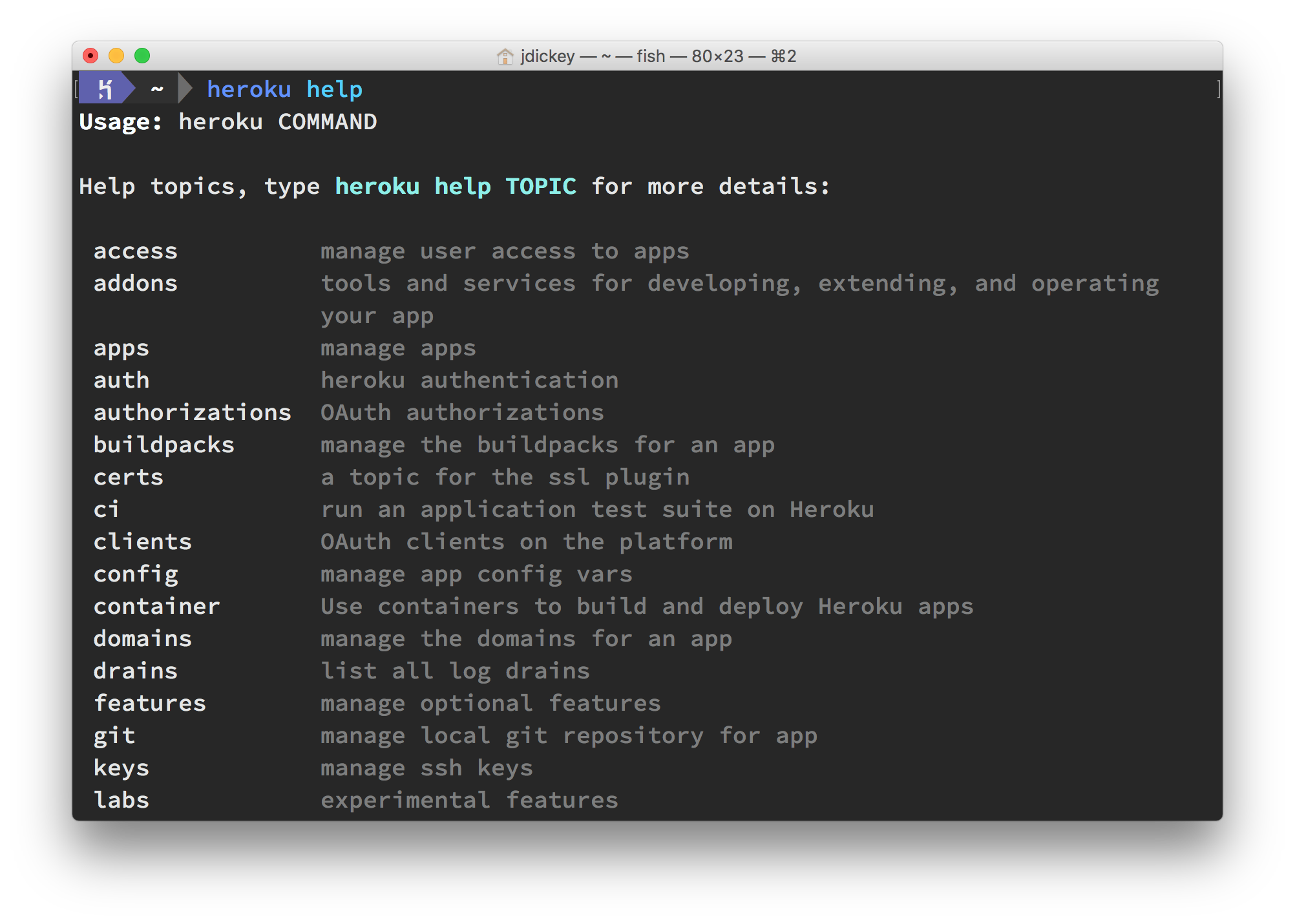
WEB CLI Usage English Last updated June 16 2023 Running heroku help displays a usage summary Usage heroku COMMAND Type heroku help TOPIC for more details access manage user access to apps addons manage add ons apps manage apps authorizations OAuth authorizations WEB Dec 24 2019 nbsp 0183 32 4 06K subscribers Subscribed 857 55K views 4 years ago Software development In this video we ll learn how to install the Heroku CLI on Windows 10 The Heroku CLI Command Line
Heroku Cli Analytics Vidhya Medium Deploy A Redis Rate Limiting App On Heroku The Home Of Redis Developers Cara Memasang Heroku CLI Dan PHP Composer Di Termux Android Atdx EU Install Heroku On Linux Snap Store Cara Deploy Laravel Di Heroku Hosting Gratis Pemburu Kode How To Install Heroku CLI In Windows PC By Positive Stud Analytics Laravel Host Laravel Application In Heroku IT Bulls Introduction And Installation Of Heroku CLI On Windows Machine How To Install Heroku CLI In Windows PC By Positive Stud Analytics
Install Heroku Cli
 Install Heroku Cli
https://media.geeksforgeeks.org/wp-content/uploads/20190331120408/heroku-4.png
WEB Now technically we re not going to be installing Heroku because it s a cloud based service but we re going to install what is called The Heroku CLI which stands for the command line interface And so essentially what this means is that you can communicate with Heroku and have a connection with the Heroku servers from your terminal
Templates are pre-designed files or files that can be utilized for different functions. They can save effort and time by supplying a ready-made format and layout for producing different type of content. Templates can be used for personal or expert jobs, such as resumes, invitations, leaflets, newsletters, reports, discussions, and more.
Install Heroku Cli

Cara Install Heroku CLI Pada Windows 11 TKJPedia

Deploy A Redis Rate Limiting App On Heroku The Home Of Redis Developers

Cara Memasang Heroku CLI Dan PHP Composer Di Termux Android Atdx EU
Install Heroku On Linux Snap Store

How To Install Heroku CLI In Windows PC By Positive Stud Analytics

Laravel Host Laravel Application In Heroku IT Bulls
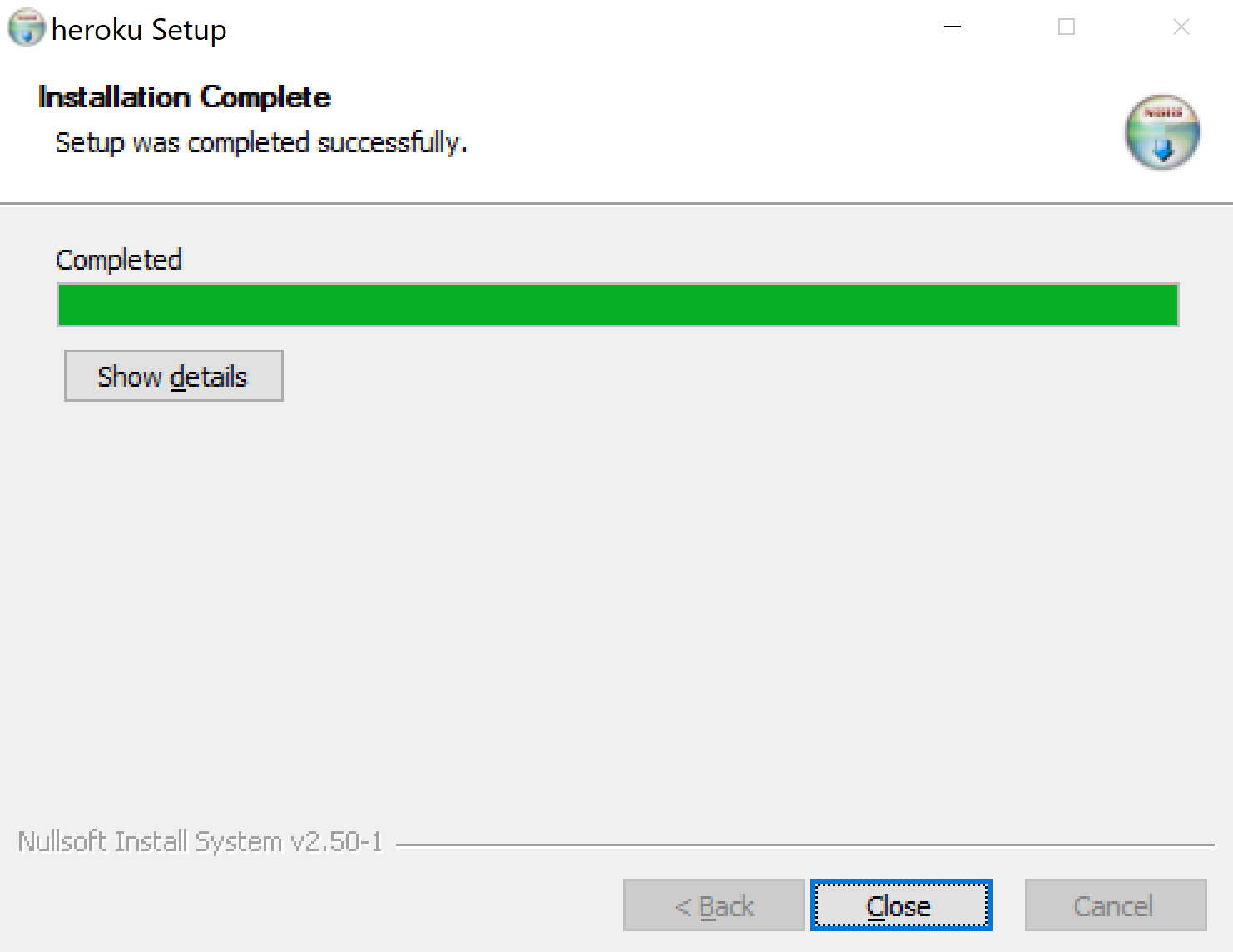
WEB To install the Heroku CLI on Windows download the 64 bit installer for Windows Open the installer on your machine and follow the prompts to complete the installation Once the installation is complete open Git Bash To verify that the Heroku CLI was installed type heroku version into the command line

WEB Jul 11 2022 nbsp 0183 32 Step 1 Download Windows installer Download the appropriate installer for your Windows installation from here according to the system configuration Step 2 Running the installer to the system Now click on the installer file and it will ask for choosing components from the following options as given below Heroku cli

WEB The heroku command line interface CLI is an essential part of using Heroku Use it to perform nearly any Heroku related task right from your terminal including Creating new Heroku apps Scaling your dyno formation Running one off dynos Taking database backups Configuring add ons Install the Heroku CLI The Heroku CLI CLI Usage

WEB Jun 14 2023 nbsp 0183 32 Command Line Heroku CLI Commands English Last updated June 14 2023 heroku access list who has access to an app USAGE heroku access OPTIONS a app app required app to run command against r remote remote git remote of app to use json output in json format heroku access add

WEB This project is built with lerna The core plugins are located in packages After cloning the repo Run yarn to install dependencies Run yarn build to build the CLI This will need to be re run any time you make changes and want to test them locally To execute Heroku CLI commands locally use bin run lt command gt
[desc-11] [desc-12]
[desc-13]