How To Use Button In Tkinter How To Make Better Tkinter Buttons Tkinter Tutorial YouTube Python Tkinter Button With Image Has Borders Stack Overflow Python Tkinter Custom Create Buttons Stack Overflow Python Tkinter Colors WebDesignTutorialz Tempi Antichi Liscio Essere Soddisfatto Python Tkinter Insert Text In Tkinter Button Widget This widget can be used to make different types of buttons We can have buttons containing not only text but also images We can also
Table of Contents Tkinter Button Command The button widget is used to place a button on the screen Button holds a functionality that is triggered when pressed Syntax In this syntax ws is the master Building Your First Python GUI Application With Tkinter Adding a Widget Check Your Understanding Working With Widgets Displaying Text and Images With Label Widgets Displaying Clickable Buttons With Button
Tempi Antichi Liscio Essere Soddisfatto Python Tkinter Insert Text In M sur Scafandru C iva Python Tkinter Input Box Foc Serena Ezita Gui With Tkinter In Python Tutorial IMAGESEE Tkinter Buttons GUI Programming Python Tutorial Python Changing The Shape Of Tkinter Widgets Stack Overflow How To Position Buttons In Tkinter With Grid Place Or Pack ActiveState Radio Buttons With Tkinter Python Tkinter Gui Tutorial 12 Youtube Tkinter Disable Button After Click Design Talk Python Tkinter Help The Goal Of This Exercise Is To Chegg
How To Use Button In Tkinter
 How To Use Button In Tkinter
https://i.ytimg.com/vi/ORb_apQWIPs/maxresdefault.jpg
How Do I assign a function to a button in Python TKinter Asked 8 years 2 months ago Modified 4 months ago Viewed 19k times 1 I am fairly new to TKinter
Pre-crafted templates use a time-saving option for producing a diverse series of files and files. These pre-designed formats and designs can be utilized for numerous personal and professional jobs, consisting of resumes, invitations, flyers, newsletters, reports, presentations, and more, enhancing the material production procedure.
How To Use Button In Tkinter
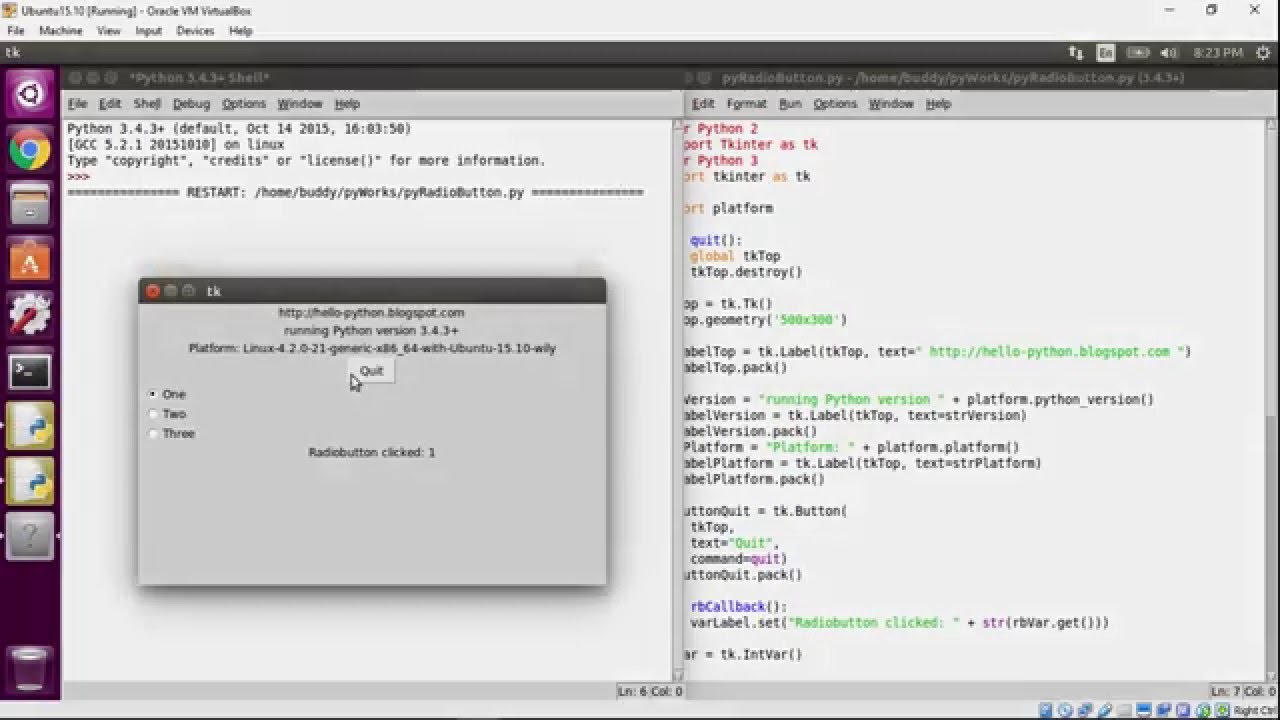
Radio Buttons With Tkinter Python Tkinter Gui Tutorial 12 Youtube

M sur Scafandru C iva Python Tkinter Input Box Foc Serena Ezita
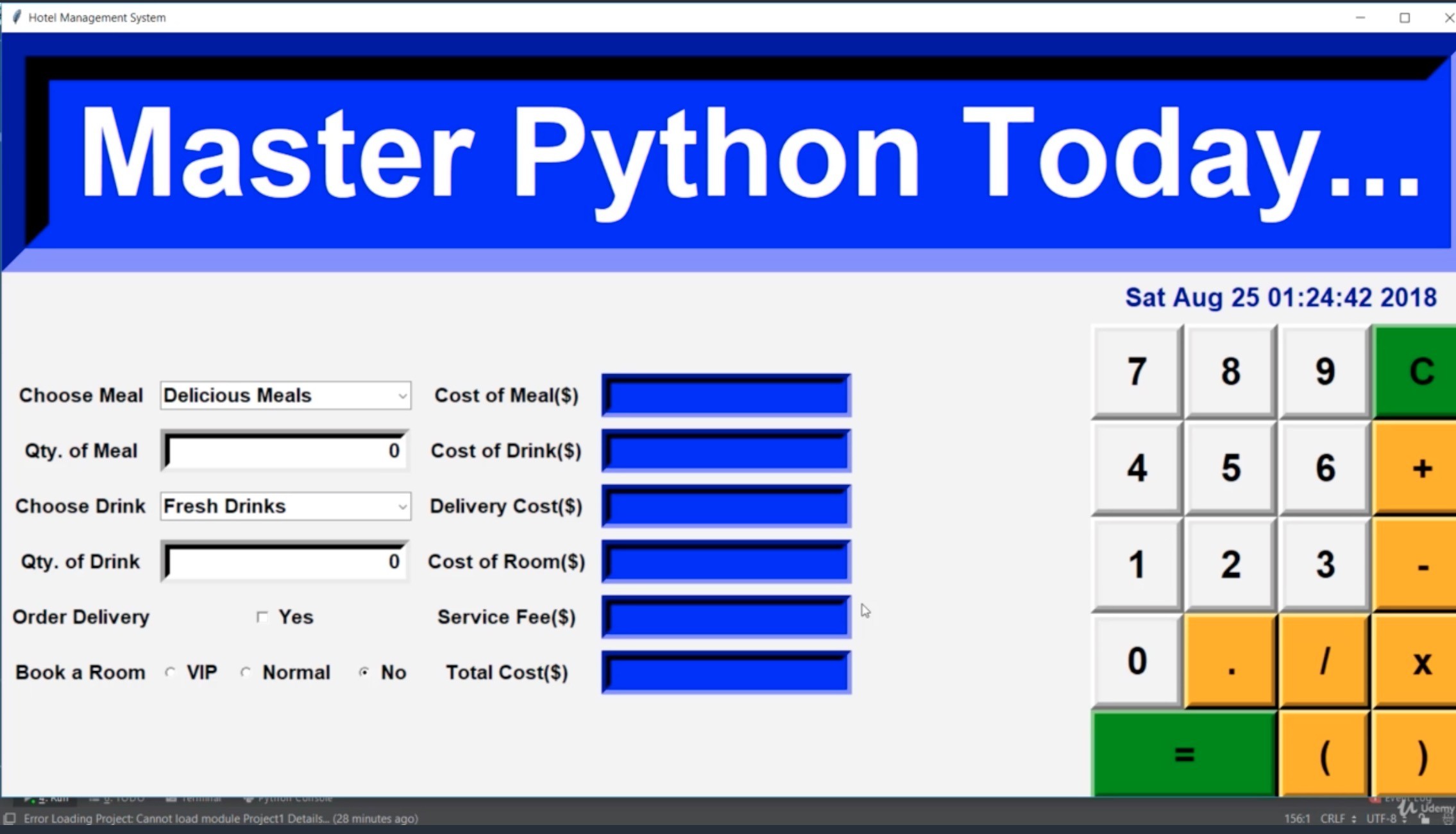
Gui With Tkinter In Python Tutorial IMAGESEE
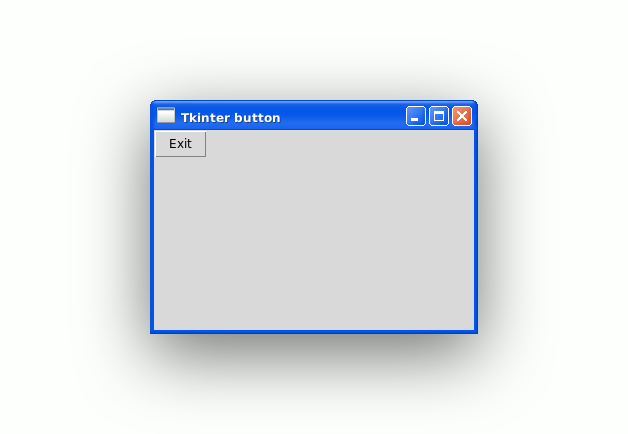
Tkinter Buttons GUI Programming Python Tutorial
How To Position Buttons In Tkinter With Grid Place Or Pack ActiveState

Radio Buttons With Tkinter Python Tkinter Gui Tutorial 12 Youtube
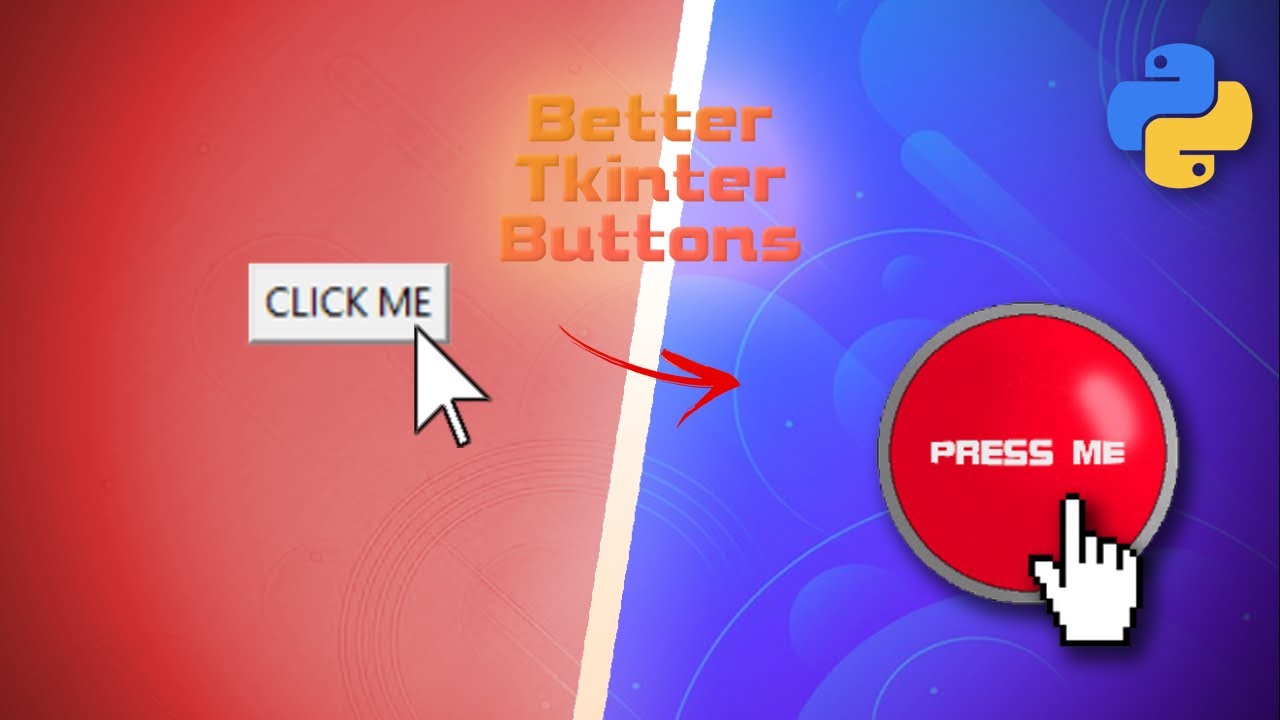
Buttons are standard widgets in a GUI They come with the default Tkinter module and you can place them in your window A Python function or method can be associated with a button This function or method is

The syntax to use the button widget is given below Syntax Button parent options Parameters parent This parameter is used to represents the parent window

Click the X button at the top corner of this window and you will close it It s the same for buttons in Tkinter Push the button and maybe display some text or
Approach Import the tkinter module Create the main window Add a button to the window Place the button The button in the tkinter module can be placed or move to any position in two ways By
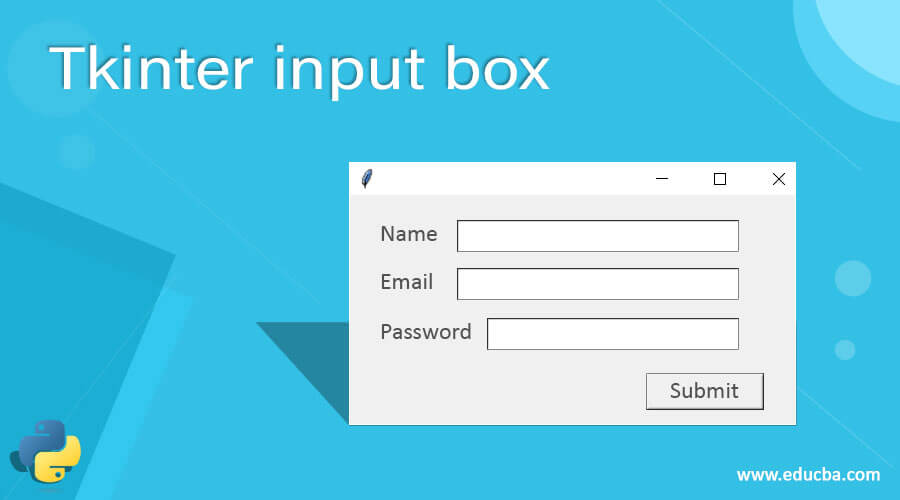
19 rowsTkinter Button The Button widget is used to add buttons in a Python application These buttons can display text or images that convey the purpose of the
When the button is pressed Tkinter automatically calls that function or method Syntax button Radiobutton master text Name on Button variable Static factory functions The below functions when called create a modal native look and feel dialog wait for the user s selection then return the selected value s
To use the command binding you follow these steps First define a function as a callback Then assign the name of the function to the command option of the widget For