How To Make A Button Work In Tkinter Disable Button In Tkinter Python Stack Overflow Reactjs React JS How To Make A Button Create Another Button Stack Python Tkinter Button With Image Has Borders Stack Overflow How To Make A Button Work Like A Lever Minecraft YouTube Python Tkinter Custom Create Buttons Stack Overflow The button widget in Tkinter is used to add different types of buttons on the main window that you are working on You can modify button settings to your own requirements You can also add a function to the button and call whenever the button is pressed You can create a button as follows button tk Button window features
Create A Button Widget With any button in real life the purpose of pushing it is to perform some action to actually do something Push the button on the TV remote the TV turns on The buttons on the elevator Select a floor to go to in the building Click the X button at the top corner of this window and you will close it The tkinter ttk module provides access to the Tk themed widget set introduced in Tk 8 5 It provides additional benefits including anti aliased font rendering under X11 and window transparency requiring a composition window manager on X11 The basic idea for tkinter ttk is to separate to the extent possible the code implementing a widget
Python Tkinter Custom Create Buttons Stack Overflow Graphical Apps With Tkinter DEV Community Make A Button Look Like A Button Internet Marketing For Law Firms Podcast How To Make A Button In Python Tkinter Basic Create A Button 2 YouTube Gui With Tkinter In Python Tutorial IMAGESEE Easyframe Or Tkinter Garetvery Intent How To Make A Button Open A New Activity Android Studio How To Create A Button In HTML YouTube Minecraft How To Make A Button Work Like A Lever Part 2 YouTube
How To Make A Button Work In Tkinter
 How To Make A Button Work In Tkinter
https://i.stack.imgur.com/eb96A.png
Create a button button tk Button root text Click me Pack the button to show it in the window button pack Start the Tkinter event party root mainloop In this code we re making a window with a button that says Click me
Templates are pre-designed documents or files that can be used for various functions. They can save effort and time by supplying a ready-made format and layout for developing different sort of material. Templates can be used for individual or expert tasks, such as resumes, invites, leaflets, newsletters, reports, presentations, and more.
How To Make A Button Work In Tkinter

Buy ChiButtons Kit 75mm 3 Button Maker Badge Press Machine B400
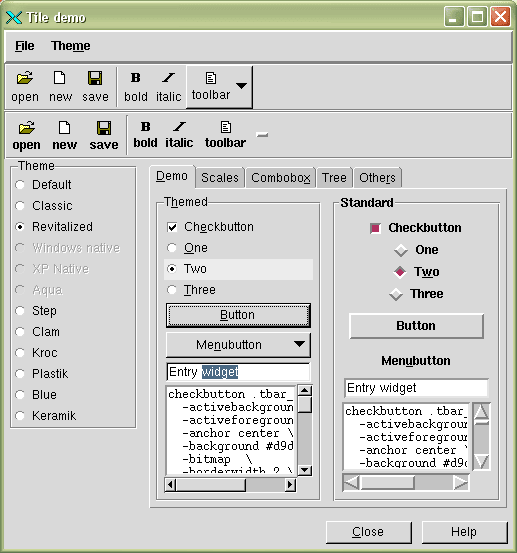
Graphical Apps With Tkinter DEV Community
Make A Button Look Like A Button Internet Marketing For Law Firms Podcast

How To Make A Button In Python Tkinter Basic Create A Button 2 YouTube
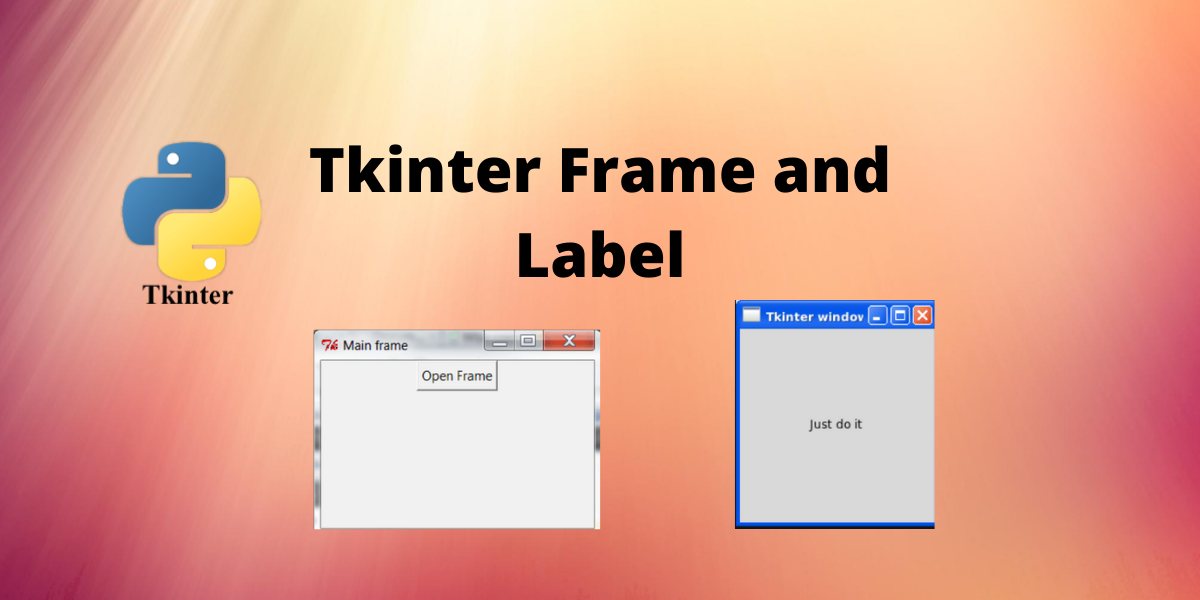
Easyframe Or Tkinter Garetvery

Intent How To Make A Button Open A New Activity Android Studio

If you click the button the callback function is called A note on buttons a tkinter button can only show text in a single font The button text can be multi line That means that this widget won t show icons next to the text for that you d need another widget Related course Python Desktop Apps with Tkinter Example Introduction

3 Answers Sorted by 2 You should use self btn1 btn1 is a class method in button1 Button root text 1p command btn1 btn1 is called with one argument and it needs two arguments set a default value to btn1code or removeit if you do not use it

Let s see how to create a button using Tkinter Follow the below steps Import tkinter module Tkinter in Python 2 x Note Capital T Create main window root Tk Add as many widgets as you want Importing tkinter module is same as importing any other module import tkinter In Python 3 x import Tkinter In python 2 x Note Capital T

Adding a Widget Check Your Understanding Working With Widgets Displaying Text and Images With Label Widgets Displaying Clickable Buttons With Button Widgets Getting User Input With Entry Widgets Getting Multiline User Input With Text Widgets Assigning Widgets to Frames With Frame Widgets Adjusting Frame Appearance With Reliefs

A button is a widget which is designed for the user to interact with i e if the button is pressed by mouse click some action might be started They can also contain text and images like labels While labels can display text in various fonts a button can only display text in a single font The text of a button can span more than one line
Note that the name of the module in Python 2 x is Tkinter and in Python 3 x it is tkinter There are two main methods used which the user needs to remember while creating the Python application with GUI Tk screenName None baseName None className Tk useTk 1 To create a main window tkinter offers a method Tk Import Tkinter DIM 100 root Tkinter Tk frame Tkinter Frame root button Tkinter Button None width DIM height DIM command root quit circle Tkinter Canvas frame width DIM height DIM circle create oval 5 5 DIM 5 DIM 5 fill red circle create window 0 0 window button frame grid circle grid row 1 column 1
Import time from tkinter import import tkinter as tk import turtle import random class Application Frame def init self master super Application self init master self switcher True self speedx 5 self speedy 5 self position x 0 self position y 0 self red clicks dva 0 self green clicks dva 0 self acuit