How To Transpose Multiple Rows In Excel Transpose Excel Tables With A Single Click Looking For Custom Excel How To Transpose Excel Columns To Rows Using Paste Special Images And Transpose Data From Rows To Columns In Microsoft Excel Microsoft Excel Columns To Rows 3 Easy Ways To Transpose Your Data Udemy Blog How To Transpose Rows To Columns In Excel Using Uipath Riset Web May 29 2023 nbsp 0183 32 How to Transpose Every n Rows to Columns in Excel 2 Easy Methods Convert Columns to Rows in Excel Using Power Query How to Transpose Duplicate Rows to Columns in Excel 4 Ways Transpose Multiple Columns into One Column in Excel 3 Handy Methods How to Convert Multiple Columns into a Single Row in Excel
Web Sep 26 2023 nbsp 0183 32 To switch rows to columns in Excel perform these steps Select the original data To quickly select the whole table i e all the cells with data in a spreadsheet press Ctrl Home and then Ctrl Shift End Copy the selected cells either by right clicking the selection and choosing Copy from the context menu or by pressing Ctrl C Web Technical details The TRANSPOSE function returns a vertical range of cells as a horizontal range or vice versa The TRANSPOSE function must be entered as an array formula in a range that has the same number of rows and columns respectively as the source range has columns and rows Use TRANSPOSE to shift the vertical and horizontal orientation
How To Transpose Rows To Columns In Excel Using Uipath Riset How To Transpose In Excel Columns And Rows 500 Rockets Marketing Transpose In Excel Row To Column And Vice Versa How To Fix Excel Transpose Function Not Working Issue How To Transpose Multiple Columns To Rows In Excel ExcelDemy TRANSPOSE Function In Excel How It Works YouTube How To Move Over A Row In Excel Quora View Transpose A Formula In Excel Image Formulas How To Transpose Multiple Rows In Group To Columns In Excel
How To Transpose Multiple Rows In Excel
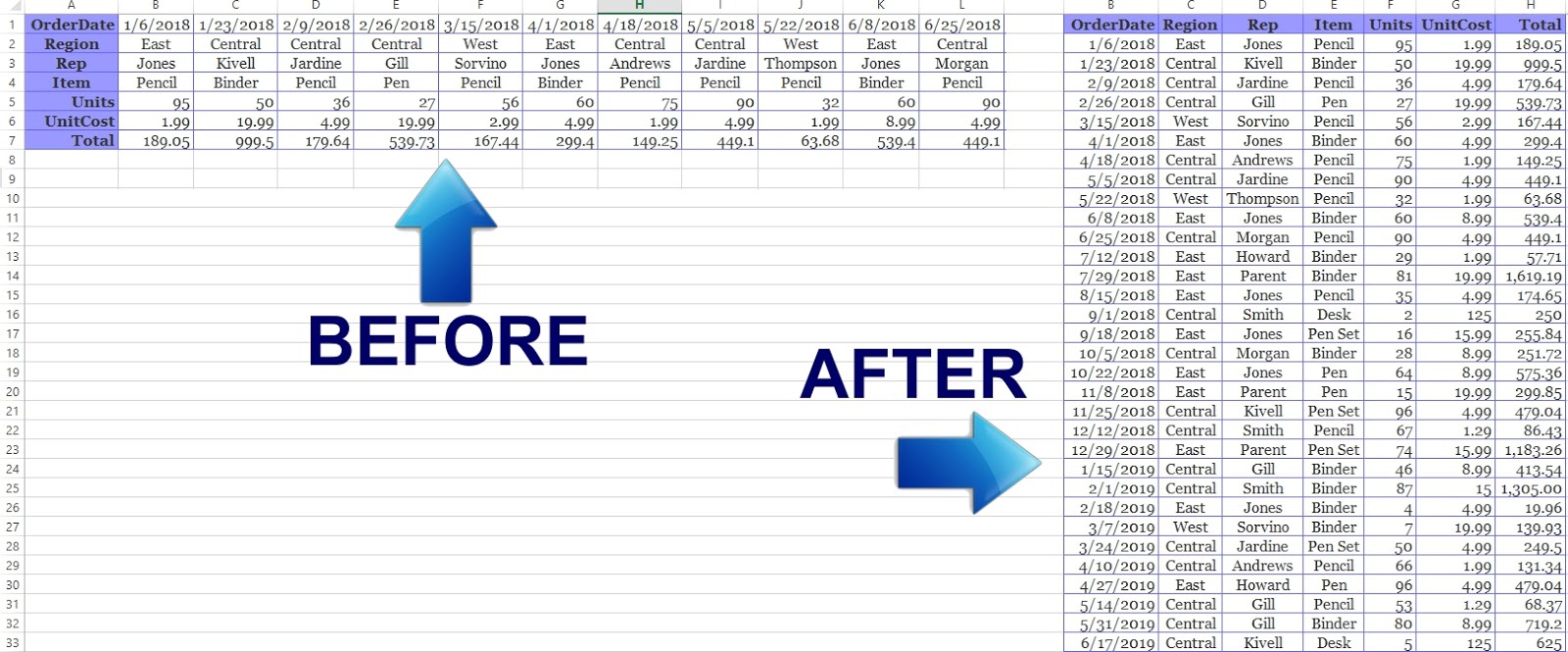 How To Transpose Multiple Rows In Excel
https://3.bp.blogspot.com/-VS8Eph_CsgA/Xn5AGXqxreI/AAAAAAABrH4/koCNHP8qsZIEwNG7i6By2RkcKtAyxMvugCK4BGAYYCw/s1600/excel_transpose_table_reverse_invert_rows_columns.jpg
Web Feb 14 2016 nbsp 0183 32 1 I have rows of data all of equal length e g A1 A5 B1 B5 C1 C5 etc I want to put these into a single column e g D1 D5 D6 D10 D11 D15 etc There are no headers or row identifiers I think that using INDIRECT with a combination of ROW and COLUMN values should work but I can t seem to find the right combo microsoft excel
Templates are pre-designed files or files that can be utilized for numerous functions. They can conserve effort and time by offering a ready-made format and design for developing different kinds of content. Templates can be utilized for personal or expert projects, such as resumes, invitations, flyers, newsletters, reports, discussions, and more.
How To Transpose Multiple Rows In Excel

Powerquery Excel Transposing Multiple Columns Into Rows Stack
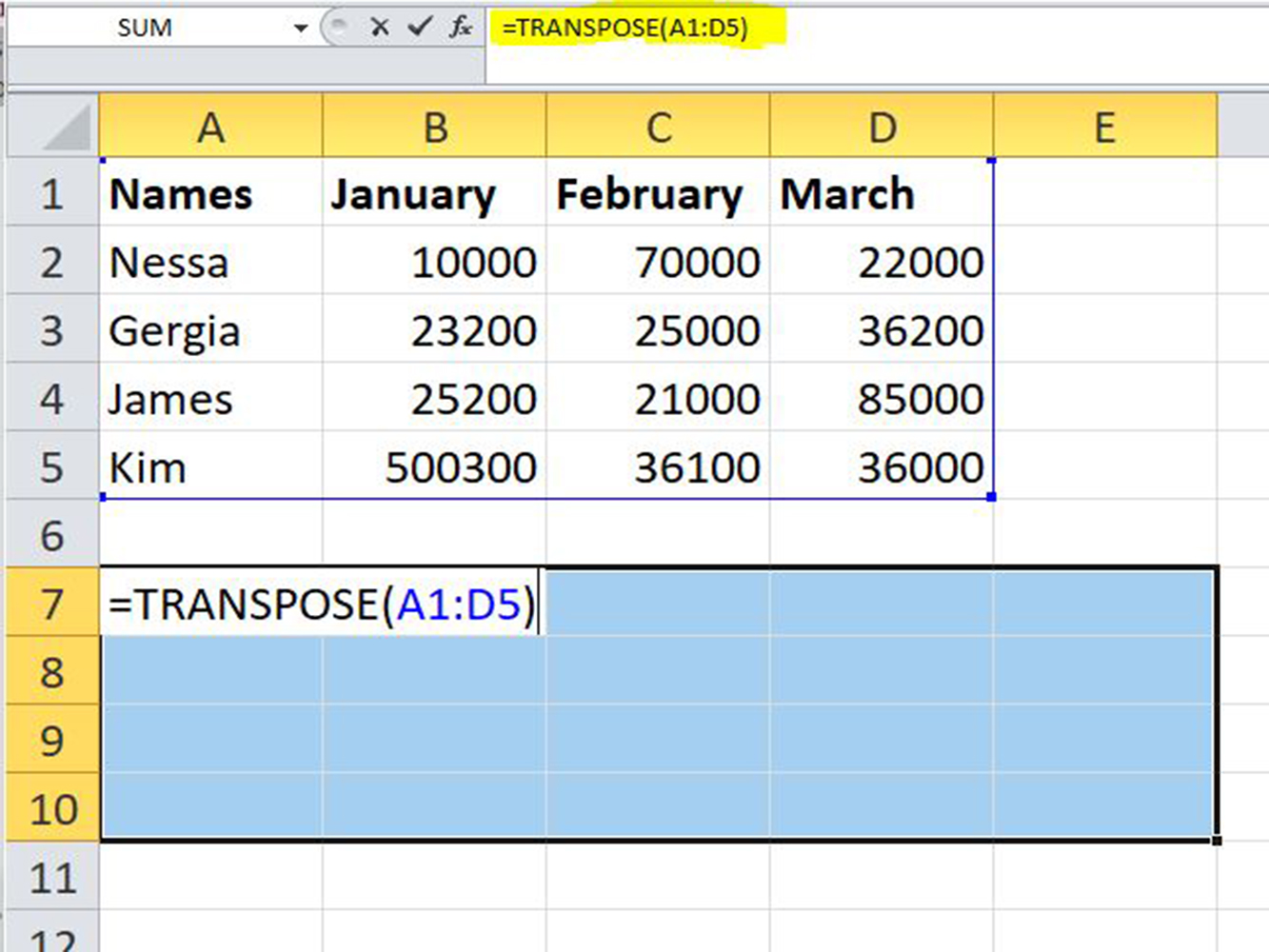
How To Transpose In Excel Columns And Rows 500 Rockets Marketing
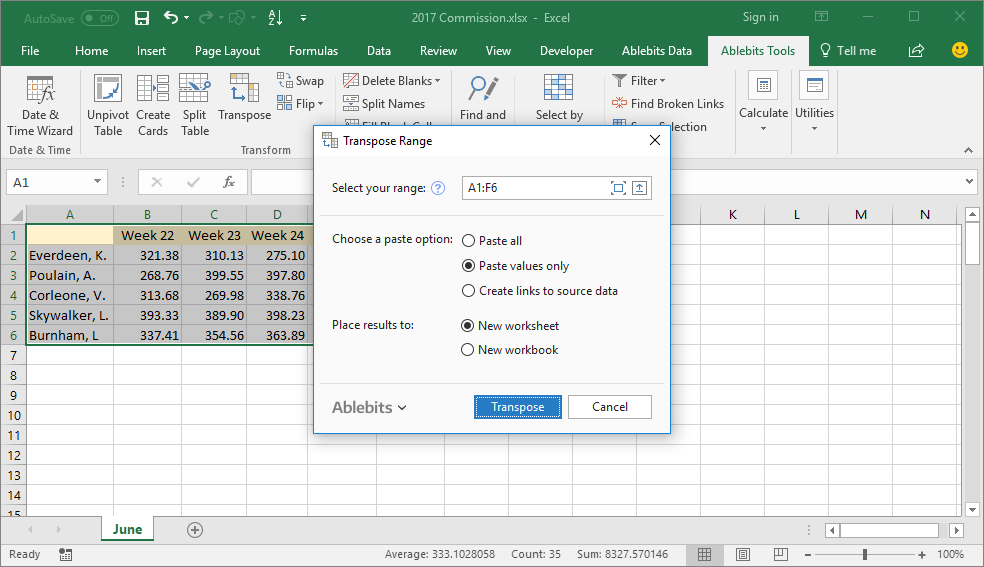
Transpose In Excel Row To Column And Vice Versa
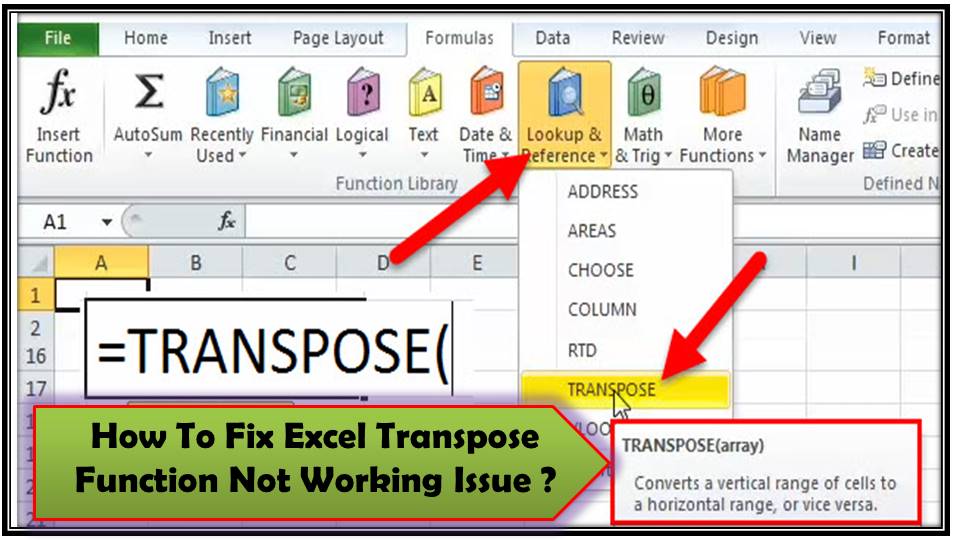
How To Fix Excel Transpose Function Not Working Issue
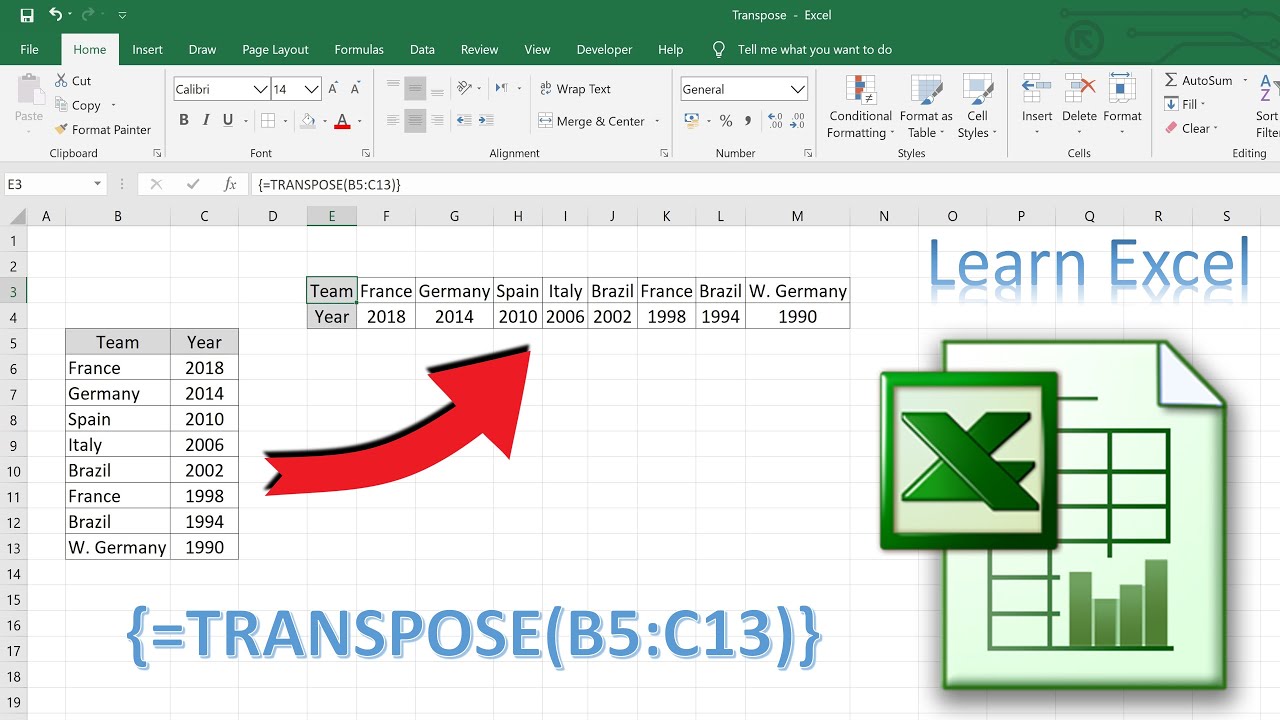
TRANSPOSE Function In Excel How It Works YouTube
How To Move Over A Row In Excel Quora
Web Feb 6 2021 nbsp 0183 32 Quick Links The Static Method Transpose Data with the Transpose Formula Transposing Data with Direct References If you started to enter data in a vertical arrangement columns and then decided it would be better in a horizontal one rows Excel has you covered We ll look at three ways to transpose data in Excel The Static

Web Nov 26 2023 nbsp 0183 32 6 Ways to Transpose Column to Multiple Rows in Excel 1 Using Excel TRANSPOSE Function to Transpose Column to Multiple Rows The most common way to transpose columns to multiple rows is to use the TRANSPOSE Function We are going to transpose all the columns of our dataset to multiple rows Let s see the discussion

Web Method 1 Using INDEX COLUMNS INT and MOD Functions In Excel you can use a formula that combines the INDEX COLUMNS INT and MOD functions to transpose multiple rows of data into a single column Let s say we have the following dataset that displays the product categories of an online store arranged in multiple rows

Web Sep 8 2021 nbsp 0183 32 There you go 3 easy ways to transpose your data in Microsoft Excel Since the introduction of dynamic arrays my favourite method is using the TRANSPOSE function It s quick easy and will automatically update when you change your source data

Web In the Query editor dialog box select the Transform tab In the Transform tab go to Table gt Use First Row as Headers gt Use Headers as First Row This ensures that the first row that contains headers Q1 Q2 Q3 and Q4 are also treated as
[desc-11] [desc-12]
[desc-13]