How To Stop Running Terminal In Vs Code Why Your Toilet Won t Stop Running Troubleshooting Fixing The Problem How To Clear Terminal In VS Code Coding Python In Windows 10 How To Set Default Terminal In VS Code Use Terminal In Vs Code BEST GAMES WALKTHROUGH VERKKO 15 kes 228 k 2016 nbsp 0183 32 There s currently no key shortcut to terminate a running task You can however create your own shortcut for it Go to File gt Preferences gt Keyboard
VERKKO Is there anyway to stop running to code without closing vscode everytime Archived post New comments cannot be posted and votes cannot be cast 3 5 Sort by VERKKO How to hide path in vs code terminal Aditya Saxena 6 Nov 19 2021 2 43 AM Can someone guide me if there s a way to hide path from the vs code terminal and still be able to receive user inputs Visual
Use Terminal In Vs Code BEST GAMES WALKTHROUGH How To Stop Running Away From Your Difficult Problems Happier Human Running JavaScript In VS Code Terminal For 2023 Visual Studio Code Vscode S Terminal Override Environment Variables Unwanted Output In The Of Why Does My Terminal In VS Code Have Weird Spacing And How Can I Fix It Stack Overflow Quickly Find A Recent Command In Terminal In VS Code Dzhavat Ushev How To Stop Running Pain Open Terminal In VS Code CityU TA Center How To Stop Your Nose Running
How To Stop Running Terminal In Vs Code
 How To Stop Running Terminal In Vs Code
https://yourproplumber.com/wp-content/uploads/2021/09/how-to-stop-running-toilet.jpg
VERKKO One of the key features of Visual Studio Code is its great debugging support VS Code s built in debugger helps accelerate your edit compile and debug loop
Templates are pre-designed files or files that can be used for various purposes. They can save time and effort by providing a ready-made format and design for developing various type of material. Templates can be used for personal or expert tasks, such as resumes, invitations, leaflets, newsletters, reports, presentations, and more.
How To Stop Running Terminal In Vs Code

Open In Terminal Vs Code Factorymanet

How To Stop Running Away From Your Difficult Problems Happier Human

Running JavaScript In VS Code Terminal For 2023

Visual Studio Code Vscode S Terminal Override Environment Variables Unwanted Output In The Of
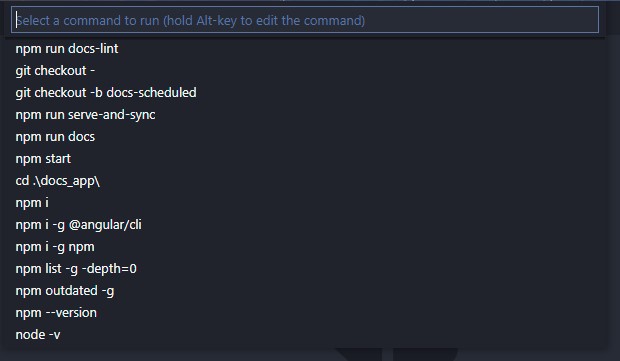
Quickly Find A Recent Command In Terminal In VS Code Dzhavat Ushev

How To Stop Running Pain

VERKKO Terminal Basics Visual Studio Code includes a full featured integrated terminal that starts at the root of your workspace It provides integration with the editor to
VERKKO There are a few ways to stop running code in VS Code 1 Press Ctrl C to stop the current line of code This will stop the execution of the current line of code and
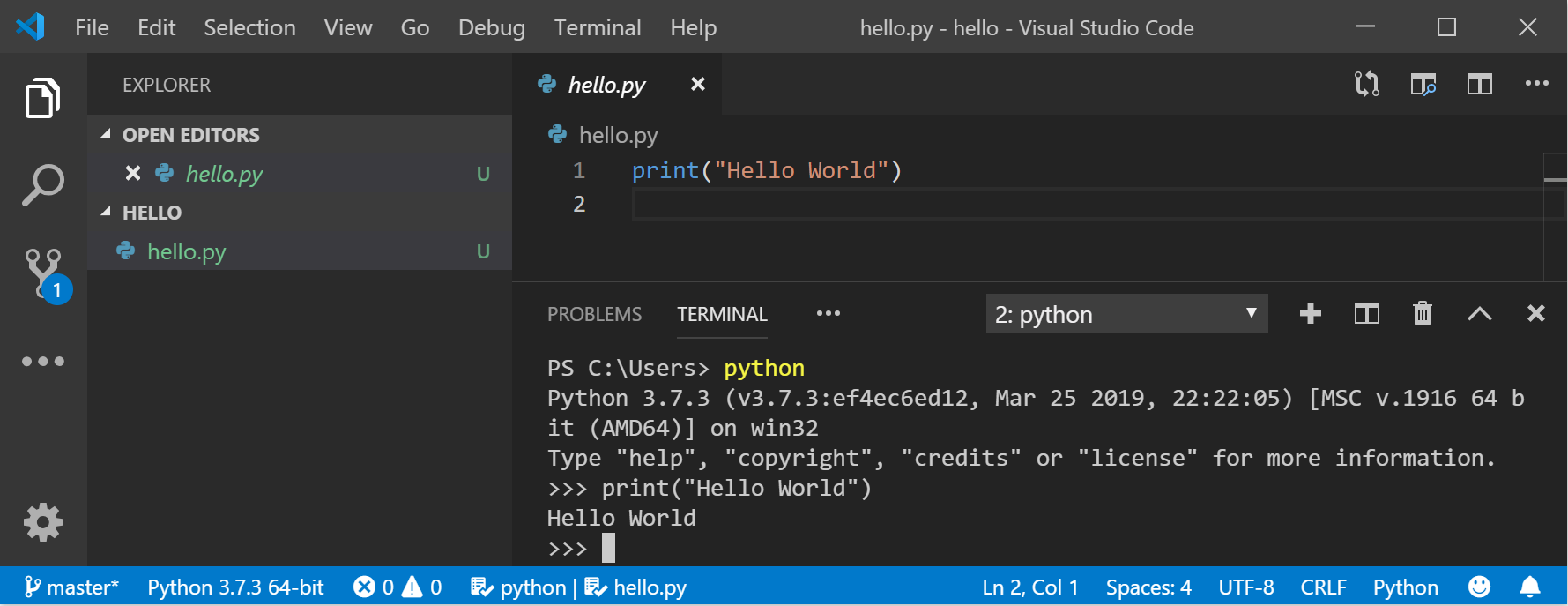
VERKKO To stop the terminal in VS Code you can use the following keyboard shortcut depending on your operating system Windows Ctrl Shift C Mac Cmd Shift

VERKKO Launching from command line You can launch VS Code from the command line to quickly open a file folder or project Typically you open VS Code within the context of a folder To do this from an

VERKKO Terminal Advanced Visual Studio Code s integrated terminal has many advanced features and settings such as Unicode and emoji support custom keybindings and
VERKKO How do you stop a running program I m on windows 10 running python programs with ctrl alt n which appear in terminal I tried using ctrl c to stop the program but VERKKO 22 toukok 2019 nbsp 0183 32 What is the most efficient way to end a process from the cmd powershell node terminal inside VS Code For a scenario node server js
VERKKO 16 lokak 2023 nbsp 0183 32 Go to the menu from the top toolbar and select View Choose Terminal from the drop down menu Alternatively use Ctrl backtick to launch