Stop Terminal Vs Code Use Terminal In Vs Code BEST GAMES WALKTHROUGH Probl me Terme Non Reconnu Terminal VS Code R solu Ligne De Commande Dans Terminal VS Code Infinie Purple Giraffe Installing Lua On Windows Terminal VS Code YouTube Ligne De Commande Dans Terminal VS Code Infinie Purple Giraffe Web Jun 15 2018 nbsp 0183 32 Uncheck gt Always reveal the SSH login Terminal Close all VSCode windows and restart VSCode Open the remote SSH location and the integrated terminal
Web Dec 1 2022 nbsp 0183 32 Similar to How to stop a command in the Visual Studio Code terminal Is there a way to stop and or pause a command when VS Code is in the background or Web May 11 2021 nbsp 0183 32 They are called quot Terminal Tabs quot and you can un check them to turn them off Go to your VS code setting User gt Features gt Terminal and look for the section
Ligne De Commande Dans Terminal VS Code Infinie Purple Giraffe Terminal VS Code IT Visual Studio Code Unwanted Output In The Terminal Of VScode Stack Make Your VS Code Terminal Look Awesome By brahim BABAL Medium Terminal VS Code IT Setup Instructions For Windows Terminal And VS Code GitHub Open In Terminal Vs Code Virtan Integrated Terminal In Visual Studio Code 2023 Guake Terminal Vs Terminal Myweblalaf
Stop Terminal Vs Code
 Stop Terminal Vs Code
https://cdn.whatismarkdown.com/how_to_use_intergrated_terminal_in_visual_studio_code.png
Web Terminal tabs can be dragged and dropped between VS Code windows This can also be done manually through the Command Palette and the Terminal Detach Session and
Templates are pre-designed files or files that can be used for numerous functions. They can conserve time and effort by supplying a ready-made format and layout for producing various sort of content. Templates can be used for personal or expert jobs, such as resumes, invites, flyers, newsletters, reports, presentations, and more.
Stop Terminal Vs Code

Ligne De Commande Dans Terminal VS Code Infinie Purple Giraffe

Terminal VS Code IT

Visual Studio Code Unwanted Output In The Terminal Of VScode Stack
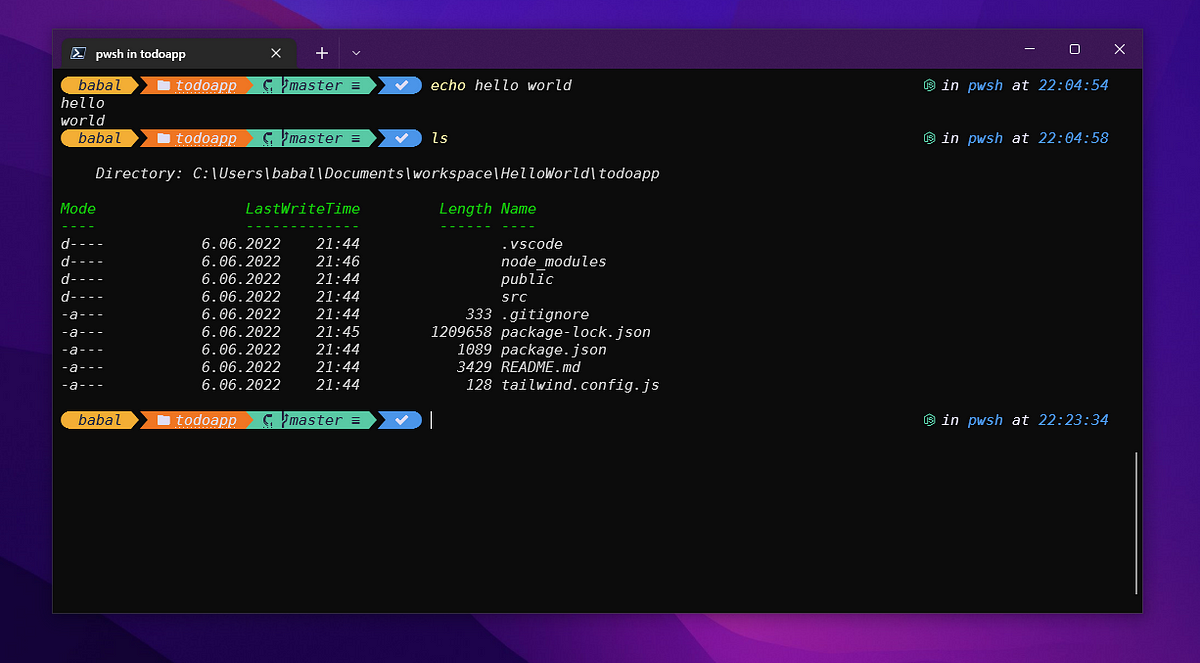
Make Your VS Code Terminal Look Awesome By brahim BABAL Medium

Setup Instructions For Windows Terminal And VS Code GitHub

Open In Terminal Vs Code Virtan

Web Jun 29 2022 nbsp 0183 32 Use Ctrl D to log out of the terminal and automatically close it Ctrl C just sends a SIGINT to the process which is usually causing it to abort but it s up to the
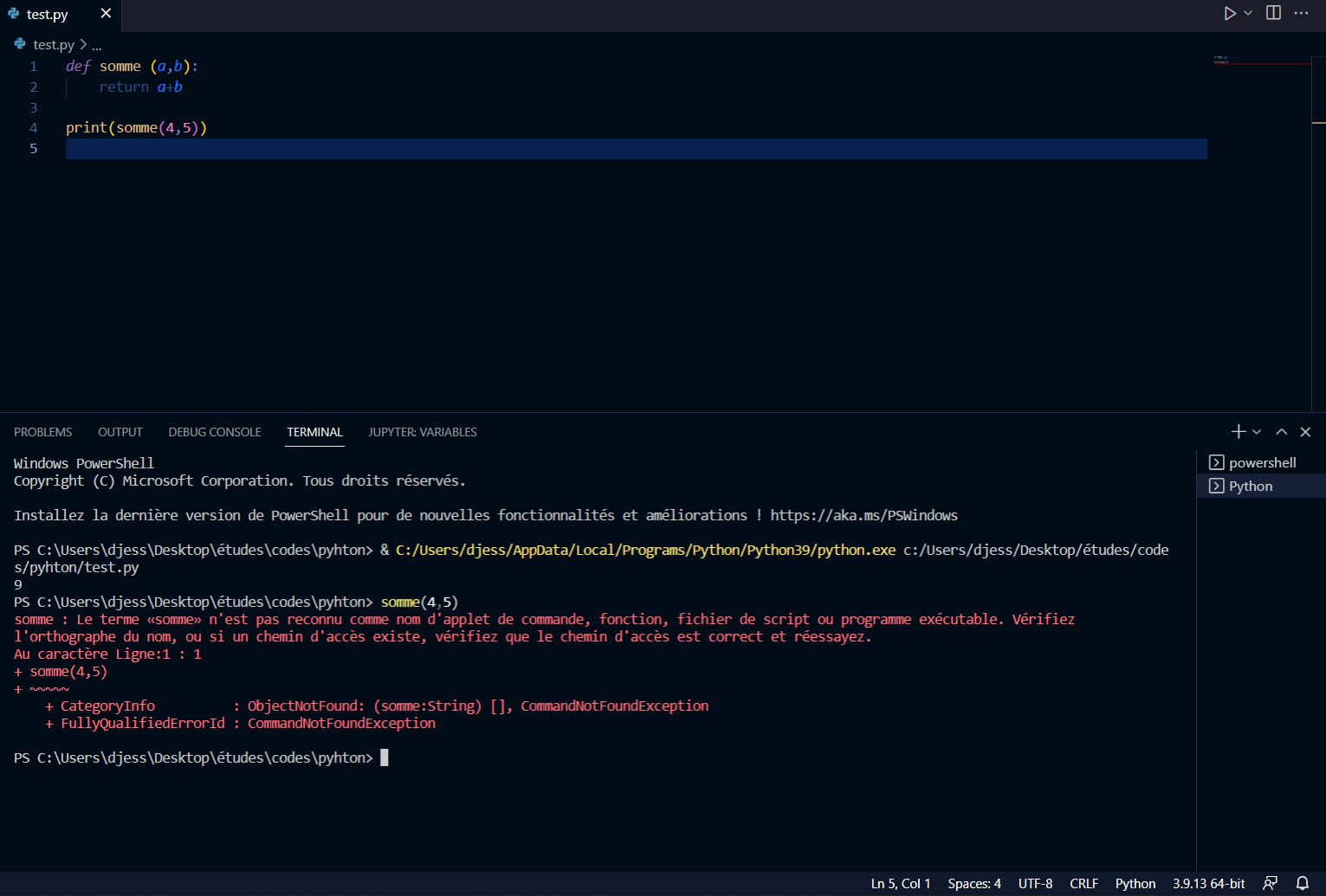
Web Oct 23 2017 nbsp 0183 32 If there is no quot terminal integratedmandsToSkipShell quot entry in your settings json simply add it quot terminal integratedmandsToSkipShell quot
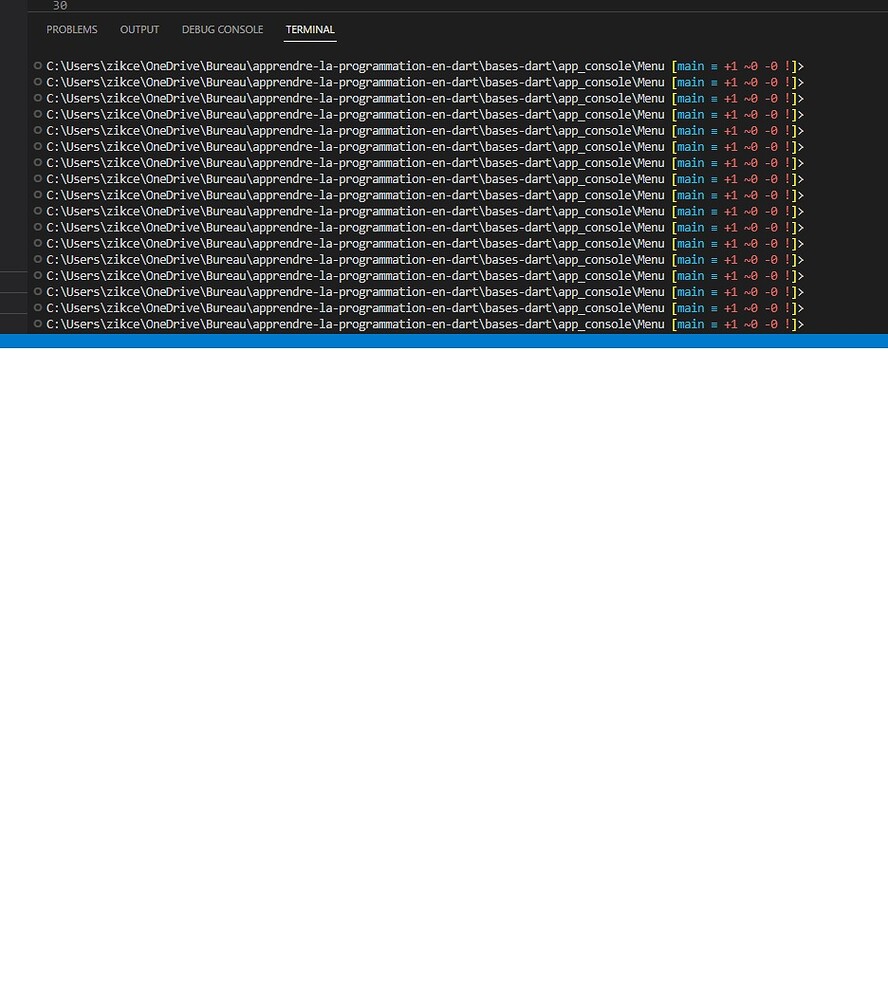
Web Nov 13 2020 nbsp 0183 32 How do I stop vs code terminal from opening while writing code 2 Change default terminal in VS Code to cmd Hot Network Questions Is English really a non tonal language Engine anti ice usage

Web To stop the terminal in VS Code you can use the following keyboard shortcut depending on your operating system Windows Ctrl Shift C Mac Cmd Shift C Linux Ctrl
Web Jun 28 2021 nbsp 0183 32 When I debug a code I can see a stop button But when I simply run a code I dont see one I have to manually kill the terminal or use the task manager to
Web Sep 29 2018 nbsp 0183 32 Unsplit a split terminal by triggering the Terminal Unsplit Terminal command from the Command Palette From the Terminal Tabs UI on the right side of Web have a look at these settings cmd comma quot terminal explorerKind quot Customizes what kind of terminal to launch integrated Use VS Code s integrated terminal
Web VS Code will still detect these but not expose them as a proper profile until they have been explicitly configured via the Terminal Select Default Profile command When configuring