How To Run Azure Powershell How To Run Azure PowerShell Commands Lotus RB What Is Azure PowerShell How It Works Best Practices Tutorials 4 Ways To Run Powershell WikiHow How To Install Azure PowerShell On Ubuntu Aster cloud How To Get Tenant Id In Azure Using PowerShell Azure Lessons 1 Answer Sorted by 3 Please add the word powershell before the powershell scripts when running in azure cli Like below powershell Get AzVM ResourceGroupName xxx Name xxx Status Share Improve this answer Follow
To access PowerShell in Azure Cloud Shell you have a few options You can type pwsh in the shell and you ll be authenticated into an instance of Cloud Shell with PowerShell without leaving the current Cloud Shell session Another option is to re launch the Cloud Shell window by choosing PowerShell from the dropdown menu Install Module AzureAD PowerShell Module To connect to Azure AD using PowerShell you need first to install the AzureAD PowerShell module Make sure to open the PowerShell in admin mode for this Type PowerShell in the start menu Right click on Windows PowerShell and choose Run as administrator Before installing you can also
How To Get Tenant Id In Azure Using PowerShell Azure Lessons Solved How To Run Azure CLI Tasks From An Azure DevOps Pipeline On A Azure CLI Vs PowerShell Azure Lessons Running Azure Functions Everywhere How To Run Azure Self hosted MacOS Agents On Apple M1 Mac Minis With Azure Tips And Tricks Part 120 Run Azure PowerShell Cmdlets In Visual How To Open Azure PowerShell Azure Lessons How To Install The Azure PowerShell Module Thomas Maurer How To Connect Azure Ad Powershell Reverasite
How To Run Azure Powershell
 How To Run Azure Powershell
https://surbpics.lotusrb.org/what_role_do_you_need_to_run_azure_powershell_commands.jpg
The PowerShell task takes a script or PowerShell code from the pipeline and runs it on a pipeline agent Depending on the options chosen the pipeline agent will either be on Windows or Linux You can also use more specific use case tasks like the Azure PowerShell task too but those won t be covered here
Pre-crafted templates offer a time-saving option for developing a diverse range of files and files. These pre-designed formats and designs can be utilized for different personal and expert projects, consisting of resumes, invites, flyers, newsletters, reports, discussions, and more, enhancing the content development procedure.
How To Run Azure Powershell
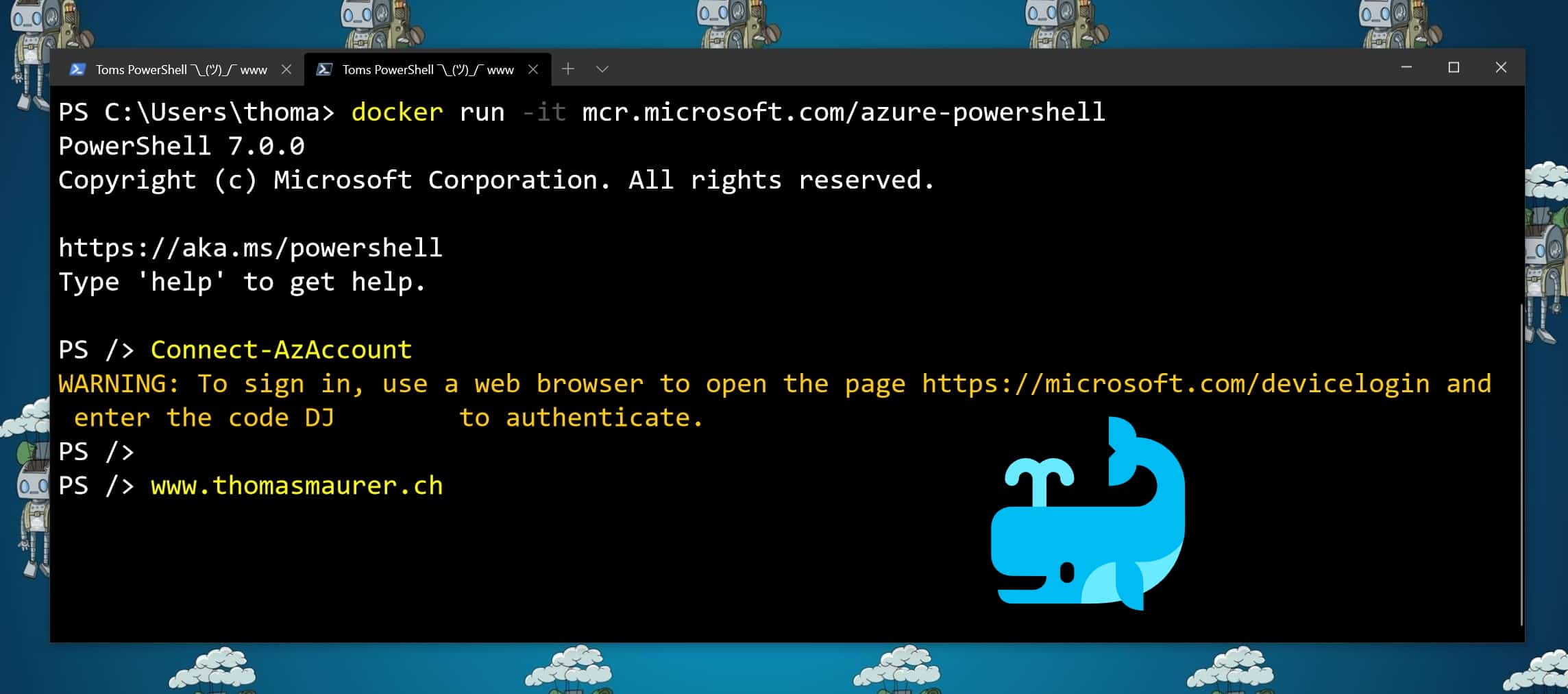
Run Azure PowerShell In A Docker Container Thomas Maurer

Solved How To Run Azure CLI Tasks From An Azure DevOps Pipeline On A

Azure CLI Vs PowerShell Azure Lessons
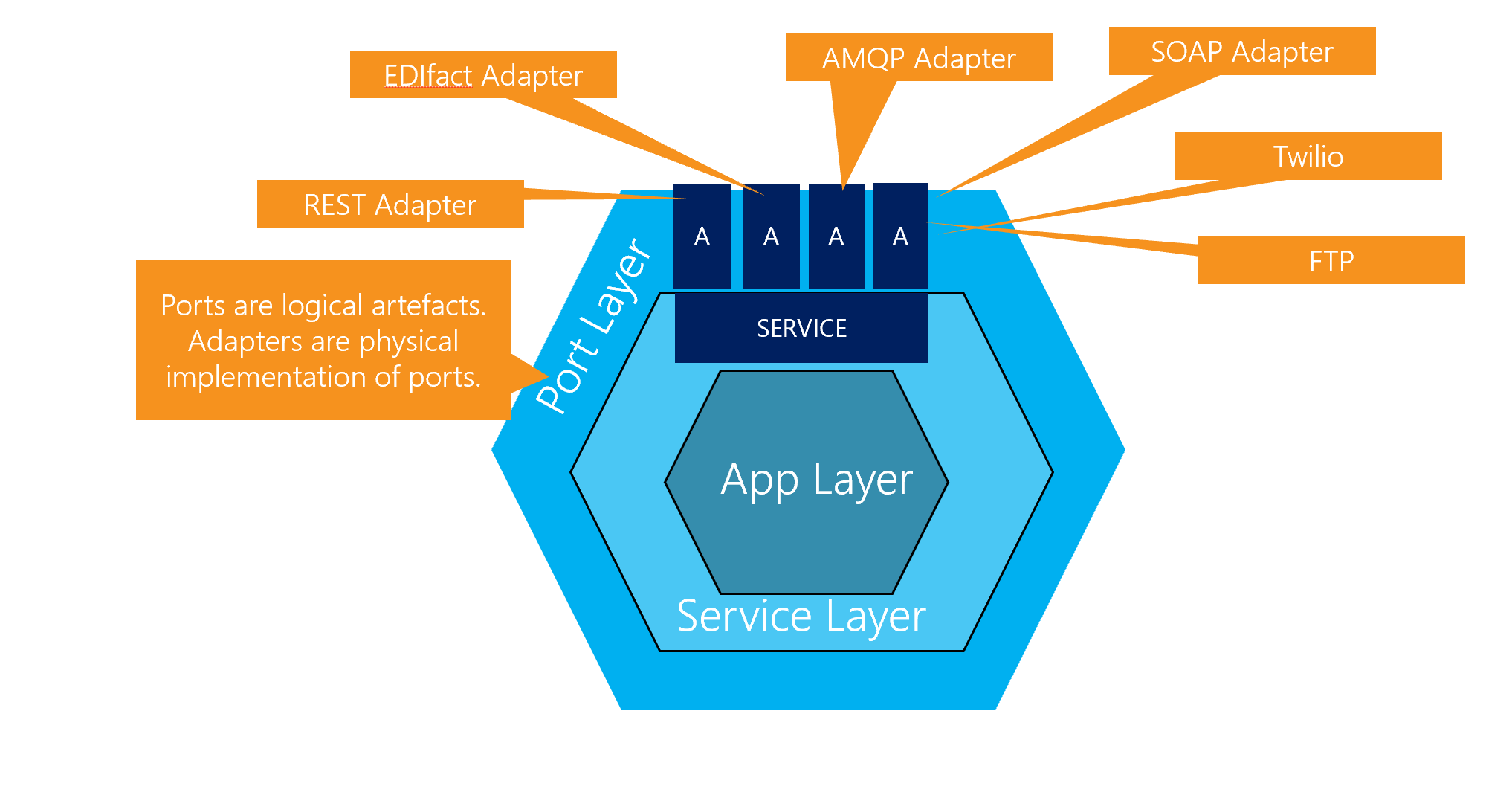
Running Azure Functions Everywhere
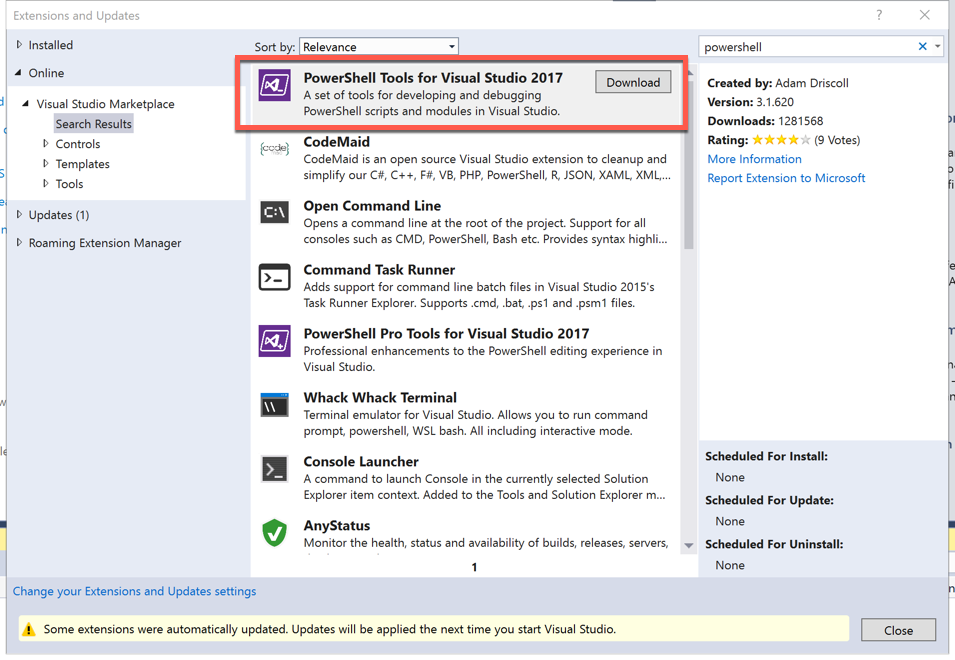
Azure Tips And Tricks Part 120 Run Azure PowerShell Cmdlets In Visual

How To Open Azure PowerShell Azure Lessons

A walkthrough of getting start with Azure PowerShell For the sample file I use see https github johnthebrit RandomStuff blob master PowerShellStuff AzG

How To Open Azure PowerShell Windows Once you have installed Azure PowerShell on your local machine follow the below steps to open Azure PowerShell on your local machine Right click on the PowerShell ISE and select the Run as administrator option 2 Use the below PowerShell cmdlet to sign in to Azure

In the Azure portal navigate to the virtual machine resource Navigate to Operations Run Command Select RunPowerShellScript from the list of commands Navigating to Run Command on an Azure virtual machine Type the PowerShell script content you want to run on the server in the Run Command Script pane
This lecture helps you to install the Azure PowerShell modules using PowerShellGet This series is part of Free azure training 28Azure PowerShell is also a

Make sure you re using PowerShell Azure Portal Go to the Azure portal In the menu in the top right hand corner is a command prompt icon see image below It will open a shell in the bottom portion of the screen Again you can choose between PowerShell and Bash You can also resize this window
An Azure function built for PowerShell consists of a few different files such as run ps1 the main executing script requirements psd1 for defining PowerShell module prerequisites and profile ps1 to execute PowerShell when the function app starts up Create and Run Scripts Using PowerShell ISE Windows 10 and 11 come with a PowerShell ISE Integrated Scripting Environment that allows you to write PowerShell code and run it in an integrated environment seamlessly It works like any other IDE and supports code indentation and many other modern features Here is how you can use it
If you re running PowerShell on the Server where AD Connect is running skip this step In the command window run the following command replacing SERVERNAME with the name of the server you need to connect to you may not be able to do this is PSRemoting is not enabled on the remote server Enter PSSession ComputerName SERVERNAME