How To Use Azure Powershell In Visual Studio Code Powershell To Cmd On Visual Studio Code By Murali Krishna Mobile Legends Setting Up Powershell In Visual Studio For Mac Pdfsouth If You Are Writing PowerShell Code You Might Have Realized That There Spring Tools 4 For Visual Studio Code How To Open Azure PowerShell Azure Lessons The easiest way to get started with Azure PowerShell is by trying it out in an Azure Cloud Shell environment To get up and running with Cloud Shell see Quickstart for PowerShell in Azure Cloud Shell Cloud Shell runs PowerShell on a Linux container so Windows specific functionality isn t available
See Visual Studio Downloads You don t need the Azure SDK to generate the scripts for web projects This feature is for web projects not web roles in cloud services Azure PowerShell 0 7 4 or later See How to install and configure Azure PowerShell Windows PowerShell 3 0 or later Additional tools Running Visual Studio Code on Windows Running Visual Studio Code on macOS Running Visual Studio Code on Linux Install the PowerShell Extension Launch the VS Code app by typing code in a console or code insiders if you installed Visual Studio Code Insiders Launch Quick Open on Windows or Linux by pressing Ctrl P
How To Open Azure PowerShell Azure Lessons Run Azure PowerShell In A Docker Container Thomas Maurer Using Visual Studio Code For Powershell Development Mohitgoyal Co Www How To Write A Powershell How To Use Azure PowerShell V1 0 x To Capture Your Own Custom Virtual How To Run Code In Visual Studio Code Using Powershell Acaluv How To Use PowerShell In Azure Data Studio Azure Tips And Tricks Visual Studio Code Treasures A List Of Visual Studio Code Extensions How To Install Visual Studio Code And Configure With Azure Repos For
How To Use Azure Powershell In Visual Studio Code
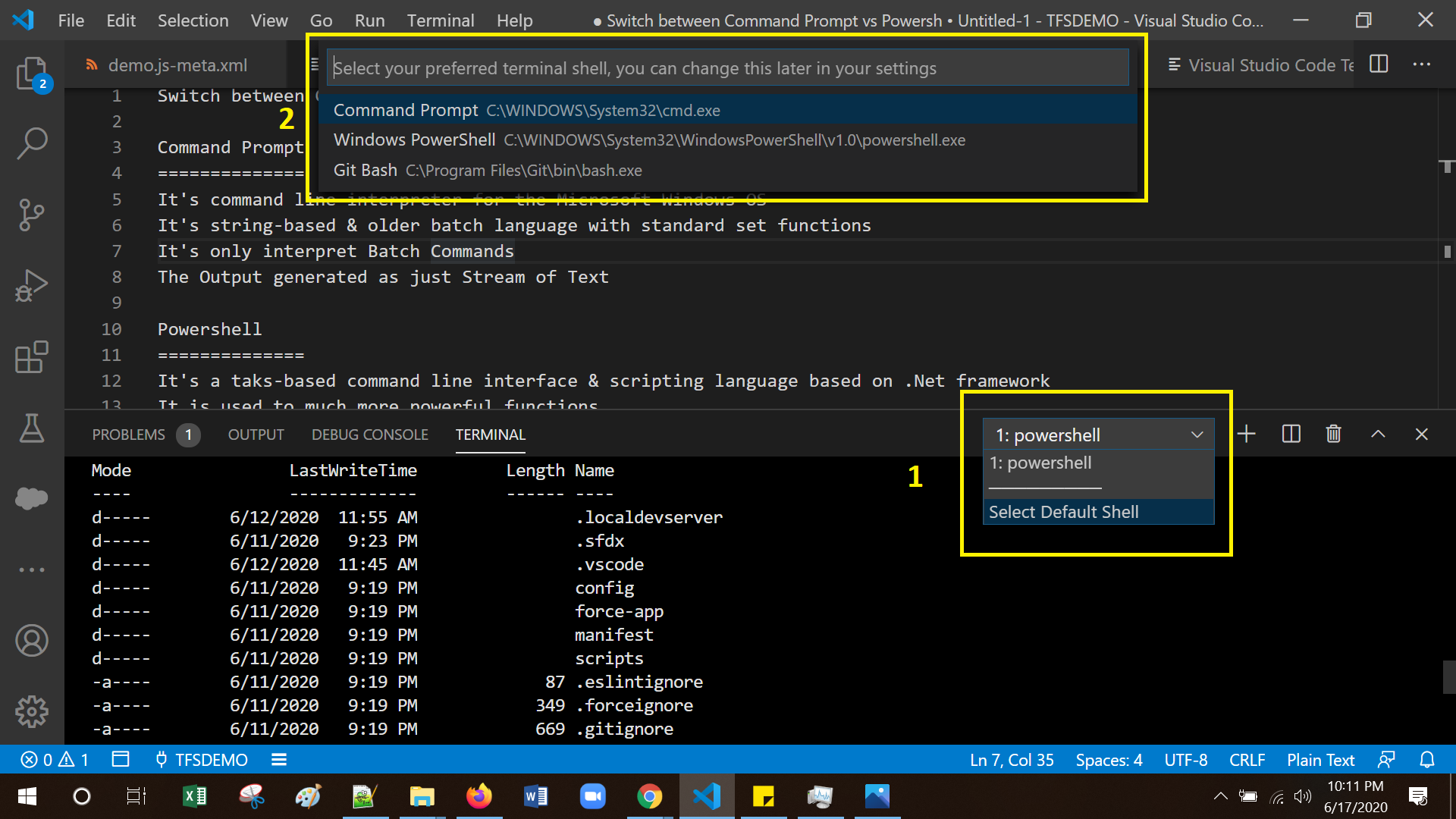 How To Use Azure Powershell In Visual Studio Code
http://theblogreaders.com/wp-content/uploads/2020/06/VisualStudioCode-SwitchCommandPrompt.png
You should either create a new folder or choose an empty folder for the project workspace
Pre-crafted templates provide a time-saving service for creating a diverse variety of documents and files. These pre-designed formats and layouts can be utilized for various individual and expert projects, including resumes, invites, flyers, newsletters, reports, discussions, and more, improving the material production procedure.
How To Use Azure Powershell In Visual Studio Code
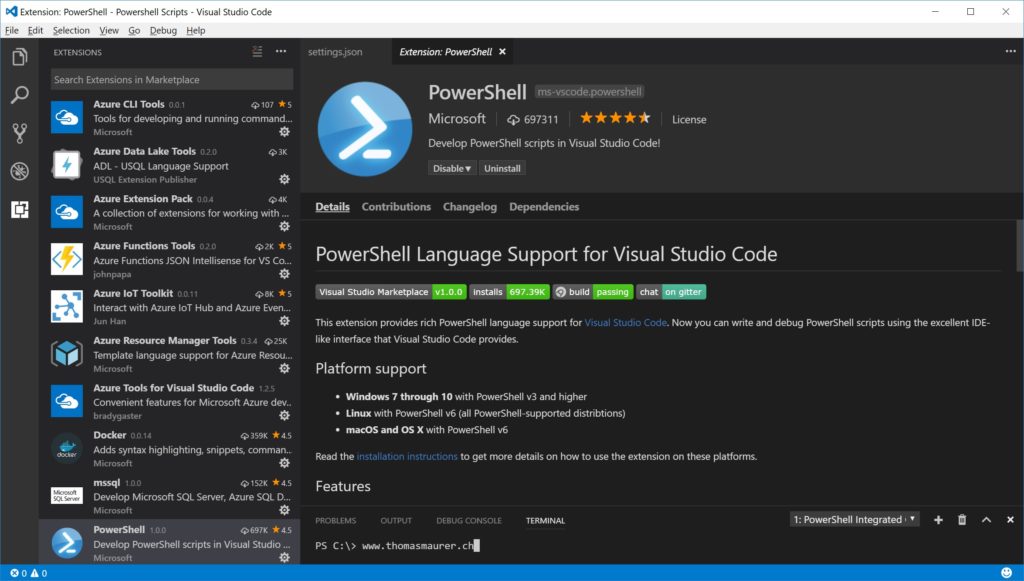
Using Visual Studio Code For Powershell Development 1 Your Improved Ise
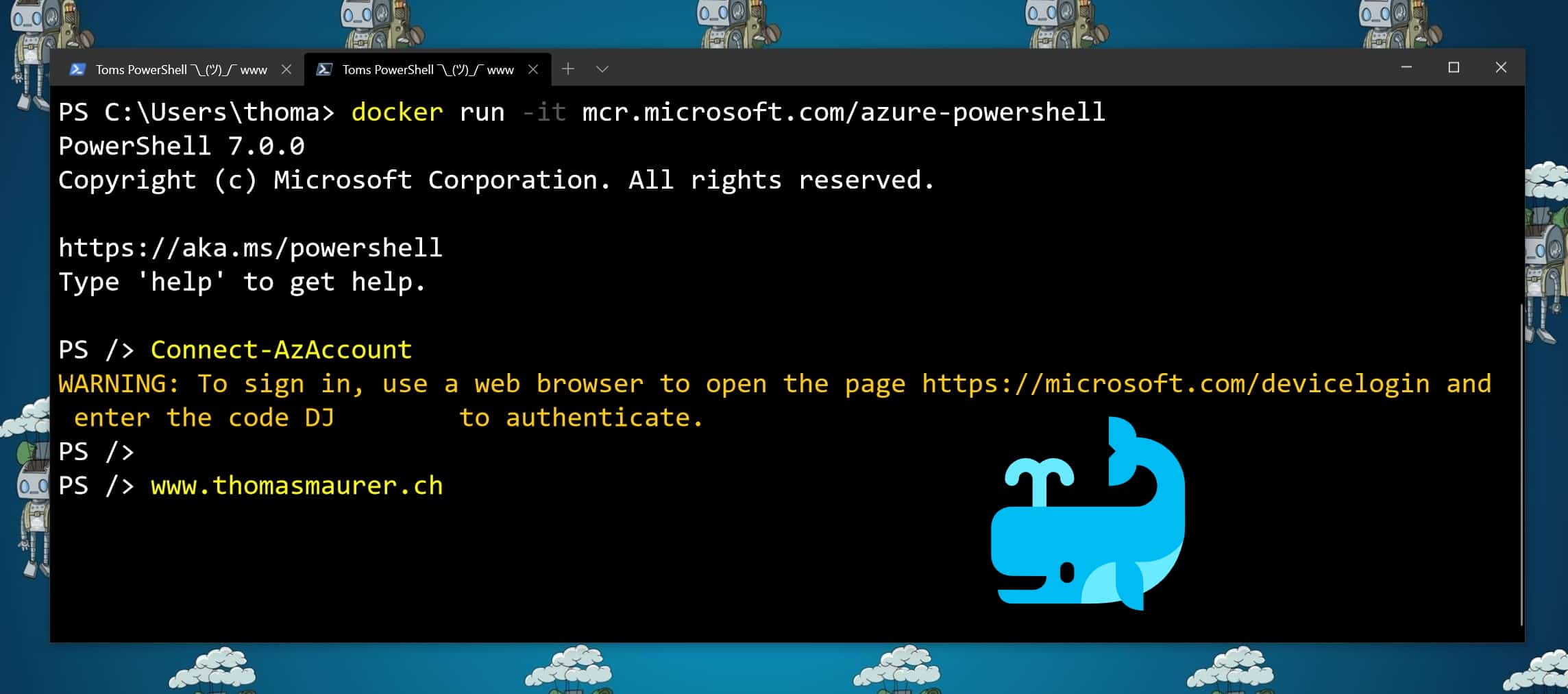
Run Azure PowerShell In A Docker Container Thomas Maurer
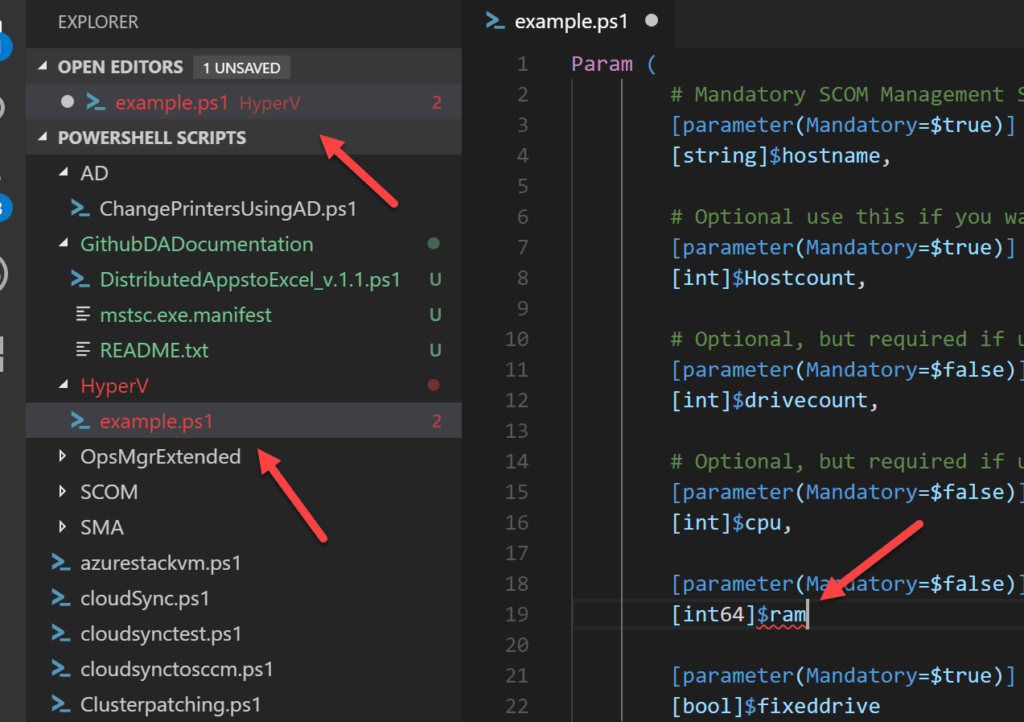
Using Visual Studio Code For Powershell Development Mohitgoyal Co Www
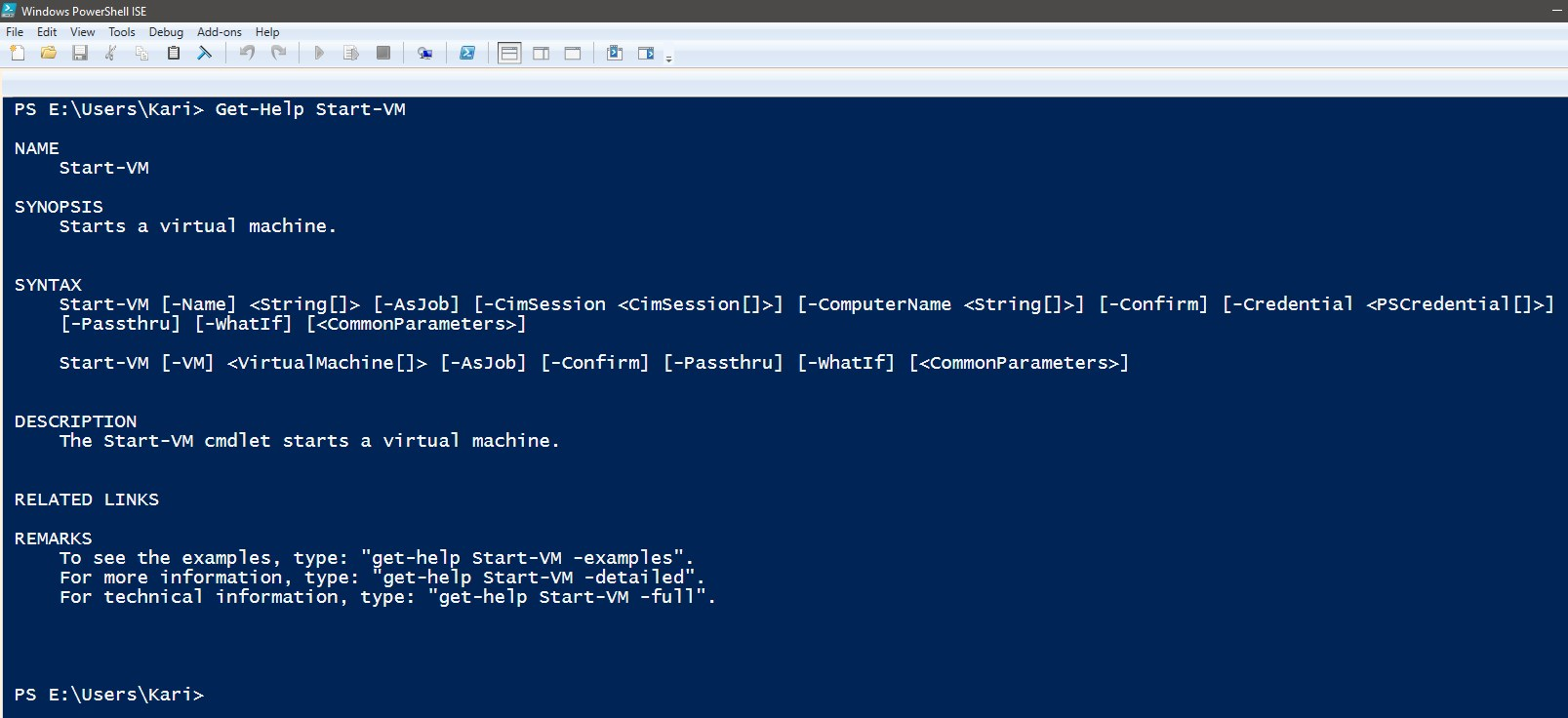
How To Write A Powershell

How To Run Code In Visual Studio Code Using Powershell Acaluv

How To Use PowerShell In Azure Data Studio Azure Tips And Tricks

In this article you use Visual Studio Code to create a PowerShell function that responds to HTTP requests After testing the code locally you deploy it to the serverless environment of Azure Functions Completing this quickstart incurs a small cost of a few USD cents or less in your Azure account There s also a CLI based version of this article

Azure Powershell Tools Effortlessly migrate your PowerShell scripts from AzureRM to the Az PowerShell module Features AzureRM commands highlighting Quick Fix for some AzureRM commands Installing the Extension You can install the official release of the Azure PowerShell extension by following the steps in the Visual Studio Code

To set up Cloud Shell in Visual Studio Code you need to do two things First you need to install nodeJS and the Azure Account extension On Windows Requires Node js 6 or later to be installed https nodejs Visual Studio Code Azure Account extension Next you can log in to Azure and open PowerShell or Bash in Cloud Shell Press CTRL
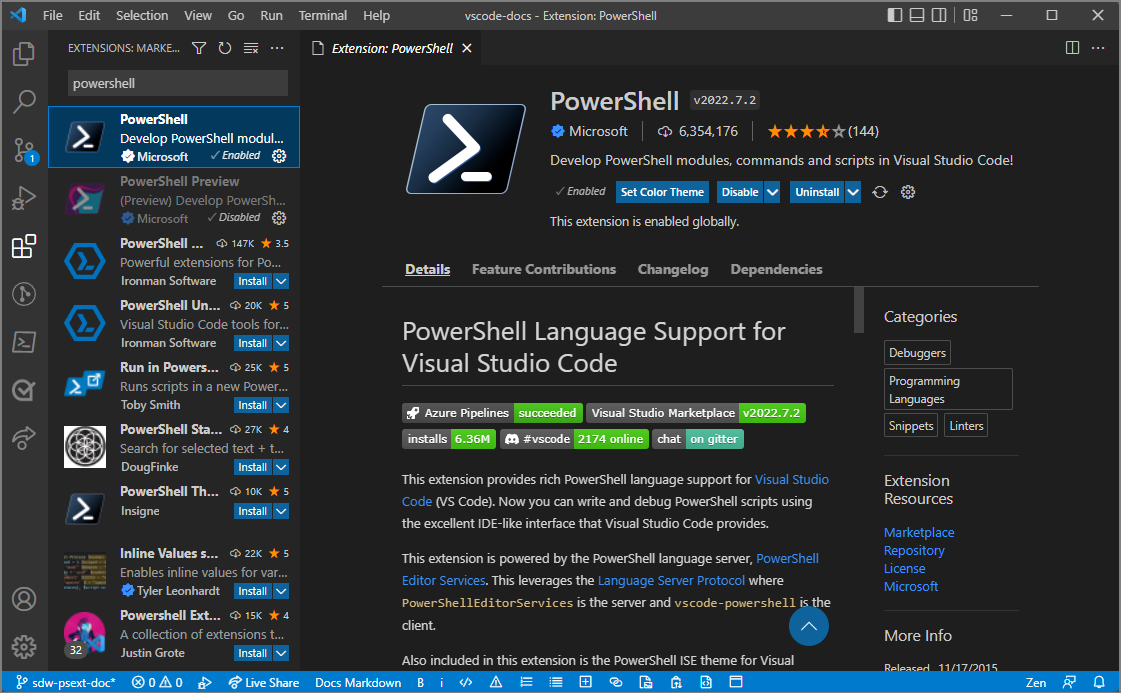
To install the extension from Visual Studio Code Press Ctrl Shift X to open the Extensions window Search for the Azure Tools extension Select the Install button To learn more about installing extensions in Visual Studio Code refer to the Extension Marketplace document on the Visual Studio Code website

The Microsoft PowerShell extension for Visual Studio Code VS Code provides rich language support and capabilities such as syntax completions definition tracking and linting for PowerShell The extension should work anywhere VS Code itself and PowerShell Core 7 2 or higher is supported
This series of tutorials combine to form a mini project You ll build from scratch a small solution requiring a single Azure function all from within VS Code For this project you ll Set up VS Code Create an Azure Function for running PowerShell that will execute from an HTTP event call like a webhook Step 3 Install Azure PowerShell Once you have completed the step above open the VSCode terminal and run the command below Install Module Name Az AllowClobber Scope CurrentUser By default the PowerShell gallery isn t configured as a trusted repository for PowerShellGet
Step 1 To add the Azure Cloud Shell to Visual Studio Code first we ll need to make sure that we have an extension installed Inside the extension section we will type in Azure account Step 2 Now we have to make sure that this Azure account extension is installed Notice we already have it installed but if you don t go ahead