How To Revert Particular Commit Id In Git Git Reverting To Previous Commit How To Revert To Last Commit Git Revert Commit How To Undo The Last Commit How To Undo Pushed Commits With Git Sciencx How To Revert To Last Commit In Git YouTube How To Revert Or Undo Last Commit In Git SidTechTalks Web Reverting a Commit Using the revert command doesn t delete any commits Quite the contrary it creates a new revision that reverts the effects of a specified commit The syntax to do this is easy Just use the revert command and provide the commit you want to quot undo quot git revert 0ad5a7a6
Web Read tutorial Here we have initialized a repo in a newly created directory named git revert test We have made 3 commits to the repo in which we have added a file demo file and modified its content twice At the end of the repo setup procedure we invoke git log to display the commit history showing a total of 3 commits Web Oct 19 2022 nbsp 0183 32 How to Revert to a Previous Commit Using the git reset Command In this section we ll go through the process of creating a new file and making three commits You ll then see how you can revert to either the last commit or any other commit using the commit ID To get started I ve created a file called tasks txt The file has this in it 1
How To Revert Or Undo Last Commit In Git SidTechTalks How To Revert A Git Commit Using Git Commands Git Tutorial YouTube Crayon Couronne Crocodile Git Correct Commit Message Stylo Magasin La How To Revert A Git Commit The Git Revert Command YouTube GIT Commands Basic To Advanced GIT Commands List That You Should Know How To Revert Or Undo Last Commit In Git SidTechTalks Git Checkout To Previous Commit ID Didn t Revert The Changes Any Revert Merge Commit In Git Delft Stack View Commit Details Azure Repos Microsoft Learn
How To Revert Particular Commit Id In Git
 How To Revert Particular Commit Id In Git
https://www.freecodecamp.org/news/content/images/2022/10/roman-synkevych-wX2L8L-fGeA-unsplash.jpg
Web Sep 2 2019 nbsp 0183 32 Git Revert to Specific Commit Find the specific commit you want to revert all changes to git log oneline Rollback all changes to that old commit git checkout be9055b Note The dot after the branch name is mandatory Add the changes to the staging area and commit them
Templates are pre-designed documents or files that can be used for various purposes. They can conserve effort and time by providing a ready-made format and design for producing various type of material. Templates can be utilized for individual or expert tasks, such as resumes, invites, flyers, newsletters, reports, discussions, and more.
How To Revert Particular Commit Id In Git
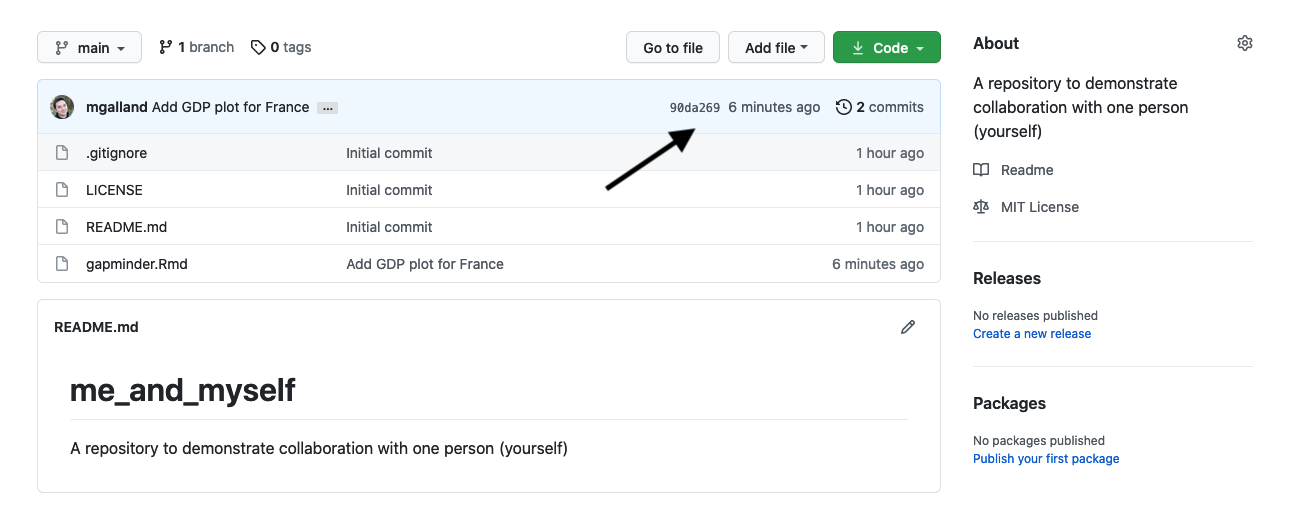
Collaborating With You And Others With Github Beginners Guide For R

How To Revert A Git Commit Using Git Commands Git Tutorial YouTube
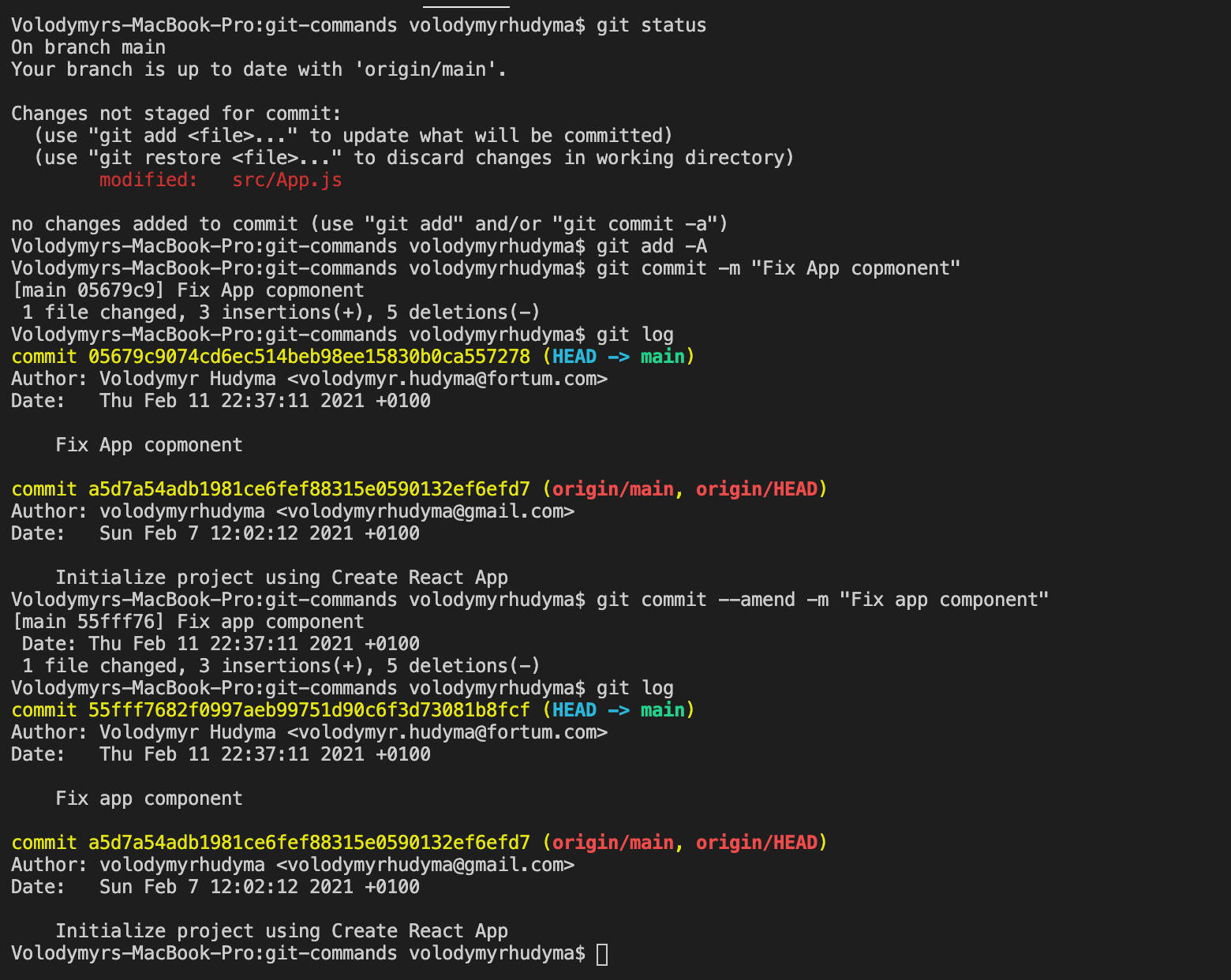
Crayon Couronne Crocodile Git Correct Commit Message Stylo Magasin La

How To Revert A Git Commit The Git Revert Command YouTube
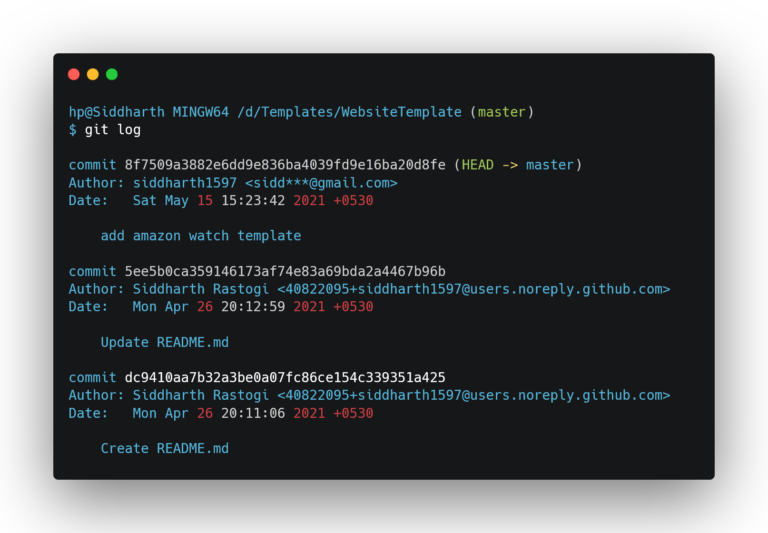
How To Revert Or Undo Last Commit In Git SidTechTalks

Git Checkout To Previous Commit ID Didn t Revert The Changes Any

Web You can use git revert with the no commit option In your example In your example git revert no commit b49eb8e 1d8b062 Files that were modified in those 2 commits will be changed in your working directory If any of those 2 commits had changed the file a then you could discard the revert for it git checkout a git commit a m

Web If you want to revert the last commit you can use git revert head head refers to the most recent commit in your branch The reason you use head 1 when using reset is that you are telling Git to quot remove all changes in the commits after quot reset hard quot the commit one before head quot head 1

Web OPTIONS lt commit gt Commits to revert For a more complete list of ways to spell commit names see gitrevisions 7 Sets of commits can also be given but no traversal is done by default see git rev list 1 and its no walk option e edit With this option git revert will let you edit the commit message prior to committing the revert
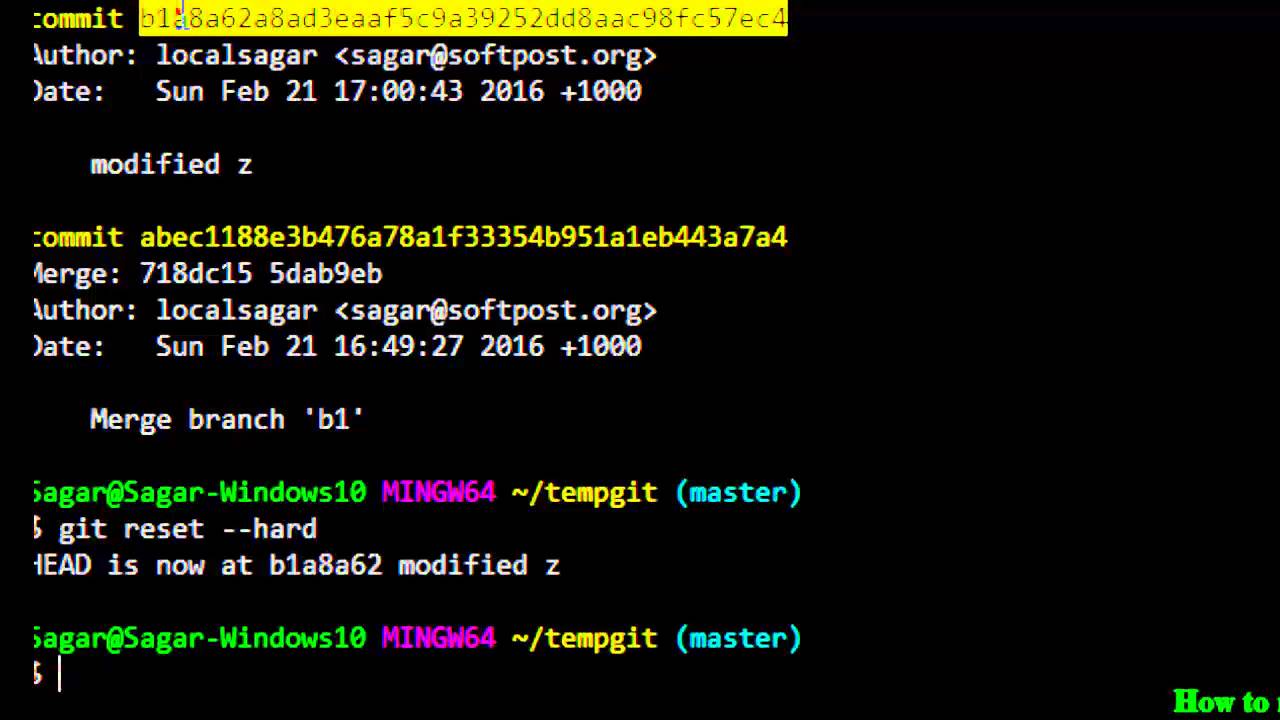
Web Feb 6 2024 nbsp 0183 32 To start we can review the state of a project at a particular commit by using the git checkout command We can review the history of a Git repository by using the git log command Each commit has a unique SHA 1 identifying hash which we can use with git checkout in order to revisit any commit in the timeline In this example we ll revisit a

Web Dec 1 2021 nbsp 0183 32 Steps to revert a Git commit In review the steps to git revert a commit and undo unwanted changes are the following Locate the ID of the commit to revert with the git log or reflog command Issue the git revert command and provide the commit ID of interest Supply a meaningful Git commit message to describe why the revert was needed
Web Revert Git Commit in the Terminal To undo a Git commit using a terminal you ll first need to identify the unique commit ID or SHA of the commit you want to undo To find the commit ID for your targeted commit run the following Web Dec 25 2012 nbsp 0183 32 5 Answers Sorted by 7 Git commit only saves it to the stage which is locally on your computer Use Push to update it to a remote server Like github Use git revert lt ID gt to revert back to a previous commit each commit has an identifying code See here for more details on revert Share Improve this answer Follow answered Dec 25
Web Nov 7 2023 nbsp 0183 32 Use the Git log or reflog command to find the ID of the commit you want to revert Enter the Git revert command see below including the commit ID you want to work on Provide an informative Git commit message to explain why you needed to perform the Git revert The Git Commit Message