How To Reset Bios Password Using Cmd Priorita O ak vaj To Z ska Kontrolu Reset The Motherboard Jumper Hav rie Kontajner L cnu Kos Priorita O ak vaj To Z ska Kontrolu Reset The Motherboard Jumper Hav rie Kontajner L cnu Kos How To Reset A Dell Bios Password Tech Faq Hot Sex Picture Thinkpad T42 Notebook How To Reset BIOS Password How To Reset BIOS Password On A HP Laptop Probook Elitebook Or Pavilion After creating a BIOS Administrator Password Create New Password and confirming Confirm New Password How do you clear this password so that you do not need to enter any password at BIOS startup anymore PS This is a very easy question
Carry on with your reading until you know the methods in full detail Method 1 Reset BIOS Password by Removing CMOS Battery Method 2 Remove BIOS Password using MS DOS Command Method 3 Reset BIOS Password with Backdoor Password Change your BIOS settings if you get in After entering the correct password make sure that your BIOS settings are correct so that you won t be locked out again Unlike the methods below entering the backdoor password will not reset your BIOS settings
How To Reset BIOS Password On A HP Laptop Probook Elitebook Or Pavilion How Bios Password Using Full Activation Iso 64bit Windows Download How To Reset BIOS Password How To Reset A BIOS Password Wikiamonks How To Reset Remove BIOS Password With Easy Steps Easytutorial Paling Baru Cara Reset Bios Laptop Toshiba Android Pintar Simple Solutions To Remove Forgotten Or Unknown BIOS Password How To Reset And Delete BIOS Password Hur Man Tar Bort Inloggningsl senord I Windows 10
How To Reset Bios Password Using Cmd
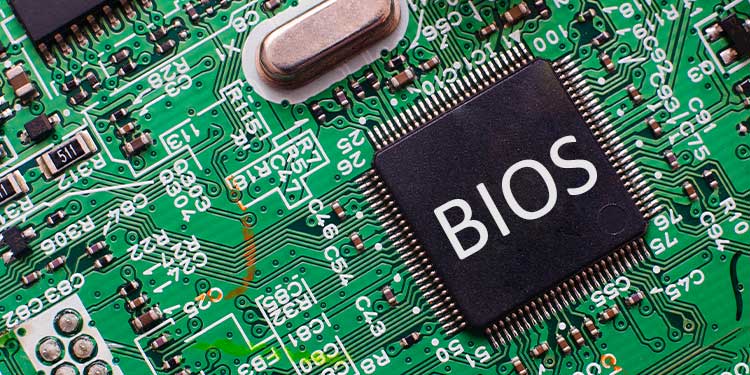 How To Reset Bios Password Using Cmd
https://www.technewstoday.com/wp-content/uploads/2022/03/How-to-Reset-Bios-1.jpg
Then press Alt E Alt F and Alt W in succession This should reset the BIOS In some Toshiba laptops and desktops holding the left Shift key during the boot should do the trick Alternatively you can insert their recommended BIOS clearing dongle in the printer port when starting the computer
Pre-crafted templates provide a time-saving service for producing a varied variety of documents and files. These pre-designed formats and layouts can be made use of for various individual and professional jobs, including resumes, invitations, flyers, newsletters, reports, presentations, and more, improving the content creation process.
How To Reset Bios Password Using Cmd

Dell EMC PowerEdge C6420 Reset BIOS Password Via Jumpers YouTube

How Bios Password Using Full Activation Iso 64bit Windows Download

How To Reset BIOS Password
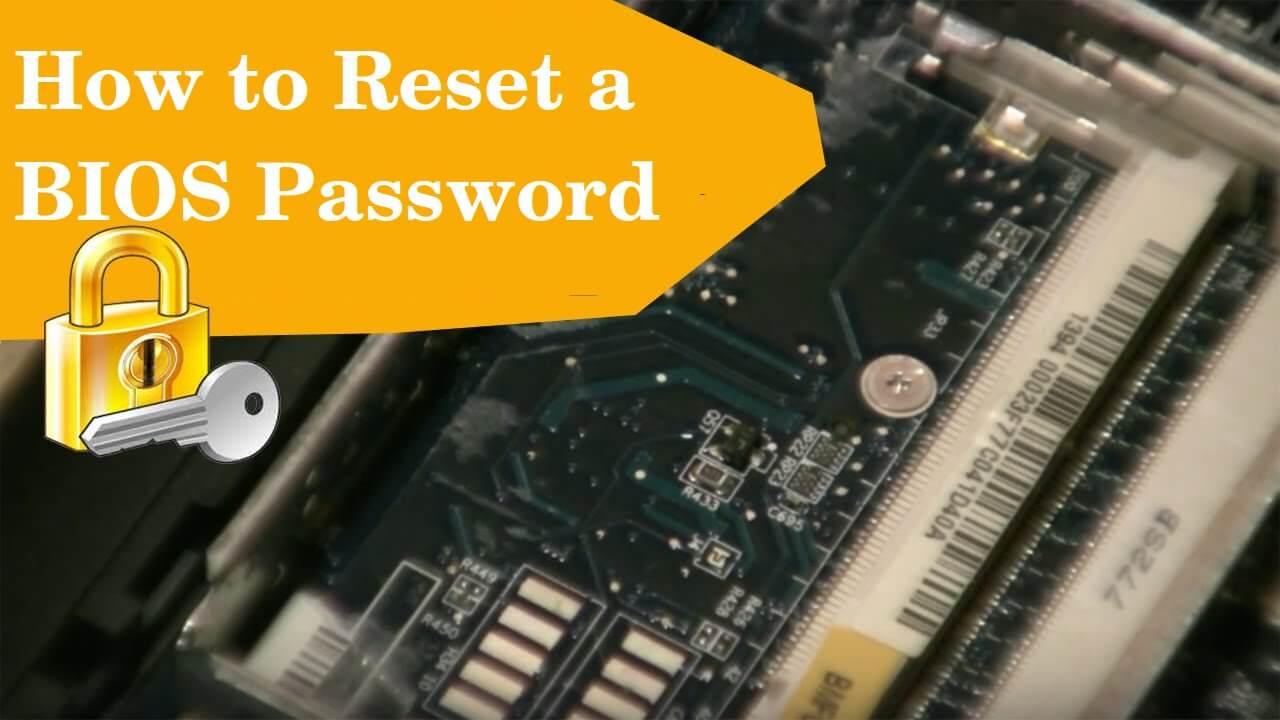
How To Reset A BIOS Password Wikiamonks
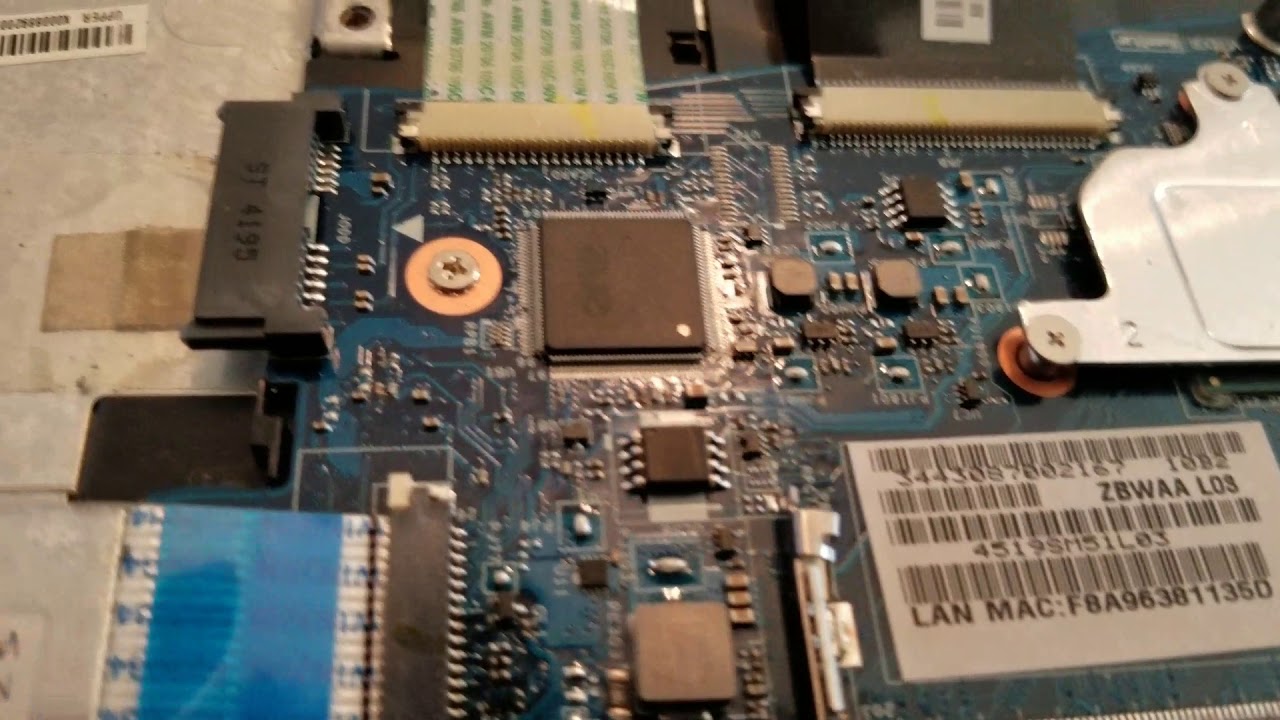
Paling Baru Cara Reset Bios Laptop Toshiba Android Pintar
Simple Solutions To Remove Forgotten Or Unknown BIOS Password
To recover the password you need to note the value to the right of the BIOS you have installed and then you have to type in cmospwd m xxx to execute the module If that doesn t work you can kill the BIOS using the k switch However DO NOT kill the CMOS if you are recovering the password for a laptop
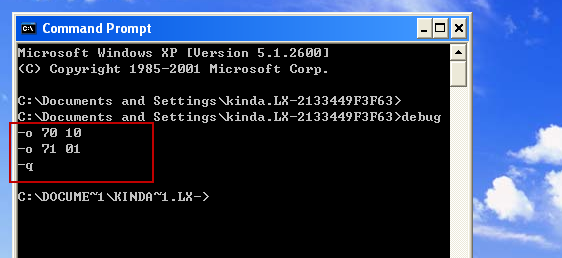
2 Remove BIOS password using an MS DOS Command You will first have to enter your computer in MS DOS mode Reboot your PC Enter the Boot menu Choose Safe Mode with Command Prompt While in MS DOS mode a black dialogue box of cmd will turn up with a C WINDOWS prompt Type in Debug

Using the Command Prompt in Windows Type CMD in the search box Select Command Prompt or CMD The Command Prompt window appears Type wmic bios get smbiosbiosversion and then press Enter The string of letters and numbers following SMBBIOSBIOSVersion is the BIOS version Write down the BIOS version number

Command Prompt Within Windows Command Prompt type the following commands take note that the second and third commands start with the letter O and not the number zero debug o 70 10 o 71 aa

To reset the password unplug the PC open the cabinet and remove the CMOS battery for approx 15 30 minutes and then put it back It ll reset all BIOS settings as well as the password and you ll need to re enter all settings If it fails then try to remove the battery for at least one hour
Enter the wrong password multiple times when prompted by the BIOS This will lock you out of the system Open the BIOS password website and enter the XXXXX code in it Make sure to hit Shift You can access BIOS from cmd by Click on the Start menu and select Run Type D wmic bios get format list to bring up a list of the BIOS settings and it can be edited in the same way as at start up Oron J
To reset or clear the password that is set inside the BIOS or UEFI of a Dell desktop all in one or laptop NOTE The previous password is necessary to reset or clear the passwords in the BIOS or UEFI Browse to the Dell Manuals website Identify your Dell product Enter the Service Tag Express Service Code or the Serial number of the Dell