How To Remove Bios Password Using Cmd Windows 7 How To Set And Remove BIOS Password In Windows 10 YouTube How To Remove BIOS Password In Computer Delete Reset In Telugu How You Can Reset The Bios Password On The Dell Optiplex Hardware My How To Remove A BIOS Password YouTube How To Clear Remove All BIOS Password Easy Steps Works YouTube If you forgot your password or username or you can t get verification codes follow these steps to recover your Google Account That way you can use services like Gmail Pho
Important Before you set up a new Gmail account make sure to sign out of your current Gmail account Learn how to sign out of Gmail From your device go to the Google Account sign in Jan 14 2010 nbsp 0183 32 how about what about how about what about 1 how about 2 what
How To Clear Remove All BIOS Password Easy Steps Works YouTube How To Reset A BIOS Password Wikiamonks How To Remove Bios Password Asus X553ma YouTube Laptop Repair Secrets Laptop Motherboard Repair Tutorial Training BIOS PASSWORD RESET HOW TO REMOVE BIOS ADMINISTRATOR PASSWORD ASUS How To Remove Or Reset Bios Password 100 Working Youtube With Easy How To Remove BIOS Password Almost All Motherboards Use A Small Coin How To Remove Or Reset Bios Password 100 Working Youtube With Easy How To Find Wi Fi Password Using CMD On Windows 10 8 7 Wifi Windows
How To Remove Bios Password Using Cmd Windows 7
 How To Remove Bios Password Using Cmd Windows 7
https://i.ytimg.com/vi/bTq0saDatZM/maxresdefault.jpg
Reach new customers and grow your business with Google Ads Google s online advertising program These guides are designed to get you up to speed quickly so you can create
Pre-crafted templates provide a time-saving option for creating a varied variety of documents and files. These pre-designed formats and designs can be made use of for various personal and professional projects, including resumes, invitations, leaflets, newsletters, reports, discussions, and more, enhancing the content production procedure.
How To Remove Bios Password Using Cmd Windows 7

Gy m lcsl Rothadt Alag t Hdd Boot Password Reset Kan l Faial Sz r
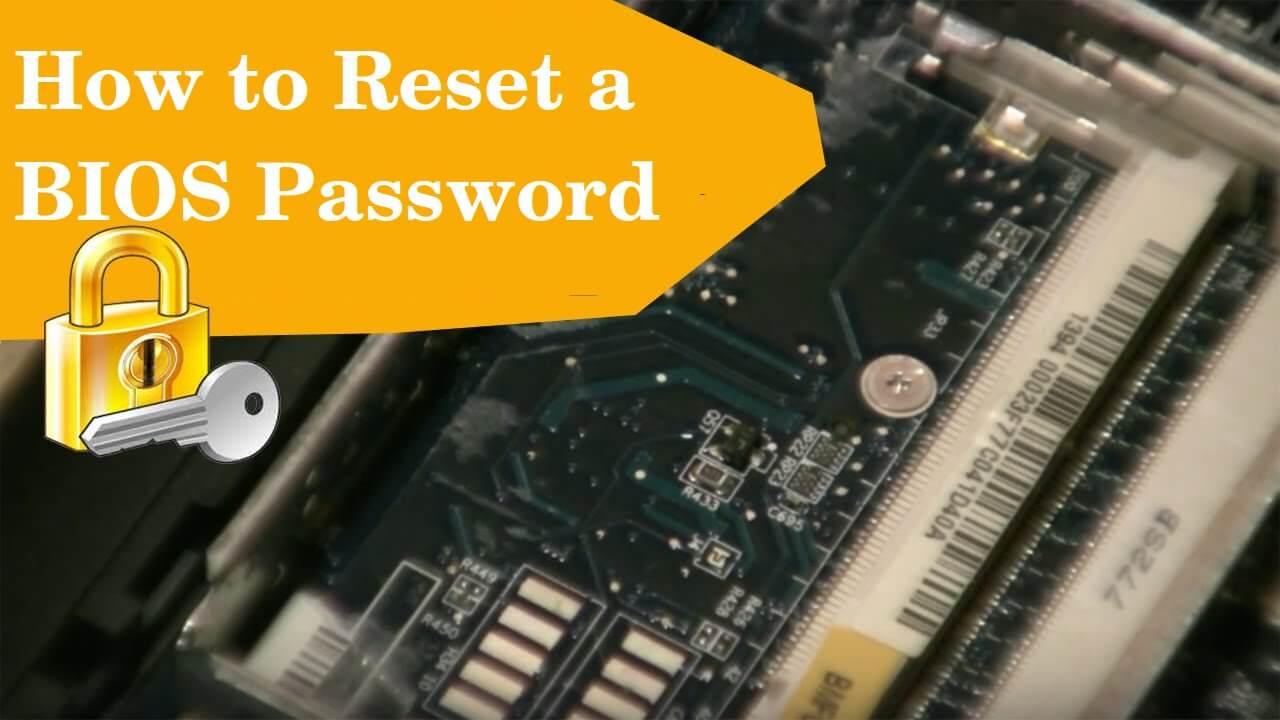
How To Reset A BIOS Password Wikiamonks

How To Remove Bios Password Asus X553ma YouTube
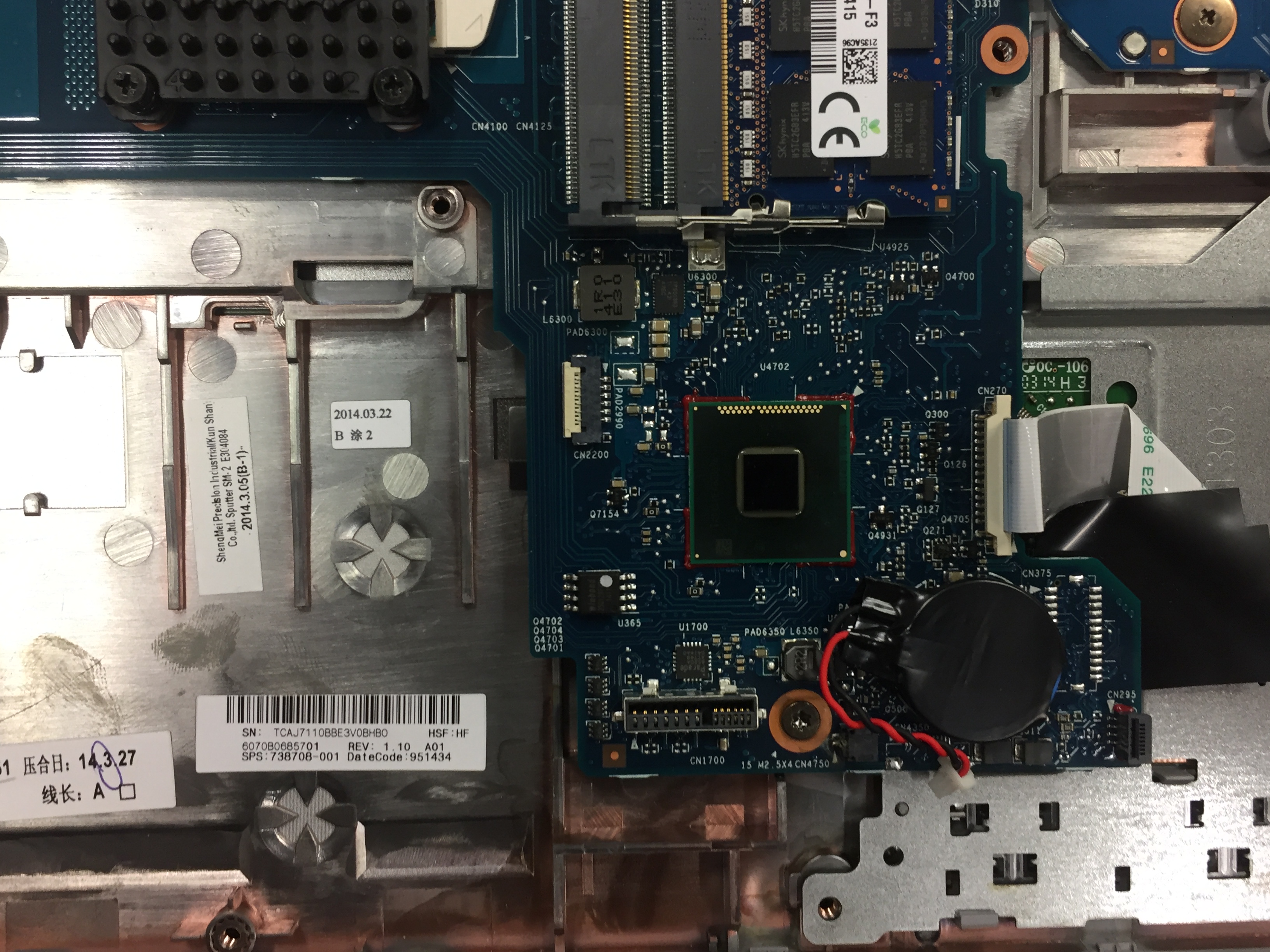
Laptop Repair Secrets Laptop Motherboard Repair Tutorial Training

How To Remove Or Reset Bios Password 100 Working Youtube With Easy

How To Remove BIOS Password Almost All Motherboards Use A Small Coin
How to install Chrome Important Before you download you can check if Chrome supports your operating system and other system requirements

Google Chrome tips From productivity to customization learn how to get things done more quickly with your browser

Google Chrome tips Google Chrome tips From productivity to customization learn how to get things done more quickly with your browser

You can get directions for driving public transit walking ride sharing cycling flight or motorcycle on Google Maps If there are multiple routes the best route to your destination is blue All other
Official Google Play Help Center where you can find tips and tutorials on using Google Play and other answers to frequently asked questions
[desc-11] [desc-12]
[desc-13]