How To Move Fast Synonym How Do Things Move Fast Skate Like A Scientist Science For Kids When Is The Best Time To Move Fast Professional Movers In Orange Machine Learning Is No Place To Move Fast And Break Things Corporate Innovation At Speed And Scale McKinsey Opposite Of Fast Antonyms Of Fast Meaning And Example Sentences To find your username follow these steps You need to know A phone number or the recovery email address for the account The full name on your account Follow the instructions to confirm it s your
To find any of these features tap your profile picture or initial Location Sharing Choose who can find your location and whose location you can find on Google Maps Settings Manage your Wi Fi How to install Chrome Important Before you download check if Chrome supports your operating system and you ve met all other system requirements
Opposite Of Fast Antonyms Of Fast Meaning And Example Sentences Go Fast Synonyms 538 Words And Phrases For Go Fast WE HAVE TO MOVE FAST By Scifilicious On DeviantArt Move Fast And Break Things Tale About Product Slow Down To Move Fast Physiological Hacks To Change Your Mind By AI Doesn t Need To Move Fast And Break Things Public Knowledge 95 Synonyms For Like With Examples Another Word For Like 7ESL Synonym For Fast What Is Synonym Word Fast English Vocabs How To Move On From The Tutorial Phase As A Beginner DEV Community
How To Move Fast Synonym
 How To Move Fast Synonym
https://i.ytimg.com/vi/rr9gZimxHAo/maxresdefault.jpg
Google Slides is an online presentation app that lets you create and format presentations and work with other people Step 1 Create a presentation To create a new presentation
Templates are pre-designed documents or files that can be used for numerous purposes. They can save time and effort by offering a ready-made format and design for creating different kinds of content. Templates can be utilized for personal or expert tasks, such as resumes, invitations, flyers, newsletters, reports, presentations, and more.
How To Move Fast Synonym

9 Good Synonyms For Fast Learner On A Resume English Recap

Go Fast Synonyms 538 Words And Phrases For Go Fast

WE HAVE TO MOVE FAST By Scifilicious On DeviantArt

Move Fast And Break Things Tale About Product

AI Doesn t Need To Move Fast And Break Things Public Knowledge
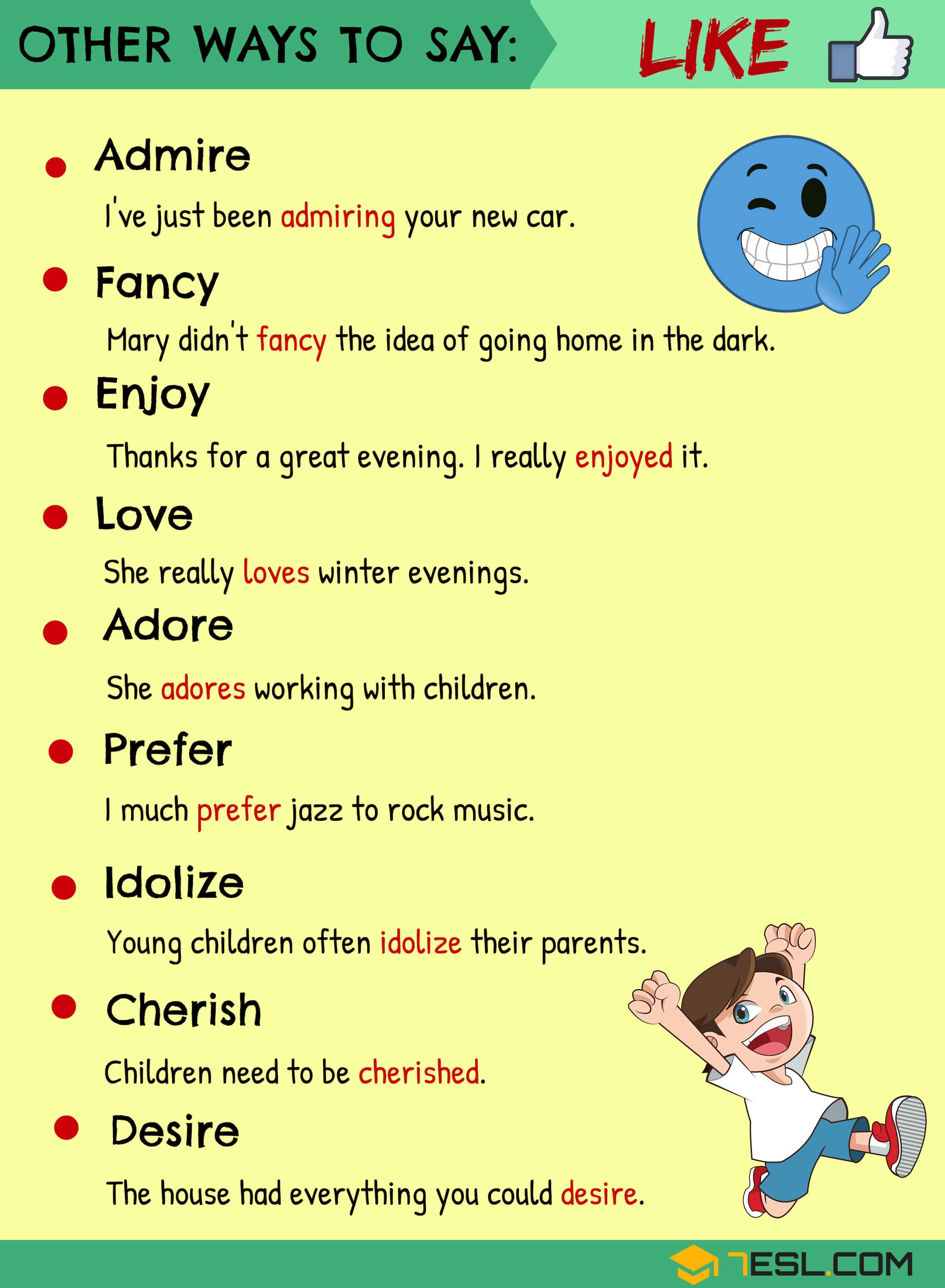
95 Synonyms For Like With Examples Another Word For Like 7ESL

You can use Google Forms to create online surveys quizzes and forms send them to others to fill out and then analyze their responses in real time To edit forms and analyze responses with others you

Sign in to Gmail Tip If you sign in to a public computer make sure to sign out before you leave the computer Learn how to sign in on a device that s not yours

Create an account Tip To use Gmail for your business a Google Workspace account might be better for you than a personal Google Account With Google Workspace you get increased storage

Important When you create a Google Account for your business you can turn business personalization on A business account also makes it easier to set up Google Business Profile which helps improve

Want advanced Google WoTo edit a document On your computer open a document in Google Docs To select a word double click it or use your cursor to select the text you want to change Start
[desc-11] [desc-12]
[desc-13]