How To Make A Table A Data Source In Excel Changer Source Pivot Table Pivot Table Excel Formula Computer Basics APIs As A Data Source In Power BI 3Qs Quick How To Create A Data Source In Excel with Simple Steps Pivot Data Source Professor Excel Professor Excel How To Create A Data Source In Excel with Simple Steps Web Tutorial Import Data into Excel and Create a Data Model Excel for Microsoft 365 Excel 2021 Excel 2019 Excel 2016 Excel 2013 Abstract This is the first tutorial in a series designed to get you acquainted and
Web Getting started First you need to get some data In Excel 2016 and Excel for Microsoft 365 use Data gt Get amp Transform Data gt Get Data to import data from any number of external data sources such as a text file Web Create a table Next Charts Try it You can create and format a table to visually group and analyze data Select a cell within your data Select Home gt Format as Table Choose a
How To Create A Data Source In Excel with Simple Steps Change Data Source Pivot Table Excel 2010 All About Image HD Change Data Source Pivot Table Excel 2010 All About Image HD Image Result For Sources Of Data Business Studies Market Research Penggunaan Pivot Table Untuk Analisa Data My XXX Hot Girl How To Create A Data Source In Microsoft Word 2010 HowTech Gcpsketchnote Editing And Filtering The Data Source For A Mail Merge In Word 2007 Or Word 2013 Tutorial Creating A Data Source Microsoft Training Lesson 18
How To Make A Table A Data Source In Excel
 How To Make A Table A Data Source In Excel
https://i.pinimg.com/originals/72/e4/53/72e45396cab5df5b8b827aa098535bd0.png
Web Here are a few easy steps you can follow to determine exactly what data exists in the model In Excel click Power Pivot gt Manage to open the Power Pivot window View the tabs in the Power Pivot window Each tab
Pre-crafted templates use a time-saving solution for producing a varied range of files and files. These pre-designed formats and layouts can be made use of for various personal and expert projects, consisting of resumes, invites, leaflets, newsletters, reports, discussions, and more, enhancing the material production procedure.
How To Make A Table A Data Source In Excel

SharePoint List Tutorials For Developers
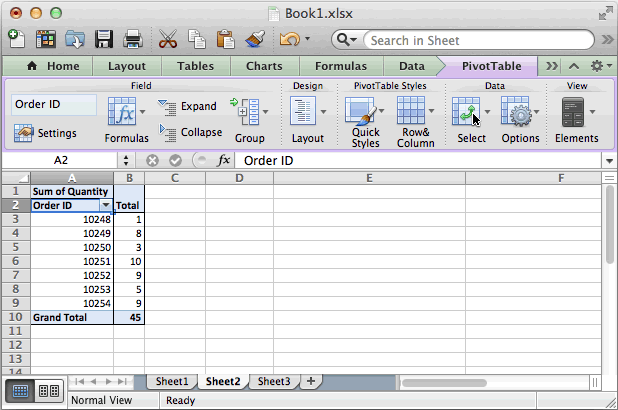
Change Data Source Pivot Table Excel 2010 All About Image HD
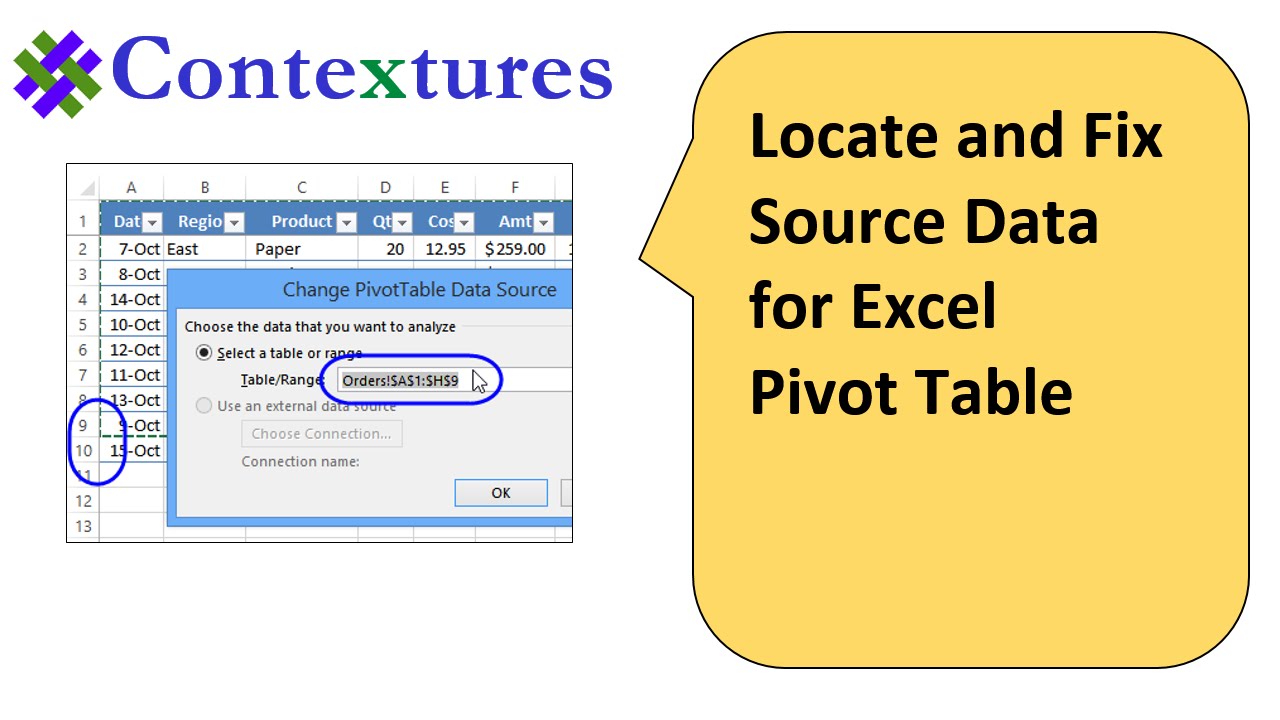
Change Data Source Pivot Table Excel 2010 All About Image HD

Image Result For Sources Of Data Business Studies Market Research
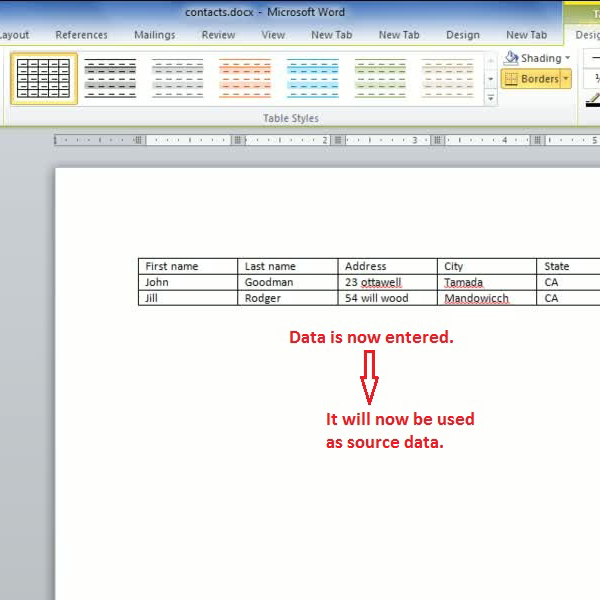
How To Create A Data Source In Microsoft Word 2010 HowTech
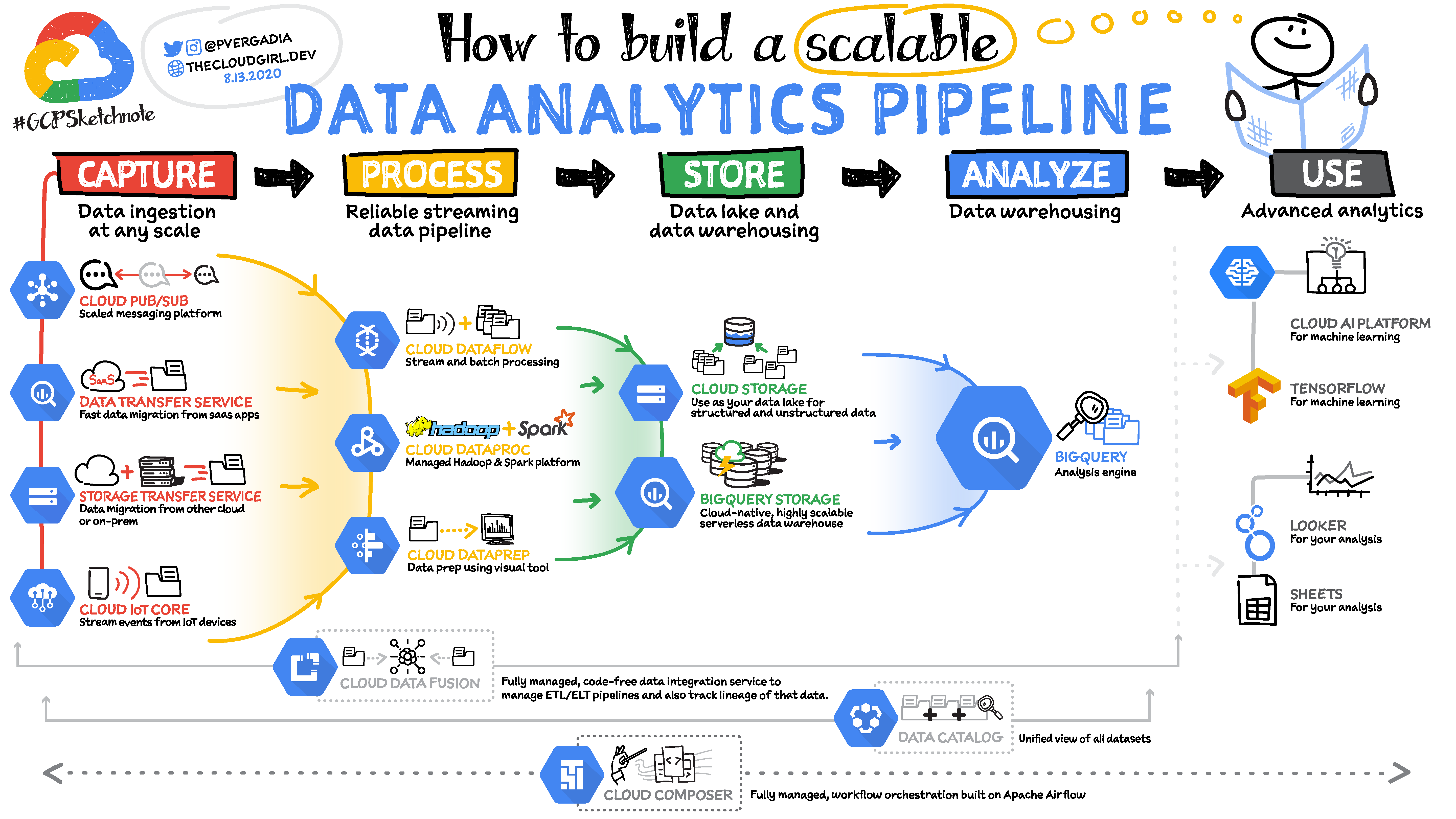
Gcpsketchnote

Web Accessibility center You can use Microsoft Office Excel to create and edit connections to external data sources that are stored in a workbook or in a connection file By using the

Web 1 Select the input data 2 Go to Data Tab gt Forecast gt What If Analysis Tools gt Data Table 3 Create a reference Read more about it here

Web To create the table select any cell within the data range and press Ctrl T Make sure the My table has headers box is checked and click OK In cell E2 type an equal sign
Web Feb 2 2021 nbsp 0183 32 Select the range of cells in your spreadsheet that you want to convert to a table and open the quot Home quot tab Click the quot Format as Table quot drop down box in the ribbon

Web Learn about the many ways to create a table in an Excel worksheet and how to clear data formatting or table functionality from a table in Excel Discover more in this video
Web Mar 15 2023 nbsp 0183 32 There are many powerful features inside Excel tables are dynamic by nature meaning they expand and contract automatically as you add or remove rows and Web Mar 16 2023 nbsp 0183 32 by Svetlana Cheusheva updated on March 16 2023 The tutorial shows how to use data tables for What If analysis in Excel Learn how to create a one variable and
Web To create a one variable data table execute the following steps 1 Select cell B12 and type D10 refer to the total profit cell 2 Type the different percentages in column A 3