Excel Use Table As Data Source How To Use Table Reference Within A Data Validation List In Excel Excel Use Table From One Sheet In A Different Sheet Super User Using Excel To Analyze Data An Introductory Tutorial Riset Excel Use Table From One Sheet In A Different Sheet Super User Excel Use Table As Data Validation List Drop Down Example 1 Table xlsx Example 2 Named Range xlsx Example 3 CSV csv Example 4 Text txt Example 5 Excel Workbook xlsx Using data in the same workbook The easiest place to start is getting data from the same workbook Power Query recognizes two sources from the same workbook Excel Tables and named ranges
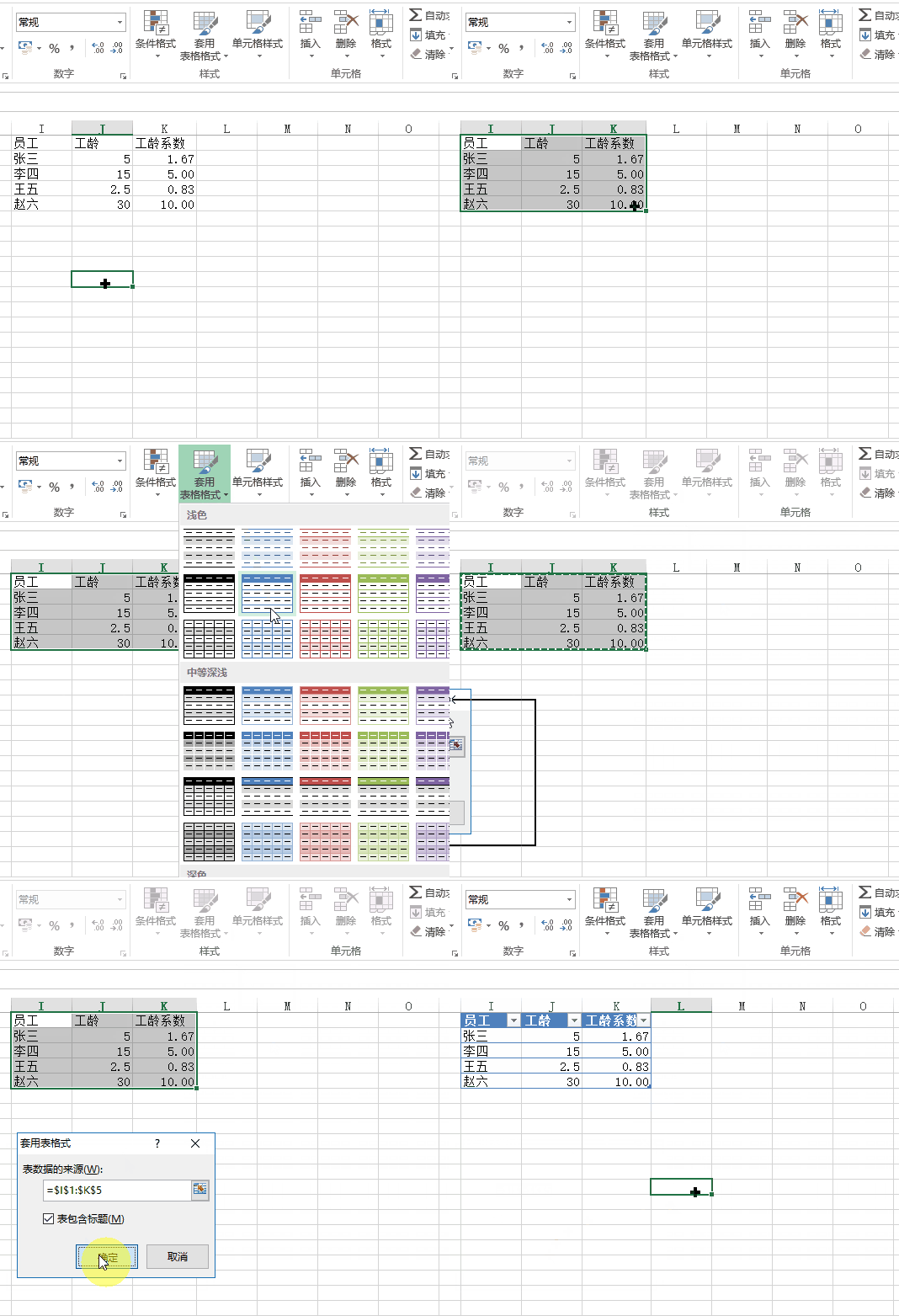
One of the great things about tables in Excel is that your can use a table as source data for a chart pivot table etc To see why this is useful let s create a simple chart 1 Select a cell in the source data 2 Press Ctrl T to quickly insert a table 3 Press Enter Result so far 4 Excel Import and analyze data Data models Tutorial Import Data into Excel and Create a Data Model Tutorial Import Data into Excel and Create a Data Model Excel for Microsoft 365 Excel 2021 Excel 2019 Excel 2016 Excel 2013
Excel Use Table As Data Validation List Drop Down Part I 1 10 MARKS Consider American Call Options Written On Solved 10 In Excel Use Table I Data To Plot The Graph scatter Plot Excel Pivot Data Source Professor Excel Professor Excel Diy Puzzle Board Table Https Encrypted Tbn0 Gstatic Com Images Q Tbn Pivot Table From Another Single Or Multiple Pivot Table As Data Source 10 Designer Approved Ways To Create A Home Workstation In A Small Space Business Statistics Student Name Instructor Name Course
Excel Use Table As Data Source
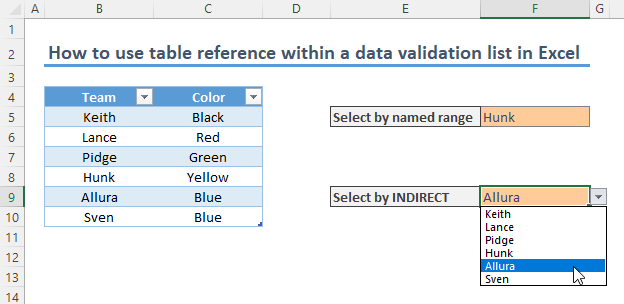 Excel Use Table As Data Source
https://www.spreadsheetweb.com/wp-content/uploads/2022/07/How-to-use-table-reference-within-a-data-validation-list-in-Excel-00-min.png
From Other Sources this category offers even more options including data from Excel tables ranges from the web OData feeds ODBC OLEDB and others For example to use a CSV file as a data source you can either click the From Text CSV button on the ribbon or go a longer way Get Data From File From Text CSV
Pre-crafted templates provide a time-saving option for producing a varied variety of files and files. These pre-designed formats and layouts can be used for different individual and professional tasks, including resumes, invitations, leaflets, newsletters, reports, presentations, and more, enhancing the material production process.
Excel Use Table As Data Source
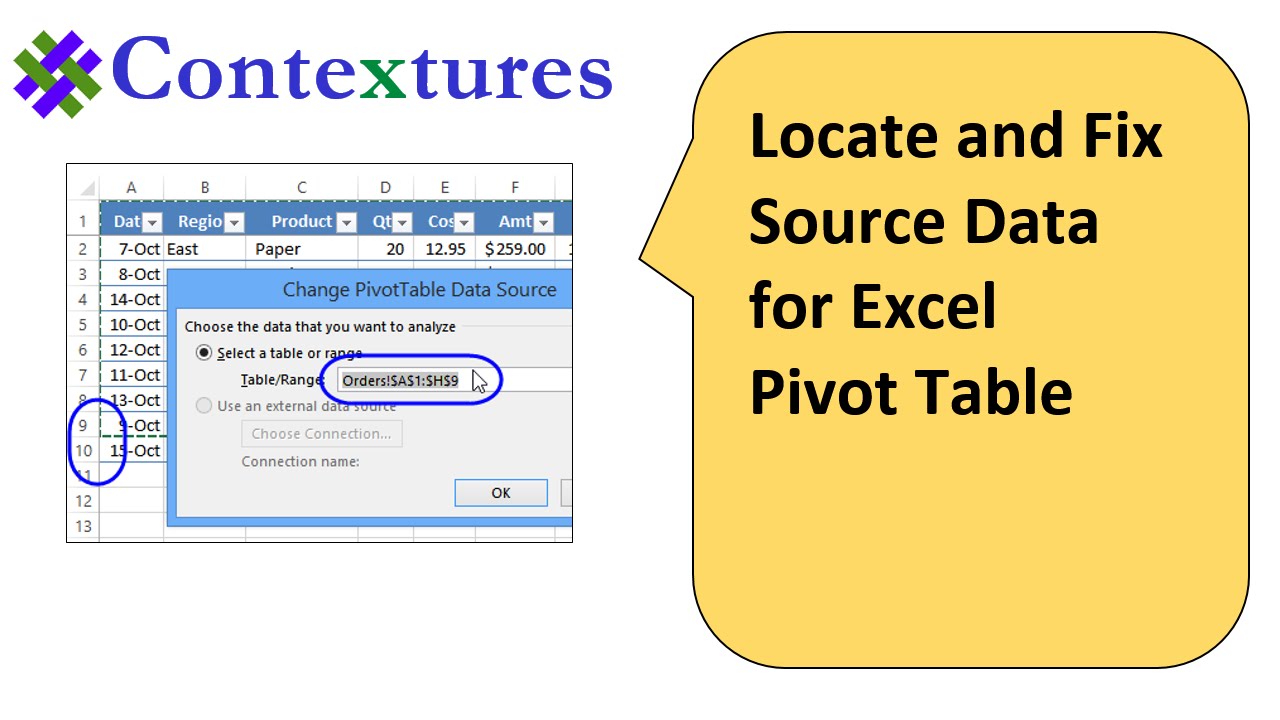
Locate And Change Excel Pivot Table Data Source YouTube
Part I 1 10 MARKS Consider American Call Options Written On
Solved 10 In Excel Use Table I Data To Plot The Graph scatter Plot
Excel

Diy Puzzle Board Table Https Encrypted Tbn0 Gstatic Com Images Q Tbn

Pivot Table From Another Single Or Multiple Pivot Table As Data Source

How Do I use an Excel Table as a DataSource I m trying to use Tables rather than the older methods I have a table in an Excel file containing information on a number of servers and would like to use it as a data source

In Excel click Data Connections Select the connection used to populate the table in your model Click Properties Definition to view the connection string Note Data models were introduced in Excel 2013 You use them to create PivotTables PivotCharts and Power View reports that visualize data from multiple tables
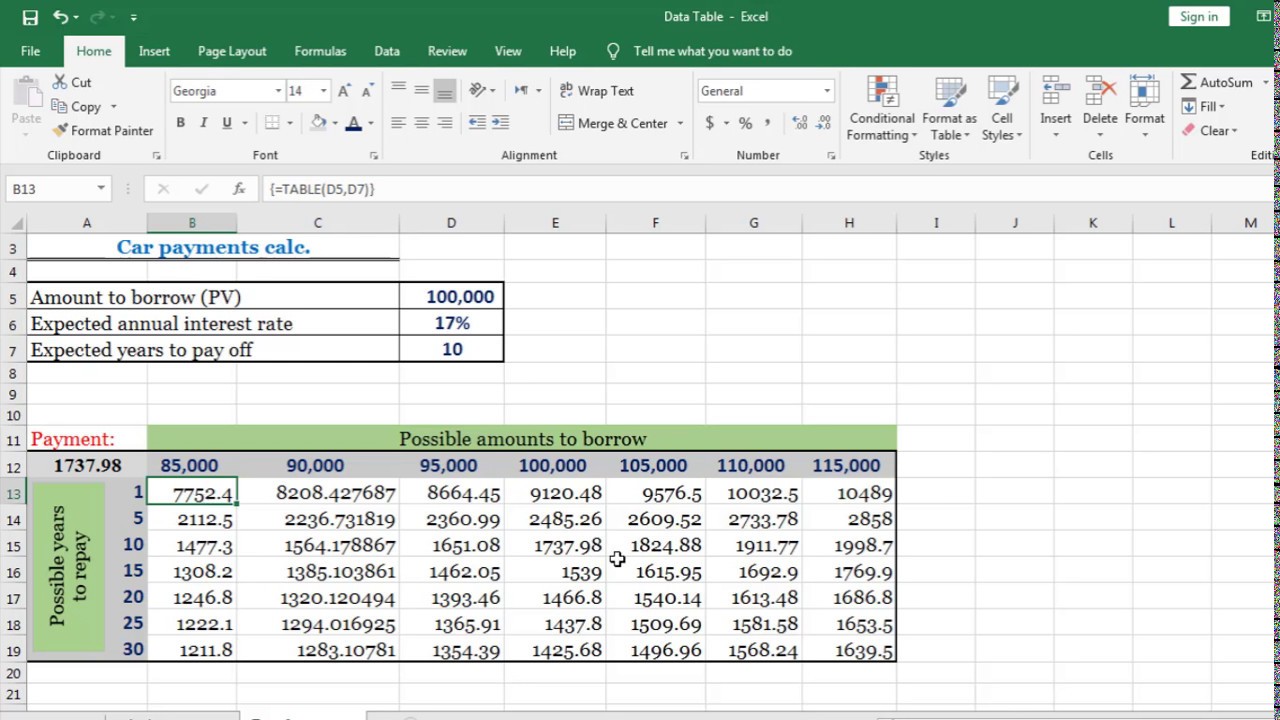
Charts using Excel Table columns as data source MrExcel Message Board If you would like to post please check out the MrExcel Message Board FAQ and register here If you forgot your password you can reset your password Forums MrExcel Products MrExcel s Products Books CDs Podcasts Charts using Excel Table columns as data source dleseward

1 Adding New Data Preventing Embarrassment Have you ever added new data to the bottom of your source data and then forgot to update the pivot table s to include the new rows of data The better question is how many times has this happened to you
Database Sybase Database Teradata Database SAP HANA Azure Azure SQL Database Azure Azure Synapse Analytics Azure Azure HDInsight Azure Azure Blob Storage Azure Azure Table Storage Azure Azure Data Lake Storage Gen 1 Azure Azure Data Lake Storage Gen 2 Azure Azure Data Explorer Power Platform From Power BI Tenant name
Key Takeaways Creating a data source in Excel is crucial for effectively managing and analyzing data A data source can streamline workflow ensure accuracy and consistency in analysis Excel s features can be utilized to create a dynamic data source Connecting data sources to worksheets allows for easier data analysis and reporting Get more data into your data source by adding more tables or connecting to data in a different database Add more data from the current file From the left pane drag additional tables to the canvas to combine data using a join or union For more information see Join Your Data or Union Your Data
There are multiple types of numerical data that you can use to create your data source in Excel such as integers decimals currency dates and so on However to prepare this data source first we will show you how to input integer data into your Excel sheet Enter the digit 100242 in cell B5 All of our Project ID data is tagged as 100242