How To Make A Concept Map On Google Docs How To Make A Concept Map In Google Docs Lucidchart Blog How To Make A Concept Map In Google Docs Lucidchart Blog How To Make A Concept Map In Google Docs Lucidchart Blog How To Make A Concept Map In Google Docs Lucidchart Blog How To Make A Concept Map In Google Docs Lucidchart Blog 0 00 6 24 Creating Concept Maps Using Google Doc and Drawings James Reynolds 30 subscribers Subscribe Share 20 views 2 years ago This is a quick tutorial on how to create a
Start Making the Concept Map This is how to create a concept map in Google Docs You have to start configuring the tools given by the window Start with adding shapes and arrows on the concept map to represent your ideas and their connections Then label the elements you have added To start your concept map Click Insert Drawing New in the Docs toolbar This will open up a blank drawing canvas Select the Shape icon in the toolbar and click on the document to insert shapes The first shape will be your main concept in the center Add surrounding shapes for your secondary concepts
How To Make A Concept Map In Google Docs Lucidchart Blog How To Create A Concept Map On Google Docs EdrawMax Online How To Create A Concept Map On Google Docs EdrawMax Online How To Create A Concept Map On Google Docs EdrawMax Online Concept Map Template Google Docs How To Create A Concept Map On Google Docs EdrawMax Online How To Make A Concept Map Lucidchart Blog 50 Creative Uses For The Map a Map Tool BrainPOP Educators How To Create A Concept Map On Google Docs EdrawMax Online
How To Make A Concept Map On Google Docs
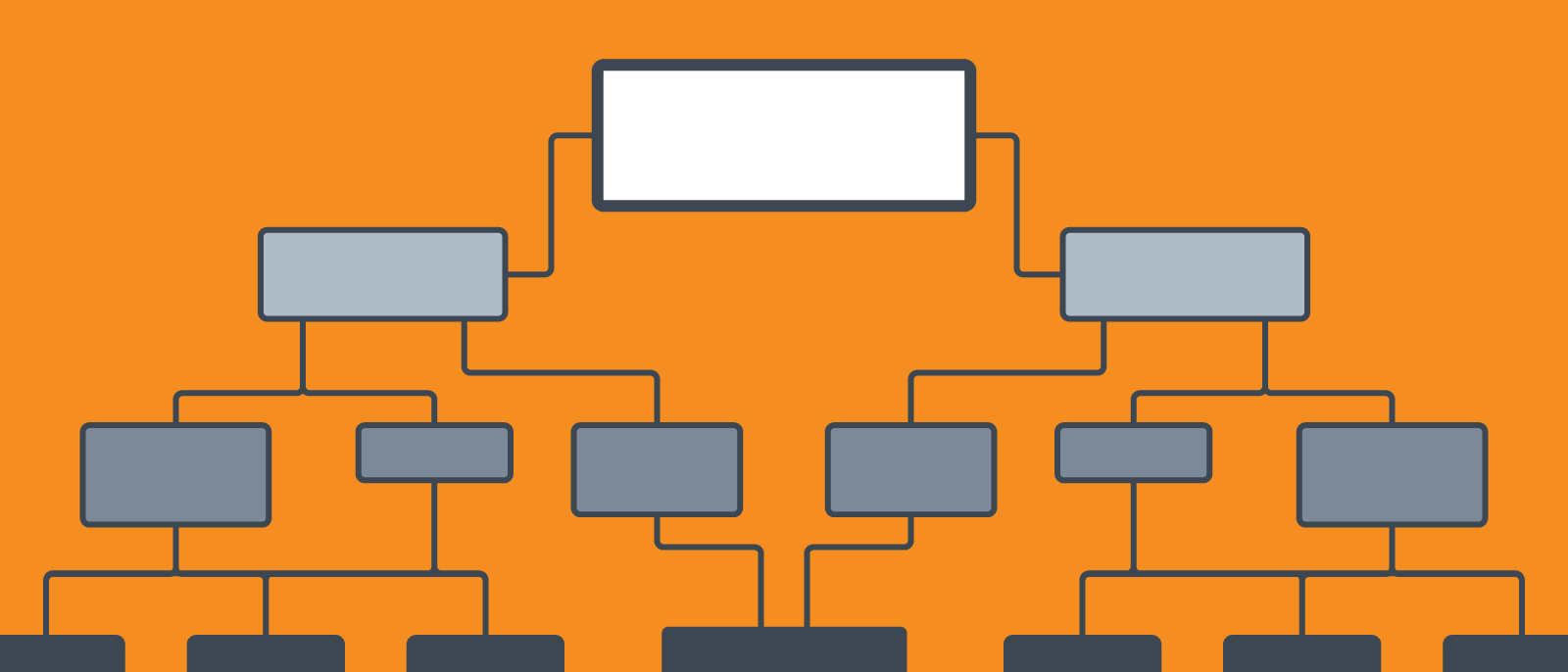 How To Make A Concept Map On Google Docs
https://d2slcw3kip6qmk.cloudfront.net/marketing/blog/2017Q1/[email protected]
Step 1 Open a new Google Docs document Step 2 Click on Insert from the menu bar at the top Step 3 Scroll down to Drawing and click on New Step 4 In the drawing window that opens click on Shapes then select shapes for your concept map such as circles or rectangles
Templates are pre-designed files or files that can be utilized for various purposes. They can save time and effort by providing a ready-made format and layout for producing different type of material. Templates can be used for personal or professional tasks, such as resumes, invitations, leaflets, newsletters, reports, presentations, and more.
How To Make A Concept Map On Google Docs

How To Make A Concept Map In Google Docs Lucidchart Blog
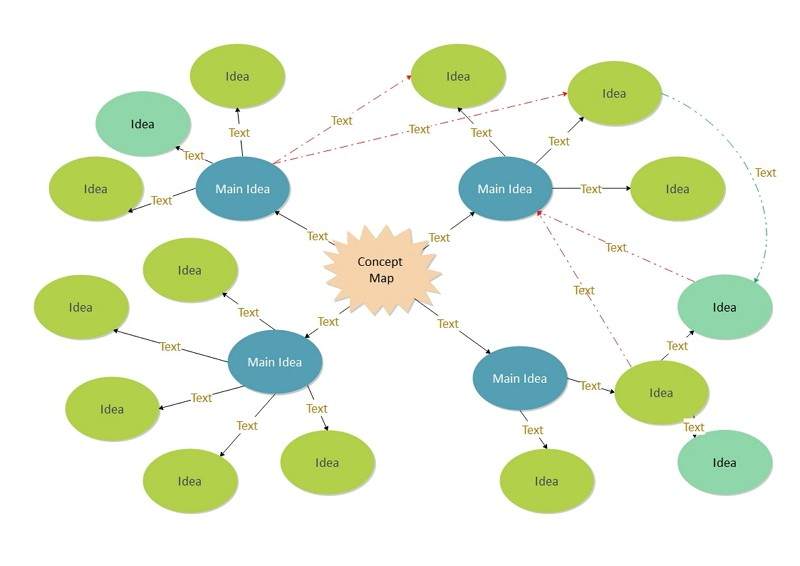
How To Create A Concept Map On Google Docs EdrawMax Online
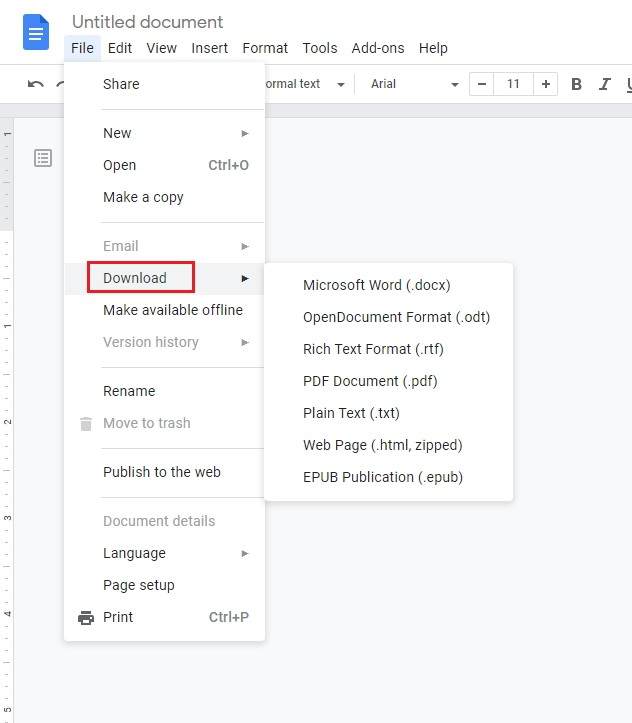
How To Create A Concept Map On Google Docs EdrawMax Online
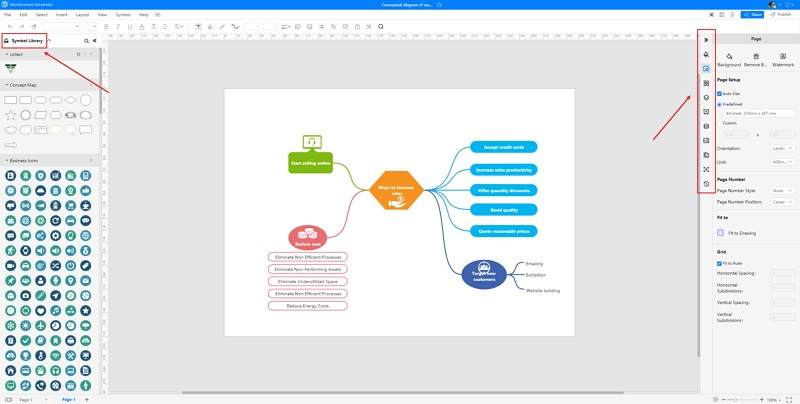
How To Create A Concept Map On Google Docs EdrawMax Online
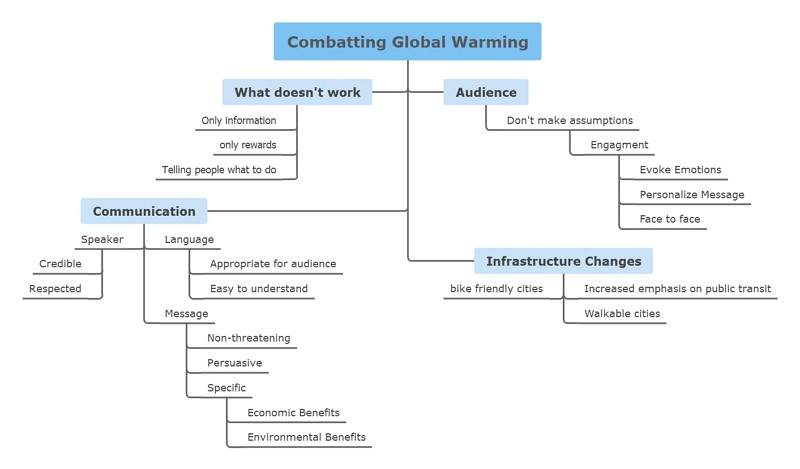
How To Create A Concept Map On Google Docs EdrawMax Online

How To Make A Concept Map Lucidchart Blog

Create a concept map in Google Docs Quick Steps 1 Open Google Docs Create a Doc 2 Click on Insert Select Drawing New 3 Start Drawing Click Save and Close Creating a concept map can be a powerful and visually engaging way to organize your thoughts ideas and information

How to make a concept Map on Google Docs How to use the drawing feature to make a concept map on Google Docs

Step 1 Open a New Google Doc Step 2 Set Up Document Format Step 3 Add Concepts as Text Boxes Step 4 Connect Concepts with Arrows Step 5 Organize Hierarchy with Lines Levels Step 6 Customize Styles and Themes Step 7 Add Descriptors Optional Step 8 Organize for Clarity Step 9 Label and Number Boxes Step 10 Format for Printing
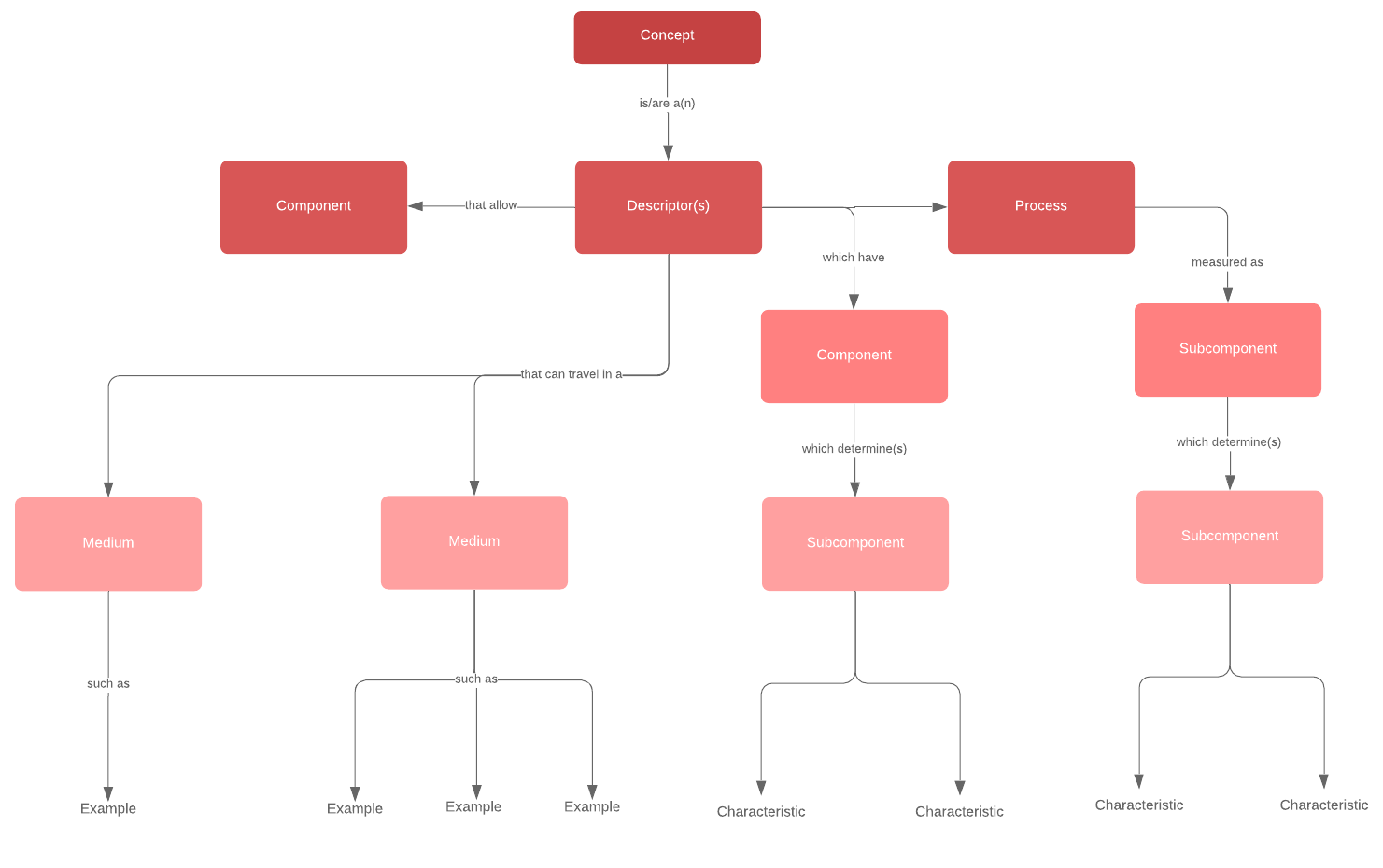
To draw a concept map you will use assembled diagrammatic instruments i e Topic SubTopics Floating subjects etc which are set in the Home tab Use these gadgets to draft a concept map click on Topic and consequently click on the screen to install it on your map

37 20K views 13 years ago Step by step instructions for creating a concept map using Google docs drawings Part 1 features creating the concept map working with the text adding color
[desc-11] [desc-12]
[desc-13]