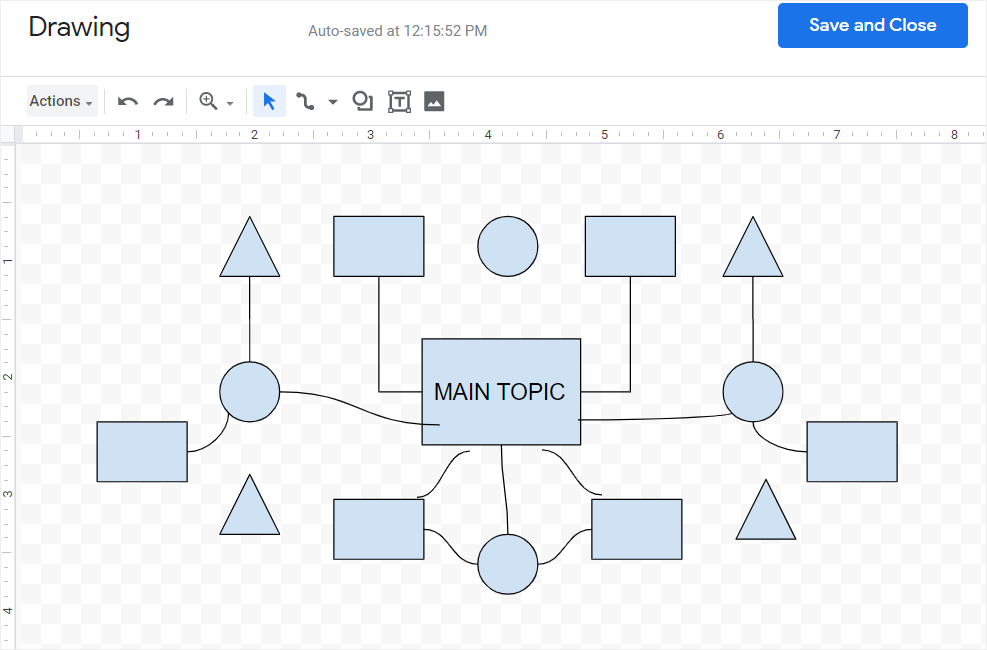
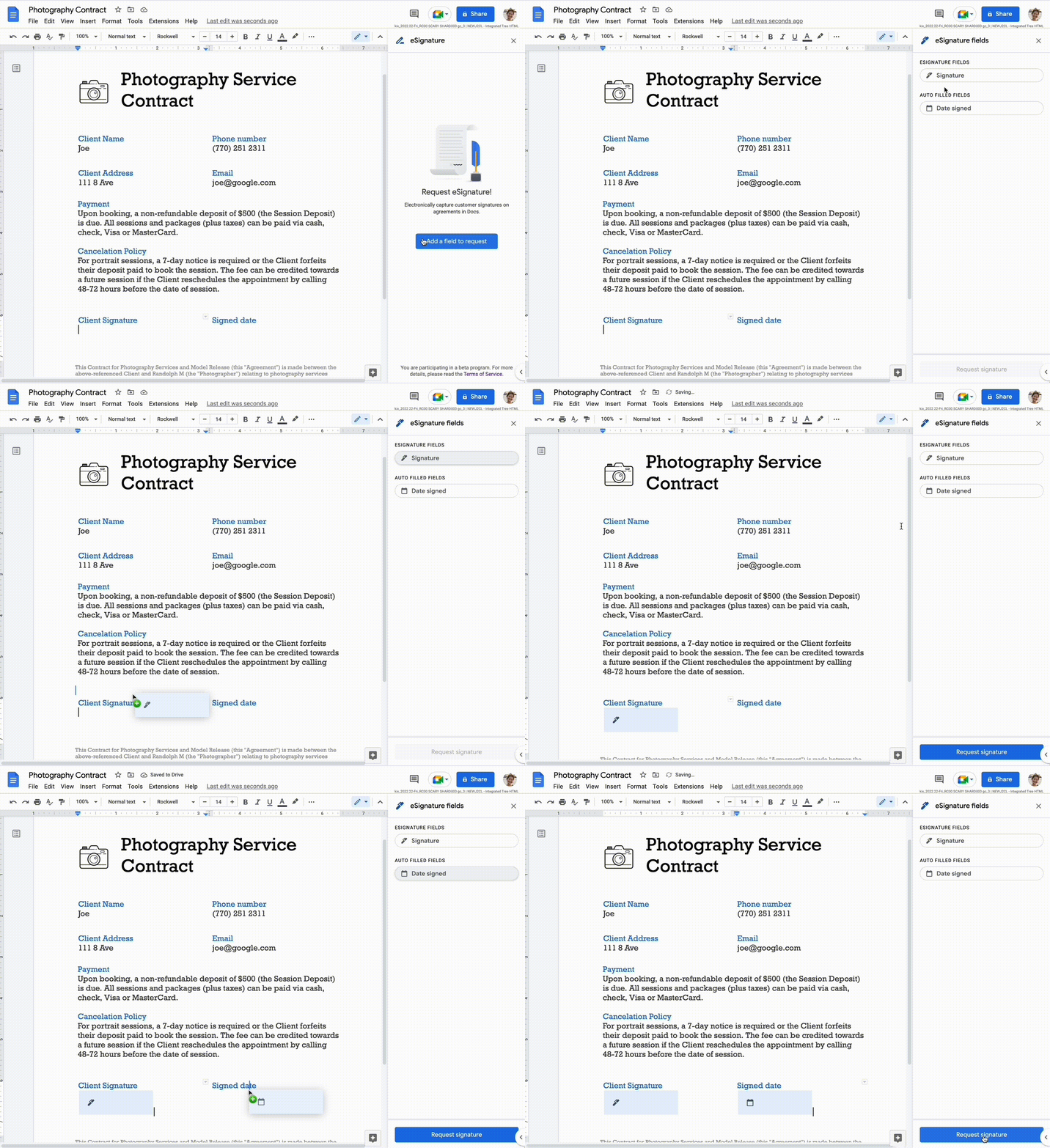
How To Insert Concept Map In Google Docs How To Make A Concept Map In Google Docs EdrawMind How To Make A Concept Map In Google Docs EdrawMind Project Management Concept Map Template In Word Google Docs Download Concept Map Template Google Docs You May Soon Be Able To Sign Documents Right In Google Docs Digital Web Jan 12 2024 nbsp 0183 32 To start your concept map Click Insert gt Drawing gt New in the Docs toolbar This will open up a blank drawing canvas Select the Shape icon in the toolbar and click on the document to insert shapes The first shape will be your main concept in the center Add surrounding shapes for your secondary concepts
Web Dec 8 2010 nbsp 0183 32 Concept Mapping with Google docs Drawings YouTube Aida Awad 4 52K subscribers Subscribed 37 20K views 13 years ago Step by step instructions for creating a concept map using Web Here s a step by step guide Step 1 Open a new Google Docs document Step 2 Click on Insert from the menu bar at the top Step 3 Scroll down to Drawing and click on New Step 4 In the drawing window that opens click on Shapes then select shapes for your concept map such as circles or rectangles
You May Soon Be Able To Sign Documents Right In Google Docs Digital Concept Map Template Google Docs Newest How To Create Mind Map In Google Docs Concept Map Template Google Docs Google Docs Update Brings A Productivity Powerhouse Feature How To Make A Mind Map In Google Docs With Templates How To Create A New Document In Google Docs How To Make A Mind Map In Google Docs EdrawMind Google Docs Concept Map Template Printable Word Searches
How To Insert Concept Map In Google Docs
 How To Insert Concept Map In Google Docs
https://images.edrawmind.com/article/how-to-make-a-concept-map-in-google-docs/stage-2-in-google-docs.png
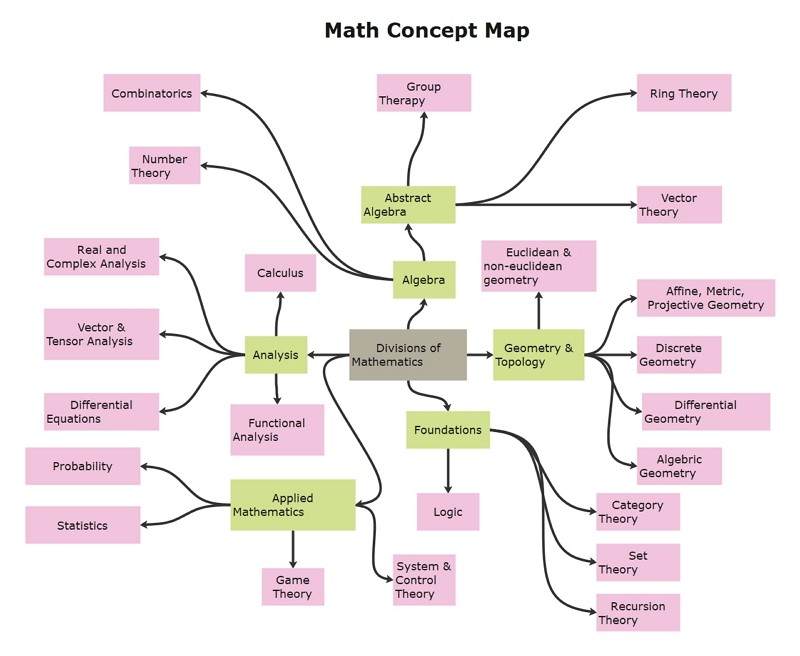
Web Feb 13 2024 nbsp 0183 32 Your concept map design requires a road mapping mindset to connect ideas build a hierarchical structure and connect complex information into a visually presented document Plus you can use concept maps to illustrate everything from basic ideas to specific procedures and systems
Templates are pre-designed files or files that can be used for numerous purposes. They can conserve effort and time by providing a ready-made format and design for producing various type of material. Templates can be used for individual or expert projects, such as resumes, invites, leaflets, newsletters, reports, discussions, and more.
How To Insert Concept Map In Google Docs
How To Create A Mind Map Template On Google Docs
Concept Map Template Google Docs
Newest How To Create Mind Map In Google Docs
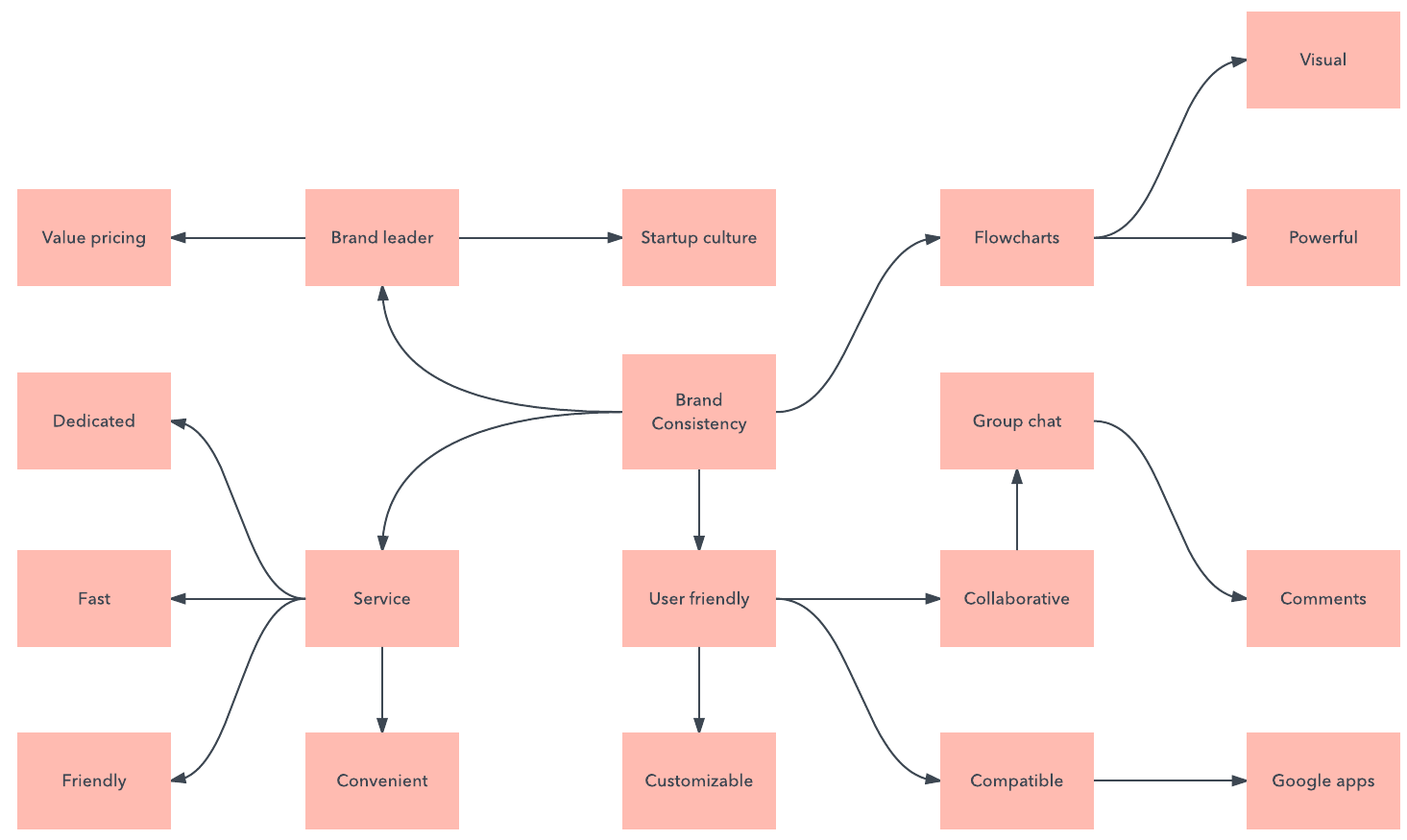
Concept Map Template Google Docs
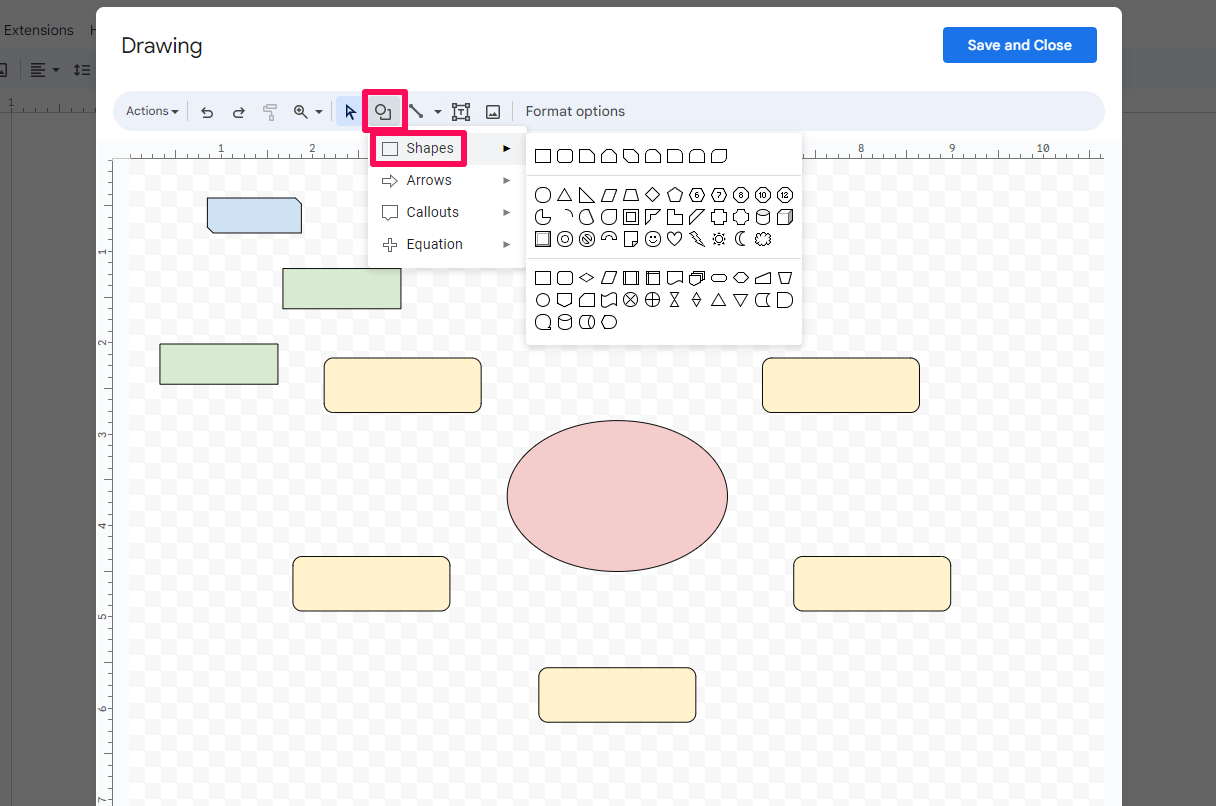
How To Make A Mind Map In Google Docs With Templates
How To Create A New Document In Google Docs
Web Jan 19 2024 nbsp 0183 32 Create a concept map in Google Docs Quick Steps 1 Open Google Docs gt Create a Doc 2 Click on Insert gt Select Drawing gt New 3 Start Drawing gt Click Save and Close Creating a concept map can be a powerful and visually engaging way to organize your thoughts ideas and information
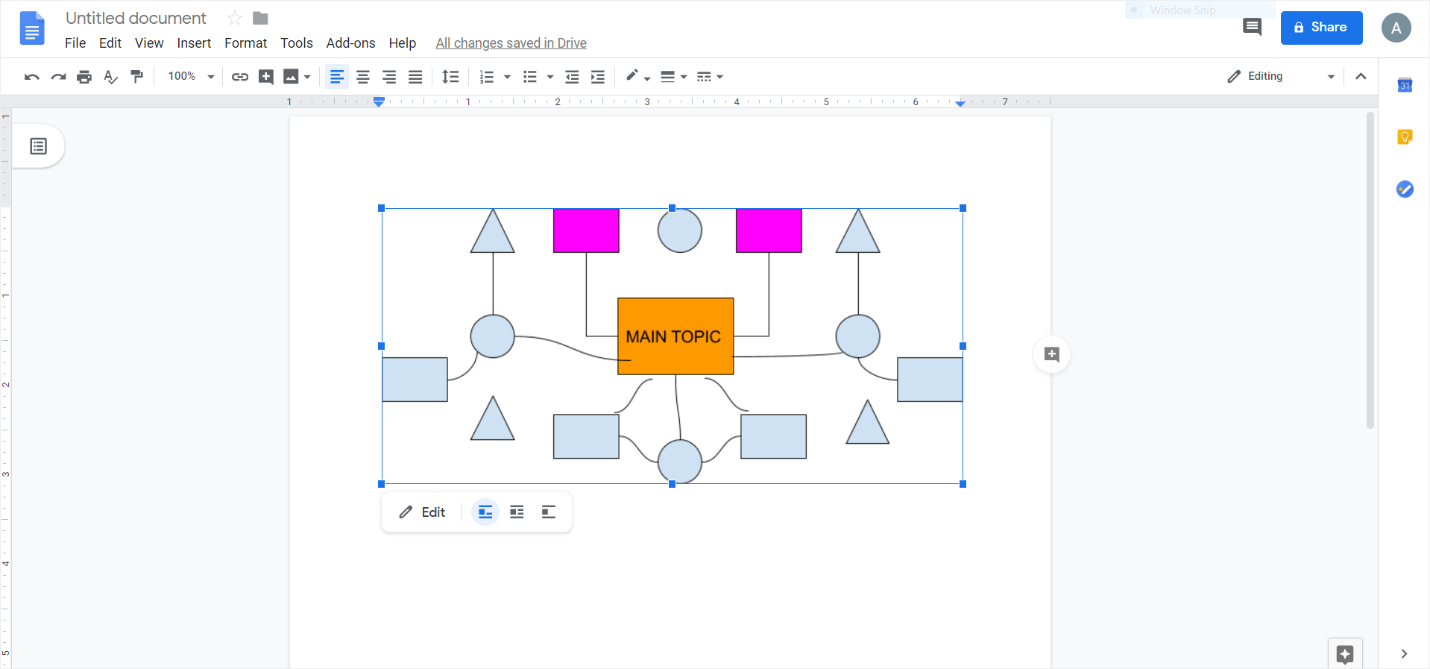
Web Aug 23 2020 nbsp 0183 32 How to use the drawing feature to make a concept map on Google Docs

Web Sep 3 2023 nbsp 0183 32 Google Docs allows creating basic digital concept maps through its drawing tools This comprehensive guide covers step by step how to design effective concept maps on Google Docs for

Web To draw a concept map you will use assembled diagrammatic instruments i e Topic SubTopics Floating subjects etc which are set in the Home tab Use these gadgets to draft a concept map click on Topic and consequently click
Web Dec 2 2022 nbsp 0183 32 Hello Friends In this video I will show you How to make a concept map on Google Docs Concept map on Google Docs etc Conceptmap ConceptmapGoogleDocs Transcript Follow along using the
Web Apr 11 2022 nbsp 0183 32 Do you want to know how to create a concept map in Google Docs See the step by step guidelines for using this program to create wonderful concept maps Web To create a Google concept map on Google Doc an individual needs to follow a few simple steps Step 1 Select Concept Map Template The user needs to find the Mind Map option in the EdrawMax online application then select Concept Map under this classification as image shows
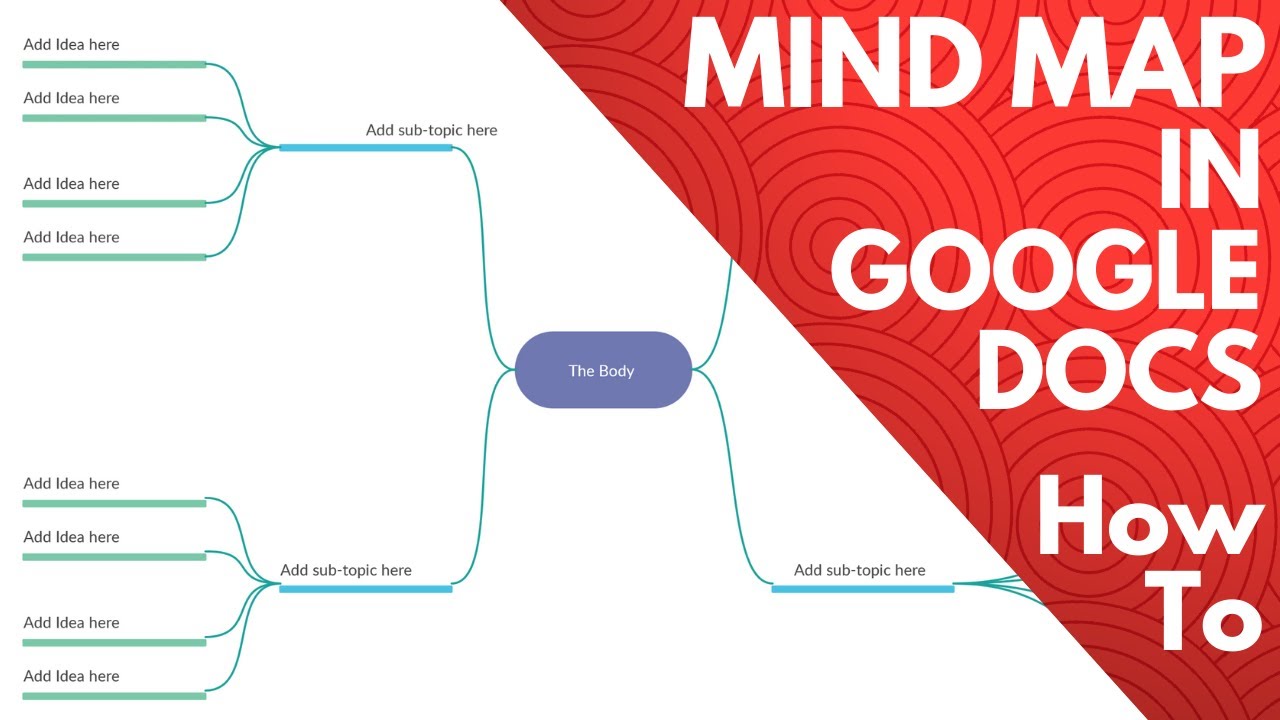
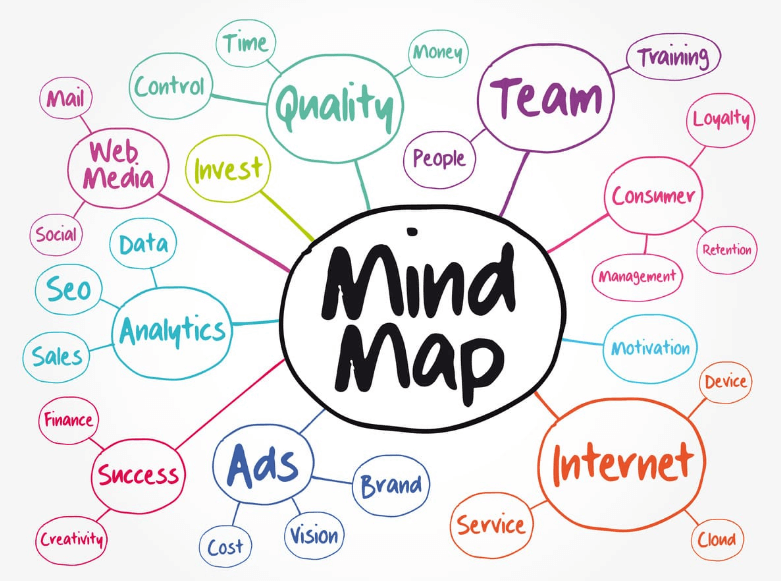
Web Jul 26 2023 nbsp 0183 32 That s why mind maps have become so popular They make complex concepts more engaging and easier to grasp and memorize And the best part is you can build them with tools you re already familiar with in no time Our guide will show you how to make a mind map in Google Docs in just a few simple steps