How To Login To Git In Visual Studio Code Proofed Login Login Pages Info Procurar Reposit rios Comparar Branches Commits Visual Studio How To Run JavaScript In Visual Studio Code How To Set Java Home Environment Variable In Microsoft Visual Studio Best Ways To Optimizing Your Visual Studio Code In 2022 CodingSutra WEB Use Git in VS Code If you re working in a team or on your own project chances are you use git to manage your source code Git is the de facto standard for source code control management VS Code makes it easy to work with Git In this part we ll look at the main features you ll need every day
WEB In this article Visual Studio provides a user interface for Git a widely used modern version control system Whether your source code is hosted in a GitHub repository Azure DevOps or another Git provider you can do all the common version control tasks within the Visual Studio IDE WEB How can I sign in to Git with my Azure DevOps organization that requires multi factor authentication Git Credential Manager GCM is the recommended Git credential helper for Windows macOS and Linux If you re running Git for Windows GCM has already been installed and configured for you
Best Ways To Optimizing Your Visual Studio Code In 2022 CodingSutra Code Formatting In Visual Studio Code Beinyu Visual Studio Code Yaml File Formatting In Vscode Stack Overflow Manage Visual Studio Code Git No Remote Asltru Introduction To Git How Git Works Software Automation Testing Getting Started With Visual Studio Code For Mac Tikloquestions Visual Studio Code Git My Java Setup In Visual Studio Code Programming Languages Learning Macos Terminal Git Tracking Vs VS Code Git Tracking Is Not In Sync
How To Login To Git In Visual Studio Code
 How To Login To Git In Visual Studio Code
https://ashoreapp.com/wp-content/uploads/2021/10/audit.png
WEB Apr 9 2024 nbsp 0183 32 Make a Git commit in Visual Studio by using Git providers such as GitHub or Azure DevOps or locally with no provider at all
Templates are pre-designed files or files that can be used for various functions. They can conserve effort and time by supplying a ready-made format and layout for developing various type of material. Templates can be utilized for individual or professional jobs, such as resumes, invites, leaflets, newsletters, reports, discussions, and more.
How To Login To Git In Visual Studio Code

Select Matching Element rename HTML Tag In Visual Studio Code Gang Of

Code Formatting In Visual Studio Code Beinyu

Visual Studio Code Yaml File Formatting In Vscode Stack Overflow Manage
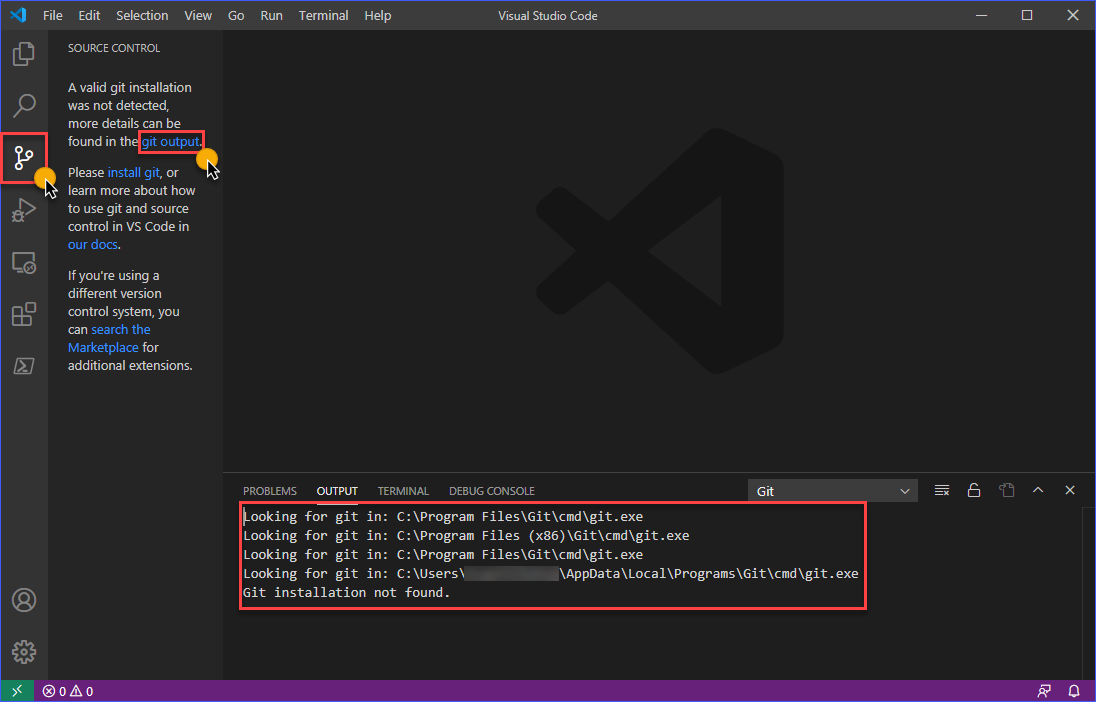
Visual Studio Code Git No Remote Asltru
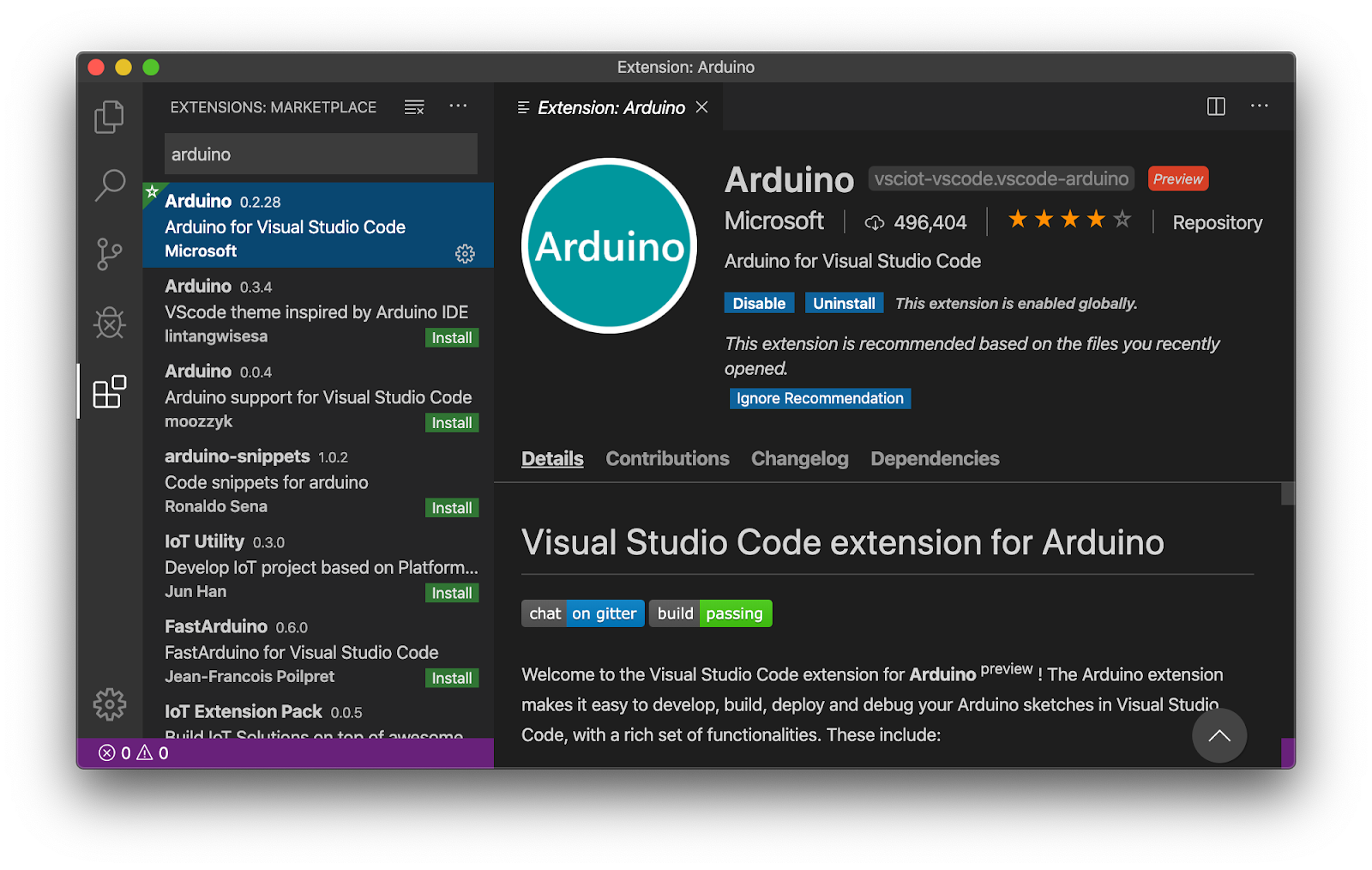
Getting Started With Visual Studio Code For Mac Tikloquestions
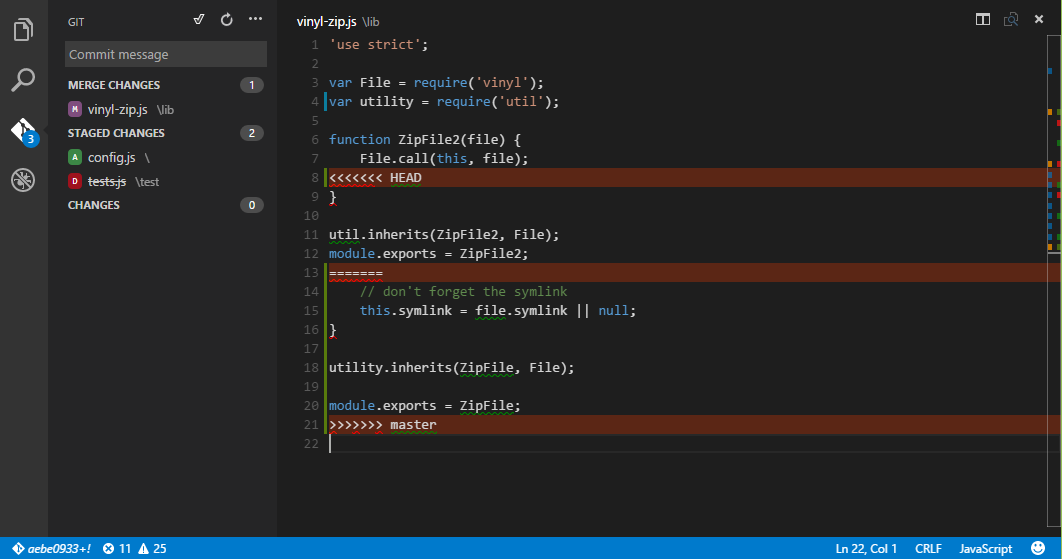
Visual Studio Code Git

WEB Press Ctrl Shift G in Visual Studio Code and go to more and select Show git output Click Terminal and type git remote v and verify that the origin branch has latest username in it like

WEB May 6 2024 nbsp 0183 32 Learn the simple steps to add GIT credentials in VS Code effortlessly Master the process with our detailed guide to set GIT credentials in VS Code and ensuring seamless integration for efficient version control

WEB Using Git source control in VS Code Visual Studio Code has integrated source control management SCM and includes Git support out of the box Many other source control providers are available through extensions on the VS Code Marketplace

WEB May 1 2020 nbsp 0183 32 Harnessing the power of Git from within VS Code can make your workflow more efficient and robust In this tutorial you will explore using Source Control Integration in VS Code with Git

WEB Make sure you have the GitHub Pull Requests and Issues extension installed and enabled You can now use the extension to change your GitHub account in VS Code
WEB May 20 2024 nbsp 0183 32 If you re not already signed in to Visual Studio select the Sign in link in the upper right corner of the Visual Studio environment and use a Microsoft account work account or school account to sign in Then follow these instructions to WEB Mar 31 2022 nbsp 0183 32 Learn how to drive Git with VS Code and the GitLens extension Follow a basic Git workflow in VS Code including creating a repository committing changes connecting a remote pushing changes and learn some other helpful tips
WEB Aug 13 2021 nbsp 0183 32 Follow these simple steps to set up GitHub authentication with a personal access token Open a command line window on your PC or Terminal on Mac Set the current directory to your project root cd C Users Giddy source repo MySampleProject Run the command to set remote access via a token