Solidworks Design Library Derived Part Derived Part Prompt When Inserting a Forming Tool in SOLIDWORKS – Hawk Ridge Systems Support Creating and Using Derived Parts in SOLIDWORKS Creating and Using Derived Parts in SOLIDWORKS 31-Solidworks forming tools inserted as derived part - YouTube Insert into New Part - Creating a Derived Part - YouTube ADFM Lesson 2 Part 1Create a derived part in solidworks then make configurations that
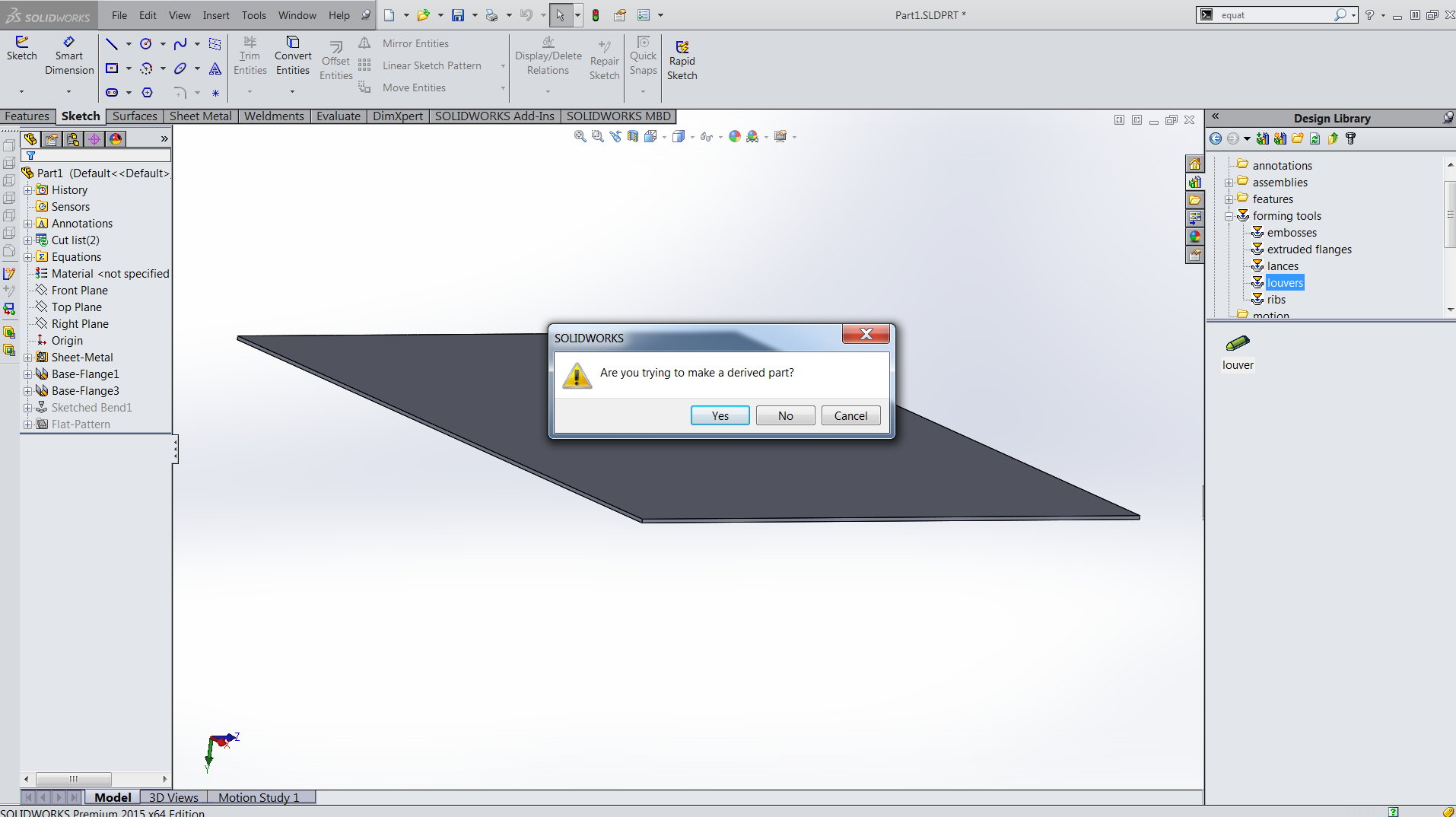
Solution for soliworks problem Are you trying to make a derived part Can t add forming tool SOLIDWORKS Forming Tools are found in the Design Library and are used to form sheet metal parts In the following image you can see how a
Insert into New Part - Creating a Derived Part - YouTube Derived Parts - SolidWorks 2020 - YouTube Editing a Derived Part - YouTube Derived Configurations in SOLIDWORKS | Innova Systems | UK Reseller Seven improvements for fasteners in SOLIDWORKS - CAD Booster SOLIDWORKS Quick Tip - Copied and Derived Sketches - YouTube How to use SolidWorks Toolbox? - Mechanitec Design SOLIDWORKS Cosmetic Thread Upgrades | GoEngineer SOLIDWORKS: Can't add forming tool to a part. WHY? - Computer Aided Technology
Solidworks Design Library Derived Part
 Solidworks Design Library Derived Part
https://support.hawkridgesys.com/hc/en-us/article_attachments/201056827/Prompt.png
SOLIDWORKS has to be reminded that the forming tools folder contains forming tools otherwise it treats the forming tools as derived parts
Pre-crafted templates offer a time-saving option for developing a varied range of documents and files. These pre-designed formats and designs can be used for different personal and professional tasks, consisting of resumes, invitations, leaflets, newsletters, reports, presentations, and more, simplifying the content production procedure.
Solidworks Design Library Derived Part
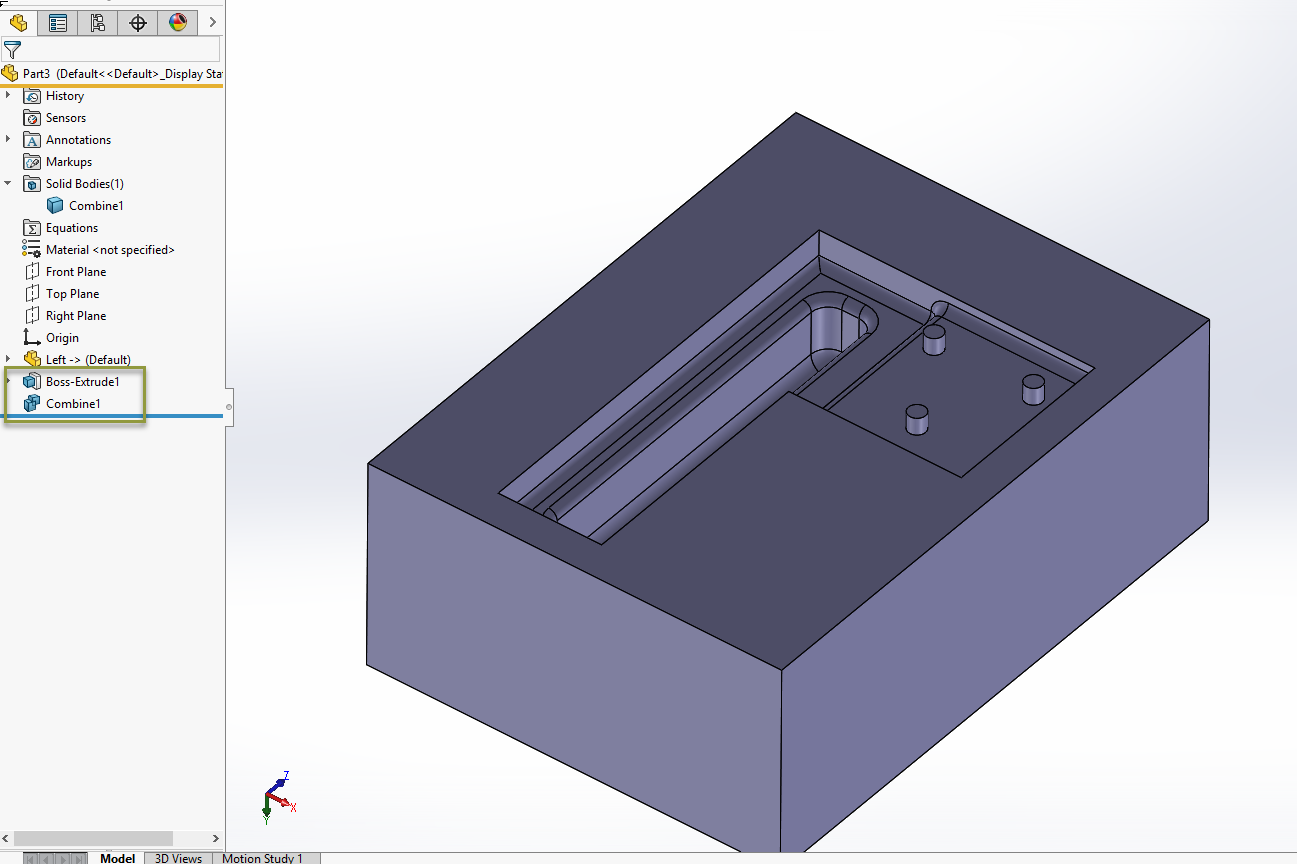
Creating and Using Derived Parts in SOLIDWORKS

Derived Parts - SolidWorks 2020 - YouTube
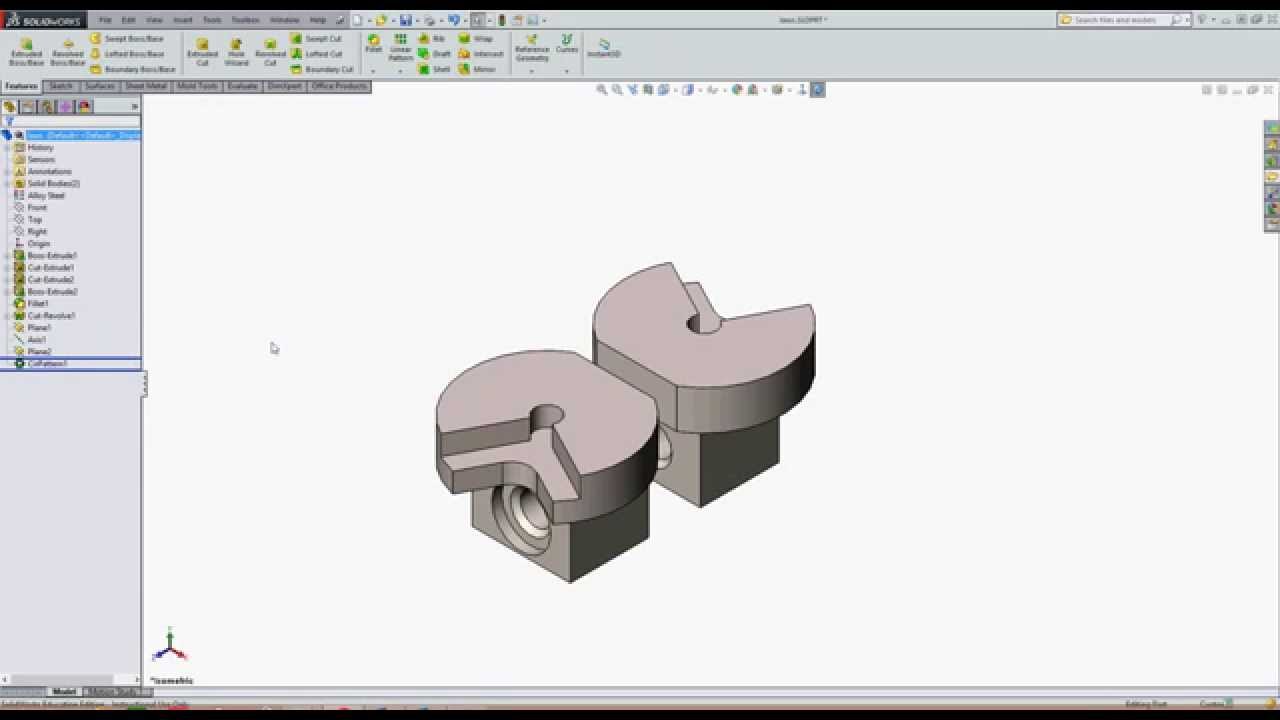
Editing a Derived Part - YouTube
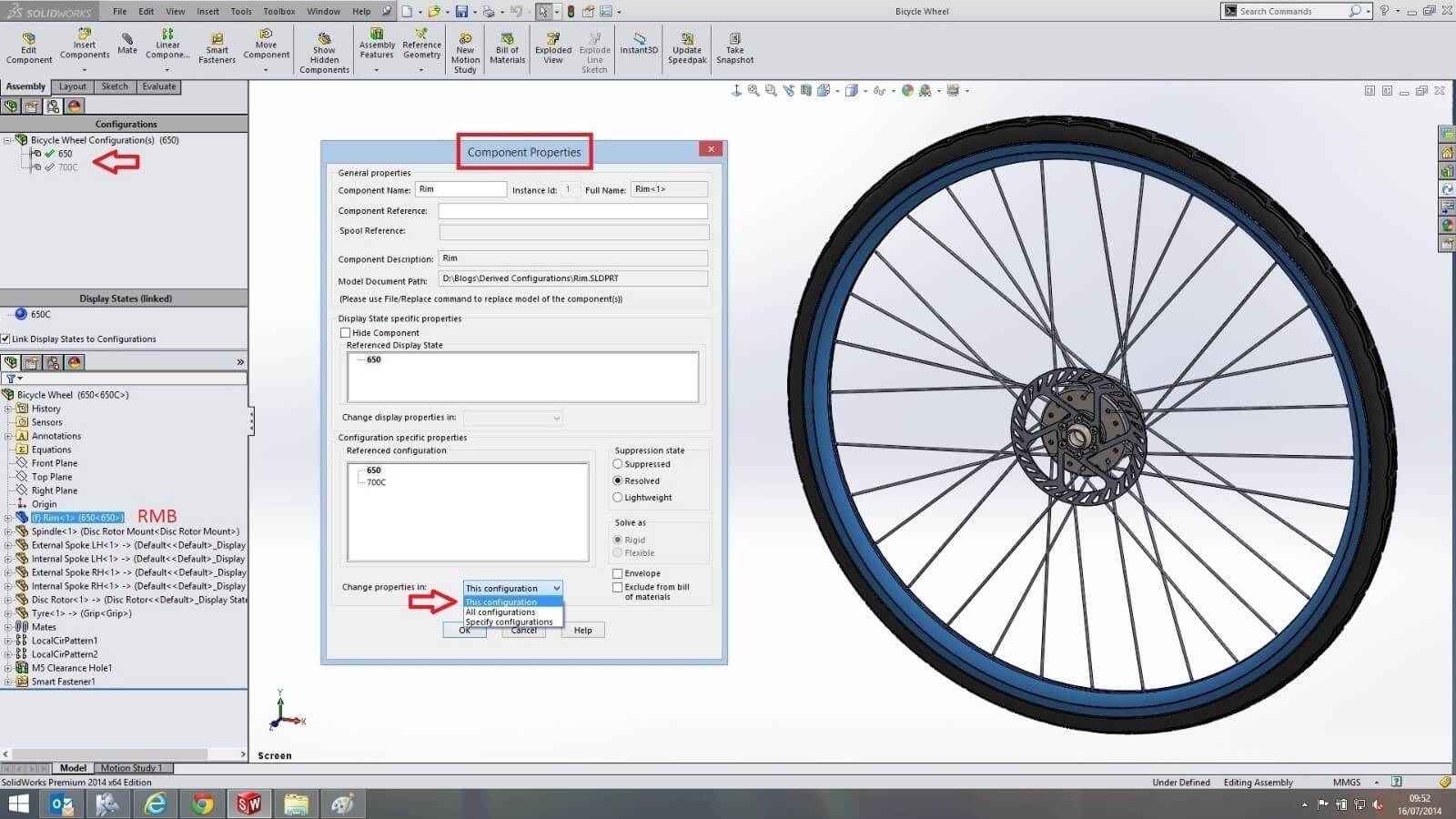
Derived Configurations in SOLIDWORKS | Innova Systems | UK Reseller

SOLIDWORKS Quick Tip - Copied and Derived Sketches - YouTube

How to use SolidWorks Toolbox? - Mechanitec Design
You can create a part directly from an existing part The new part called a derived part has the original part as its first feature

We call this type of part to part referencing Derived Parts Derived parts are used to create a part file that will update when the original

Click File Derive Component Part The derived part is opened in a new part window and the Insert Part PropertyManager appears Under Transfer select

Derived Parts SolidWorks 2020 Watch later Share Copy link Info Shopping Tap to unmute
How to create a derived part in SolidWorks using the Insert into New Part option This is a
In SOLIDWORKS a Derived Part can be directly created by inserting an existing part into a part that is being edited As long as the link is not Open up SolidWorks and pick on the Task Pane Expand the Design Library Folder Right click on the Forming Tools directory and choose Forming
The design library and underlying toolbox include a large number of trying to make a derived part doing so would bring the toolbox component in as a