How To Insert Workbook In Excel How To Insert A Page Break In An Excel Worksheet 11 Steps Riset How To Create A New Workbook In Excel for Beginners How To Insert Pdf Into Excel Sheet Riset How To Copy Data From Another Workbook In Excel Using VBA Essential Excel Shared Workbooks Feature In Excel Web The keyboard shortcut to insert a new worksheet is Shift F11 Let s use this keyboard shortcut to insert a new worksheet into our workbook Click Sheet 3 in the sheet tab Press the Shift key and F11 on your keyboard
Web Changing the Default Number of Sheets with New Excel Workbooks Click on Options This will open the Excel Options dialog box In the Excel Options dialog box make sure the General option is selected in the Web Mar 21 2023 nbsp 0183 32 To have Excel insert a reference to another sheet in your formula do the following Start typing a formula either in a destination cell or in the formula bar When it comes to adding a reference to another
Shared Workbooks Feature In Excel How To Start Excel With Blank Workbook In Excel 2013 YouTube How To Search Within The Entire Workbook In Excel YouTube Dorsieyan s Blog Creating And Opening An Excel Workbook WizApps How To Protect A Workbook In Microsoft Excel 2016 Tutorial The Creating And Opening An Excel Workbook Tutorials Tree Learn How To Open A Blank Workbook In Excel 2016 YouTube Get Excel Workbook And Sheet Name Page 3 AutoIt General Help And
How To Insert Workbook In Excel
 How To Insert Workbook In Excel
http://www.wikihow.com/images/7/7d/Insert-a-Page-Break-in-an-Excel-Worksheet-Step-6.jpg
Web Press and hold the CTRL key and then click Sheet1 Sheet2 and so on till you finish selecting all your worksheets This temporarily groups the worksheets In the title bar
Templates are pre-designed files or files that can be utilized for various purposes. They can conserve effort and time by supplying a ready-made format and layout for producing different kinds of material. Templates can be used for individual or expert projects, such as resumes, invites, flyers, newsletters, reports, discussions, and more.
How To Insert Workbook In Excel

Create A New Workbook In Excel Instructions And Video Lesson
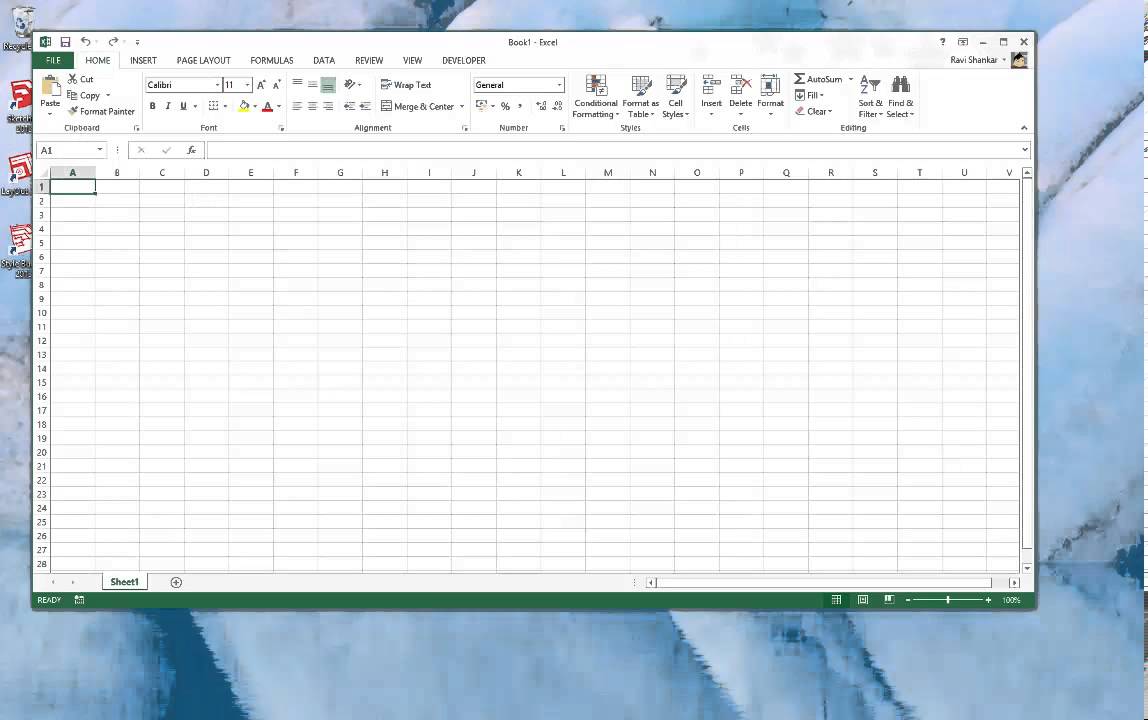
How To Start Excel With Blank Workbook In Excel 2013 YouTube
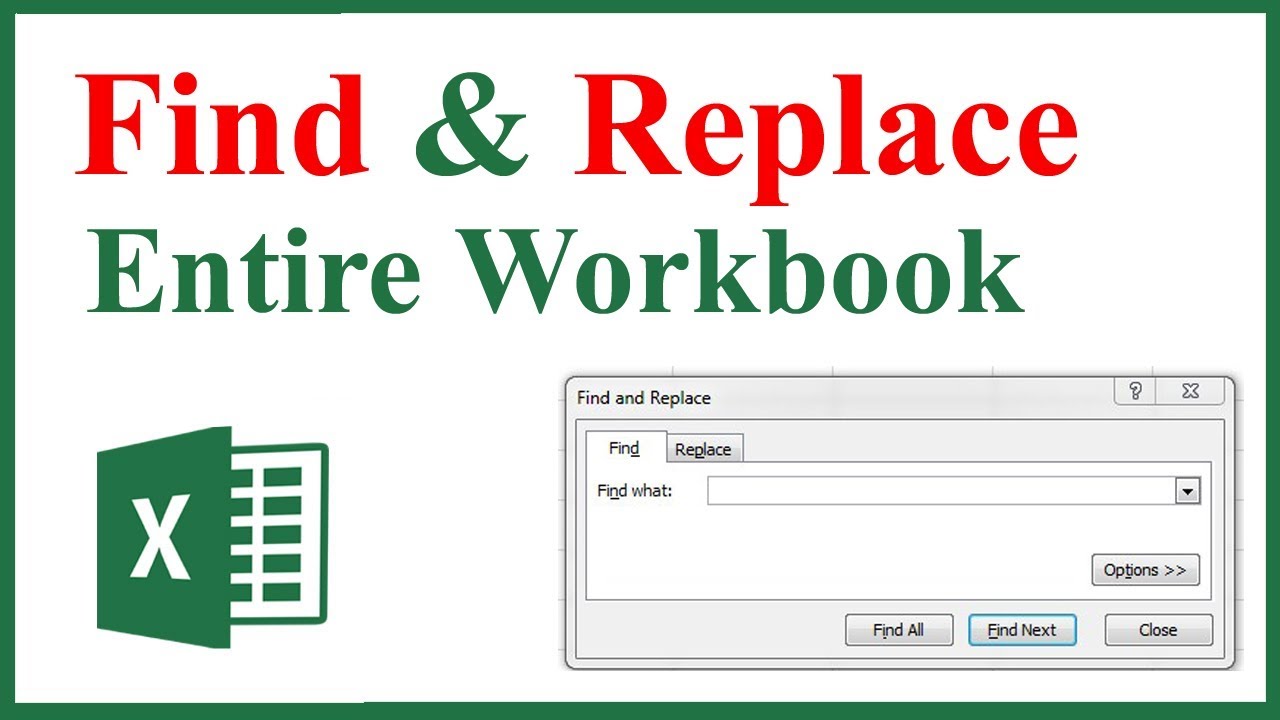
How To Search Within The Entire Workbook In Excel YouTube
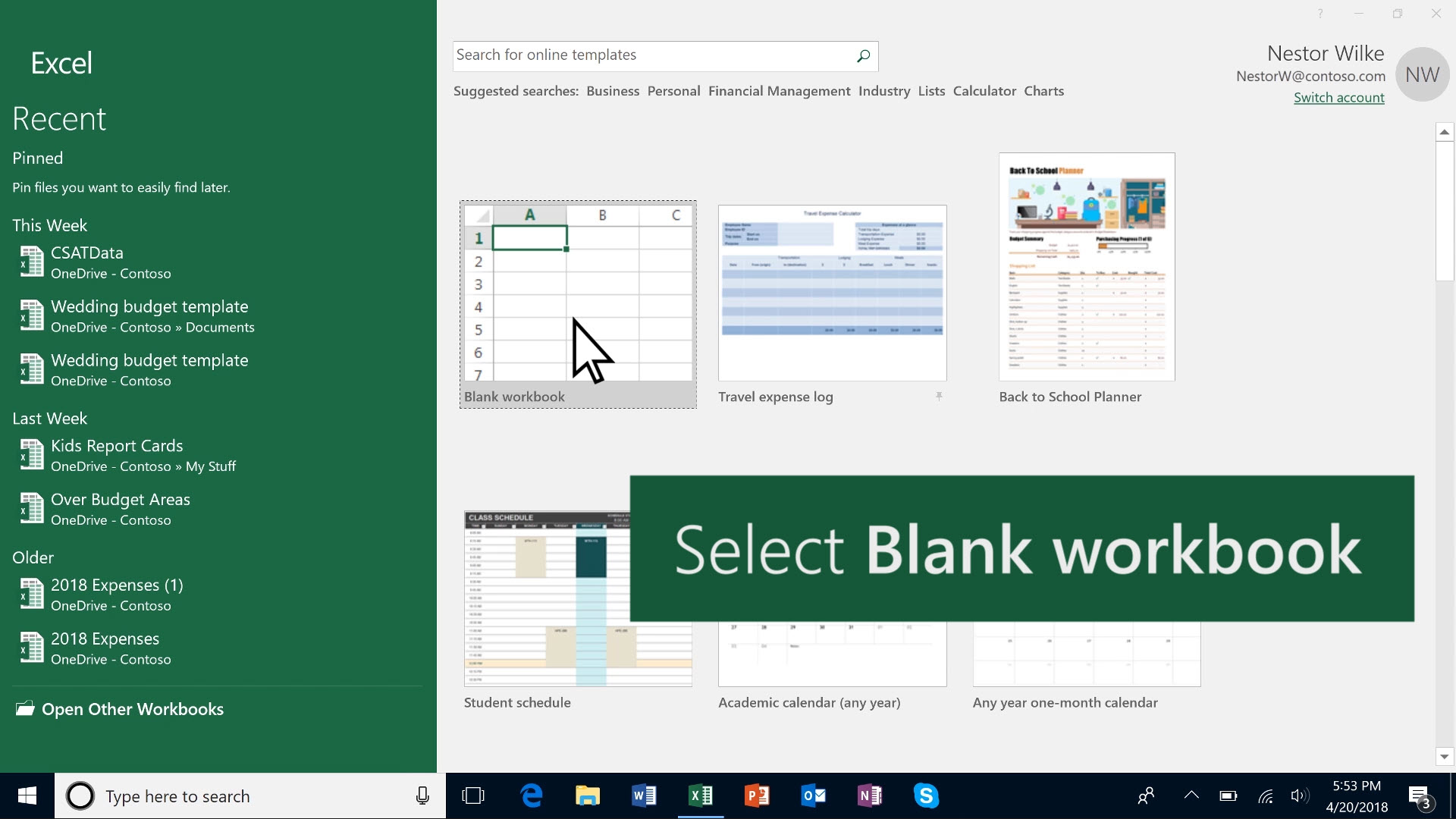
Dorsieyan s Blog
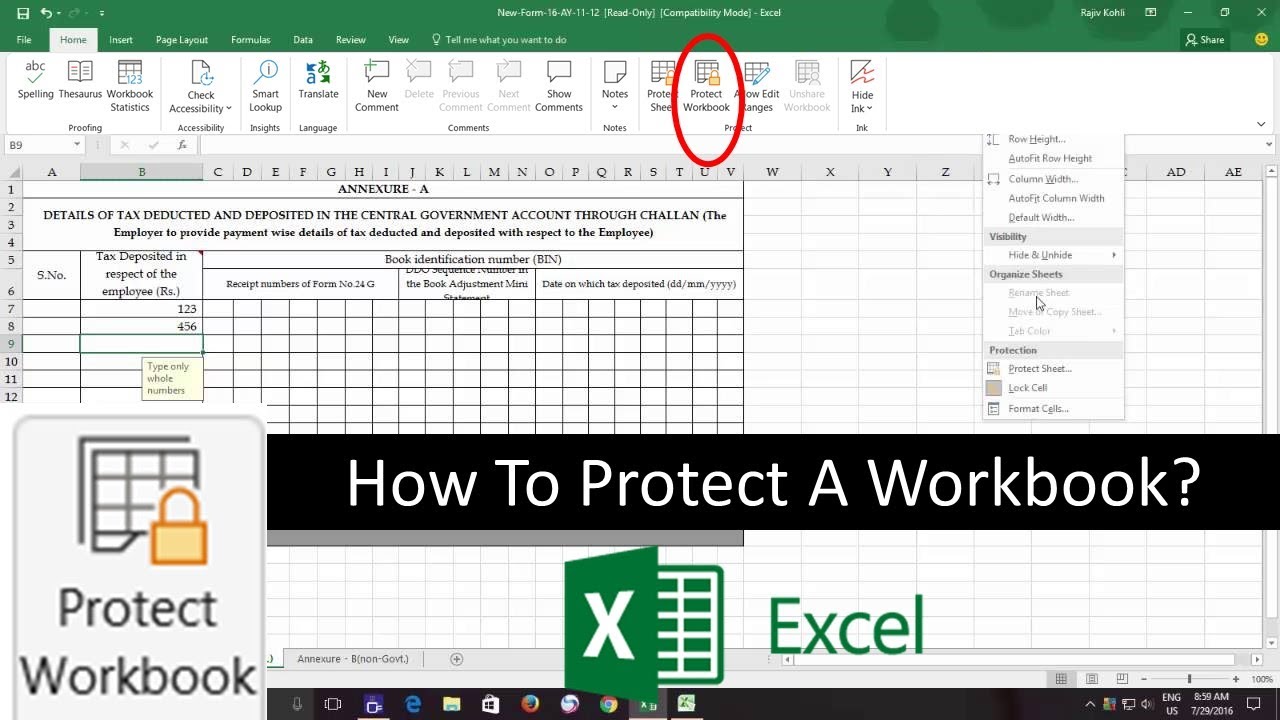
How To Protect A Workbook In Microsoft Excel 2016 Tutorial The
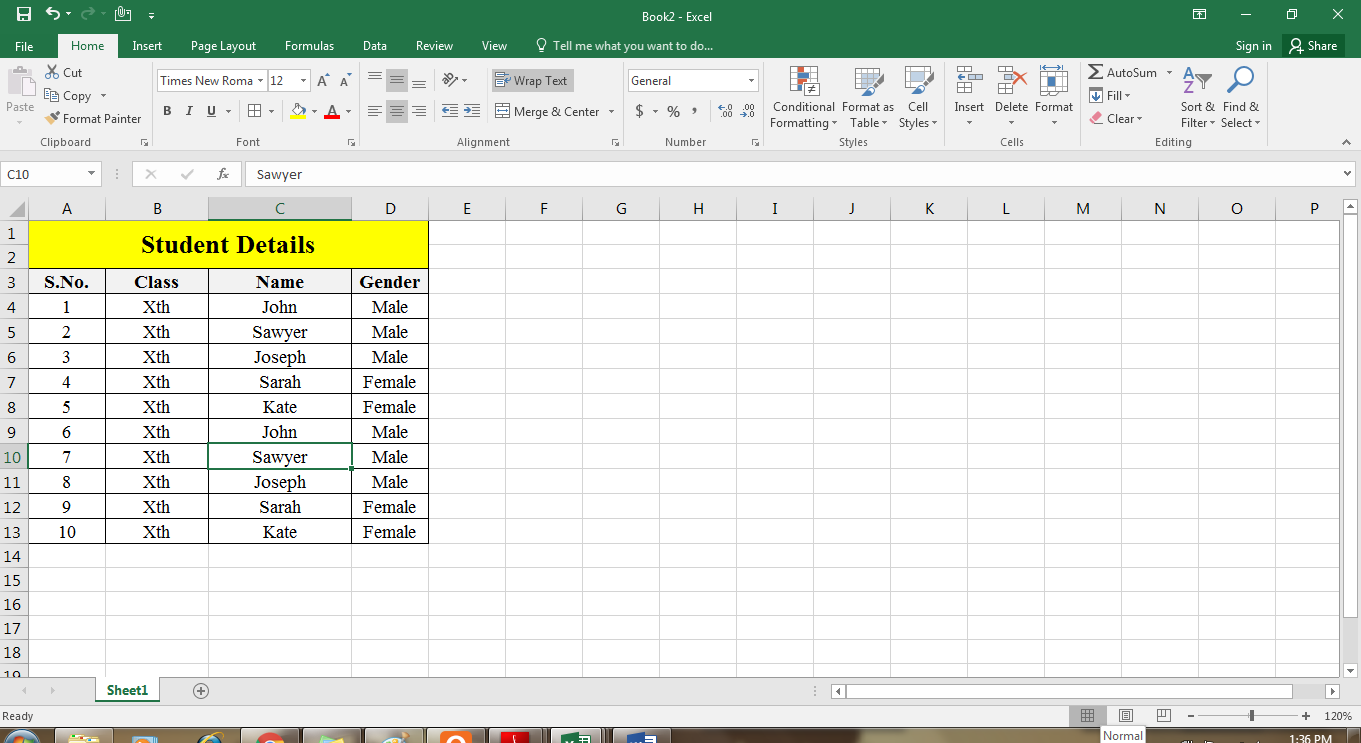
Creating And Opening An Excel Workbook Tutorials Tree Learn

Web Oct 27 2014 nbsp 0183 32 You can create a new workbook from a blank workbook or a template By default a new workbook contains three worksheets but you can change the number of worksheets that you want a new workbook to contain You can also add and remove
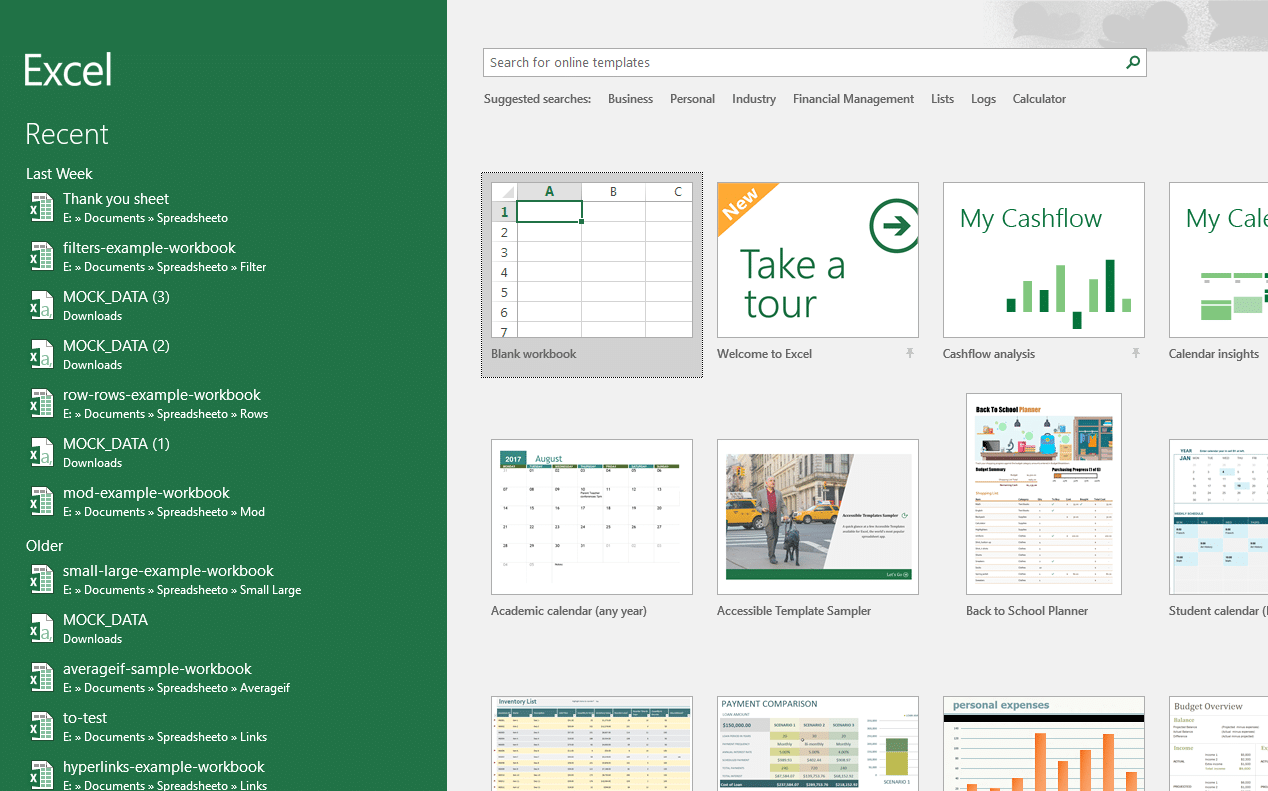
Web Read on to know how to insert worksheet in Excel from another workbook How to Insert Worksheet in Excel From Another Workbook There are two different methods to

Web This article will cover what you already know and what you need to know about creating Excel workbooks You ll learn how to create a new blank workbook create a new workbook from a template and make an
Web Mar 31 2012 nbsp 0183 32 How do i insert an existing workbook into another workbook I have several people working on workbooks and I want to consolidate them all into one

Web Jul 20 2015 nbsp 0183 32 By default the current workbook is selected in the To book drop down list so don t change that In the Before sheet list select the sheet before which you want to insert the copied worksheet We ll
Web Right Click on Existing Sheet We can insert a new worksheet by right clicking on the existing sheet On any existing sheet just right click and select the Insert option Figure Web May 20 2023 nbsp 0183 32 Yes you can insert a new worksheet at a specific location in your workbook by right clicking on the desired worksheet tab and selecting Insert in the
Web There are multiple ways to insert a new worksheet in excel Inserting a new worksheet is quite simple Let us discuss it one by one with a few examples Example 1 Shortcut