How To Insert Image In Excel How To Insert Image In Excel Cell How To Insert Image Into Excel Cells YouTube How To Insert Multiple Pictures Into Excel Cells Insert Object In Excel Youtube Riset Insert Picture On Picture PictureMeta 1 Launch the Microsoft Excel application installed on your computer 2 Open the workbook file in which you want to add images 3 Decide which type of image is best for your spreadsheet s purpose
1 fill the cell with the image ignoring its aspect ratio 2 keep the original image size even if it goes beyond the cell boundary 3 set the image s height and width Height optional the image height in pixels Width optional the image width in pixels IMAGE function availability If you want to include an image in Excel like a company logo or product photo you can add the image using the Insert tab But to keep the image within a particular cell use the IMAGE function instead
Insert Picture On Picture PictureMeta Excel How To Insert Image Into The Cell YouTube How To Insert A Picture In A Cell In MS Excel GeeksforGeeks How To Insert Picture Excel Cell Sexitrader How To Insert Image In Excel Cell YouTube Microsoft Excel How To Insert An Image Into A Cell Journal Of Insert Pictures In Excel Neatly Sized To Fit Cells Automatically YouTube Greenland Near Inaccurate How To Set Background Image In Excel Everyone How To Insert Picture In Excel Fit Image In A Cell Add To Comment
How To Insert Image In Excel
 How To Insert Image In Excel
https://www.easyclickacademy.com/wp-content/uploads/2019/10/How-to-Insert-Image-in-Excel-Cell-1024x576.jpg
To insert an image into a cell select the target cell then click Insert tab Illustrations group Pictures Place in Cell and select the source of the picture NOTE 1 To use the Mobile Device option you must be running Windows 11 on the PC and iOS 14 or above for Apple devices or Windows 10 or 11 and Android 7 0 or
Templates are pre-designed documents or files that can be used for various functions. They can conserve effort and time by providing a ready-made format and design for producing different sort of material. Templates can be used for personal or professional tasks, such as resumes, invitations, leaflets, newsletters, reports, presentations, and more.
How To Insert Image In Excel
How To Insert Image In Excel Cell Correctly YouTube
Excel How To Insert Image Into The Cell YouTube
How To Insert A Picture In A Cell In MS Excel GeeksforGeeks

How To Insert Picture Excel Cell Sexitrader

Microsoft Excel How To Insert An Image Into A Cell Journal Of
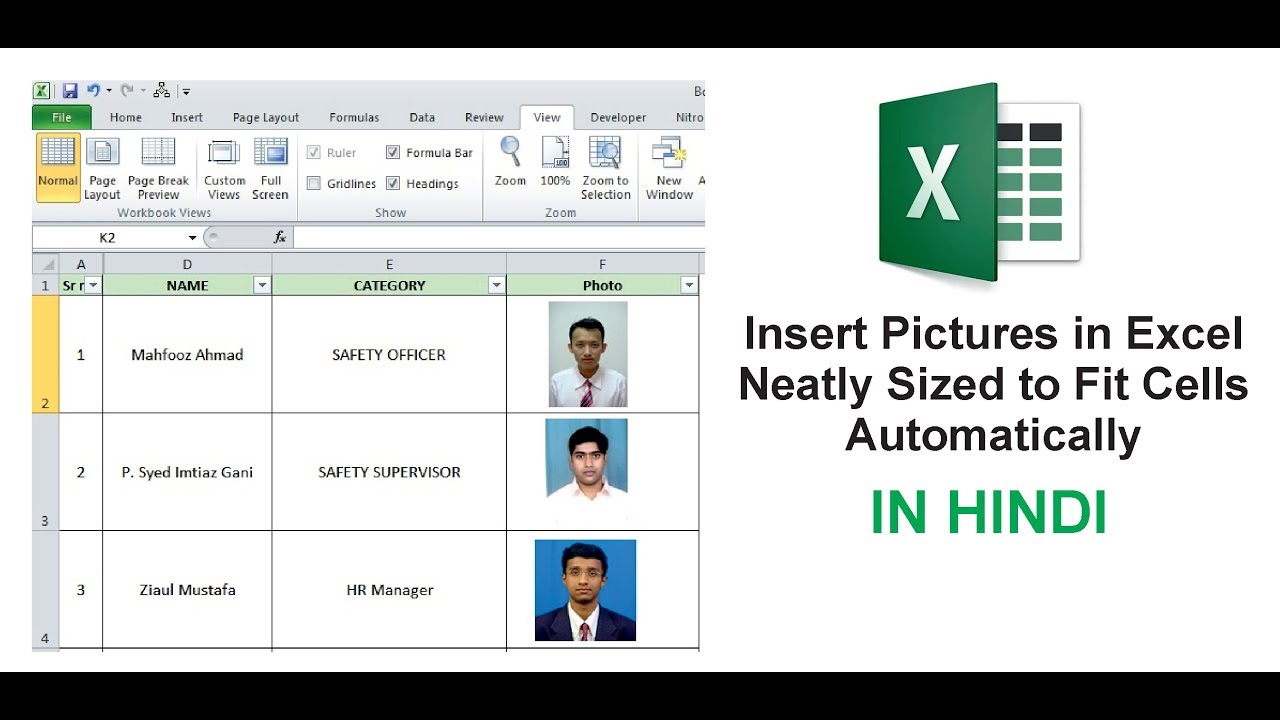
Insert Pictures In Excel Neatly Sized To Fit Cells Automatically YouTube
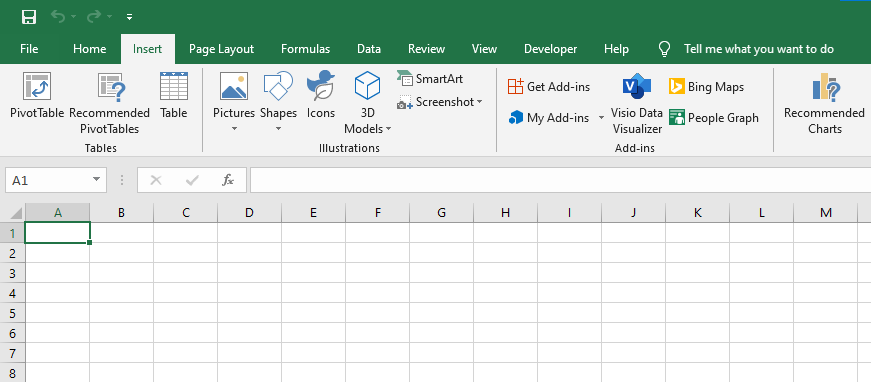
Select Place in Cell Select one of the following sources from the Insert Picture From dropdown menu Select Insert Pictures Place in Cell This Device for inserting picture from your device Select Insert Pictures Place in Cell Stock Images for inserting picture from stock images
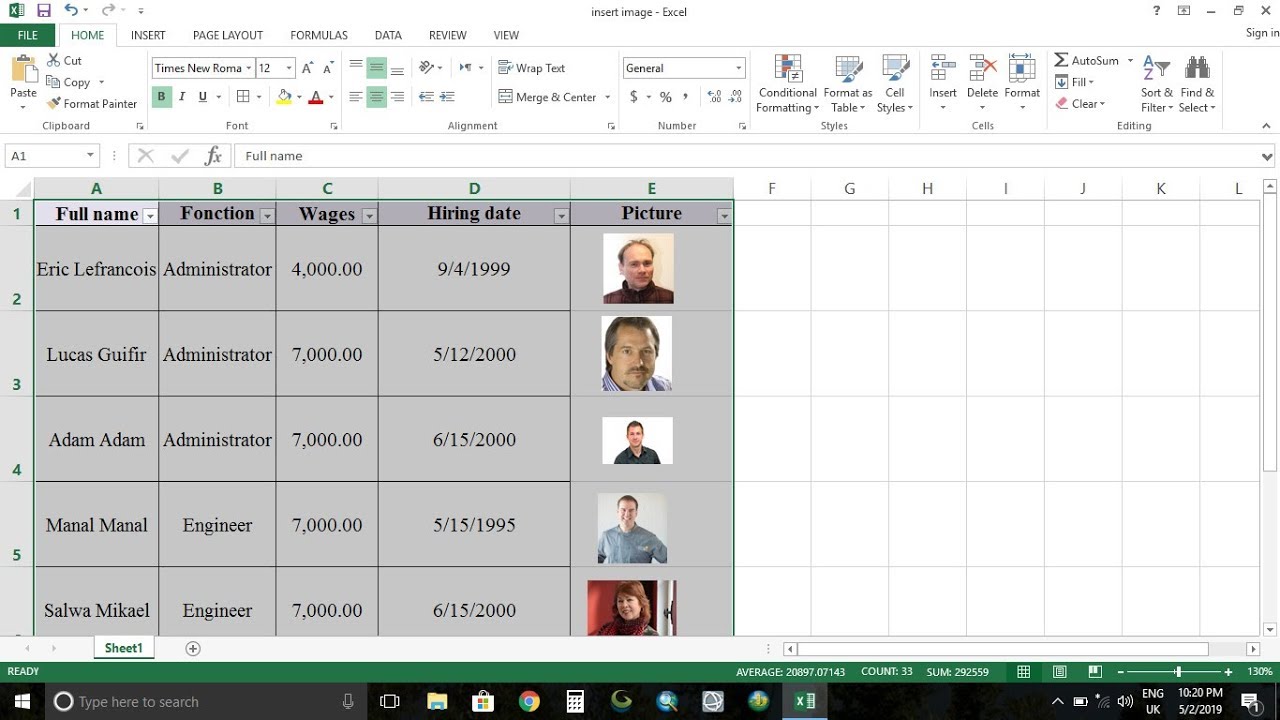
1 Right click on the image and select Format Picture This will open the format picture pane where you can change the picture settings
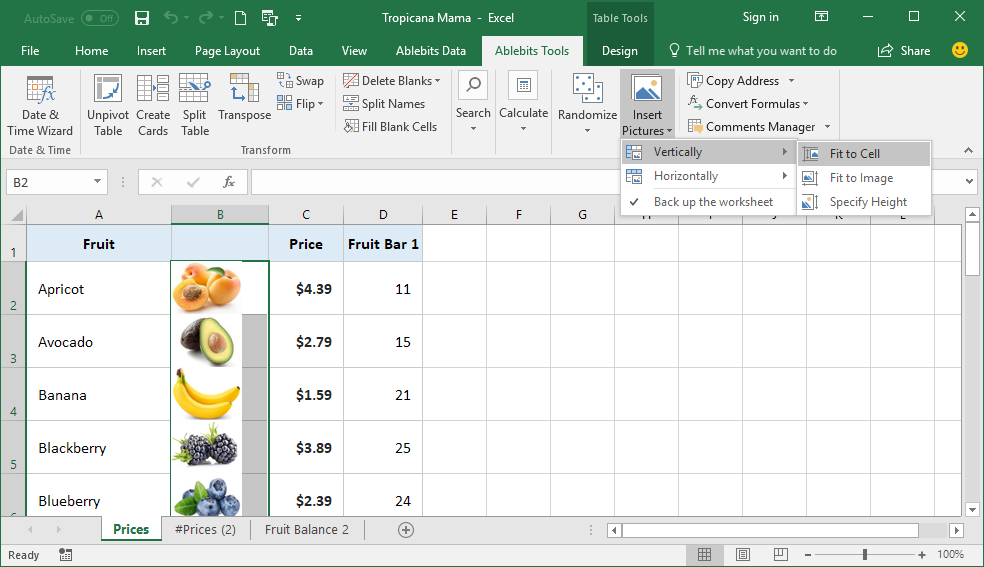
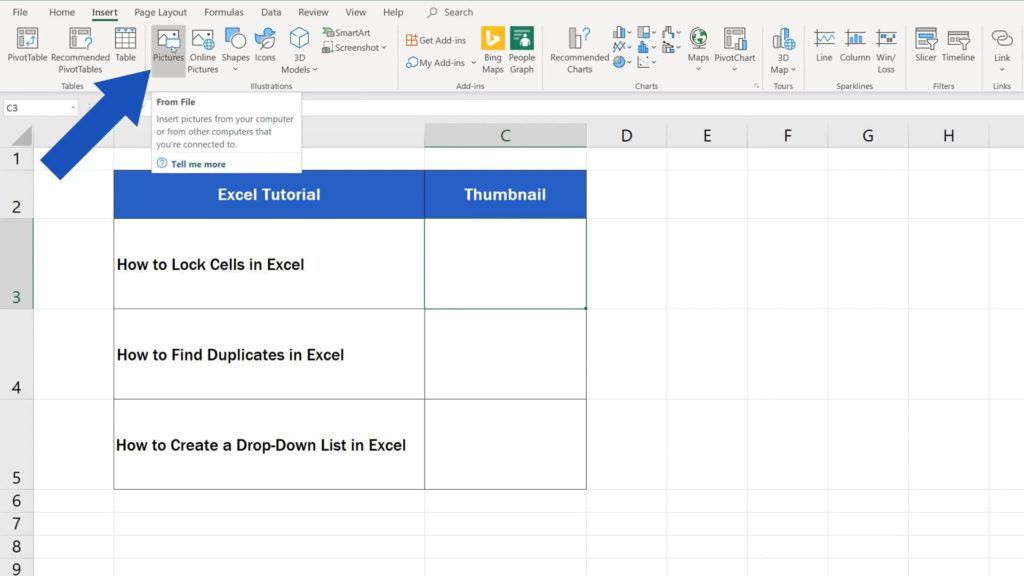
Here are the steps to insert a picture into a cell in Excel Go to the Insert tab Click on the Pictures option it s in the illustrations group In the Insert Picture dialog box locate the pictures that you want to insert into a cell in Excel Click on the Insert button

Simply go to the Insert tab and click the Illustrations drop down arrow Next click the Pictures drop down arrow and choose where you want to grab the image from This Device Stock Images or Online Pictures

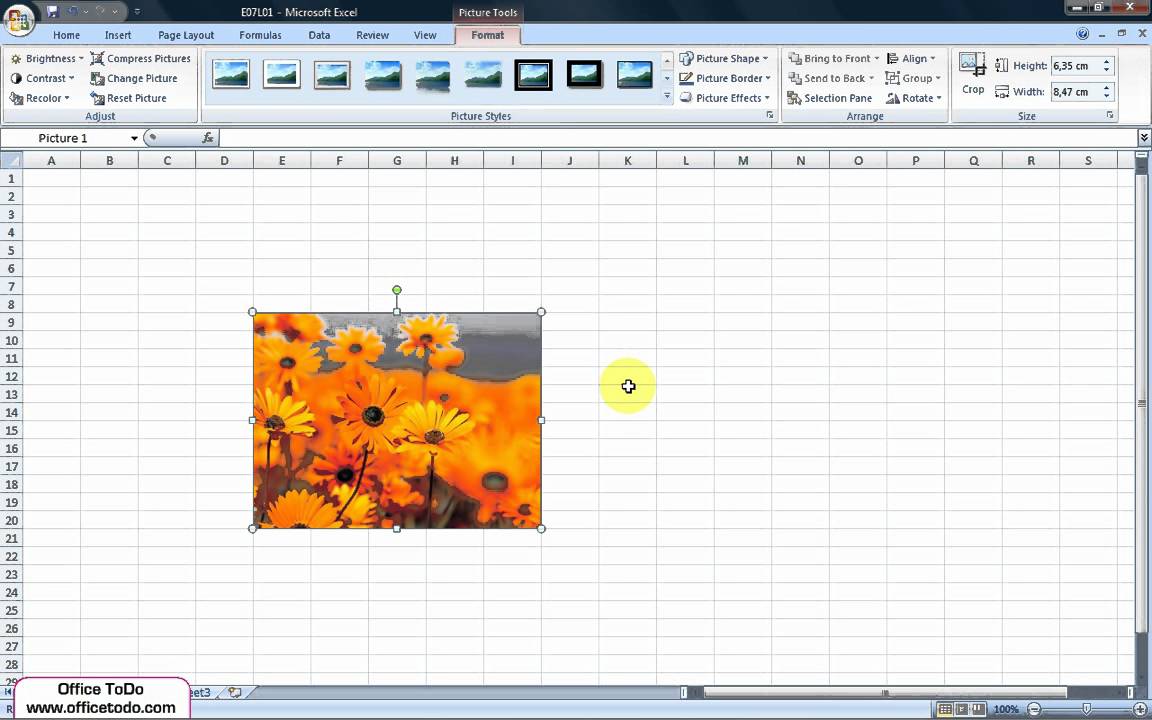
Switch to the Insert tab Illustrations group and click Pictures In the Insert Picture dialog that opens browse to the picture of interest select it and click Insert This will place the picture near the selected cell more precisely the top left corner of the picture will align with the top left corner of the cell
[desc-11] [desc-12]
[desc-13]