How To Delete Windows Old Powershell How To Delete Old Windows Update Files Ubergizmo PowerShell Delete Files Older Than Thomas Maurer PowerShell Windows 10 Cpab What Is Windows Old Windows 11 Is It Safe To Delete Windows Old Vrogue Windows old Folder Windows 11 Archives Ngolongtech To remove the Windows old folder from the Temporary files settings use these steps Open Settings Click on System Click on Storage Under the Storage sense section click the Temporary
Introduction What is the Windows old folder Is it safe to delete the Windows old folder in Windows 10 How to restore a previous version of Windows 10 using Windows old How to delete the Windows old folder Delete Windows old using the Disk Cleanup Tool Delete Windows old using the command prompt Summary References Related posts Introduction 5 Answers Sorted by 12 Windows old is a Windows System folder and hence it cannot be removed using the good old Shift Delete keyboard shortcut However Windows does include a utility to help you get rid of this bulky folder forever Here s how Press the Windows key R shortcut to open the Run box
Windows old Folder Windows 11 Archives Ngolongtech How To Remove Previous Windows Installation Files On Windows 11 Delete Winodws Old File And Free Up Disk Space On Your Windows 10 Previous Command History In PowerShell Windows OS Hub How To Delete Accounts On Windows 10 How To Delete User Accounts In Windows 11 How To Delete Windows old Folder YouTube How To Delete Windows old Folder From Windows 11 How To Delete How To Delete Windows old Windows 10 YouTube 47 PowerShell Script To Change Wallpaper WallpaperSafari
How To Delete Windows Old Powershell
 How To Delete Windows Old Powershell
https://i0.wp.com/cdnssl.ubergizmo.com/wp-content/uploads/2021/06/how-to-delete-windows-updates-1.jpg
Example 5 Delete subkeys recursively This command deletes the OldApp registry key and all its subkeys and values It uses Remove Item to remove the key The path is specified but the optional parameter name Path is omitted The Recurse parameter deletes all of the contents of the OldApp key recursively If the key contains subkeys and you omit the Recurse parameter you are prompted to
Pre-crafted templates provide a time-saving option for creating a diverse series of files and files. These pre-designed formats and layouts can be utilized for different individual and expert projects, including resumes, invitations, leaflets, newsletters, reports, discussions, and more, improving the material production procedure.
How To Delete Windows Old Powershell
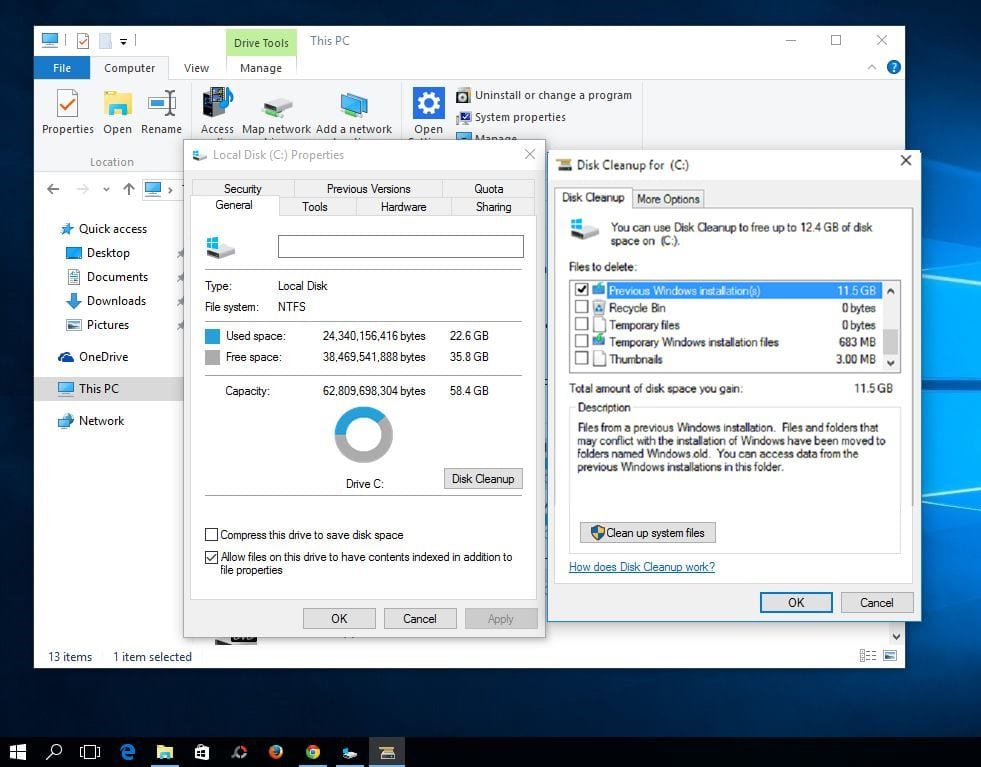
How To Completely Delete Windows Old Folder From C Drive Techgainer
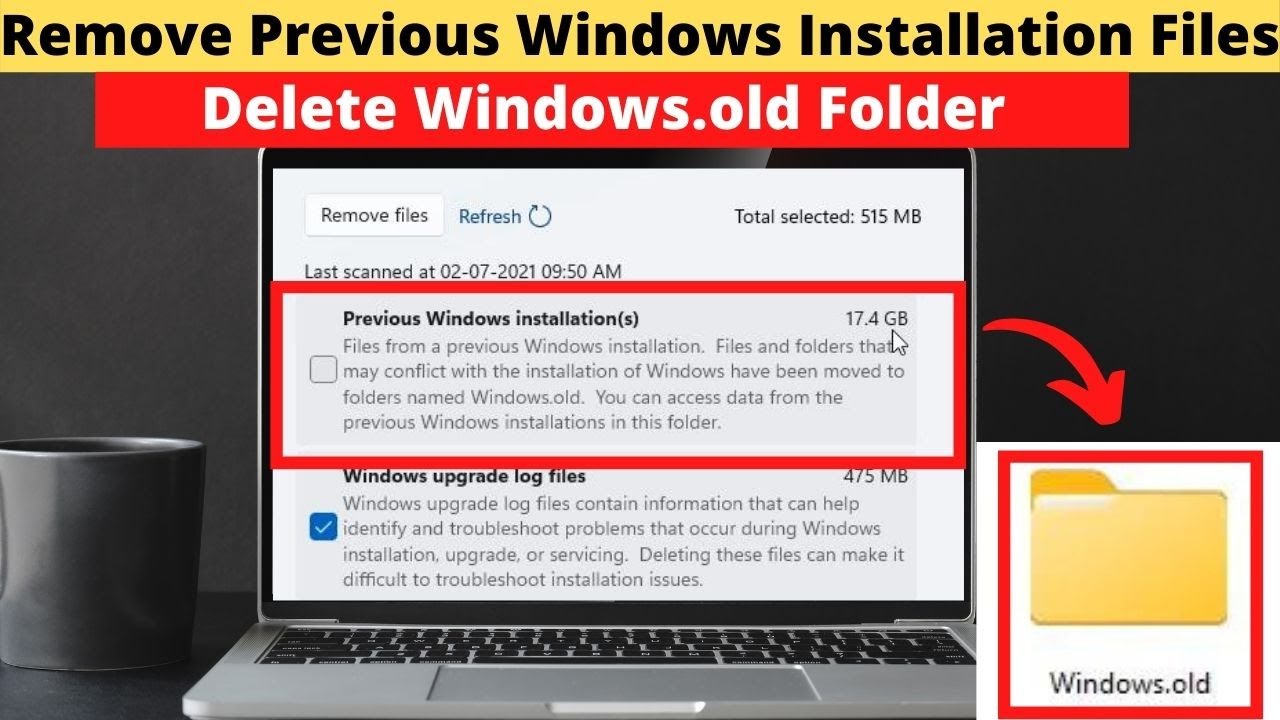
How To Remove Previous Windows Installation Files On Windows 11
Delete Winodws Old File And Free Up Disk Space On Your Windows 10
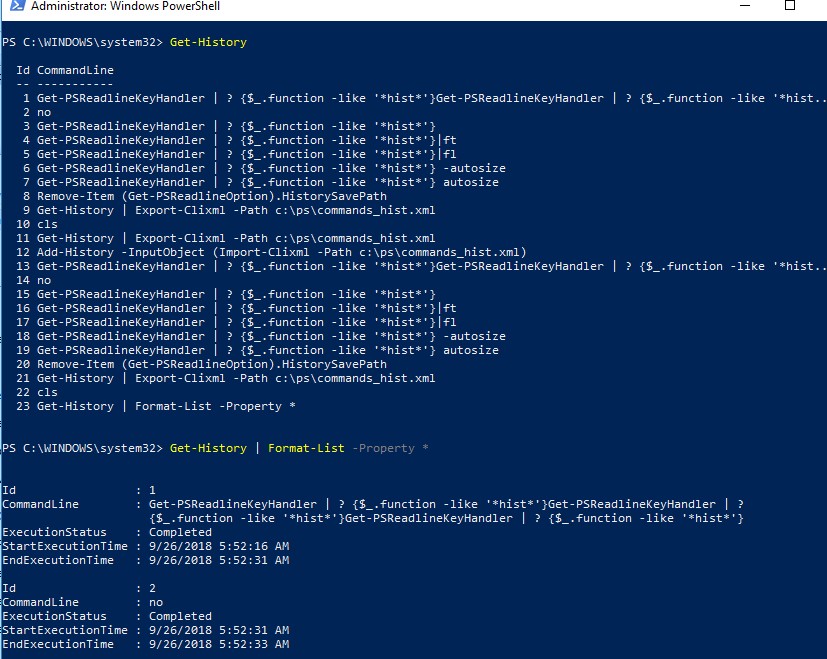
Previous Command History In PowerShell Windows OS Hub

Windows 11 How To Delete Windows old Folder YouTube

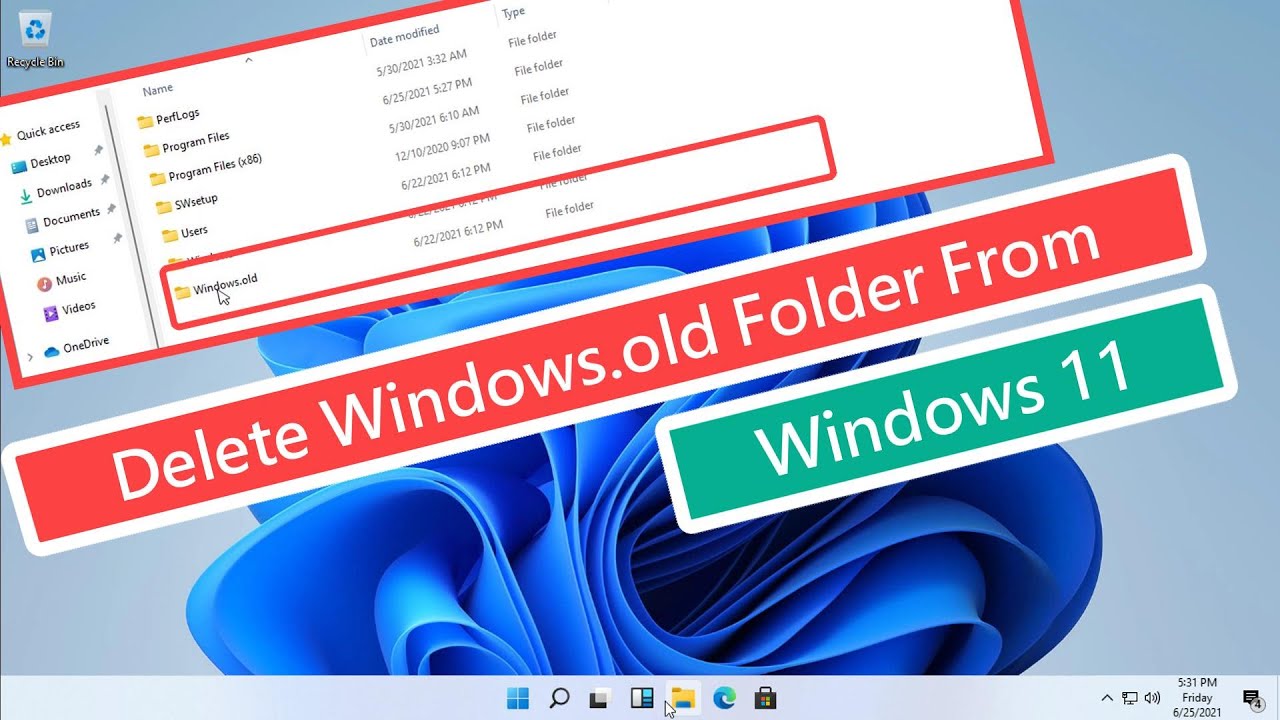
How To Delete Windows old Folder From Windows 11 How To Delete

1 Answer Sorted by 3 Can I completely get rid of the old PowerShell version Simply put you can t it s part of the OS meaning packaged in Net full Virtually all of Windows uses it and you cannot manage other Windows solutions without it Well you can but only via GUI Yet several aspects can only be done via PowerShell

3 Removing Old Windows Versions via Elevated Command Prompt 4 How to Delete Windows old Folder via a Command Prompt at Boot 5 How to Cleanup the WinSxS Folder and Enable CompactOS If your

2 Answers Sorted by 25 You don t PowerShell Core 6 installs alongside Windows PowerShell up to 5 1 Windows PowerShell still contains proprietary code that has not yet been open sourced or never will be in the foreseeable future

Delete windows old remotely with powershell at the moment in our company we are upgrading our windows 10 to the newest built after the upgrade we have the windows old folder directly under c sometimes this folder is extremly big how can i delete this folder remotely with powershell if i try to delete this folder with the explorer with pc
Thanks to PeterHahndorf for the solution for removing the Windows old folder I also needed to be able to remove previous windows installations and found a thread on StackOverflow which helped me resolve that problem All the details I needed for using cleanmgr remotely were found in stack overflow in thread Stack Overflow Cleanmgr Script
Press the Windows logo key on your keyboard then select Settings System Storage Open Storage Settings Under your hard drive information select Temporary files Select the Previous version of Windows check box and then select Remove files Related topics Free up drive space in Windows SUBSCRIBE RSS FEEDS Need more help Want more options Way 1 Uninstall PowerShell from Start Menu Way 2 Remove Windows PowerShell from Control Panel Way 3 Uninstall PowerShell Windows 10 from Settings Way 4 Uninstall Windows PowerShell with CMD End Words In Windows 10 there are two command line tools that let you use a set of command lines to do some tasks efficiently
You can use any of these methods to remove PowerShell PowerShell opens at Startup 1 Uninstall it like any other app Like other programs PowerShell can be uninstalled easily Type