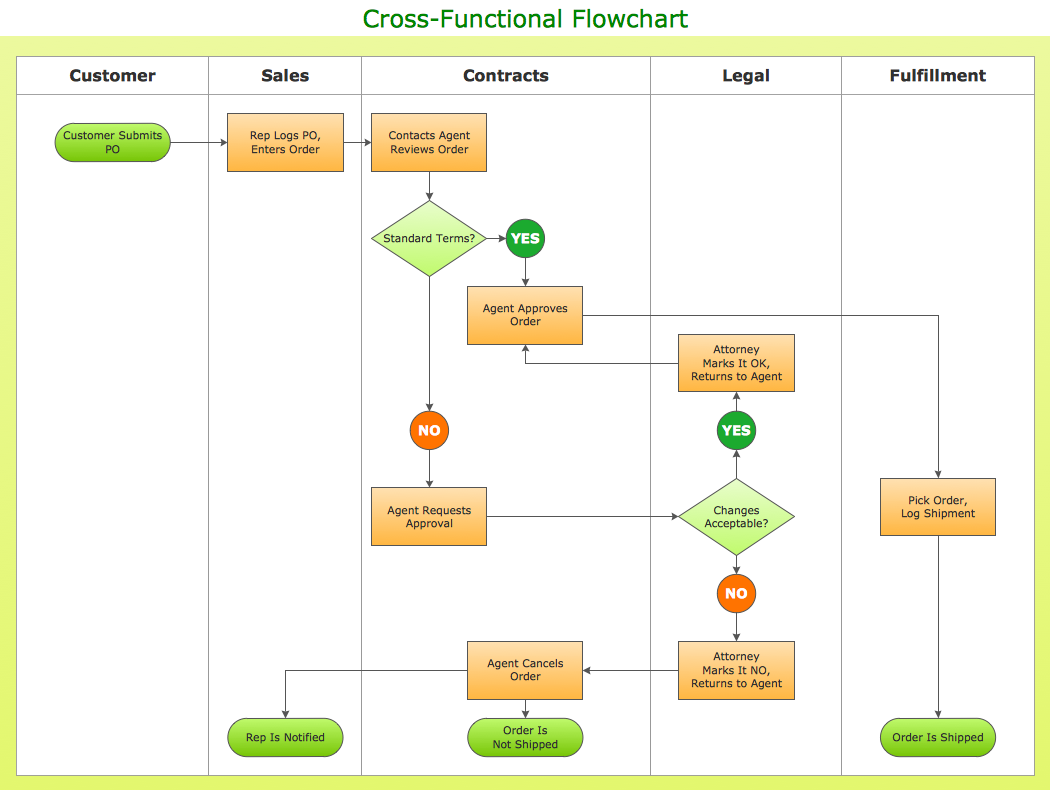
How To Create Process Flow In Visio Out Of This World Visio Organization Chart From Excel Price Comparison Visio Flowchart Template Download Business And Cash I Microsoft Flow Chart Creator rboles De Decisi n Que Son Para Que Sirven Y Estructura Amazing 20 Visio Process Flow Web In the Gallery scroll down to the Cross Functional Flowchart row and then select Create The template opens with two functions and one phase Alternatively you can open starter diagrams such as Credit Approval Process or Event Planning Process which may better suit your needs Top of Page Decide the flow chart orientation
Web Jan 16 2023 nbsp 0183 32 Click Visio in the results list to launch the web app in your browser You will be taken to a page where you can see some commonly used templates for creating diagrams This includes flowcharts Web Best practices See how process mapping software can help your business succeed Learn more Microsoft 365 support Build a process flow diagram in Visio Learn more Do more with Visio Gain additional business insights with data visualization Learn more
Amazing 20 Visio Process Flow Process Map Template Visio Sample Process Flow Diagram Visio Design Talk DIAGRAM Process Flow Diagram Using Visio MYDIAGRAM ONLINE How To Create A Process Flowchart In Visio Design Talk Google Diagram Flowchart Microsoft Visio Download How To Create Process Flow Chart In Powerpoint Design Talk Visio Forsyningskjede Maler For Virksomheten Buransol s Diary
How To Create Process Flow In Visio
 How To Create Process Flow In Visio
https://i.pinimg.com/originals/c5/a5/fa/c5a5fa2afb3c145813eb30791e5fc2ab.png
Web Start a data flow diagram Select File gt New In the Search box enter data flow diagram and then press Enter In the search results select the Data Flow Diagram template and then select Create A new blank diagram opens and the Shapes window shows a stencil of data flow shapes
Pre-crafted templates provide a time-saving solution for developing a diverse variety of files and files. These pre-designed formats and designs can be utilized for different personal and professional projects, consisting of resumes, invitations, leaflets, newsletters, reports, discussions, and more, streamlining the content creation process.
How To Create Process Flow In Visio
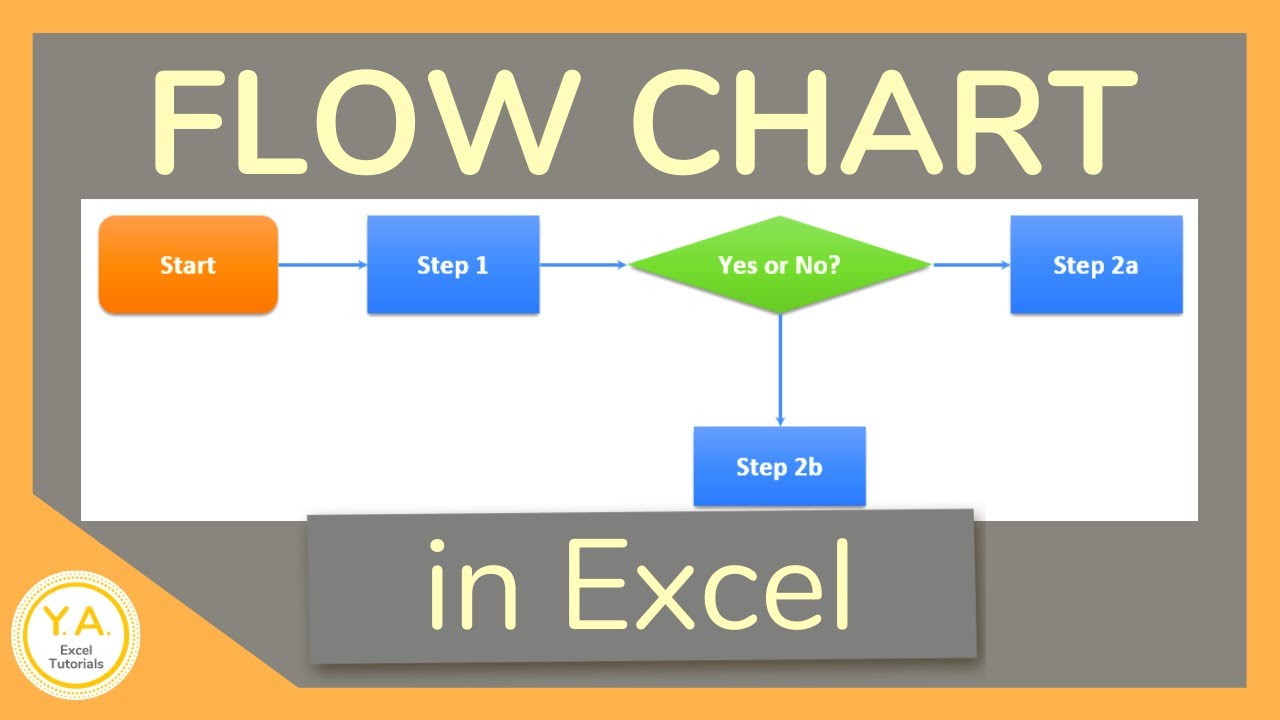
How To Create Process Flow Chart In Powerpoint Design Talk

Process Map Template Visio
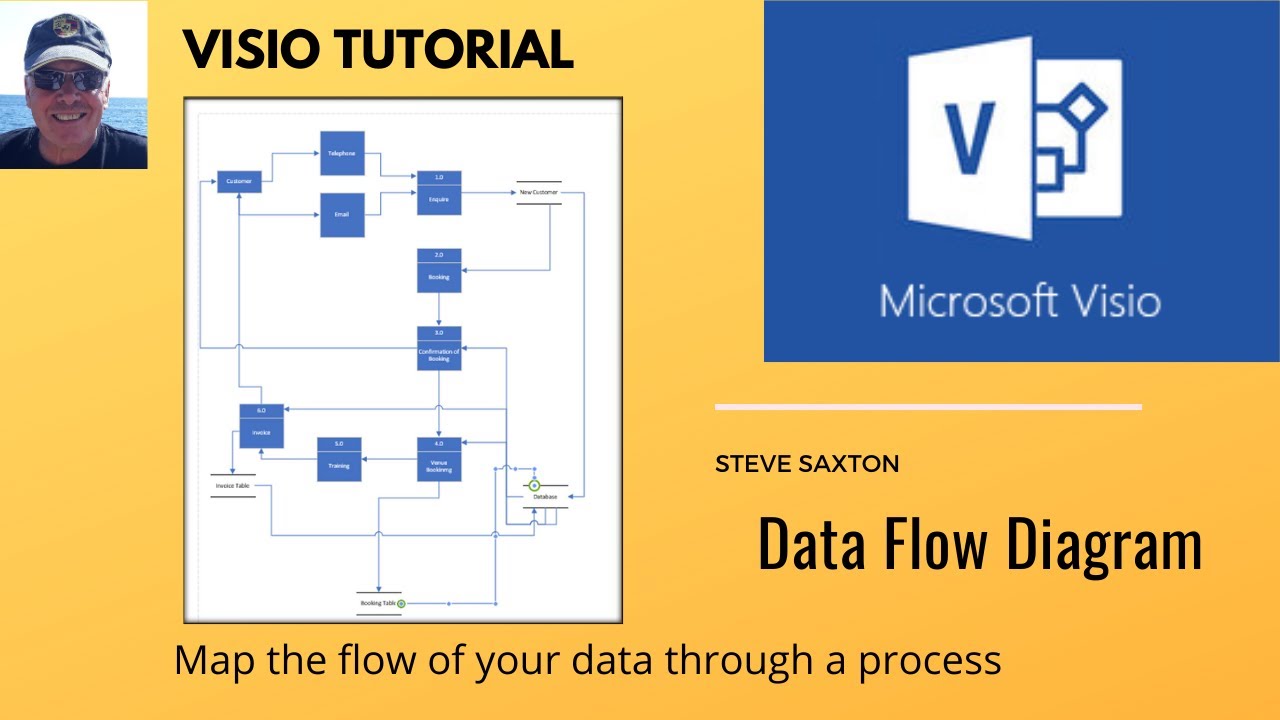
Sample Process Flow Diagram Visio Design Talk
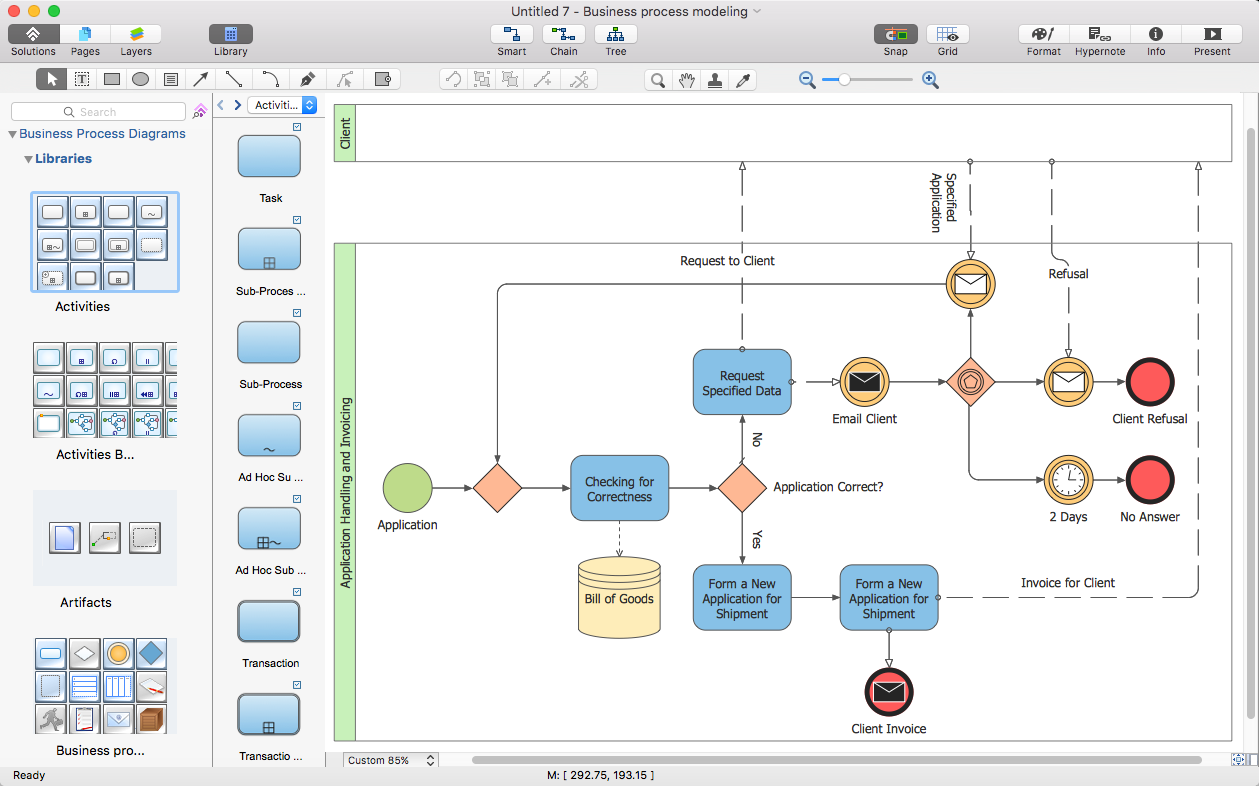
DIAGRAM Process Flow Diagram Using Visio MYDIAGRAM ONLINE
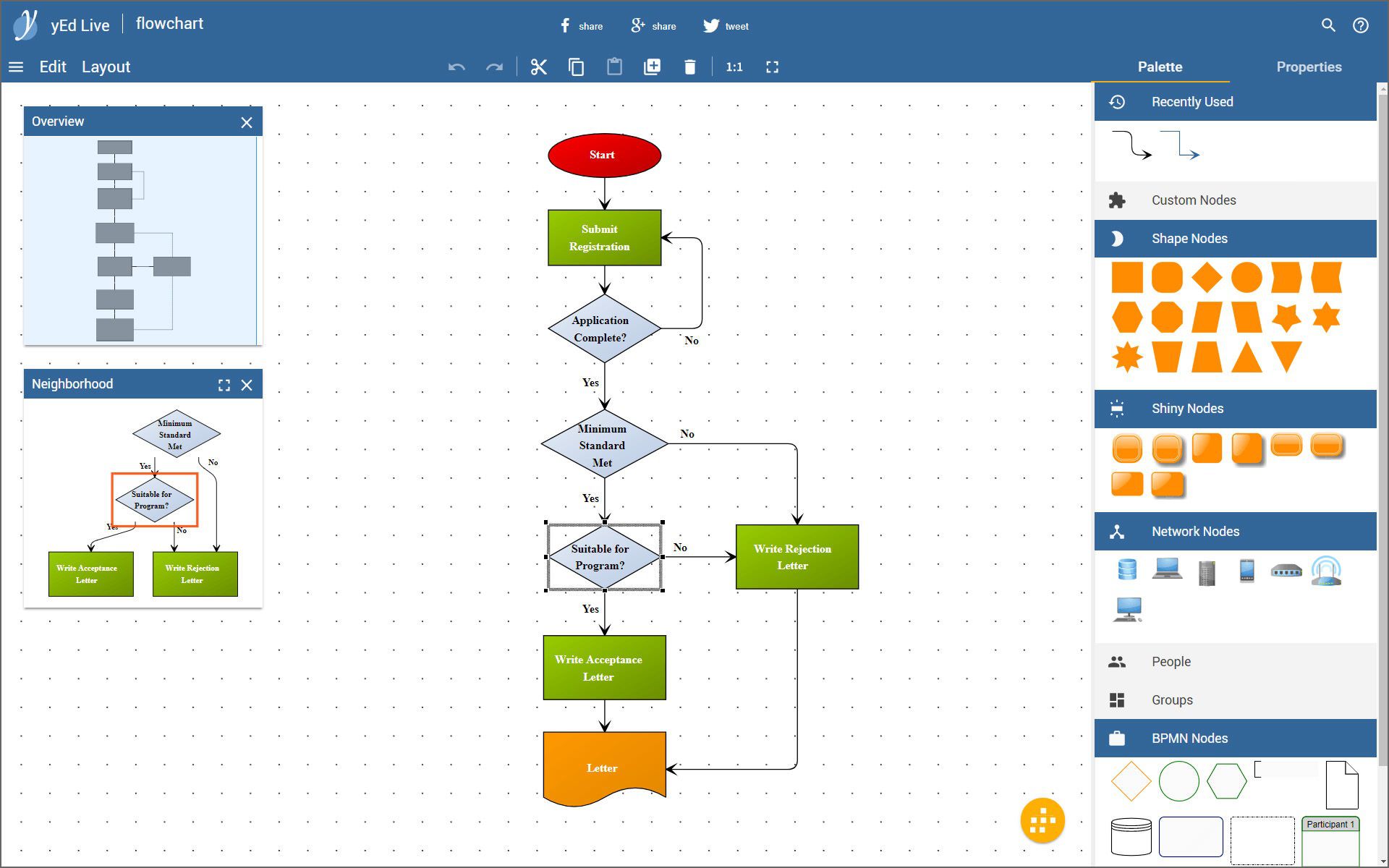
Google Diagram Flowchart
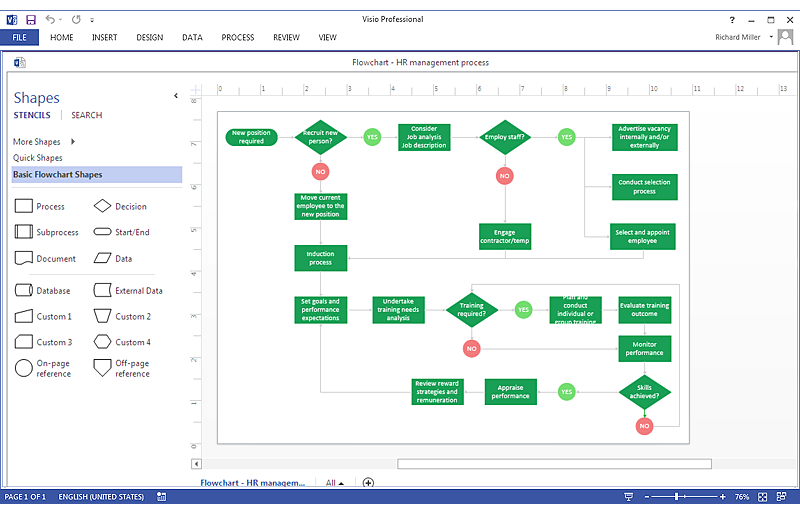
Microsoft Visio Download

Web A flowchart can help visualize a process decision system hierarchy or other types of connected information In this video watch how to get a flowchart diagram started in Visio Drag and connect shapes to build the sequence of steps or elements that make up the process you re drawing
Web You can create Business Process Modeling Notation BPMN flowcharts that follow the BPMN 2 0 standard For more information see Create BPMN compliant processes EPC Diagram Use an Event driven Process Chain EPC diagram to create a high level visual model of your business process
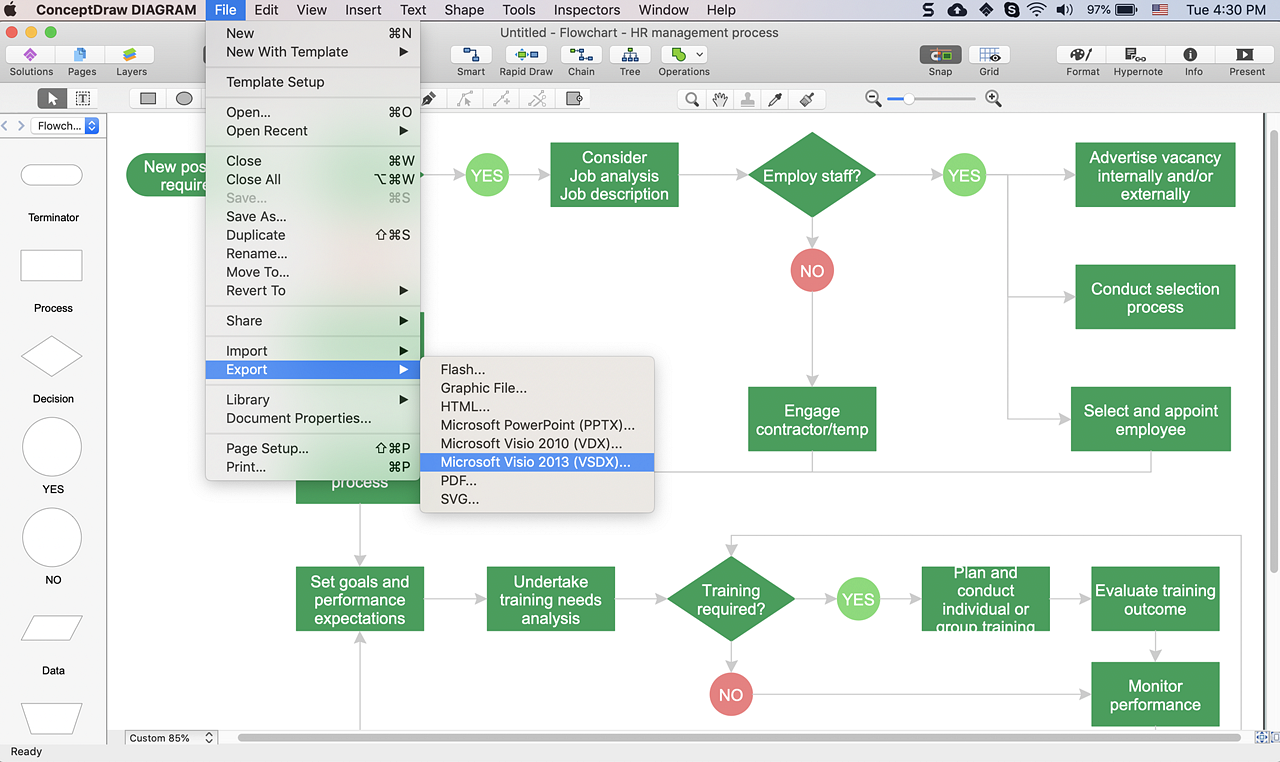
Web Design the workflow for Power Automate Open the Visio desktop app and do either of the following Select a BPMN diagram that fits your needs by going to New gt Templates gt Flowchart Under the Flowchart category select Microsoft Flow Diagram and Create a blank drawing and add the BPMN stencil

Web Start Visio In the Categories list click Flowchart Click the Cross Functional Flowchart template and then click Create If prompted select Horizontal or Vertical for the swimlane orientation and click OK You can change the orientation on the Cross Functional Flowchart tab The template opens with swimlanes already on the page

Web Mar 1 2019 nbsp 0183 32 Use this video tutorial to learn how to draw business process flow diagram using Microsoft Visio SUBSCRIBE https www howtoanalyzedata youtubeBusin
[desc-11] [desc-12]
[desc-13]